

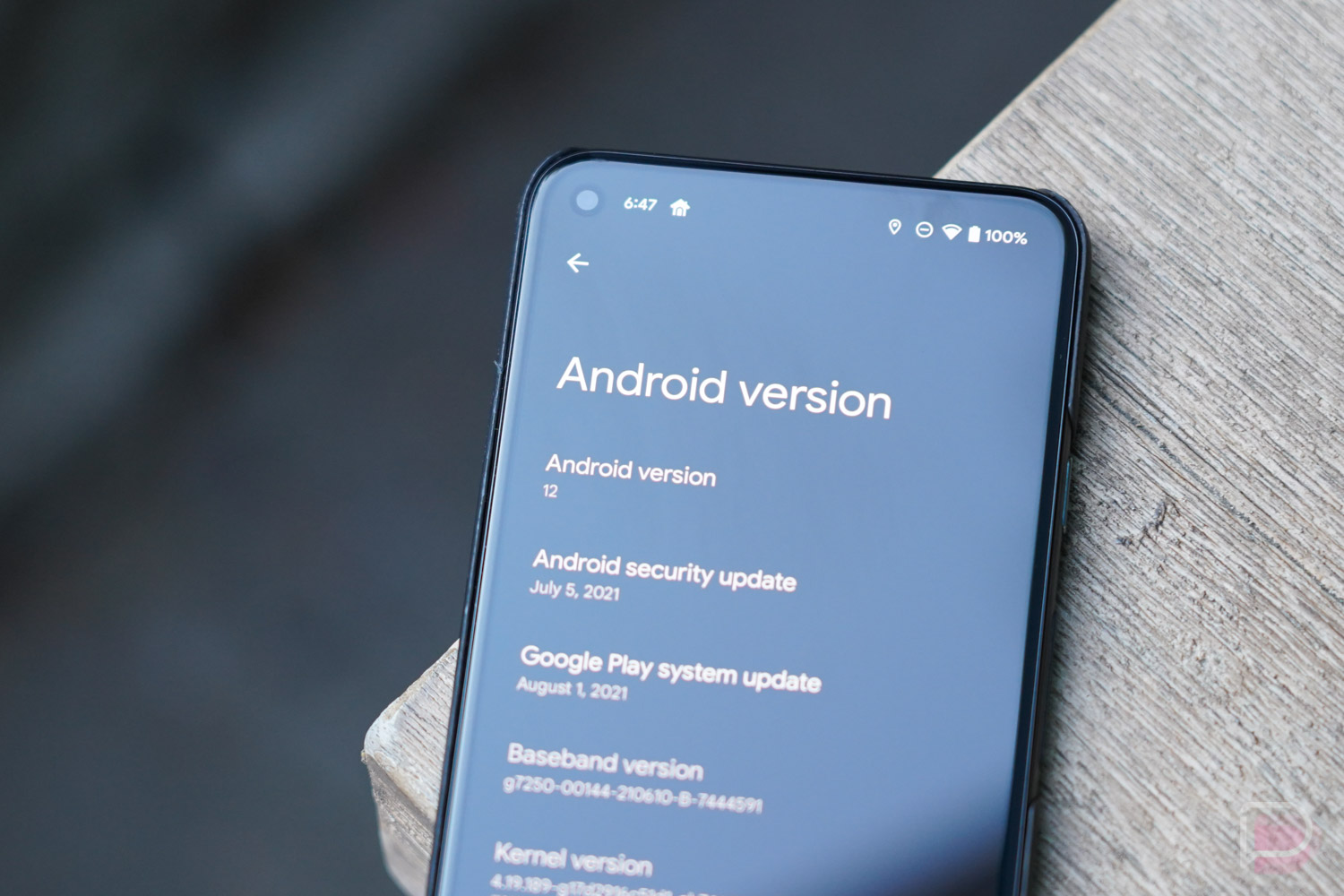

The final Android 12 Beta arrives today for Pixel phone owners, bringing us oh-so-close to stable Android 12 that’ll arrive to phones around the globe. We’ve actually reached platform stability now with Android 12 Beta 4, so expect a really solid build that you shouldn’t hesitate in running on your own device.
In a blog post detailing the release, Google says to expect the app-facing surfaces and behaviors to be finalized and that all features are locked in for the upcoming final release. Good confirms that it is now shifting focus to polishing, performance, and making sure stability is on point.
Will we see a bunch of changes to talk about? Tough to say, but we’re digging in now.
How to install Android 12 Beta 4
Release date: August 11, 2021
Build: SPB4.210715.011
Emulator support: x86 (64-bit), ARM (v8-A)
Security patch level: August 2021
Google Play services: 21.24.18
Android Beta Program
The easiest way to grab the Android 12 Beta 4 build is through the Android Beta program. The Android Beta program lets you add your supported Pixel devices to whatever new build of Android that Google is testing and get those sent to your phone like any normal over-the-air-update.
To sign-up for the Android 12 Beta, head over to the Android Beta site here.
If you are already in the Android Beta program, you will get this update over-the-air, so start checking by heading into Settings>System>System update>Check for update.
Factory Image / OTA Files
If you don’t feel like waiting for the over-the-air beta update to show up, you can always manually flash factory image or OTA files. Not that this process is that hard, but it does require ADB and a little action in a command prompt. These files are almost always posted and installed quicker than an over-the-air update, so you decide what to do. Your boy will be flashing an OTA file, as it doesn’t factory wipe your phone.
To find instructions on how to update to Android 12 manually, we’ve got you covered right here. To download the latest Android 12 factory images or OTA files, Google has them here and here.
Fixed the missed call notification issue!
i lihe ‘your new adventure’ ringtone
I like the new ringtone
Xfinity Mobile won’t connect to mobile data. Already back to 11…..
hope this fixes a lot
Yo, Kellen, I think you have an error in your first paragraph. I think you meant to say, “so expect a really solid build that you should NOT hesitate in running on your own device.”
Also this: “GooGLE confirms that it is now shifting focus to polishing, performance, and making sure stability is on point.”
Hearts and hugs.
Also second paragraph “Good confirms”.
Cheers
*checks to see if it fixes the widevine L3 issue on my 4a*
NOPE!
Hope it’s great, install seems longer than ever. Pixel 5.
FYI the search bar in the app drawer https://uploads.disquscdn.com/images/4027b2235ba369e023d3df4df0cc2ae0a74514a37659de184da6c5dcdc2eb63e.png is still broken
Can someone please confirm whether or not the app drawer still has that awful square search bar?
Yup. I’m wondering if the launcher app will be updated separately since its not technically part of the OS.
Thanks. I was going to check it out, but I like the Google launcher but don’t want to deal with that square search bar. Seems small, I know…but it is what it is.
https://uploads.disquscdn.com/images/4027b2235ba369e023d3df4df0cc2ae0a74514a37659de184da6c5dcdc2eb63e.png
It’s still here and still ugly
🙁
4XL- 335 MB
Beta 3 was crazy buggy. Hopefully this beta is better.
I cant wait for this to be issued for Samsung devices