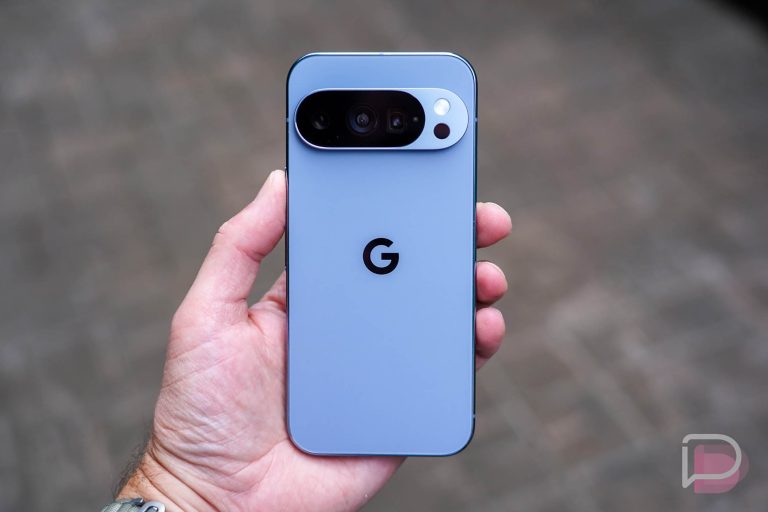

Following the release of Android 17 QPR1 Beta 3 at Google I/O a few weeks back, Google has now given its Pixel phones another update, this time to Android 17 QPR1 Beta 4.
In this new QPR1 Beta 4 update, we’re seeing 7 bug fixes, but Google hasn’t been open about any new features. They aren’t typically that open about new stuff, so we’ll try to dive in shortly and let you know if anything is fun.
As for which devices are getting this update, Google has removed the Pixel 6 and Pixel 6 Pro from the program. Both phones were previously a part of the Android 17 QPR1 beta program, so this is a bit of a surprise. The Pixel 6a is still a part, it’s just that Google ripped away the Pixel 6 and Pixel 6 Pro without notice or reason.
UPDATE: Google has explained on reddit that they are skipping the Pixel 6 and Pixel 6 Pro for this Beta 4, but will send the next beta to each – “The plan is for Pixel 6 and 6 Pro to return in the next beta of QPR1.”
| Release date | June 10, 2026 |
| Builds | CP31.260522.006 |
| Emulator support | x86 (64-bit), ARM (v8-A) |
| Security patch level | 2026-05-05 |
| Google Play services | 26.18.35 |
Bugs fixed in Android 17 QPR1 Beta 4
- An issue where the mouse pointer becomes invisible on external displays when Work profile or FLAG_SECURE applications are active. (Issue #446715557)
- A Settings app crash occurring when launching credential provider settings from a Private Space. (Issue #499908921)
- An issue where screenshot sounds were coupled with the ringer volume, preventing silent captures while maintaining call alerts. (Issue #336098340)
- An issue where video recording at 5x zoom would exhibit frame jumps and jitter during panning. (Issue #447867142)
- An issue where Back Tap gestures failed to trigger on the interactive lock screen. (Issue #476775220)
- A graphics driver regression that caused severe 3D performance drops in OpenGL ES applications on newer hardware. (Issue #476585209)
- A regression where Wireless ADB and local network-dependent apps failed to connect. (Issue #506418219)
The best way to get this update is through the Android Beta Program (sign-up). If you are into flashing images, there are OTA images available (here) too.