

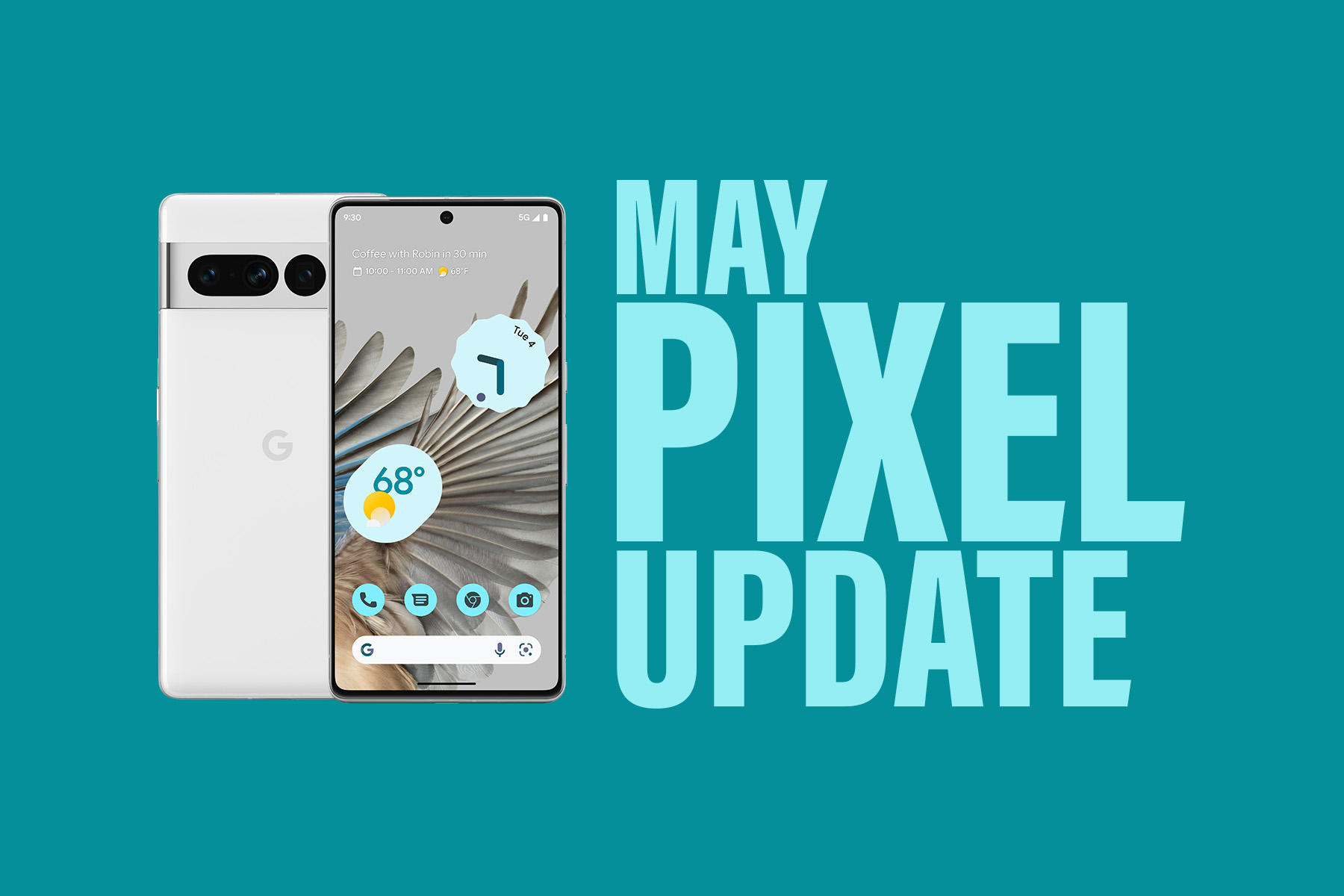

The first Monday schedule for Google Pixel phone updates is back on, friends! Google shared info on the May Google Pixel update this morning, saying that it is rolling out to the Pixel 4a up through the Pixel 7 Pro starting today.
After experiencing delays of a week or more in March and April, Google has already released both factory image and OTA files for this May Android update right when we are used to seeing them. There are two builds so far of TQ2A.230505.002 and TQ2A.230505.002.A1. There are no mentions of specific Verizon builds at this time, so there either is a delay for devices on Verizon or they’ll grab the “global” builds below. I bring that up only because Verizon Pixel 6 devices were the last to receive updates for March and April, with April’s arriving only days ago.
If you own a Pixel 4a, Pixel 4a 5G, Pixel 5, Pixel 5a, Pixel 6 and Pixel 6 Pro, Pixel 6a, Pixel 7, and Pixel 7 Pro, and aren’t in the Android Beta Program, today is your day.
May Google Pixel update builds
- Pixel 4a: TQ2A.230505.002
- Pixel 4a (5G): TQ2A.230505.002
- Pixel 5: TQ2A.230505.002
- Pixel 5a (5G): TQ2A.230505.002
- Pixel 6: TQ2A.230505.002
- Pixel 6 Pro: TQ2A.230505.002
- Pixel 6a: TQ2A.230505.002
- Pixel 7: TQ2A.230505.002
- Pixel 7 Pro: TQ2A.230505.002
- Pixel 4a (5G): TQ2A.230505.002.A1
- Pixel 5: TQ2A.230505.002.A1
- Pixel 5a (5G): TQ2A.230505.002.A1
May Google Pixel update bug fixes
There are only two noteworthy bug fixes for this update, one that improves touch screen response on the Pixel 7 Pro, as well as one that was “causing lock screen UI elements to overlap with home screen launcher interface” on all Pixel devices.
Again, Google should begin pushing these updates shortly over-the-air (Settings>System>System update), but if you don’t want to wait for Google and prefer to update manually, you will find each factory image or OTA file at the links below. For instructions on how to flash a factory image, here you go. For instructions on how to flash an OTA .zip file, here you go.
Links:
So, should I assume the P6’s will get their updates the end if the month again?
I’d put a pretty high wager on Verizon delivering on the last Monday of May. Another huge FAIL.
Nothing, as usual, on my Verizon P6P. ????
Same here…unlocked P6P from Google using Verizon. We are “Screwed” once again.
Still no May update for my Google Store purchased unlocked P6P on Verizon sim. 5/3/23.
Still haven’t gotten the April update on my 6 Pro. Xfinity mobile. Wonder when I’ll get May?
Yep same on TracFone. Both use Verizon’s network…
Just got the april update this morning 5/3
Nice, I’ll have to check then. Was May update there after you installed April?
no, but i’m definitely on april now
Hopefully this will finally fix the lock screen issues that my Pixel 7 Pro has had since day 1.
Anyone else have a bug where it takes Bluetooth headphones a minute or two before it’ll play without slipping?
Wow. Just pulled it on the first try just now.
Verizon pixel 6 pro, no OTA. 12:30pm Shocker.
OTAs do not start going out typically till 3 PM EST
That’s why I said 12:30. I’m on pst
26.44MB on my Pixel 7 Pro (unlocked by running on Fi). First scan didn’t show an update but then I tried again 30 min later and now it’s downloading at 3:30PM EST.
Highly doubt the Verizon pixel six series will go though considering Google or Verizon shoved the updates till the end of the month. Heck, the pixel 6 only got April last Friday.
It’s most decidedly Verizon. They are ALWAYS the ones who hold up updates. They did improve….day isn’t over…it could still release for them. However the last couple months they completely muffed it.
It was only the 6 series that was delayed tho, so it was something specific to to Pixel 6 series and the Verizon network. Even pixel 6 with Verizon MNVO sims were not getting the update such as Visible and TracFone. So I don’t think Verizon was holding out for no reason.
Verizon needs to communicate and be transparent for the “reason” for their consistent delay of pushing updates.
Agreed.
I’ve had Verizon since 2001 and my first Pixel was the 2xl. Once they fixed the check for update button in 2017, Verizon has never held back an update other than if Google delayed it for everyone. Something has changed.
Definitely.
They still haven’t fixed the bug causing all Smart Lock options to completely disappear at random? There are 2 workarounds I am aware of. Turn off the Trusted Agent for Smart Lock (Google) and turn it back on. Or reboot the phone. It’s really annoying, because it causes Smart Lock to just not work at all.
I’m having the same issue on my 6 Pro. It’s very frustrating.
I thought this was only a bug on the 14 beta. Are you telling me it happens on 13 with you as well?
Yes I’ve had this issue ever since the March update hit my Pixel 7 Pro. I’ve never been on Beta, and have always stayed on the main stable releases.
I never had it until I went to Android 14 but have always been on beta
FWIW, I’ve never had that issue and never heard of it until just now haha
I caught this after the last update on my Pixel 5 too. It was incredibly annoying and just made me think more about going Samsung next phone, esp. if the Pixel 8 isn’t smaller and about the same size as the 5. It’s amazing how many of these bugs make it into nearly every update. I’m sure it happens to Samsung’s and every other OEM too, but I’ve consistently had something break on my phone at least every few months on my Pixels and I can’t imagine Samsung is that bad now.
I’m tempted to switch to Samsung for that 6.1″ flagship (or near flagship) level life. I have really grown tired of how insanely big the Pixel Pro phones are.
Likewise.
It drives me crazy too on my Pixel 7.
I just got my April update on my Google Store bought p6p on vzw last night.
FYI– For anyone on the Verizon build from a few days ago, do not try and sideload. The May 1 build is dated older and will give you an error. It also mentioned that trying and rebooting can cause the phone to not start. Luckily mine restarted fine, just wanted to warm other users.
Just curious, how can you tell the build for May is older?
Tried flashing the new OTA and after it served the file to my phone, it game me the error.
Can anyone else confirm this? I’m so mad. It’s like Verizon purposefully did that to prevent side loading.
Confirmed…tried to sideload last night 5/2 and received the same error.
Alternative wording your Update may arrive this month
That’s a big maybe for the Pixel 6 series on Verizon.
Nada todavia
Yay! Google finally got back on track with a timely monthly update instead of postponing them like they have the last 4 months or so
Not for the Pixel 6 series phones on Verizon.