

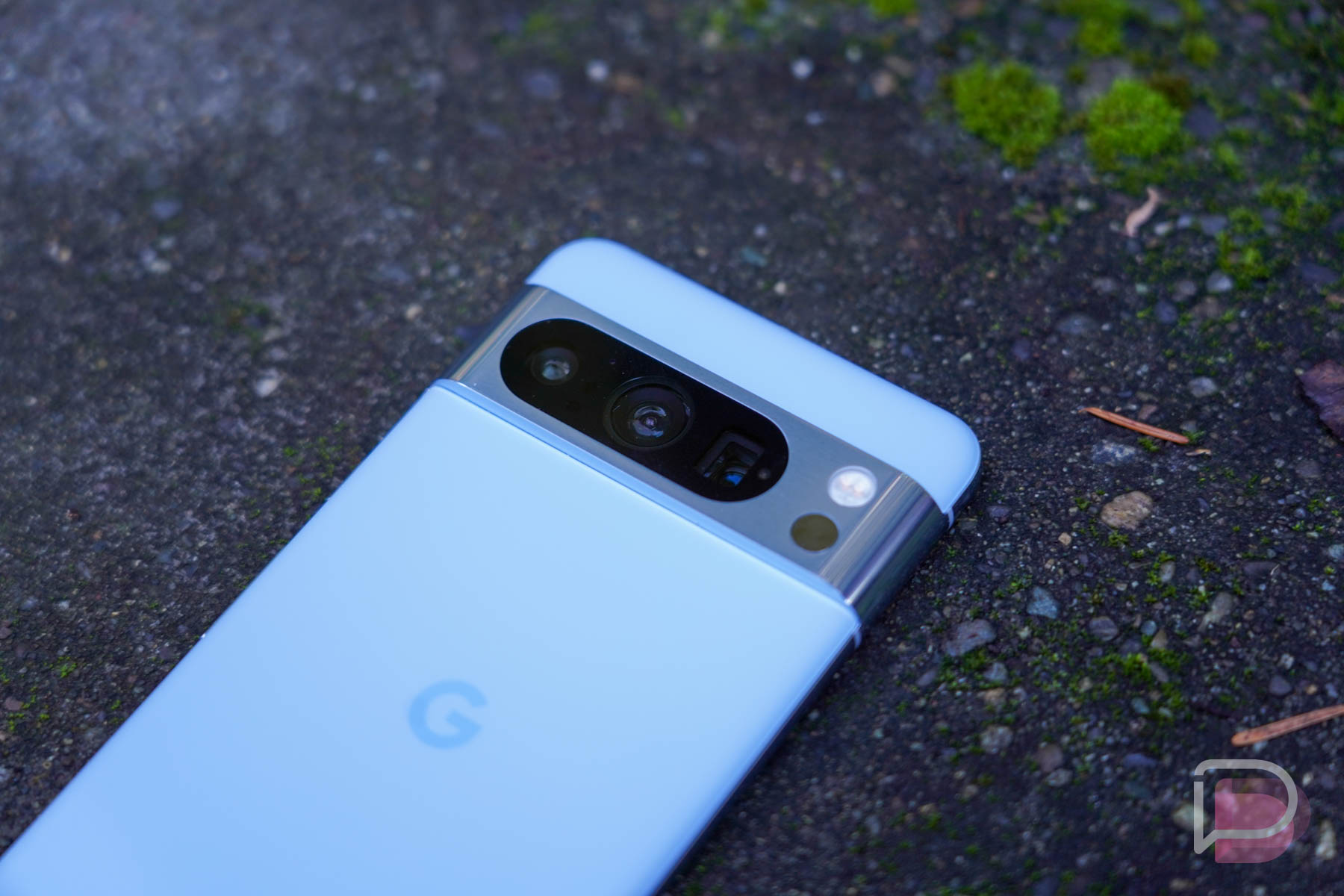

Video Boost, the latest feature headed exclusively to owners of the Pixel 8 Pro, is now gradually rolling out following the release of the December update. Naturally, you’ll have to enable it yourself, but thankfully that process isn’t too difficult.
Video Boost allows you to capture higher quality videos with your Pixel 8 Pro with better lighting, colors, and details. We wrote about it when Google made it official with this December patch. Check it out here. Now, onto enabling it inside of your Camera app.
How to Enable Video Boost
- Open Google Camera app
- If in Photo mode, switch to Video mode.
- Tap Video Settings or swipe up.
- Turn on Video Boost.
- When you use Video Boost for the first time, the default setting is 4K resolution, SDR (10-bit HDR is off), and at 30 frames per second (FPS). You can change these settings.
- To confirm that Video Boost is turned on, you’ll see a new icon in the upper left corner of the viewfinder:
- Record a video.
- The maximum recording limit when you use Video Boost is 10 minutes. If you’re low on storage space, you’ll get a warning and the recording will stop.
Again, this feature is exclusive to the Pixel 8 Pro and you’ll need Google Photos. If you don’t have either of those, well, this article probably isn’t for you. Unless you’re debating if you should buy a Pixel 8 Pro? If that’s the case, it’s not a bad idea. It’s currently on sale for $200 off.
Enjoy.
Step one being receiving the update, this article is too early.
I sideloaded the December update and don’t have video boost, I have the latest 9.2 version of the camera app.
I got the OTA on Saturday with a T-Mobile sim swapped in for my VZW sim. I just got the video boost notification today.
Verizon here, just got the video boost on mine as well.
I got the unlocked Blue Pro 8 on Verizon…still shows nothing to update. Damn it.
I swapped my VZW sim for a T-Mobile sim last Saturday to get video boost for a concert I was going to that night. Unfortunately video boost didn’t become available for me until today.
@Tim it’s hard to turn the feature on when Google hasn’t made the feature available to hardly anyone yet.
No video boost here either, pixel 8 pro. Flashed the OTA. I do have camera app 9.2. No new messages either. Guess I’ll just wait.
I have the December update but I don’t see it. I still haven’t gotten the Camera 9.2 update so maybe that’s why.
I’m curious how Video Boost works. Does the modified video just stay in the cloud after processing or is it synced back to device storage? Does Video Boost keep the original video as well or does the “boosted” video replace the original?
Other than Google saying no, what prevents this from working on the regular Pixel 8? Does it have to do with P8P camera array? The chips, otherwise, are the same.
I actually got the update this morning, but this option simply isn’t there. I followed the instructions from the “Welcome to your update” splash from Google and now this site. I do not have a Video Boost option, period (yes, I’m on a Pixel 8 Pro). I also don’t see any way to use Zoom Enhance. I’m definitely on the December security update and I’m not on a beta.
That sounds nice. However, as in November, I’m still unable to get the December patch.
fu sundar. if i turn on video boost in settings, why doesnt that setting stay as selected?
I’m just over here waiting on the December update. Whoa is me.
Ehhh even after doing the December update. I still doing have that option
*edit* I just installed the “Google Play system update” and was prompted to enable video boost. The option wasn’t there before installing that update even though December’s system update was installed.
What’s the date of your Google Play system update? I installed the feature drop but don’t have video boost. My Google Play update (dated 1 November) claims there is no newer update