

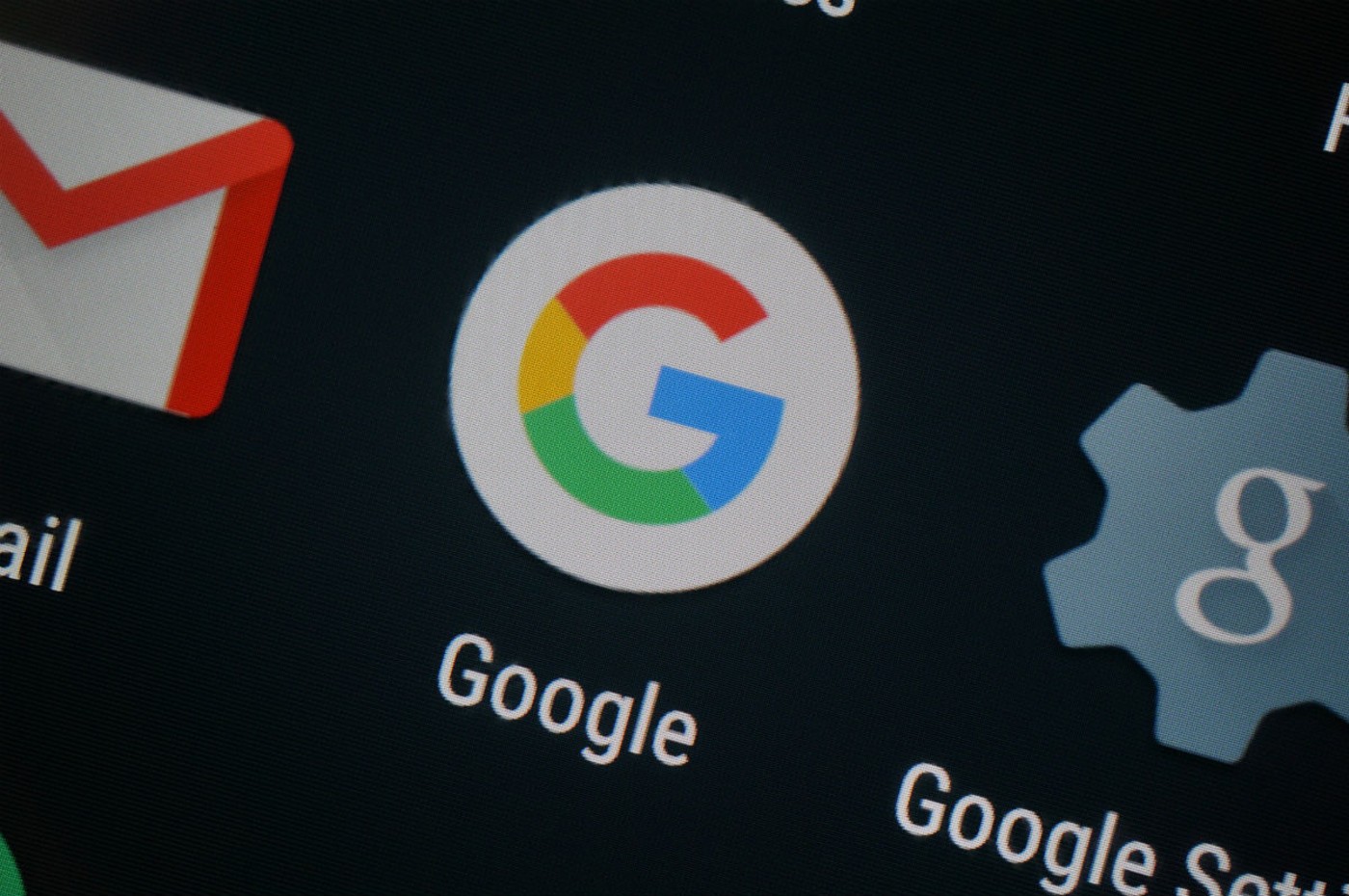

Over night, Android phone users ran into a lot of crashing from the Google app that Google has now responded to. While they didn’t necessarily say what the problem is or why there are crashes, they did offer a solution to get your phone back to working properly.
Google App Crash Fix:
-
Launch the Android Settings app
-
Go to Apps & notifications
-
Tap See all apps or App info
-
Find and tap Google from the app list (or you can use the search button on the top right corner to search for “Google”)
-
Tap Storage & cache
-
Tap Clear storage or Manage space
-
Tap CLEAR ALL DATA
If those instructions don’t perfectly line-up with your Samsung or OnePlus or LG or Motorola phone, just understand that you are trying to get to the Google app’s individual settings page. From there, you are clearing the data it has created to help it start fresh again and to clear out whatever bug was causing it to crash.
These are pretty standard Android app fix instructions here, for those new. Basically, whenever you run into an issue with an app not loading properly or crashing, this same process will help take care of it and should be done before uninstalling.
All good?

Wish Costco would fix their app. Great place to shop but not with their app.
An old trick, but it doesn’t “always” work.
Can we get an opinion piece on just how terrible the new app manager is on the play store? I know you posted an article earlier this month warning us that it was coming, but man is it bad…..
Yeah, honestly not sure what they are going for on this one
Google took a user-friendly, fully functioning app like GPM and replaced it with inferior Youtube Play Music. This is consistent with Google’s ability to intentionally fvk up their own product. Like so many here on this thread, I’m asking the same question. What the hell was Google thinking when they redesigned the Play Store’s UI? It’s a complete cluster fvk now. They’ve added multiple sub-menus which complicates everything. The old UI with the hamburger menu was simpler and straightforward. As of this week, I started using an old trick. I go to the Play Store app in my phone’s App List and I uninstall all updates. This temporarily gives me the old version back.
Wish Chipolte would fix their app. Haven’t been able to log into it for the last 2 weeks despite doing all the wipe cache and uninstall/install actions. Odd how I can log into my Chipolte on a computer but not on their phone app.