

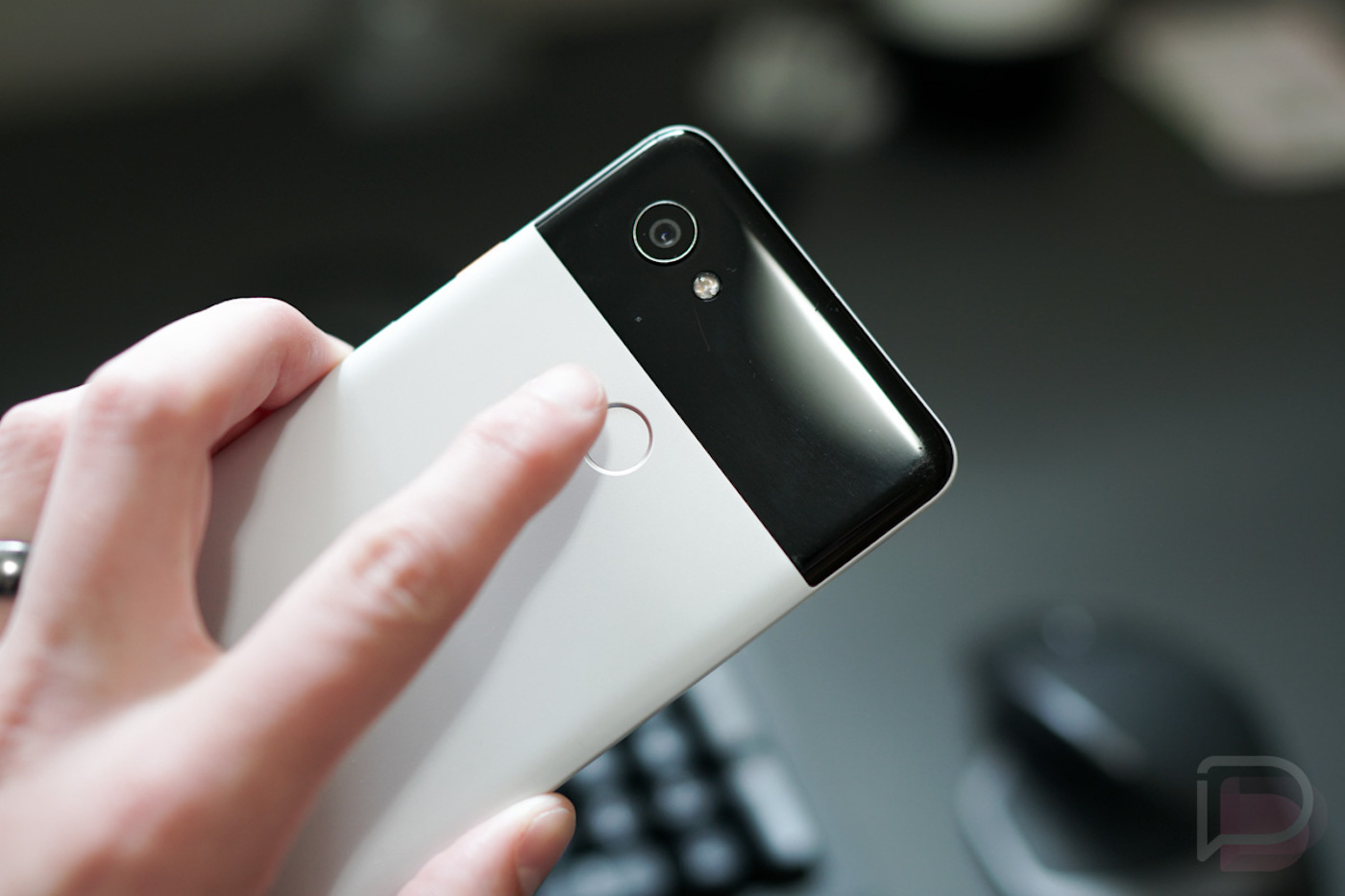

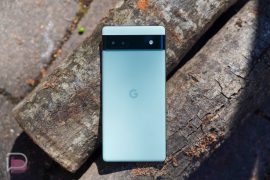
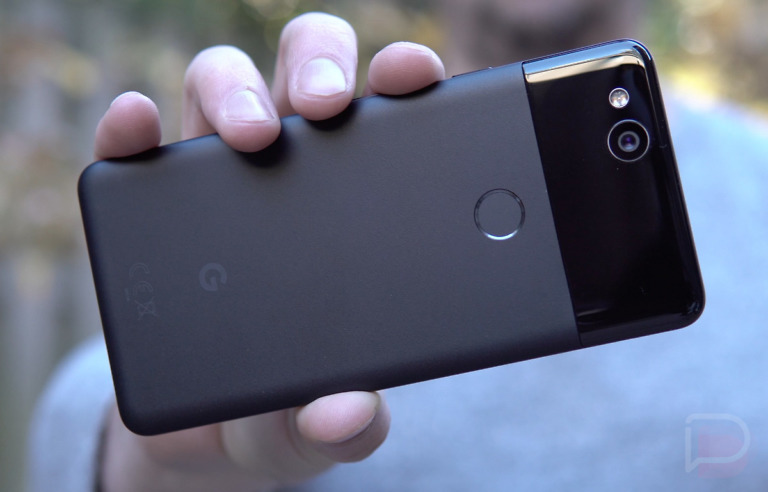
According to code spotted in the latest Developer Preview for Android 12, it looks like Google may release a Pixel device that features an under-display fingerprint reader. This would be a big first for Google. Up to this point, Google has done everything but an under-display reader, opting for backside readers on the Pixel 5 and older Pixel models, as well as having no fingerprint reader at all on the Pixel 4 XL. It’s been a mess, but Google may soon be in the same league as Samsung and OnePlus in terms of phone unlocking tech. Finally.
For the code crawlers among us, the line that hints at a Google-made device carrying an under-display fingerprint reader is “UdfpsControllerGoogle,” spotted in a class discovered in an updated SystemUIGoogle app for Android 12 DP2. That “Udfps” in the line presumably stands for under-display fingerprint scanner. And while it’s entirely plausible Google’s working on something for AOSP with regard to these readers, XDA points out that these new “Udfps” classes are part of the com.google.android.systemui path rather than com.android.systemui, “suggesting that these classes are being developed for Pixel phones rather than AOSP.”
Yeah, I’m just going to leave that stuff to the professionals and just get excited for the possibility of a Pixel 6 or future Pixel device with an under-display reader.
I know there might be a few of you, *cough* Kellen *cough* that aren’t stoked on the idea of this, but if it’s fast and accurate, I don’t foresee it being much an issue. What do you think?
// XDA
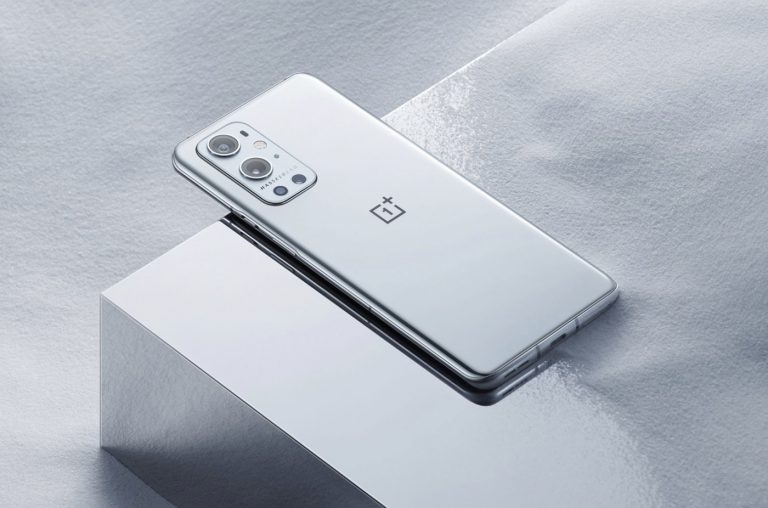


Why do tech writers push this stuff so hard. A quick look through the comments will show you that most end users don’t like this. There is nothing wrong with the rear fingerprint reader. It is tried and true, it is ergonomically positioned to be comfortable to use, and it is a feature that companies know how to make work. I had an under-screen reader on a OnePlus, and it sucked. It was slow and temperamental. You had to position your finger perfectly for it to work. I turned it off and just started using the pin because it performed so poorly. Hopefully the companies listen to the users instead of the writers when they are deciding what to include and eliminate.
As a front pocketeer I rather liked the print reader on the back as the phone was open by the time it got to my face. Simply covered the reader whilst extracting. That said until the Covid mask my Pixel 4’s face recognition is the best thing since sliced, toasted and peanut buttered bread.
I still prefer the combination of a rear sensor with face unlock for those times the phone is lying flat or the sensor is somehow inaccessible. Too logical?
I really don’t care where they put the fingerprint reader – just bring back the Active Edge “squeezy sides”.
There’s nothing like being able to squeeze my Pixel 3XL while it’s in my pocket to silence an alarm/timer, etc.
Yeah, I know there is an app to configure such functionality but it is nice to have it baked-in B-)
Please god no don’t do it …. I’ve tried and test all the other options and Nothing compares to the speed & accuracy of the FP on the back like Google has been using since back in the Nexus days. It just works & works with rocket speed every time.
I prefer face unlock on my Pixel 4. Why is Google going backwards?
Nooooooo! I used the back fingerprint reader every day to access my notification. I think the back is a better, more natural position too. Everytime I pull my phone of my pocket, it’s unlocked.To me, it’s a gimmick. I would rather have Google come up with a good under display selfie camera.
Still love the look of the panda Pixel 2 XL.
Do NOT stop having the super fast/accurate Fingerprint Reader on the back! I’m fine with them adding an Under-Display Fingerprint Reader to use in-addition to the one on the back, and even including the Face Unlock from the Pixel 4 as long as they don’t remove the back scanner to include either of these. If we ever make it back to a world without masks the face scanner might be OK in many situations, but for the bulk of my uses my phone is already unlocked by the time I get it out of my pocket simply due to how my finger naturally just rests on the back scanner as I’m pulling it out.
This is a stupid feature. It’s bloatware. unless this ends up saving money on the device there’s no reason to give up on the rear fingerprint sensor that everyone likes and uses.
Having gone from the OG pixel XL and Pixel 3 XL to the Note 20 Ultra I hate the under display fingerprint reader, it never works and doesn’t feel as natural as hitting the scanner on the back of the phone.
https://media2.giphy.com/media/n4oKYFlAcv2AU/giphy.gif
I like it better than a rear-mounted one, though the side fingerprint sensor/power button is maybe my ideal setup. Would be even nicer if they could get the camera under there, or just NOT have to cut a hole out of the screen for it, bezel or pop-up would be better than that trend this year
What a waste my s20 ultra barley unlocks with it i just started using the pin because that thing is crap!
Just as long as it’s not an ultrasonic sensor.
Ultrasonic is a lot better than the one that just basically takes a 2D picture. Ultrasonic is faster, works more often and is more secure.
It doesn’t work more often. I’ve had an Note 10+, S20 Ultra, Note 20 Ultra and now S21 Ultra and while there have been improvements, I still have about a 40% rejection rate no matter what I do (and I’ve tried EVERY SINGLE TRICK) while OP8P is bang on every time.
Ultrasonic sensors don’t like dry skin and if you have chronically dry fingertips, they are basically useless. About 25% of the time it refuses to even recognize that a finger has been placed on the sensor.
I was hopeful that the newer larger sensor in the S21 Ultra would fix all of this and while it’s improved, it’s still a VERY high friction point in interacting with the phone. Vibrate-reject, vibrate-reject, vibrate-reject….now biometrics are disabled. I’ve basically taken to using the much less secure 2d face unlock as a crutch to get around it.
Your experience is very different from mine and any reviews I’ve seen. I’ll avoid phones with optical sensors as much as possible. They aren’t much better than crappy face unlock.
I prefer the rear fingerprint sensor. My finger just naturally ends up there when taking my phone out of my pocket and it is more reliable than the under the screen ones. However, I’d take the under the screen fingerprint sensor over that awful face unlock of the iPhone or Pixel 4.
I don’t understand how this is a great feature?
Having the fingerprint reader on the backside just feels more ergonomically comfortable when grabbing the phone than having to touch the front screen.
Something new to get used to I guess either way. My 3xl is aging and while it still works perfectly i know eventually the battery is going to give up. I’m holding out for the Pixel 6 and hoping it has an XL option and higher end specs but if it doesn’t impress me I may finally make the jump to Samsung and the S21U
I got an S21 Ultra a couple of weeks ago and its under display reader works really well. If the Pixel is on par with that, no issues at all. On a separate note, I’m not as impressed with the 21 Ultra’s cameras as I’d hoped and I sure miss Pixel call screening.
Download the Google phone app and use that instead of the stock Samsung phone app. I did it on my S21 Ultra and it works great.
I know you can get the Google phone app on other phones but I thought the call screening was a Pixel exclusive feature. Is that not the case anymore?
Actually, you are correct. My bad. That one feature (which I actually never utilized on my Pixel anyway) isn’t an option on my S21 Ultra.
I use call screening all the time. Anytime I get a call from a number I don’t recognize I use call screen. I can’t even remember the last time I was told that my car warranty would be expiring soon. ????
Finally. Time for Google devices to GROW UP!
How is switching to something that is slower and less reliable “growing up”?
Having used side button reader (s10e) rear reader (pixels), front button reader (moto Z2), and in-display reader (S20 Ultra), I honestly think the side button is the best option. It is easily accessible no matter what position your phone is, I can get to it with either hand (thumb right hand, pointer left hand) and it’s faster than the in-display readers.
My issue with the side button sensor is the physical area to hit is much smaller. I have a Galaxy Tab S5e with a side button and it misses a lot more than my Pixel 5 or Pixel 2 XL.
Agree I have the tab s5e &almost never works first time so eti e 3 or 4 goes. Bigger the reader the better.
Maybe it’s relative due to size? On the S10e it’s perfect and never gives me a problem. Both thumbs and pointers are registered and I can grab it practically any direction and it unlocks instantly.
It better be flawless because the fingerprint reader on my Pixel 3XL is amazing and have no interest in face unlock especially in an environment of mask wearing for the next 1-2 years