

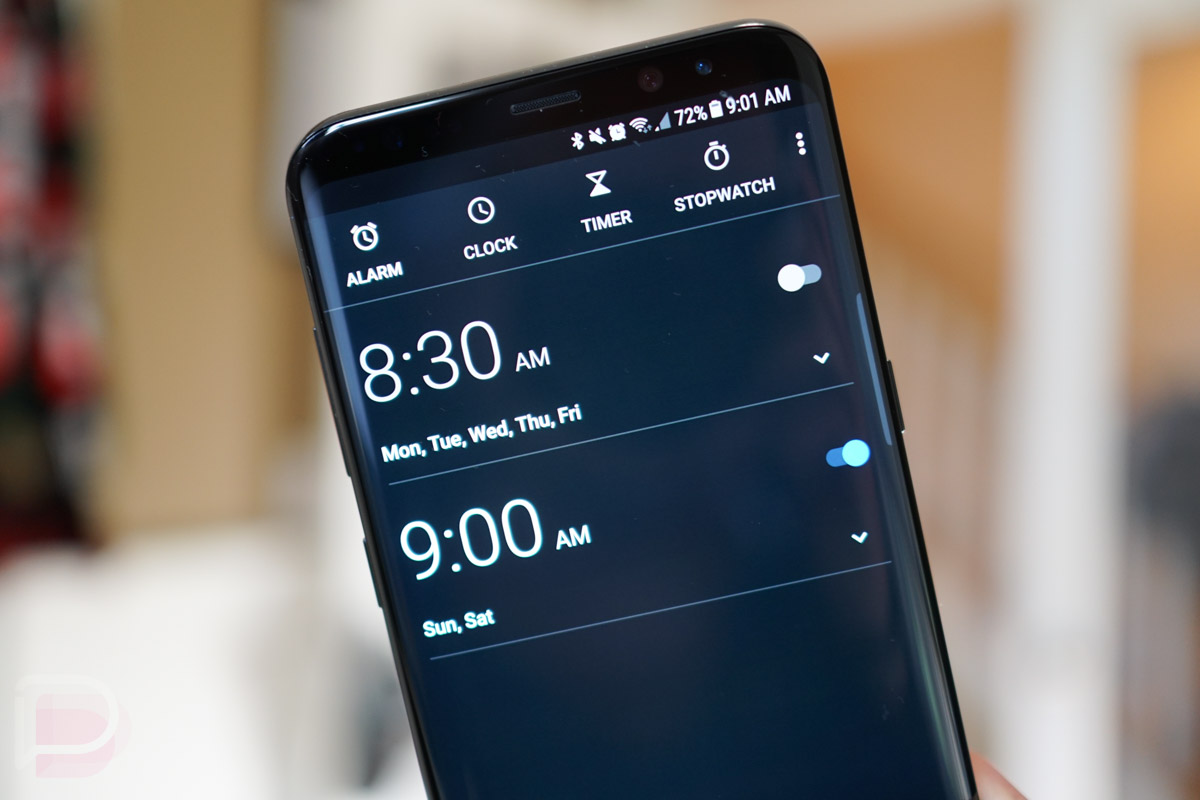

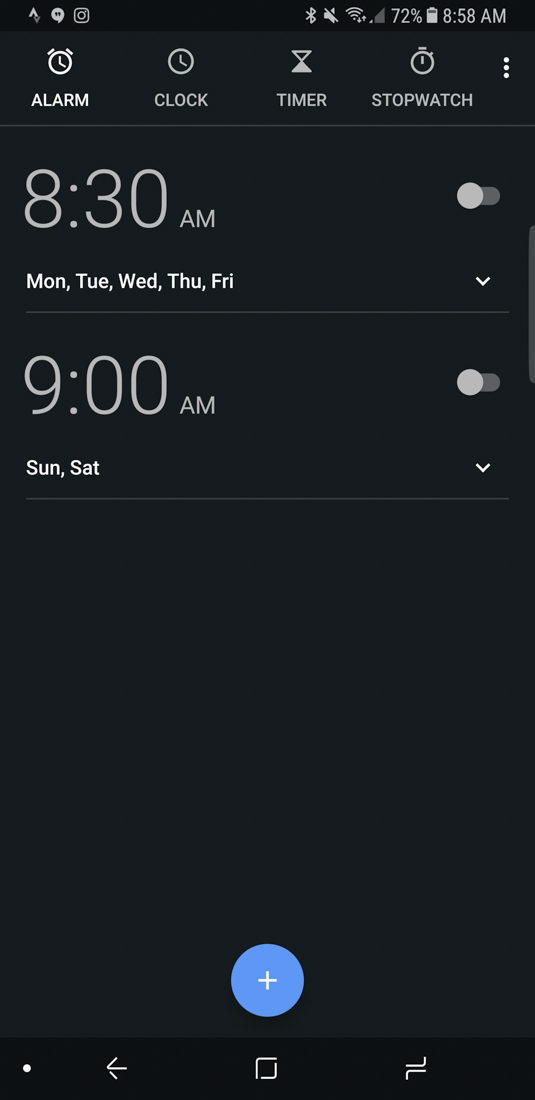
The Google Clock app just received a sweet little update. The new version (5.1) includes a new dark theme that appears to be always on and Android O support, along with screen saver controls from within the app.
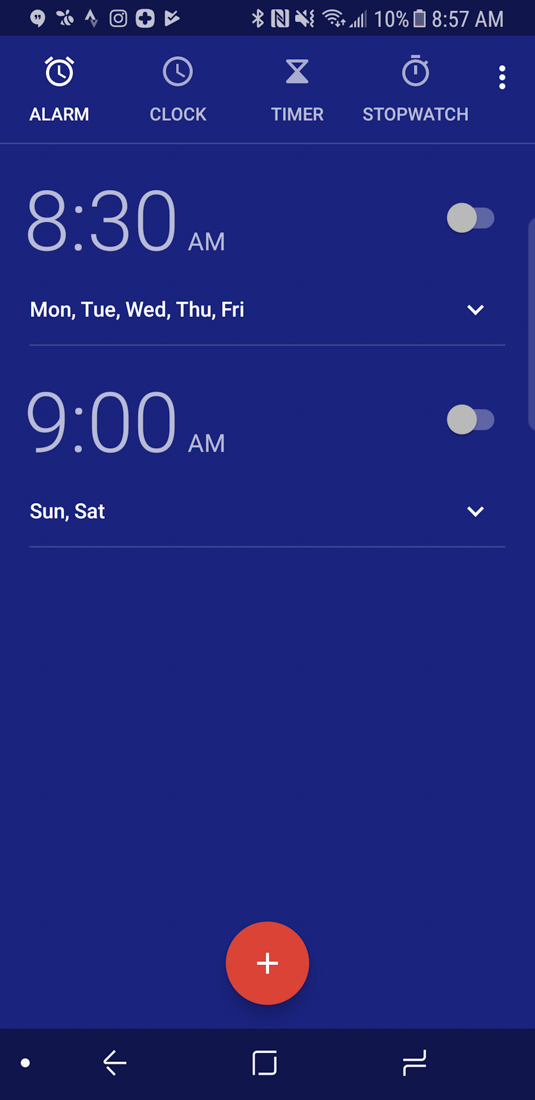
The dark theme is just that – very dark. The dark, almost black background replaces the purplish color that has been in the app for years. The access is now a purple or blue instead of red.
As for the screensaver controls, you’ll find them within the Settings portion of the app at the very bottom. Previously, you had to access these settings by heading into system settings at Settings>Display>Screensaver.
The update is live now at the link below.
Um, no.
Took the update but had to roll it back. If you use the widget then it’s now completely useless.. the widget in the updated app doesn’t display the date nor any of your configured world clock times. Also does nothing when you click on the widget (it used to open the Clock app by default).
The widget seems the same to me; I tap on it and it opens the clock app. I don’t have any world clock times configured, so not sure about that. I am on Android O beta, so that could possibly be the difference.
Kellen, do I see a Galaxy S8 in your hand, Mr. Pixel? 😉
The battery drain on my Nexus 6P recently became completely untenable, & I’d been holding out for the Pixel XL2 but I needed something ASAP so I just grabbed a Galaxy S8+, & I could not be more impressed. It’s my first Galaxy device & I had never been a fan until now. TouchWiz, while still not without it’s flaws, is infinitely improved. I’m still anxiously awaiting the next gen Pixel, but it’s going to take something incredibly special to get this thing out of my pocket.
If you check Reddit, there are tons of us that have replaced our batteries in the 6p with great results. I am in love with my 6p again!
Thankfully its not the material design dark green that Google so loves. It is the worst color ever on a mobile device. The fact that Android Wear 2.0 ships with that abomination of a color for notifications and background is a disgrace.
I actually love that color combo, just sayin’.
Anyone know if this is an AMOLED black (whereby the pixels don’t fire at all)?
I would say no. I covered the sensor on my phone and I noticed the background get dim within the app but not all the way black.
I went with Timely above. It’s not full black either, but does have some neat features (as the prior posters suggested). I’ll play with it a while. Frankly, the Samsung stock clock app on my Note 4 is just fine for this functionality, just not as robust as far as features go.
Wish all Google apps had a dark theme option.
Wake me up when they incorporate Google Play Music as an alarm option.
You can use Pandora in the mean time.
Slow news week?
Welcome the world of online tech blogs.
It’s MONDAY.
Getting ready for that Android O
Wish they would incorporate the features Timely has so I can get rid of timely!
^^ This!
Amen!
Expand on this, please? what features does this app have (in short, why would I spend my money on it). And…. Go!
timely syncs your alarms between all of your devices via google account sync. its awesome
http://www.bitspin.ch/
That site does a ton of explaining but i love the math puzzle to wake, the shrinking snooze, the own alarms, the syncing across devices, just so much. Timely was bought by Google some time ago so I thought that meant the google clock app would incorporate some of the features but i have yet to see that.
I’ll give it a whirl. Thanks guys!
Wasn’t it originally black? Before they went to the blueish-purple background a couple years ago? Or was I theming and dreaming?