



Should you consider yourself either an obsessive tech nerd or privacy freak, you may want to take a look at this new app called GlassWire. It just hit Android this week as a free app that helps you monitor the data/network usage of the apps on your phone. I know, that sounds boring as hell! But again, this is an app for obsessive nerds and privacy freaks who like to know everything that’s going on behind the scenes of their phone.
GlassWire as a company isn’t exactly new and you may be familiar with their Windows offering that acts as a tool to give you pretty thorough monitoring over your network. From visual network monitoring to webcam or mic detection and remote/multiple server monitoring, GlassWire is likely a handy tool on the desktop. For the Android version, think of it as GlassWire lite for now.
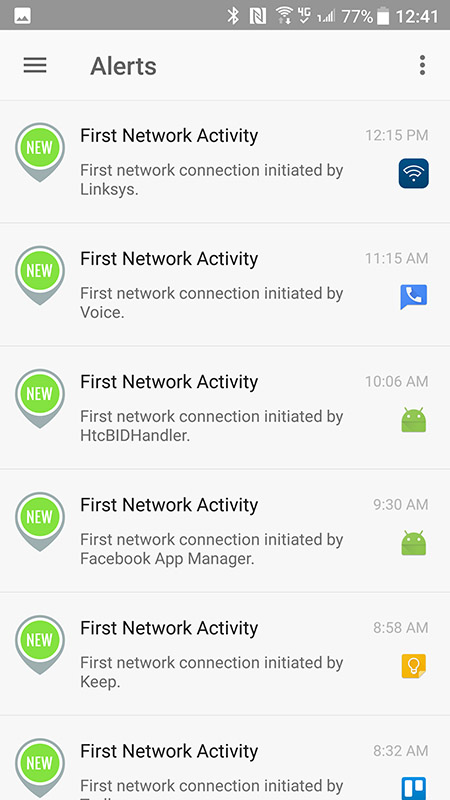
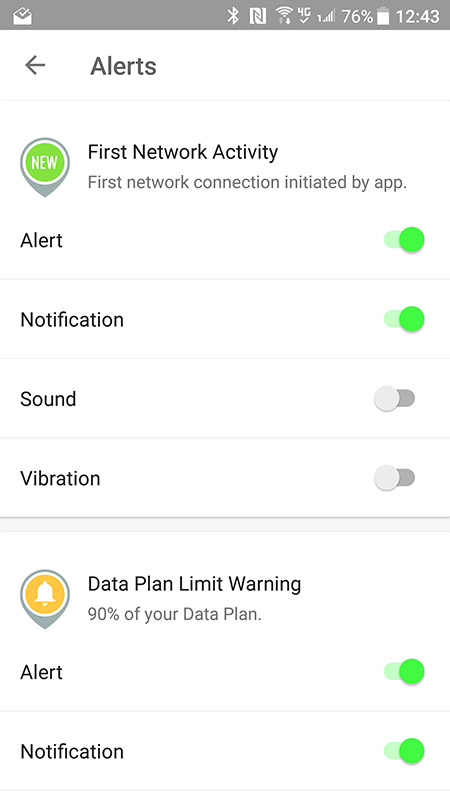
The GlassWire Android app keeps a running, live graph of network activity coming out of your phone, both on WiFi or mobile data connection. You can go back in time to see which apps were accessing what, easily check an app’s permissions, set your data plan limit to get notifications as you inch closer to its cap, and get an instant notification every time an app accessing data for the first time. Also, GlassWire says that “Your GlassWire data usage and app usage information never leaves your phone,” in case you were wondering. The only permission it requires is “Phone.”
I’ve been looking at GlassWire off and on for the past 24 hours or so and can certainly see how an app like this might be useful, especially over the long haul. I’ve already realized how much damn data a dude can crush on Twitter in a single day. Man.
The app is free with no ads.
I’m hesitant of any “free” app that monitors bandwidth usage, other than Google’s, or your service provider’s, built in monitoring tooling. Can never tell if they sell off that info to the highest bidder, curbing privacy concerns.
Thanks was looking for something like this definitely going to check it out.
Does it track itself?
This is pretty cool. Gonna check out when i get home later.
Isn’t that already built into stock Android? Why slow down your phone with this app?
Google is paying 97$ per hour! Work for few hours and have longer with friends & family! !mj274d:
On tuesday I got a great new Land Rover Range Rover from having earned $8752 this last four weeks.. Its the most-financialy rewarding I’ve had.. It sounds unbelievable but you wont forgive yourself if you don’t check it
!mj274d:
➽➽
➽➽;➽➽ http://GoogleFinancialJobsCash274MarketTubeGetPay$97Hour… ★★✫★★✫★★✫★★✫★★✫★★✫★★✫★★✫★★✫★★✫★★✫★★✫★★✫★★✫★★✫★★✫★★✫★★:::::!mj274d:….,……
or rather is this so much better than whats built in thats its worth installing ?
it give a near infinite more detail vs what is built in
Isn’t it mathematically impossible to be ‘near infinite’?
I have made $104,000 in last 12 months by freelancing online and I did that by working part time for few h /day. I was following a business model I was introduced by this website i found on-line and I am so happy that i earned such great money. It’s so beginner-friendly and I am just so grateful that i found this. Check out what I do… http://time73.weebly.com
Writing unique content may be easier than most people might think. FreeSpinner is made to assist you to attract the visitors on your site. I’ve earned 104000 bucks in last twelve months by working online from home and I was able to do it by working part time for several hrs each day. I’m using an earning opportunity I found on-line and I am so amazed that I was able to earn so much money. It’s really beginner friendly and I’m just so thankful that i learned about it. Check out what I did… http://mybm.com/Re93b
I highly recommend the desktop version. Definitely looking forward to what they bring to Android.
Thanks for this, Kellen. T-Mobile’s app is trash telling data usage.
Great App!!!!!!!
There’s a way to remove the data used notification?
Thanks!
Go to the App Settings, turn off the notifications.
anyway to kill the persistent notification in the pull down?
Yeah that’s my question too. Otherwise I’m not using the app.
There isn’t any app (except certain system apps) you can’t block the notifications for since, I believe, Lollipop, but definitely Marshmallow.
Long press on it and block all notifications. Then you only see what you want by opening the app… at the cost of it notifying you of anything else, but at least it’s an option.
Done
Amazing