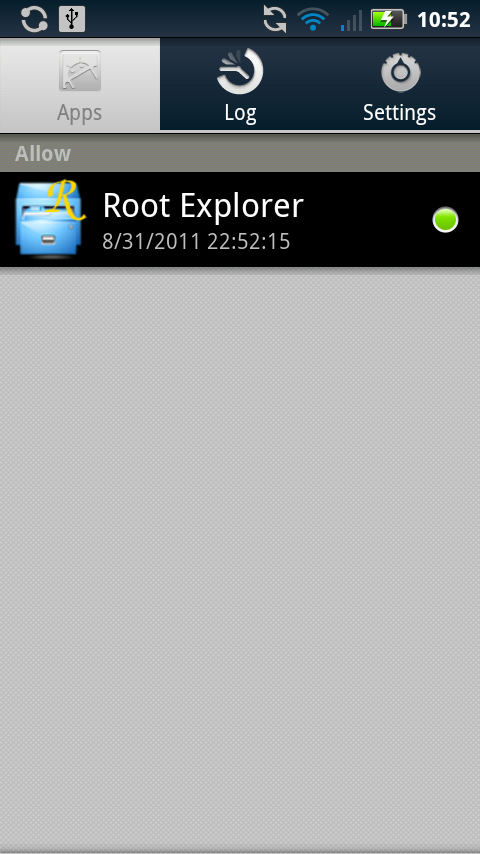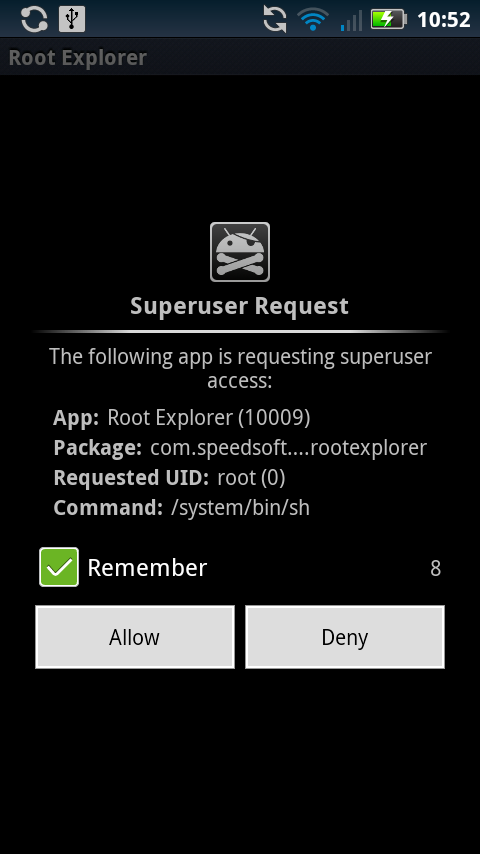
Actually, this method should root just about any Motorola phone running Gingerbread. So not only will it work on the DROID3, DROID2, DROIDX2, and DROIDX, but it should also work on the DROID Pro and D2 Global when they receive an update – hopefully the DROID Bionic too. We were inspired to write this for the simple fact that the D2 received Gingerbread last night finally, and within 5 minutes I was rooted.
Thanks to Framework43 and psouza4 for putting this together. It couldn’t be any simpler than this method right here.
Download: MotorolaOneClickRoot.zip
Instructions:
1. Make sure you have Motorola drivers installed – [Download Drivers]
2. Download the MotorolaOneClickRoot.zip file from above and unzip it to your Windows PC.
3. On your phone go into Settings>Applications>Development and check the box for USB Debugging.
4. Plug phone into your computer and select “Charge Only” mode.
5. Navigate to MotorolaOneClickRoot folder and run MotorolaOneClickRoot.exe.
6. Follow the instructions in the command window.
7. Your phone will complete 3 steps, rebooting along the way. When it finishes, you will be rooted.
Full support can be found at this thread in case you run into issues.