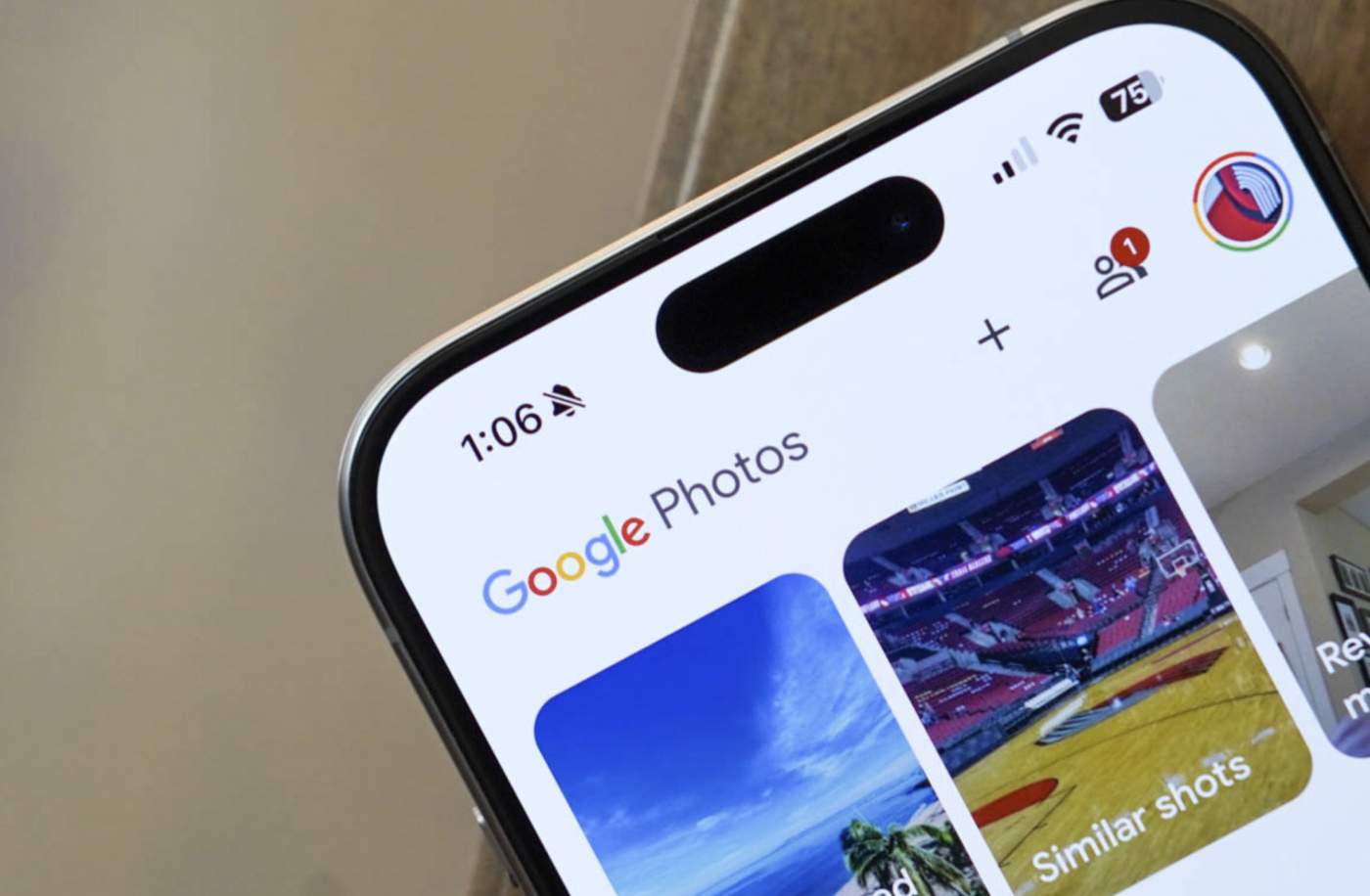

Google Photos is rolling out new quick facial tools to tackle minor edits. For example, if you take a photo of yourself but then notice a little change you want, you won’t have to send it to Gemini to get it corrected.
Google is adding in seven quick facial tools: Heal, smooth, under eyes, irises, teeth, eyebrows or lips. Once you select which tool you want to use, each has its own intensity wheel, so you can achieve the desired look.
To use it, select a face in a photo and choose which tool you want to use. This is now rolling out to all Android users.
You can watch the below video on how it works.