

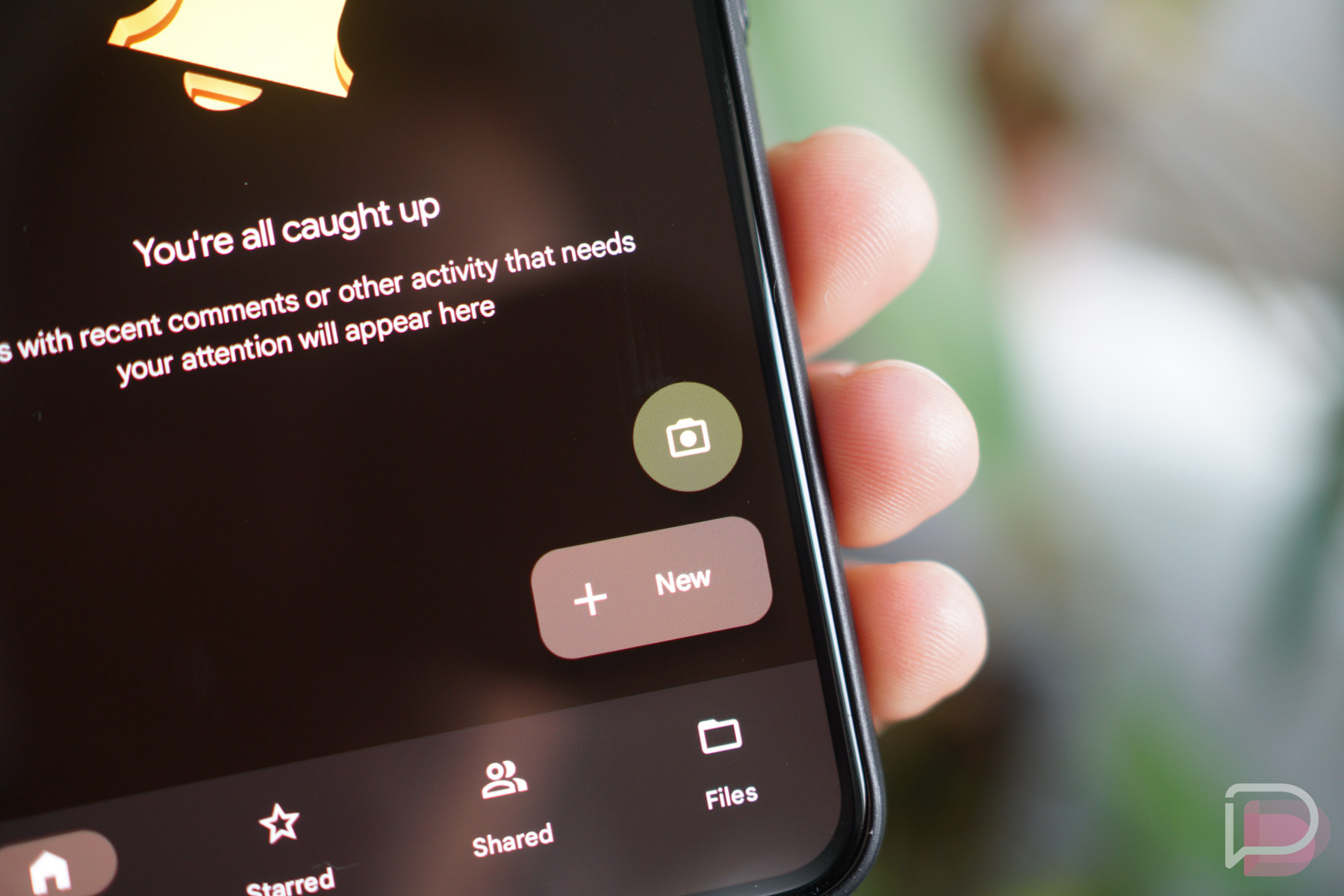

Google Drive’s native document scanner, the one you access by clicking the camera icon in the bottom right of the app’s UI, is getting a few new features this month.
Once your app is updated, you’ll find that the scanner now has an automatic capture to help you scan documents more quickly. No more shutter button presses. On top of that, Drive will now also help you position the document for the best possible scan. Below you can find the full list of what’s new.
What’s New
- Automatic capture to help you get the best scan quickly
- Camera viewfinder that helps you position your document for the highest quality scan
- The option to import from your camera roll
- A faster way to initialize a scan with a new scanner button
Personally, the ability to now import from your camera roll seems like the biggest inclusion. That can be super helpful.
I checked my Google Drive and these changes are live for me, so head into Google Play and ensure you have the latest version.

Thank god, for some reason the existing capture system didn’t use the good picture processing from the phone. From now on I’ll just snap a picture with the normal camera and use that in Drive.
Welcome improvements to a tool that is a no brainer for Google Drive/Docs but the quality of scans has always been poor. I started using Adobe Scan 2 years ago and it is amazingly high quality and free app….even better than Microsoft’s scanner app and that was better than Google Drive at the time.
I wonder if these improvements will come to Stack, though it looks like it hasn’t been updated in 18 months. I think Google forgot it even exists.
You’d be lucky if they forgot it exists, probably on a “Delete These” to-do list somewhere.