

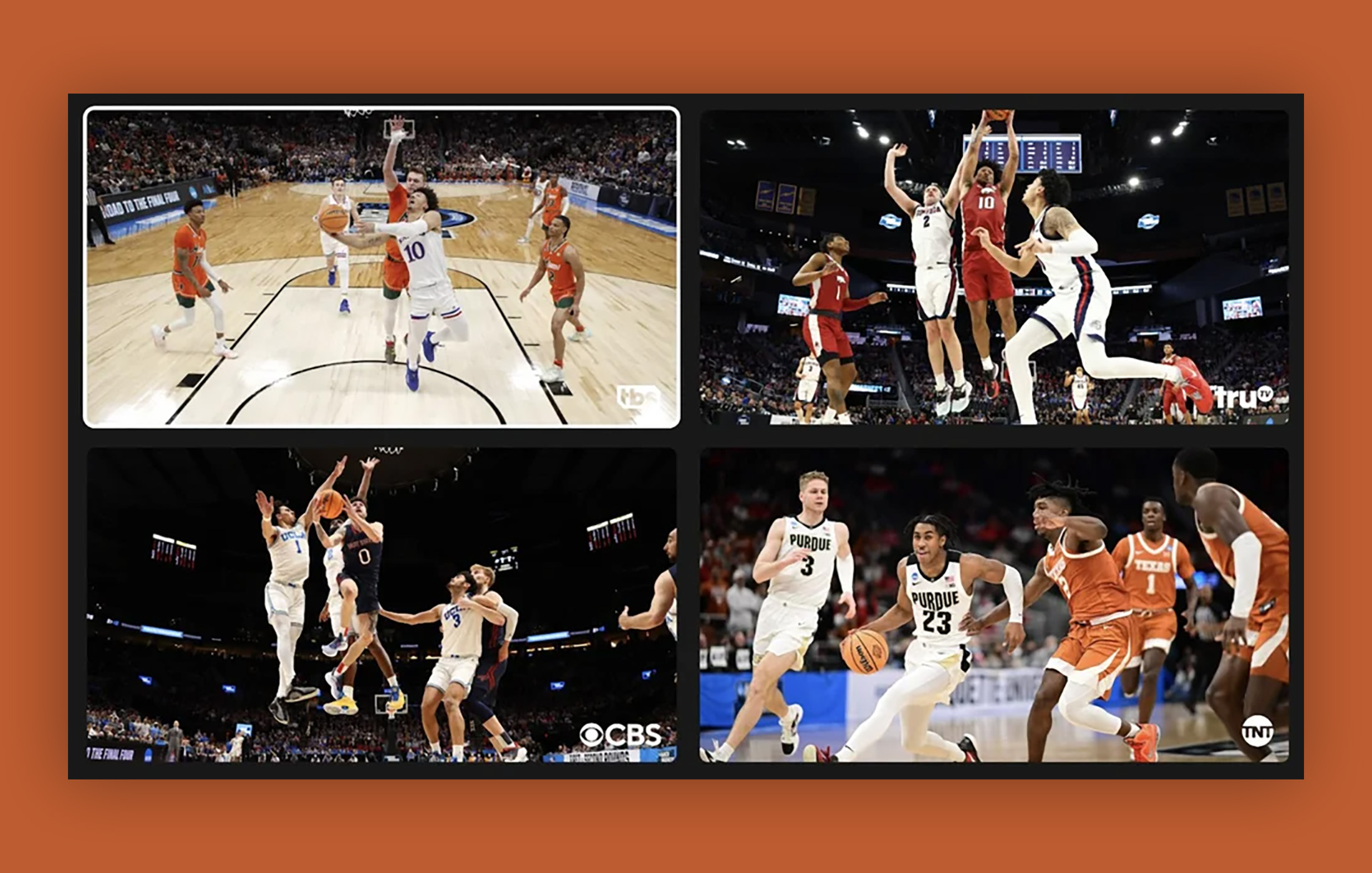

March Madness kicks off this week and in a matter of days many of us will attempt to watch as many games as possible on as many screens as possible. It’s a dance that I enjoy, but it would be nice if the TV streaming service I keep paying more for would offer a way to do it within itself. That’s apparently about to happen on YouTube TV, with the announcement of the service’s new multiview mode.
Google and YouTube announced today that multiview is launching as an early access product that will arrive over the next few months to all subscribers. At this time, we have no idea how you’ll get early access or if it is an account-by-account whitelisting. Let’s hope there is a way to manually opt-in later this week.
YouTube TV’s multiview will show you “an option to watch up to four pre-selected, different streams at once” within your “Top Picks for You” section. After reading that, I can’t tell if you’ll be able to select any of the streams or if YouTube TV will only give you what it thinks you want (or what it is capable of streaming together). Hopefully, we can customize, but that word “pre-selected” is throwing me.
Google says that when in multiview, you’ll be able to switch audio and captions between streams and jump from fullscreen views back to multiview. And all of this is happening on YouTube TV’s end, so you don’t need a high-end TV or screen that can process 4 streams at once. Google is doing the heavy-lifting – you are just watching.
Again, Google says that early access is happening right away and rolling out over several months. While it would be lovely if we had access for the start of this week’s March Madness tournament, there doesn’t appear to be a guarantee. We’ll start looking as we get closer to Thursday’s opening rounds.
Please let us know if you see the option in your YouTube TV streams!
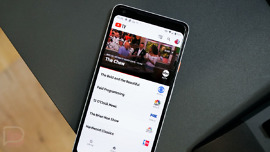
It kicked in today for me. Preselected 2 games (2 different sets of 2) & I could swap the audio by sliding from left to right. It didn’t give the option to go full screen on either though which surprised me. Only the 2 smaller screens of each game with a lot of black border. My main television is an 86″ so overall, it was still pretty nice but on a smaller television, I don’t think it would be great because of how small the 2 screens will be, especially with the large border around them.
I checked on Twitter to see if there were any streams currently available and saw youtube support was telling people to contact Google support to get granted access. I did a support chat and was told that it will be available on smart TVs and streaming devices on the 16th for everyone. There’s more info in this link (https://support.google.com/youtubetv/answer/13418774) about how to get the streams, but it does look like at least at first they will be curated options like the tournament, the Masters, etc, you won’t be able to choose your 4 feeds like an uber picture-in-picture.
Will this multi-view count against the number of simultaneous viewers on a plan? If I am allowed 3 streams at the same time, will I be able to see 4 different channels? Will everyone else in the family be unable to watch their shows until that multi-view is switched off?
I’m fairly certain that won’t be an issue. This feature is going to be for pre-curated selections like the tournament, the Masters, things like that. You will select the multiview presentation from a list just like you would any other show, only from within that presentation you will be able to make any of the 4 feeds full screen. You won’t be able to pick any 4 shows to put on screen together.
Had this on PSvue like yeaarrrsssss ago… nice job catching up Google with all that money!
Is DL not doing a Tournament Challenge this year?
freaking awesome! so glad this is coming!
Oh good, they finally read my annual tweet screaming about this. March Madness is my favorite sporting event of the year, and (if I get it) this will be a game changer on my 100″ projection screen. Who do I have to bribe to get on the early access list?!?!
Everyone will have it starting on the 16th, but only on smart TVs and streaming devices. I contacted Google support about it and that’s what they told me.