


Google has released a fresh beta build for Android 13 users today, labeled as Beta 4.1. Inside, you’ll find a few bug fixes, most of which appear to deal with connectivity issues (Bluetooth, Meet, GPS, etc.) From the looks of it, it’s nothing too major, but I only say that because they aren’t bugs I have experienced on my own Pixel 6 Pro running the beta.
Here’s the full changelog straight from Google.
What’s Inside
- Fixed an issue that prevented an app from enabling or disabling Bluetooth if it didn’t have the
BLUETOOTH_CONNECTpermission, even though the app was targeting an API level where the permission is not required. - Fixed issues that sometimes caused a device to crash and reboot when connecting to certain WiFi networks.
- Fixed an issue where Meet connectivity could drop while driving.
- Fixed an issue where the system could incorrectly interpret GPS data.
The build is rolling out as TPB4.220624.008 and the new OTA and factory image files are already available for the Pixel 4, Pixel 4a, Pixel 5, Pixel 5a, and Pixel 6 lines. If you are in the Android Beta program, this update should be delivered over-the-air.
Release date: July 25, 2022
Build: TPB4.220624.008
Emulator support: x86 (64-bit), ARM (v8-A)
Security patch level: July 2022
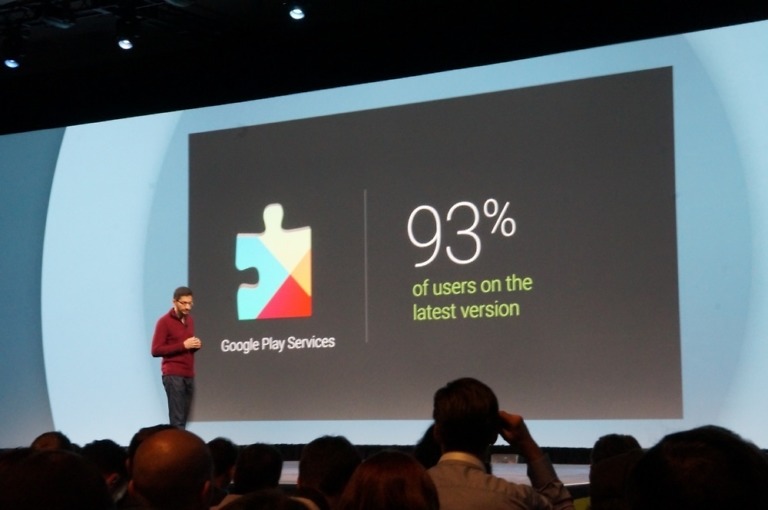
Google Play services: 22.21.16
Feel free to grab that update right away. For instructions on how to flash a factory image, here you go. For instructions on how to flash an OTA .zip file, here you go.

My only problem with being in the Beta program is the fact that it takes so long to download and install an update. It said that the file size was 9.11 mb. It took over 45 minutes to get this downloaded and installed. I am using a fast Wi-Fi connection on AT&T Gigabit Fiber. This will probably be my last Beta test. SMH
That is pretty typical of every build, beta or not.
Yep, every time a monthly update comes along, it’s like watching paint dry, for it to finish. 😉
I’m surprised nobody’s mentioned how smooth and the 13 is compared to Android 12. It’s noticeably smoother!
Hopefully this update makes my P5 usable again… Sheesh!
Wonder if this will solve my AA randomly disconnecting unless I replug the USB in again. Only for it to randomly DC moments later again.
You could have a cable going bad.
It happened to me twice today.
Make sure your phone USB port is clean. Mine will get lint buildup and the cable won’t seat all the way which causes it to disconnect at the slightest movement. I use a straight pin and canned air to clean mine out.
I have, also changed the cable, and its fine if I use an iOS device. So its either something with 13, AA or my phone.
Hope this fix my Fitbit Sense BT connection issues. I’m having issues with my car trying to sync contacts and phone calls history too.