

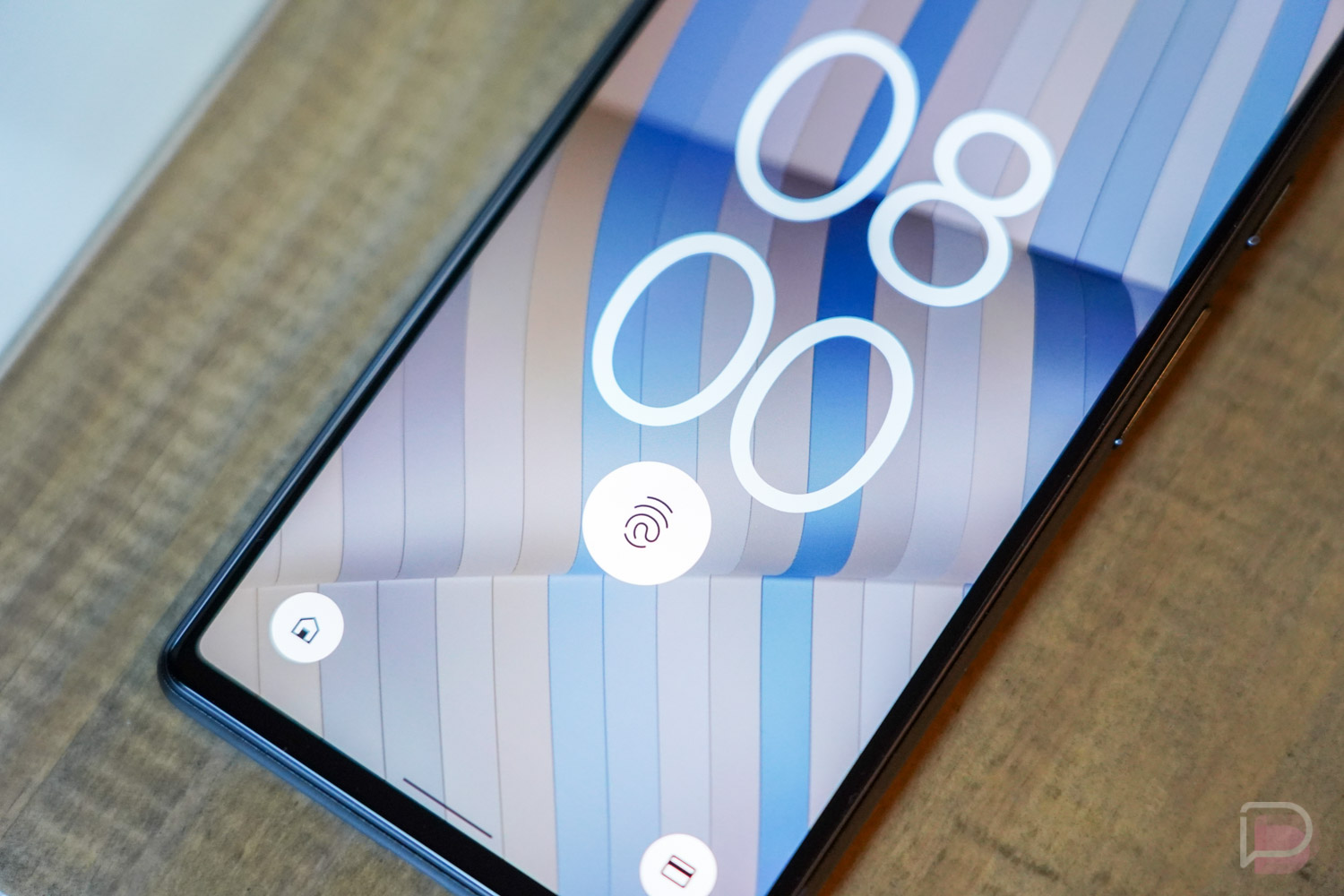

Google issued a surprise update yesterday to the Pixel 6 and Pixel 6 Pro without providing any info around it. However, last night, we noticed that Verizon shared the details, suggesting that the tiny 15MB update was here to fix the Pixel 6’s slow and finnicky fingerprint reader.
Of course, we’ve flashed the update already. I know that many of you have as well. So the question now has to be – did Google actually improve the fingerprint reader with software?
At least a couple of our readers who updated right away – and before we knew this was aimed at fixing the fingerprint reader – had already mentioned that they thought it was quicker. Since you all know the fix at this point, many of you are fully convinced this thing reads fingers faster than ever. Few are non-believers, though, and we can’t help but wonder if this is some placebo magic tricking our minds.
I can tell you that I updated the minute the OTA files dropped, hours before we knew what the purpose of the update was. I didn’t notice anything out of the ordinary, but maybe that’s a good thing. Maybe the fingerprint reader was quick enough post-update that it blended perfectly into my life and was no longer a nuisance. I have been doing my best this morning to hit it from various angles and in different scenarios to test it and things do seem…better or quicker.
Anyways, I hope this takes care of one of the Pixel 6’s most annoying “features,” but you’ll have to tell us. Did Google do it?

Ha Ha Ha – how Google can release a phone with a janked authentication system in the year 2021 is laughable. Why they aren’t taken to task for this without mercy is beyond me.
Mine seems to improved.
The fingerprint scanner worked reasonably well; however, after I installed a SuperShieldz tempered glass screen protector, it has been very poor–even after the latest software update, and using enhanced sensitivity. I have been told that screen protectors must be Google-approved for the sensor work. Interestingly, the rest of the phone screen works great with the protector. But I have had to disable fingerprint unlocking.
Am I the only one who has no problem with the fingerprint reader? My Pixel 6 Pro’s reader worked near-perfectly from the first try and worked as well after I installed a Supcase Beetle case with inbuilt screen protector. I get maybe a 5% failure on the first try and don’t ever have a problem on the second unless my hands are terribly dirty (then it is pretty much impossible until I wash up).
No update in Canada until December. Eff u Google ????
I got the update yesterday and the fingerprint reader is still garbage. Mine works, at best, 50% of the time and very rarely on the first try. I miss the reader on my 4a5g.
still no update on my unlocked pixel 6 pro working on the verizon network.
Oh, man, night and day difference for me after installing the update. Much better than it was beforehand for me. Faster and I haven’t had any detection problems requiring repeated touches unlike I did since day one. Glad Google listened to the feedback so fast.
First of all I didn’t have a huge issue with the fingerprint reader and it worked about 98% of the time. However, once I put a screen protector on, the fingerprint reader has been pretty close to useless. Using it to unlock certain apps like bank, investments, medical, etc. was very frustrating. I downloaded the update yesterday and I have noticed that the reader has improved tremendously (with the screen protector on). I have followed other suggestions like turning up the sensitivity and making duplicate scans of my finger, but after the update it has been a noticeable improvement. I have a Pixel 6 Pro.
It is faster, but I also no longer see the blinding under-screen light either. I just assumed they disabled some portion of the read process.
I think it has improved on my P6 but I can’t say for sure quite yet.
I wasn’t dissatisfied with the fingerprint reader, but it seems faster to me.
I have found there to be no difference. It still works 95% of the time, and still takes a little bit of time for it to do so.
No difference here. Still a random event reader for me.
Works fine, but it worked fine before. Maybe slightly faster?
I see a major difference in my fingerprint reader. It’s noticeably faster to read my indices and my thumbs and it seems to accept partial fingerprints more readily now. TL;DR it works more reliably and doesn’t bother me at all after the update.
No difference for me after taking the update. I wasn’t having any major fps issues besides it being slower than most. This update has not changed that.
P6P UK still on patch 36. Yes I keep trying update.
Why did you flash it? Are you not receiving OTAs?
I didn’t have any issues before, but it does seem quicker now.
I think mine is better
Perhaps it’s because I’m coming from the 3 year old Pixel 3XL, but I really haven’t had any issues with the speed nor accuracy of the reader in the 6 Pro. Can’t recall a single time in the last couple weeks where it has been an issue at all –
Side note: when did DL get a dark mode slider in the bottom right?
No detectible difference
Definitely quicker IMO
Mine still doesn’t work because I have a glass screen protector. I’m not gonna raw dog this phone so they need to figure it out.
I’m not noticing a difference. When I first got the phone it worked about 70% of the time and just before I updated it worked about 20% of the time. After the update it still works about 20% of the time.
eh….maybe?
¯_(ツ)_/¯
Adding the same fingerprint multiple times resolved any issues I was having.
Didn’t for me. I have two fingers done twice. No luck at my end.
Seems slightly better. No so many misreads when it is acting up.
Feels better to me
I sideloaded the ota file and it does seem to not fail as much. I almost want to wipe my fingerprints and start fresh to see if there is a true difference or not.
Without a doubt faster and more consistent than before so far for me
not noticing an difference….
I generally don’t have a problem with the finger print reader. However I will say that the new update seems to have made the unlock time a little quicker some of the time. Other times it seems to be just as slow. What I will say is that I have not had a situation where I pressed my finger on the sensor which turned bright white, but didn’t unlock the phone. That would happen occasionally before. I don’t know if the update fixed that issue, or if I simply haven’t experienced it yet. Time will tell I guess.
Quicker.
Anyone elses download get stuck around the halfway mark? For only being 15 MB its been stuck at the halfway point for like an hour, when I try pausing and resuming it starts from the very beginning
I came from the face unlock on the 4 XL to a P6P and it took awhile to get used to. But to be honest, it wasn’t that bad. I preferred the face unlock but understand the change. After the update, “maybe” slightly better? BTW.. I bought an IMBZBK TPU screen protector from Amazon for the 6 Pro and to my surprise, it works well. If anything, it sped up the fingerprint reader. I’d prefer a glass protector but for now, it’s pretty good.
no update yet
I have an unlocked 6 Pro on VZW and I’m on SD1A.210817.036, no update available for me.
Unlocked 6 here. No bueno on an OTA for me either. I decided to sideload.
I don’t think I got the update yet
I notice it to be slightly faster on my end
Same as before. Works fine before and after
My issue has never really been with the fingerprint reader itself. It more has to do with the inconsistency of the Always On Display. Sometimes the fingerprint sensor shows up on AOD, sometimes it doesn’t, requiring me to wake up the phone first in order to activate the fingerprint sensor. Waking up the device from AOD is also a nuisance because Tap To Wake us also very inconsistent. About half the time, tapping the screen does nothing. I had to enable Lift To Wake, and even that isn’t consistent.
I also noticed at night, if in a dark room, when I pull my 6 Pro out of my pocket, the screen stays completely off, as if it was still in my pocket. I could go on and on about these little gripes. That said, first work problems… I still love my 6 Pro.
Same here
I had the same tap to wake issue. It just stopped working entirely, then my friend ran into the same. We ended up doing a factory reset. Pretty stupid.
I’m glad you mentioned the tap to wake issue because I am having the same! At least a few times a day the phone doesn’t wake when tapped and I have to hit the power button to wake it up…it is first world problems, but I never had that issue on either of my other pixels.
Have you altered any of the Animation scaling settings under Developer Options? Putting the settings back to default fixed my intermittent fingerprint sensor on the lock screen.
DUDE!!!! You, sir, are a gentleman and a scholar! You were 100% on the money! There’s NO way I would’ve been able to figure that out on my own. No wonder my buddy wasn’t having the same issue with his 6 Pro. The first thing I’ve always done with my Google phones is unlock, root and change all the animation scaling settings to 0.5x. This is the first Google phone I didn’t unlock and root, but I had still changed the animation settings. Changing them back to 1x fixed it. Kinda dumb that it would affect it, but I guess it makes sense how it would with timing out processes. Your post should be stickied or something, my friend. GREAT catch. Thanks again!
Exact same situation for me. I read it in the comment section of a different article.
I like it! Spreading the knowledge and helping out others. I appreciate. I, too, shall go forth and spread the good word to all my nerd friends. Haha!
I feel like its a little quicker, but I didn’t really find it to be that much of an issue before.
I don’t have a problem with my fingerprint reader to start with.
I find it equally consistent as my pixel 5’s reader.. but slower. It’s a “press finger down” not a tap.
I also don’t use a screen protector..
If it is faster what about all that ” enhanced security”
Optimized the code?
I went from having the same fingerprint programed 5 times to only having it 1 time. It definitely seems faster too.
That’s because your 5 duplicate finger prints weren’t really helping before…….
Im wondering if this was more for people with “unofficial” screen protectors
Just finished the update. My FPR is MUCH faster and MUCH more consistent. I like it!!!
I can’t say I see any difference, but I didn’t have any issues before the update.
I can finally use the fingerprint reader with my (unapproved) screen protector, and it reads and unlocks like 95% of the time.
Glass or plastic screen protector?
Glass, plastic haven’t had the issues
Yeah, I’ve heard there is issues with glass screen protectors. That’s why I was curious. Personally I don’t use screen protectors. I’ve tried them in the past but I could never put them on right. I either get back alignment, dust or air bubbles. I just gave up.
Still not perfect, but certainly quicker and less failures.
I’ve noticed the improvement on the fingerprint
Im gonna purchase a new screen protector and try again!
Liquid glass works like a charm
https://uploads.disquscdn.com/images/cc765d9407b19c3d10a120b330f9e0fd2ca30b5e140ab0d466410c27f48ce832.jpg
It is faster for me
Yes. I didn’t really have any issues before, but it’s noticeably quite a bit quicker now.
I haven’t received the update yet…
My alot faster and better
i havent seen any difference myself, but the real question is, did this improve anything with the “non” google approved screen protectors
It’s not any faster but I definitely don’t need to put a lot of pressure so it can read “more” of my fingerprint.
That’s a huge improvement for a random mid month update.
I think the fingerprint reader is quicker, but I am still prompted to enter my PIN 15-20% of the time even after my fingerprint is recognized. I have the 6 Pro on Google Fi. I installed the latest update in the afternoon of Nov 16.
What’s going on here? Is it literally not recognizing it? Mine is deff kinda slow but never had to put on my pin.
It looks like it recognizes the fingerprint, but then it also asks for the PIN. It isn’t everytime. My hands aren’t dirty. The screen isn’t dirty. No screen protector. It’s
Do you have smart lock turned on?
This. Seems like Smart Lock is locking the phone when it loses location while sleeping. This is really obnoxious.
That has been my experience also. I turned it off and don’t get locked near as often.
I don’t have a phone with an under the screen fingerprint but everyone I know that does mentions that it doesn’t work a significant amount of the time. My dad has a S20 FE and he’s always saying how it doesn’t work a lot of times. A lot of times were he has to enter his PIN because of too many failed attempts. When it happens his thumb isn’t dirty, wet or oily. It seems like it’s just how optical fingerprint sensors are.
It seems better to me. I used to get the “not recognized” notification once in a while but so far, I have not seen it and I seem to be getting into the phone faster.
I don’t see a difference
Same here. I think this is more for placebo magic.
It’s not. I didn’t even know what the update was for when I got it yesterday, but I noticed right away that the fingerprint reader was working a lot better. It’s much quicker, especially when unlocking straight from the always-on display.
Maybe some are better/worse than others because mine still takes a good one Mississippi to unlock
Same here. Got the update when everyone was wondering what it was and immediately felt like fingerprint unlock was better.
I also see no difference. It was good before, it’s still good now.
Did you feel a difference? ????
Agreed. No change at my end either. I tried it very carefully… and same results.