

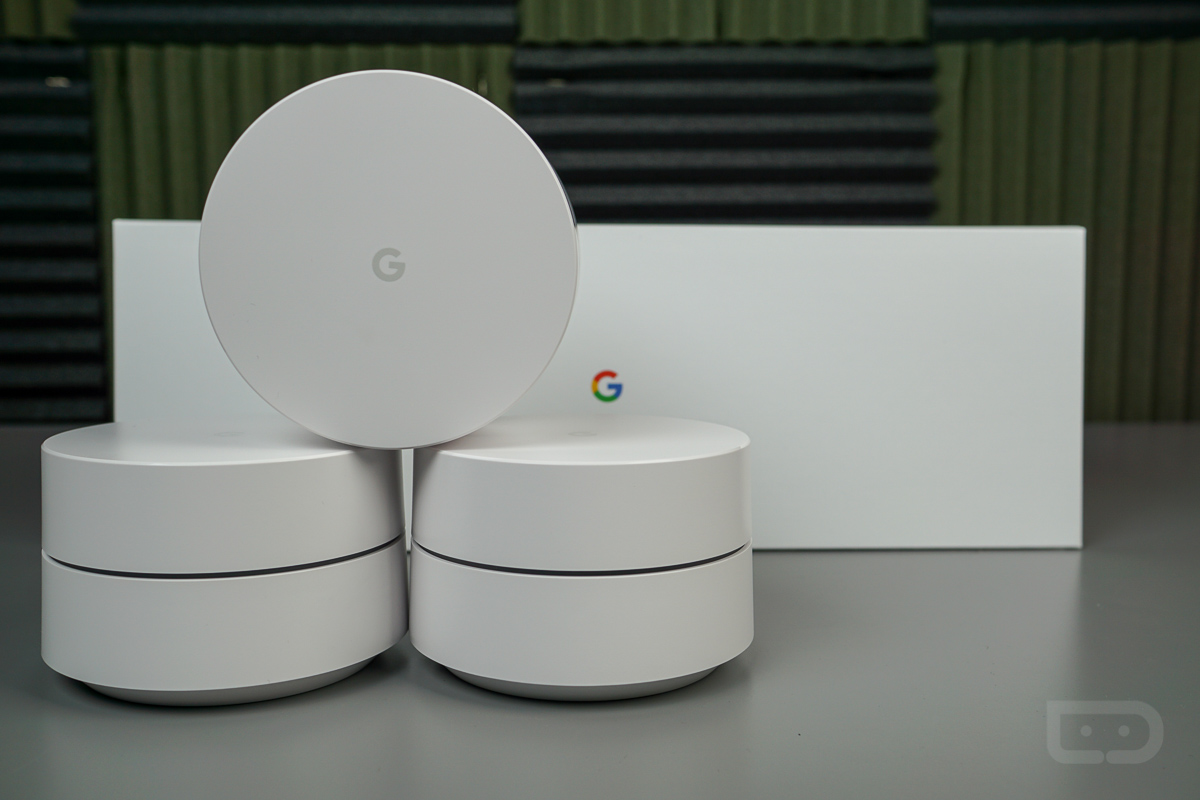

This week, I took to the task of hooking up Google WiFi throughout my home. It’s quite possible that someone reading this is also going through the same process, or is possibly thinking about trying out Google’s mesh network hardware. With this post, I’ll go over the basics of setting up Google WiFi, then provide my initial thoughts.
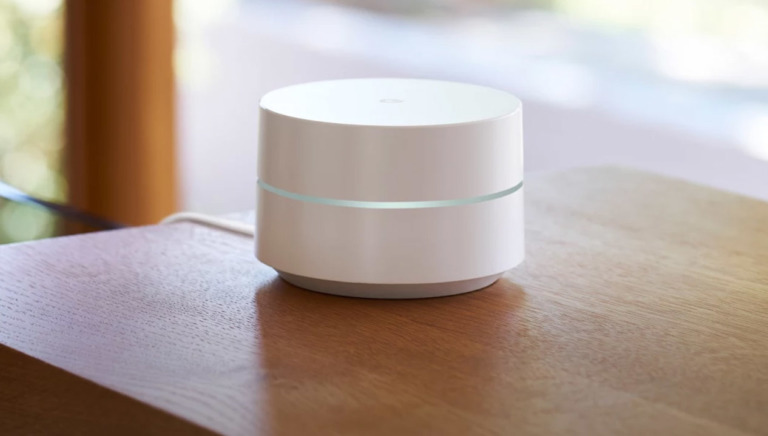
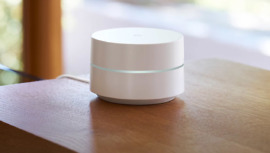
To provide a basic overview of what Google WiFi is, something we have done previously on multiple occasions, here’s the rundown. Google WiFi is a “mesh” router system that helps blanket your entire house with WiFi. Instead of having a single wireless router in your office or kitchen that can’t stretch to your upstairs or wherever in your home, a system like this allows you to reach all the nooks and crannies with WiFi signal. It’s essentially modular in that you can add on more Google WiFi units as needed, depending on the size of your home.
As detailed by Google, one WiFi point is capable of blanketing an area of 500 to 1500 square feet, while a 3-pack of units can span across an area of 3,000 to 4,500 square feet. How many you choose to use is entirely up to you, though.
Now that that’s out of the way, let’s get to hooking up Google WiFi.
Attack Plan
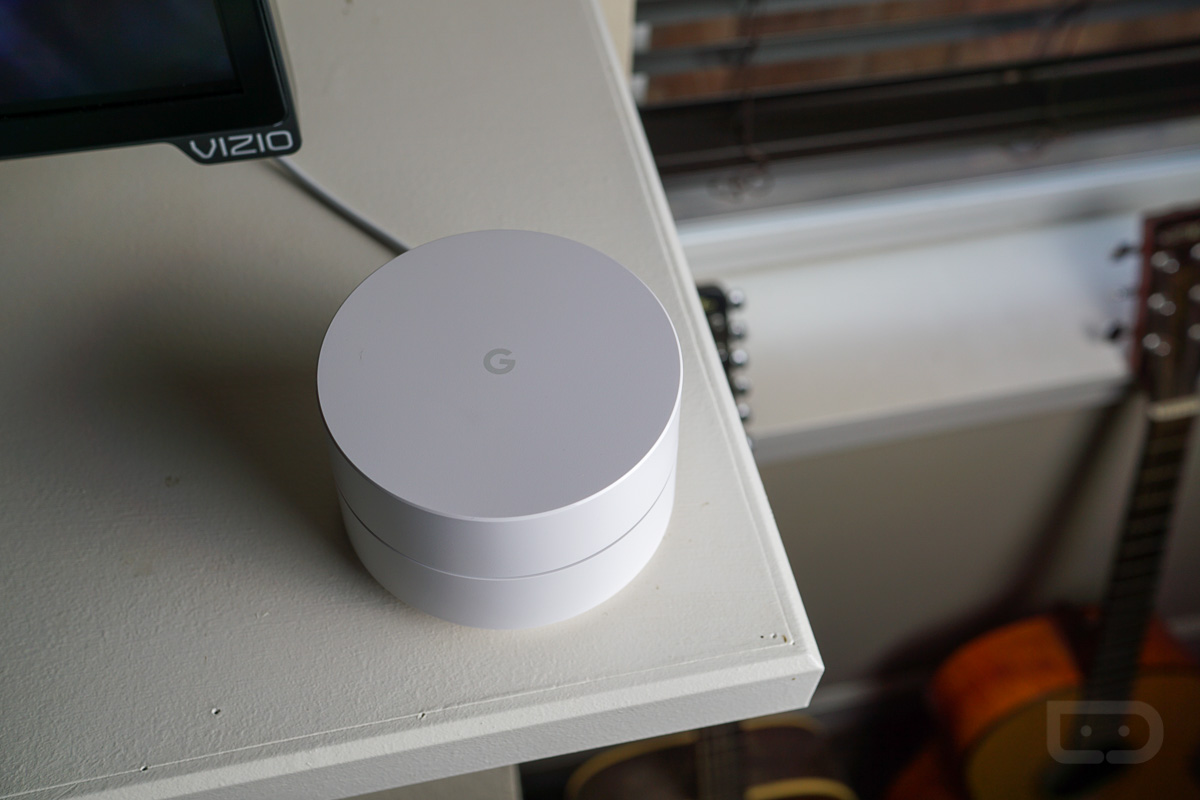
Being like most other dudes, instruction manuals are my worst enemy. I mean, how hard can something possibly be, right? Well, allow me to spare you any potential frustration and boredom and just tell you that reading the instructions is a good idea when setting up your new WiFi network. Not only is it a good idea, but given that this is Google, it’s incredibly simple and nearly automatic with the user needing only to plug in a couple power cables and pressing the “Next” button a few times during start-up. Seriously, setting up Google WiFi is extremely painless, so reading the instructions will at least give you something to do during the process.
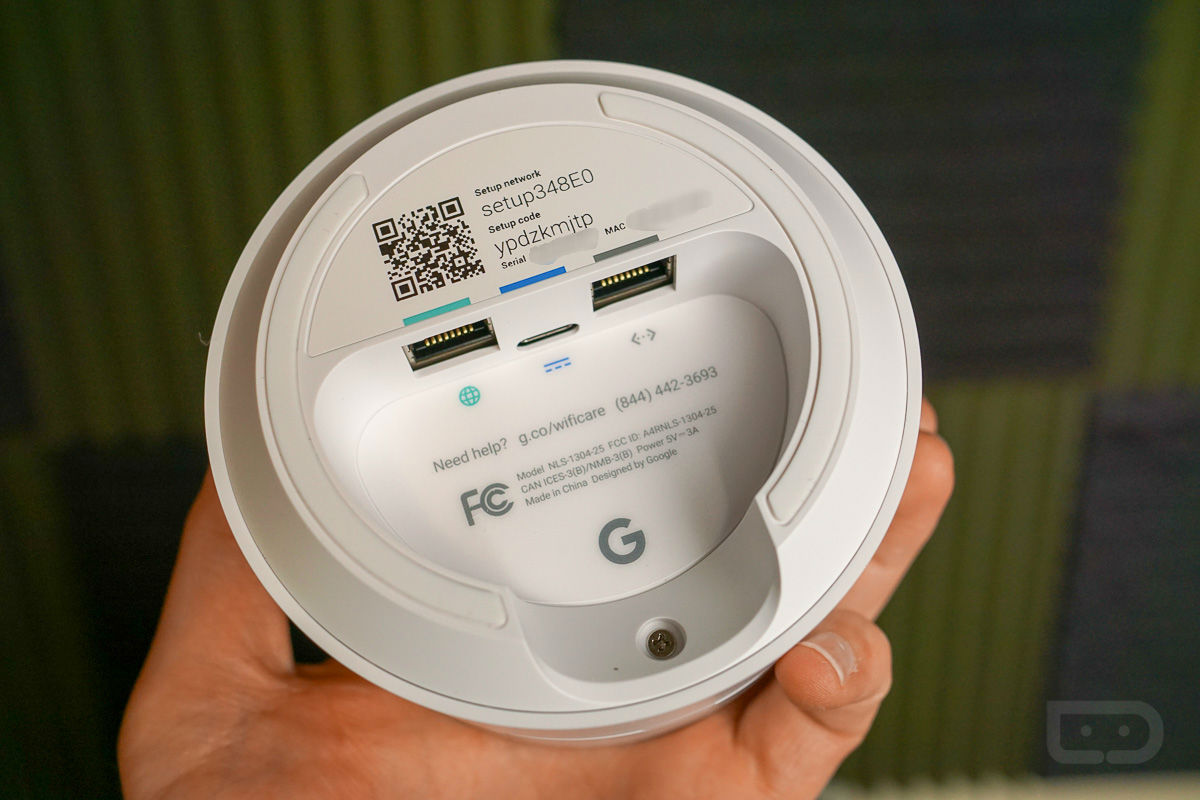
To begin, you hook-up your first Google WiFi router (aka WiFi point) directly to your modem with a provided Cat 5e (Category 5) cable. Then, plug in the WiFi point to wall power. From here, open up the Google WiFi application that you download from Google Play. The first part of setting up Google WiFi is connecting your first WiFi point to your smartphone via Bluetooth. Making this step a breeze is a QR code on the backside of each WiFi point. During setup, the Google WiFi app will open up the camera via an API and you will snap a shot of that QR code. The connection is then made automatically.
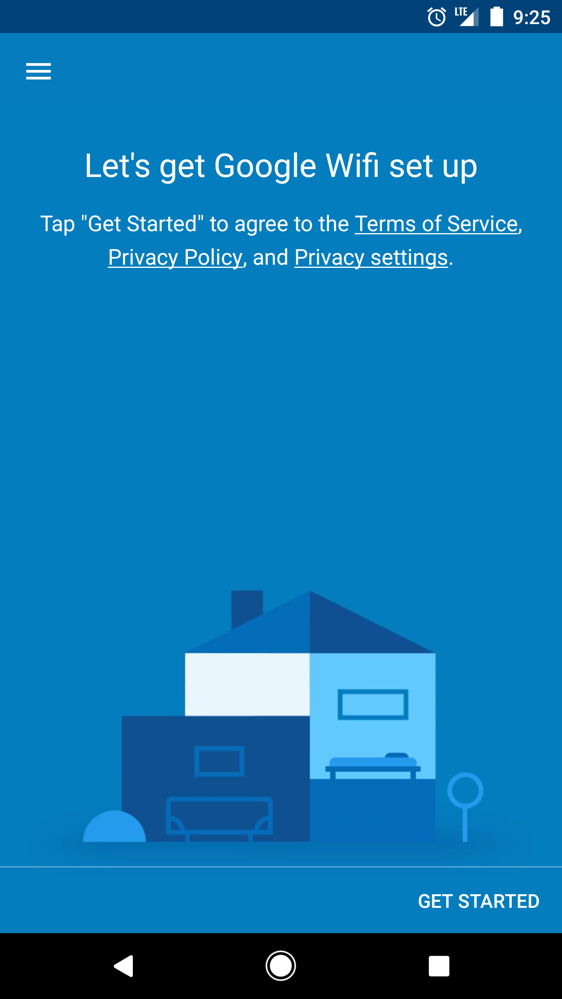
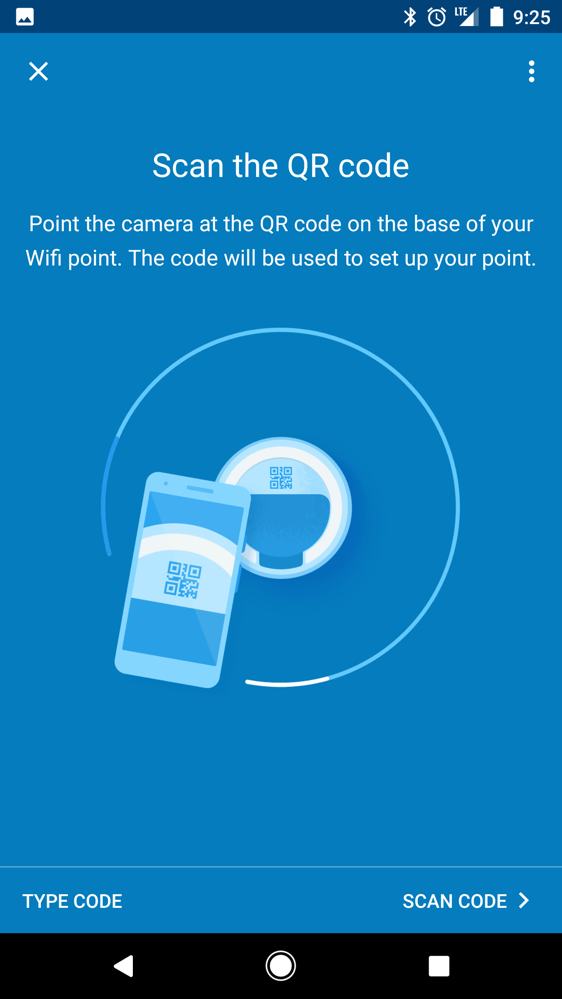
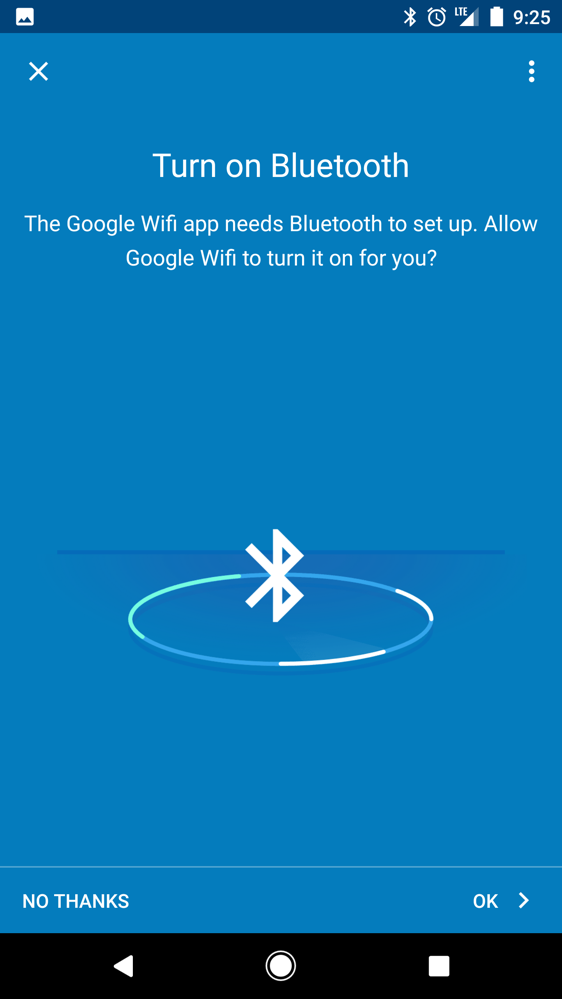
Once you have your phone and first WiFi point talking to each other, the real fun begins.
With the first WiFi point powered on and connected to the Internet thanks to a successful link with your modem, you can begin naming your network and establishing a password.
IMPORTANT – For anyone not wanting to completely rename an existing WiFi network and reconnecting each device you have in a home to a new network with updated password, simply give the new Google WiFi network the same exact name and password as the previous network.
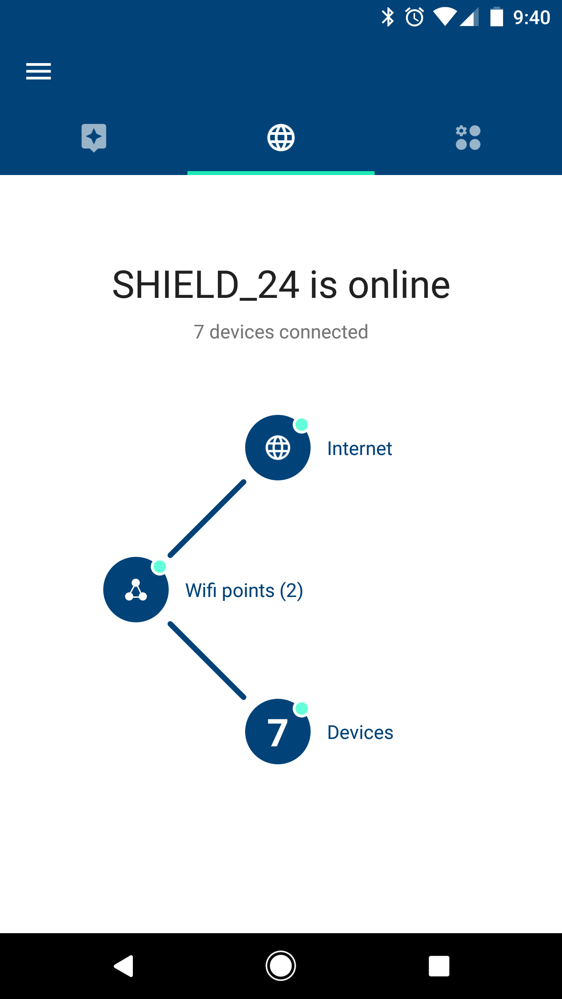
For example, my previous network was called SHIELD_24. In setup, I gave the same name, SHIELD_24, and then set the same password. At time of completion, I witnessed all of my devices automatically connect to the new Google WiFi network (Google Home, SHIELD TV, Ecobee, smartphone, Xbox, etc), saving me a ton of trouble. Of course, you can choose a new name and password anytime you want, but again, that comes with more work. On top of that, with my previous ASUS router, I elected to choose if a device was connecting to a 2.4GHz or 5GHz band myself. With Google WiFi, it selects all of that for me based on what’s best, so no longer do I see two options (one for 2.4GHz, one for 5GHz) under all of my devices’ WiFi settings. For me, this really makes Google WiFi a nice little investment.
Setup of Additional WiFi Points
Once your first WiFi point is good to go, it’s time to connect any additional points you need. For my home that has two floors (downstairs and upstairs), I’m only using two points, since I don’t feel the need to run the entire 3-pack. If your home is larger, hookup as many as you see fit.
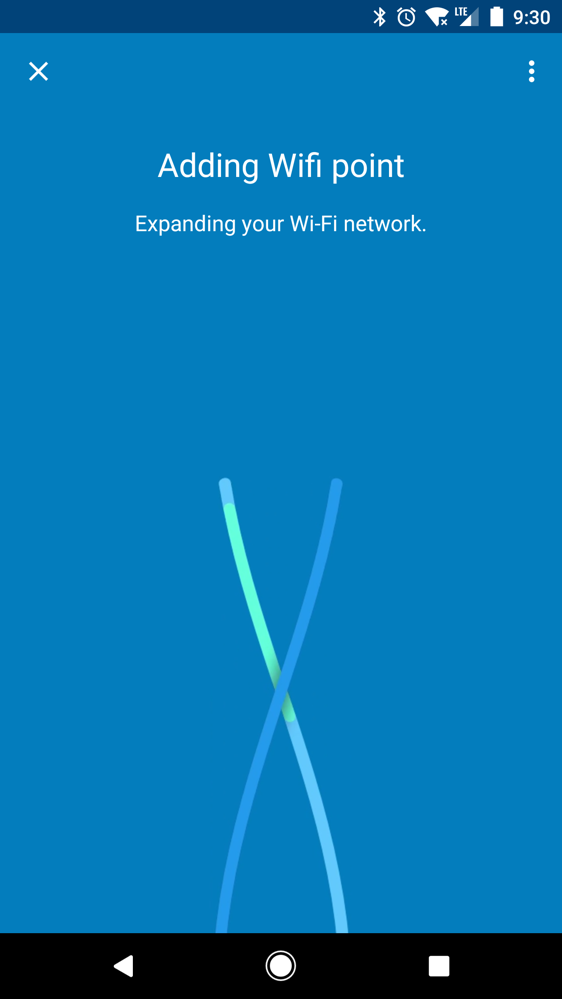
Just like the first WiFi point, setup of additional points is a breeze. Simply plug in the additional point to a wall outlet where you want it with the provided cable, then the Google WiFi app handles the rest. In the app, you will see it say, “Expanding your WiFi network.” Once it completes, the app will tell you to either start the same process on any additional WiFi points, or will ask to begin its software updating process. Provided I only added one new WiFi point, I was ready to finish the installation and setup process.
Completion and Network Management
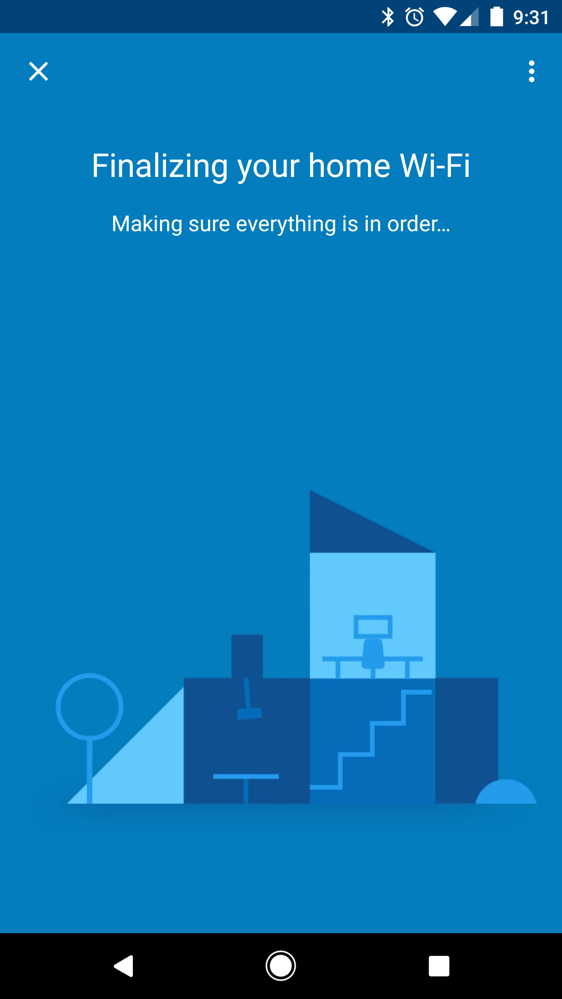
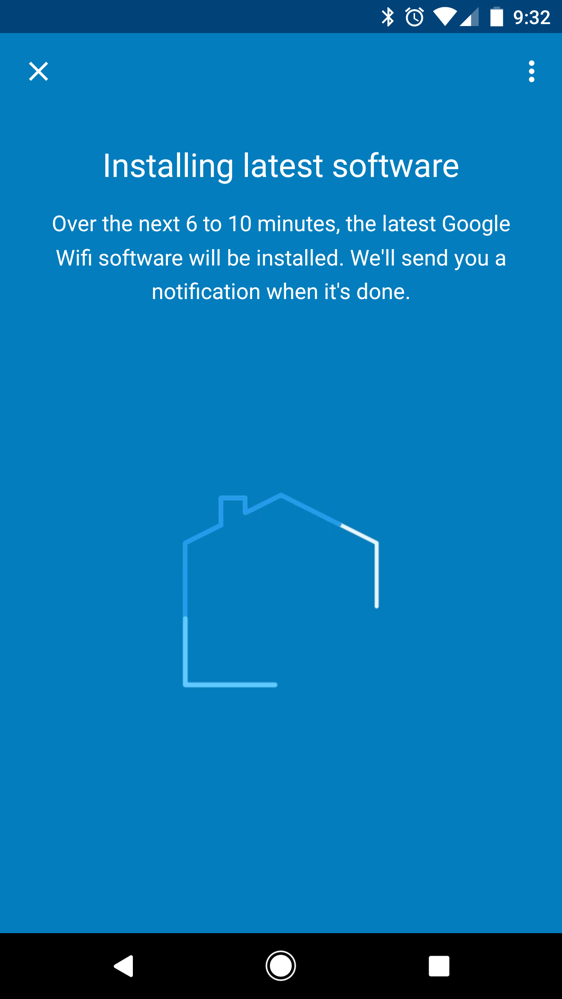
After all of your hookup and setup is complete, the Google WiFi app prompts you that it will begin downloading the latest software from Google for the hardware. For me, the process took about 7 minutes including network reboot and that will vary depending on how fast your Internet is.
Once the update is completed, you’re given a virtual tour of your network in the Google WiFi application.
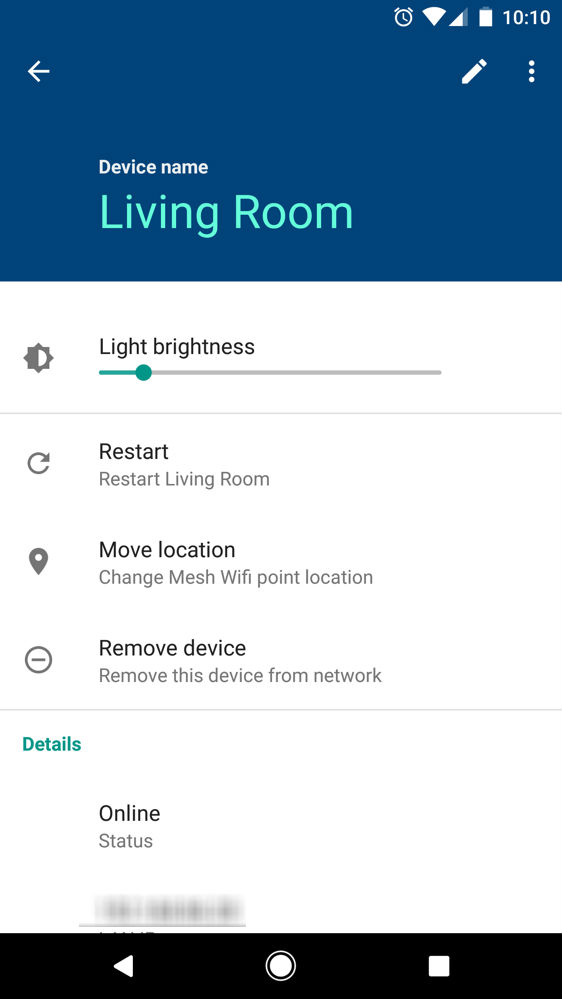
With the Google WiFi app on your phone, all of the network’s settings can be managed, making the setup of a Guest network or troubleshooting an issue with a WiFi point very straightforward. Beyond that, brightness control of each WiFi point can be controlled, as well as Advanced Settings, such as Port forwarding, Network Mode, DHCP IP reservations, and more.
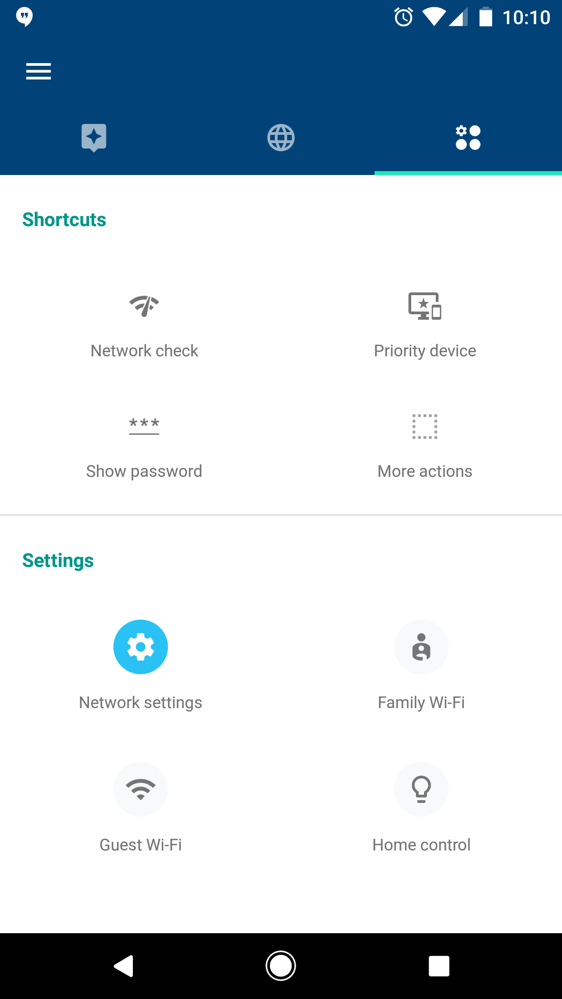
Another setting built into Google WiFi is the ability to pause the network. Not only can you pause it for all devices, but maybe more importantly, you can pause it for specific devices or even a group of devices. Say you have kiddies that enjoy staying up past their bedtime and are constantly on Snapchat or Instagram, you can pause the network just for their devices at bedtime, putting a stop to the midnight madness. While the network is down for them on their devices, mommy and daddy’s WiFi is just fine for a little bit of Netflix and Chill.
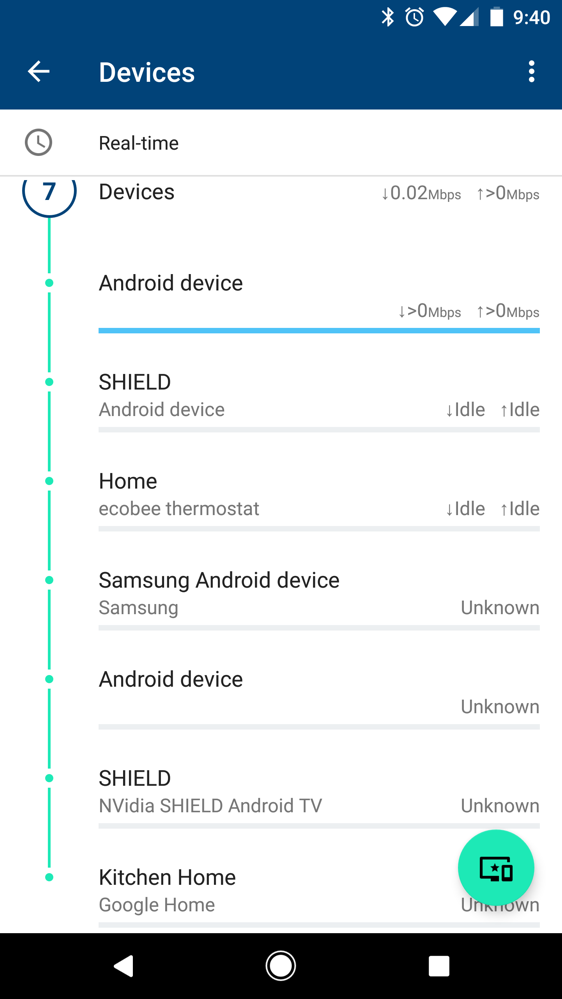
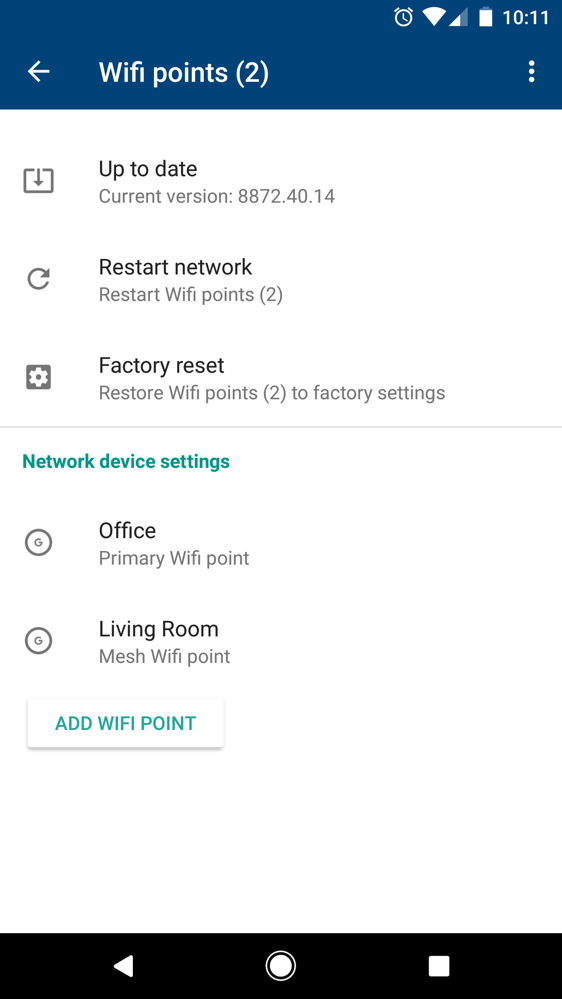
In case of a network issue, the Google WiFi app will also alert you via a notification, as well as provide basic troubleshooting tips. Typically, a network reboot may solve any problems, but it’s a nice touch to have the hardware monitoring itself instead of having to master the light codes on older routers.
Initial Thoughts
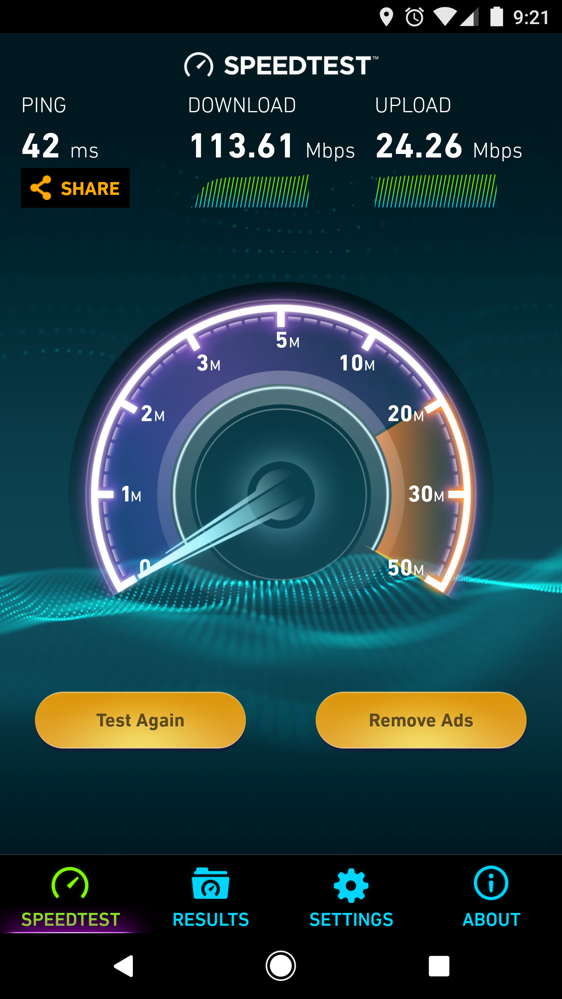
I have had Google WiFi setup for a couple of days, and so far, everything has been great. I’ve been noticing better speeds throughout my house, which was really the main idea behind upgrading to a mesh network in the first place.
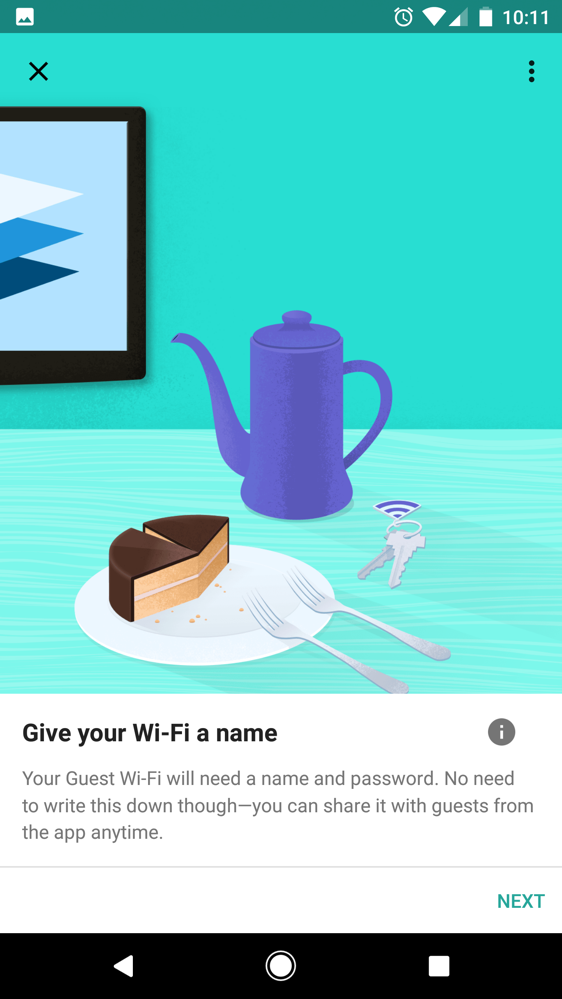
As for features I’ve been using personally, I have really enjoyed the ability to troll my friends with the Guest WiFi. Since you can name it to whatever you’d like and also set a unique password, I can name it something funny and ridiculous, always leading to an easy laugh. Beyond that, I don’t have children, so pausing the network hasn’t been used, and I also haven’t had any weird outages or hiccups in ISP service. Once and if something such as that happens, like a problem on Comcast’s end, then I can come back and share any important details on how it possibly affected Google WiFi.
So far so good, though.
Before Google WiFi vs. After Google WiFi
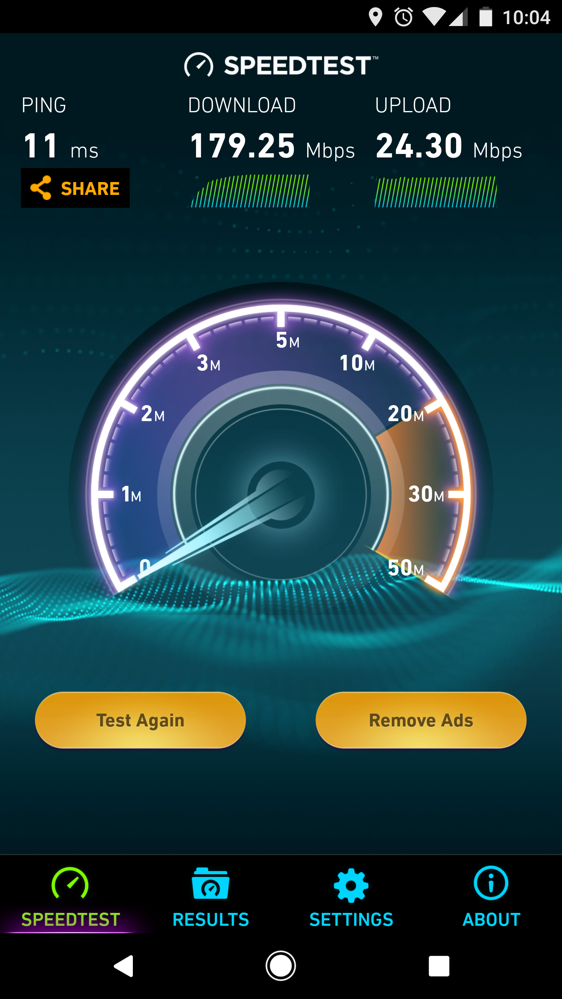
One downside I’ve ran into, though, are the lack of ethernet ports on the WiFi points themselves — there’s a single ethernet port on each point, even the main point that plugs into your modem. While my WiFi network is plenty fast to handle what I need typically, I personally enjoy having two specific devices physically hooked into my network: Desktop computer and Xbox One. When gaming or uploading a video review to YouTube, I don’t want some WiFi issue to cause a problem. Now, so far, I haven’t had any problems, but it’s something that sits in my head nagging at me.
While I could simply hardwire the devices individually when I am using them, switching the Cat5 from desktop to Xbox and back whenever, that was never something I needed to do with my previous router since there was four ports. So, if you find yourself hardwiring multiple things in your office or living room, going down to a single port may be tricky for some.
Overall, the setup and impression of Google WiFi is nothing but positive. The fact that it’s so easy to hook up and just works really allows me to recommend it as a good entry option for anyone interested in the mesh network concept. Now, I’m not saying it’s the best option, but it is a great one at the price. For $299, you are getting a 3-pack of WiFi points, which is cheap when compared to setups like Eero and Orbi.
If you have a specific question regarding Google WiFi or want to share your experience, share it down in the comments.




Does the Google Wifi have the ability to load a vpn onto the router so all traffic goes through a vpn?
I have Frontier FIOS/router. Do I have to turn off DHCP on the FIOS router and disable the WiFi. Also, do I just plug in the Cat5e cable from the Google to the ethernet port on the FIOS router to get internet connection to the Google. I have the Google on order. Just trying to get ahead of the process.
I have the same question. I received my Google Mesh Wifi routers yesterday and wanting to make sure I do it correctly. I have the Frontier provided Actiontech MI 424WR modem/router.
I also would like to know about connecting to FIOS router. I didn’t see that you have received a response yet, if you do please let me know. Thank you
I figured it out for myself. No one replied. I just turned off the WiFi on the fios router. I transferred the devices that were plugged into the fios router to a separate switch. I then plugged the switch into the Google WiFi spare port. Plugged the Google WiFi into the ethernet port on the fios router and came up fine.
Droid Life very good at reviewing products. They covered every single detail. Whenever they review a product I jumped to the queue and get it and this one seems to be mine very soon
FYI – the satellite points repurpose the WAN port to provide two wired ports (WAN side, and LAN side). With my 3 point setup, I am using the 5 free wired ports (TiVo at the master point, Ooma+PC at 2nd point, and game console and PC near 3rd point), plus wireless. 5x connection speeds over prior linksys router. Setting a priority for some devices temporarily (ex. Roku during HD movies) ensures no buffering. I love the system.
just set mine up last week, I bought a three pack It’s a easy setup.
Nice if you can’t or don’t want to run any Cat6 around. But if you can do that, and you’re slightly versed in networks, you would be better of with a Ubiquiti type setup.
Can you hard wire one into the other via an ethernet switch? I currently have a router daisy chained to another upstairs at the moment so both have good speeds. Can I do the same with Google Wifi and have only 1 wireless point?
Yes, I have mine hardwired. You will daisy chain them from the LAN port on point 1 to the WAN of point 2 and then LAN 2 to WAN on your point 3. I used an ethernet switch on two of my points to daisy chain and provide additional LAN ports.
What would immediately sell me on this product: VPN service to Google servers. Just like the WiFi VPN service with Android connectivity services on Nexus/Pixels.
I currently have a lifetime VPN service from a Stackexchange offer, but I’m assuming a Google VPN would be quicker.
Does Google WiFi even support VPN services?
What types of firewall settings does Google WiFi provide compared to e.g. ASUS router software or DD-WRT?
Can I buy a 3 pack, use 2 in my house and give one to my brother to use?
Yes
does google wifi have any filtering options built in?
I just set mine up tonight (only using two, bought a three pack with a buddy to split the cost) and I was amazed at how easy the setup was. My connection seems improved as well, drawing about 15% better speeds and no stuttering. Super impressed so far.
Does it support G.hn and MAC filtering?
Tim, what setup did you have on the first speed test result, before you installed Google Wifi?
Arris Surfboard (SB6190) to ASUS N900.
Do you have a speed test comparing the main node vs the second wifi point? Are you getting comparable speeds through both, or is the second point noticeably slower? (I would expect some slowdown for secondary points, as it has at least one extra hop to reach the internet … just curious how significant or if it’s not even noticeable).
I pre-ordered it and he’s right….doubled my speeds…setup can be done by anyone with the simple ability to read….its pretty amazing…
as far as the one port…get a switch, you’ll live…
Yup, switch is fine, not the end of the world. I actually hooked up the 3rd point in my office alongside the first and just have the Xbox wired into that. Works like a charm 🙂
Have you tested plugging a separate device in a satellite point to the WAN port that is supposed to function as a LAN port?
Yeah, have my downstairs NVIDIA SHIELD wired in via ethernet. Works great so far, but haven’t tried streaming any UHD content yet…
If experience tells us anything, 4K may need a bit more “power” then wireless.
Hey, quick question: I see that your speeds increased. I presume that’s same device/same space. What I’m wondering is “how good was the router it replaced?” I have a pretty decent router in my house and only have a couple cool spots. Would this increase my overall throughput that much more?
this stuff is boss….waiting for samsung to duplicate so we can all make fun
Exploding ‘hot’ spots…. BA DUUMP CHHHH
i dont get it…..oh wait, that jokes on FIRE!
I have mine getting delivered tomorrow. Pretty excited to play with it.
Why are you using Cat5?
Good question. Google does not specify the type that comes in the box, but I’m assuming it’s the Cat5e, not Cat5. I’m no IT specialist, so I just know it as a Cat5. After a bit of Googling, I still don’t know exactly what Google WiFi ships with. If I find out, I’ll update.
Direct from Google rep – “It’s a Cat5e”
By the way, get switches not hubs. Switches are much better.
By the way, get switches not hubs. Switches are much better.
So ho do you figure out where to place the remotes. Do you try to find the point where wireless starts to fade an put on there or do you put it where wireless stinks. The answer to this I guess is how do the individual remotes communicate. Do they use their own radio not on the 802.11 spectrum with more power output or do they simply use a different channel on 802.11.
You just place them (set up) wherever and the app will tell you whether or not you need to move it.
TBH, this write-up by Tim is more complicated than actually setting up Google WiFi, lol
Oh, I agree completely. The process is so straightforward, but was sorta just going over the entire thing from start to finish in case someone wanted to know the details.
I’m wanting to pull the trigger on a 3 pack here soon. If I place one unit with my router and another in my bedroom with my Xbox and plug in Ethernet does that essentially make my Xbox hardwired ?
I believe these replace the router and then you add switches as required.
Yeah, pretty much but you’d be wanting to replace your router with one of the three (this will become your main router/unit) and then when you place the other 2 wifi points, you can attached the ethernet cable to one of those and be “hardwired”.
Thanks for the reply it’s good info to know. Helps make my decision pretty easily then!
Anyone know how to set up a Google WiFi mesh where your main router is NOT an OnHub or Google Wifi (N600 to be specific)?
https://support.google.com/wifi/answer/6280578?hl=en
So far so good, loving mine. Added a 5-port switch and I’m golden.
Now all Google needs to do is offer different colors of WiFi Points; wouldn’t mind a black/grey/brown unit.
SN: I find the messages that display on the app while you’re waiting for updates/connections are kinda humorous, like Google wants to give you something to do while you’re waiting.
Tim ,
You can get an Ethernet Switch to add more Ethernet ports. There less than $20 on Amazon.
Also, as I noted in an earlier comment, beyond the primary Wifi point, both of the LAN and WAN ports on the other Wifi points act as LAN ports, so really you get 2 LAN ports per device. Sounds like that would work out right for Tim’s needs (Desktop Computer and Xbox One).
Just came here to say the same thing.
Even though i don’t currently need this, because it’s a new Google toy i want it badly.
even after all of that below….I still want it haha
Damn now I want one too.
As do I man. Not even close to being a need. This is 150% a want solely because it’s a Google product haha
“So, if you find yourself hardwiring multiple things in your office or living room, going down to a single port may be tricky for some”
Umm…Connect a switch.
Shhh! You’re going to make people think too hard.
What is this switch you speak of? Lol.
https://www.amazon.com/gp/aw/d/B00A128S24/ref=mp_s_a_1_2?ie=UTF8&qid=1483042971&sr=8-2&pi=AC_SX236_SY340_FMwebp_QL65&keywords=ethernet+switch&dpPl=1&dpID=41gA0C8IAOL&ref=plSrch
Thank you!
Go to amazon.com and type in ethernet switch.
https://uploads.disquscdn.com/images/18c52ec0c2e1424d2abefcd537b4a57090192a43322032e1bd01cb89c3cb259e.jpg
BWAHAHA! THIS! You win the interwebs today, sir!
Google is paying 97$ per hour! Work for few hours and have longer with friends & family! !mj144d:
On tuesday I got a great new Land Rover Range Rover from having earned $8752 this last four weeks.. Its the most-financialy rewarding I’ve had.. It sounds unbelievable but you wont forgive yourself if you don’t check it
!mj144d:
➽➽
➽➽;➽➽ http://GoogleFinancialJobsCash144MarketDirectGetPay$97Hour… ★★✫★★✫★★✫★★✫★★✫★★✫★★✫★★✫★★✫★★✫★★✫★★✫★★✫★★✫★★✫★★✫★★✫★★::::::!mj144d:..
Google is paying 97$ per hour! Work for few hours and have longer with friends & family! !mj159d:
On tuesday I got a great new Land Rover Range Rover from having earned $8752 this last four weeks.. Its the most-financialy rewarding I’ve had.. It sounds unbelievable but you wont forgive yourself if you don’t check it
!mj159d:
➽➽
➽➽;➽➽ http://GoogleFinancialJobsCash159HomeCentralGetPay$97Hour… ★★✫★★✫★★✫★★✫★★✫★★✫★★✫★★✫★★✫★★✫★★✫★★✫★★✫★★✫★★✫★★✫★★✫★★::::::!mj159d:….,…..
Google is paying 97$ per hour! Work for few hours and have longer with friends & family! !mj35d:
On tuesday I got a great new Land Rover Range Rover from having earned $8752 this last four weeks.. Its the most-financialy rewarding I’ve had.. It sounds unbelievable but you wont forgive yourself if you don’t check it
!mj35d:
➽➽
➽➽;➽➽ http://GoogleFinancialJobsCash35DirectGroupGetPay$97Hour… ★★✫★★✫★★✫★★✫★★✫★★✫★★✫★★✫★★✫★★✫★★✫★★✫★★✫★★✫★★✫★★✫★★✫★★::::::!mj35d:….,…..
it is annoying that they only have 1 ethernet port… why not have at least 2? I guess the focus is wireless but wired remains superior in many use cases.
someone help me out here…..I dont understand why I would buy this. I have Fios and pay for 50 download, 50 upload….I get that just fine in my house. I have the router right in the middle of my house, which is 2000sq ft. No matter which way I go, where I go, I get pretty much full bars with 48-52 of speed on all my devices.
Based on what you’ve said, you don’t need this.
For some people, however, depending on the construction and/or layout of their home, there may be dead zones, or areas where the wifi signal is significantly weaker. This system would likely help those folks out immensely.
thanks, as above. I like my toys….I was trying to find a reason to buy this and read way more into it than needed.
You answered your own question Howard. This isn’t meant for someone with a setup like yours.
thanks! I honestly read into this way too much….obviously. I was trying hard to find a reason to buy it. I thought I was missing something.
No worries. I’m a simple man, I see Google, I want to buy it. So I know what you mean haha.
I feel you there. I want this, but I have no need for a downgrade. Right now I rock at Nighthawk R7000 that I bought 3 years ago for $300. It covers all of my house: basement, 1st floor, second floor, and outside on my patio with ease. All at AC1900 mind you. Google WiFi is only AC1200. Sure, I only get between 150 and 200 mbps from Comcast, so as long as that bandwidth is covered, I’m fine, but still, I see this as a downgrade to my currently working great setup.
Then you don’t need it. Simple really.
Though I will say one advantage to these google routers is automatic updates. for my OnHub, I’ve had several security / product updates, and it’s never given any of the client devices any issues. updates on other routers are a PITA (for the average Joe).
Wish I had it that easy. On another note, is FIOS still only offering those meager speeds up in the Northeast part of normal packages?
For the satellite devices, I thought both the lan and wan ports could be used to connect hard-wired devices. I just got my set of 4 wifi devices when I got home last night and they’ve been working great. I’ve not tried to use both network ports on a satellite device yet, however.
“Ports
Two Gigabit Ethernet ports per Wifi point
WAN and LAN on primary Wifi point; both act as LAN ports on additional Wifi points”
You bought 4 points? Google states 3 is recommended for a 4500 sq/ft home….How big a house we talking here hoss?
3 stories right around 4500 and I wanted coverage for the back deck as well. I also have Ring cameras outside the house that needed connectivity.
Im guessing that 3 would have covered you. These have excellent beam forming capabilities. 4s a sure shot!
When I had the first 3 setup, the kitchen point quality was not on “good” and the Ring cameras at the South end of the house outside did not have good connectivity. Perhaps it is the all brick outside? Not sure, but I was glad I had 4 points to improve coverage. It does matter how they are placed of course. We’re also Verizon customers in a Verizon “dead zone”, so we wanted coverage for some of our outside area too (living on 3+ acres). We could have survived on three points, but 4 did give us the best coverage.
Setup a three pack for my parents. The process was very straightforward and easy. The coverage is spectacular. With the whole family there for Christmas, we had 22 services connected and the system didn’t miss a beat.
We have 4 points setup and Google just emailed me to say we have 42 devices connected. We have Ring cameras, phones, computers, 20 port switch, Nest and Wemo devices all over the house and it’s all working flawlessly. It’s a beautiful thing.