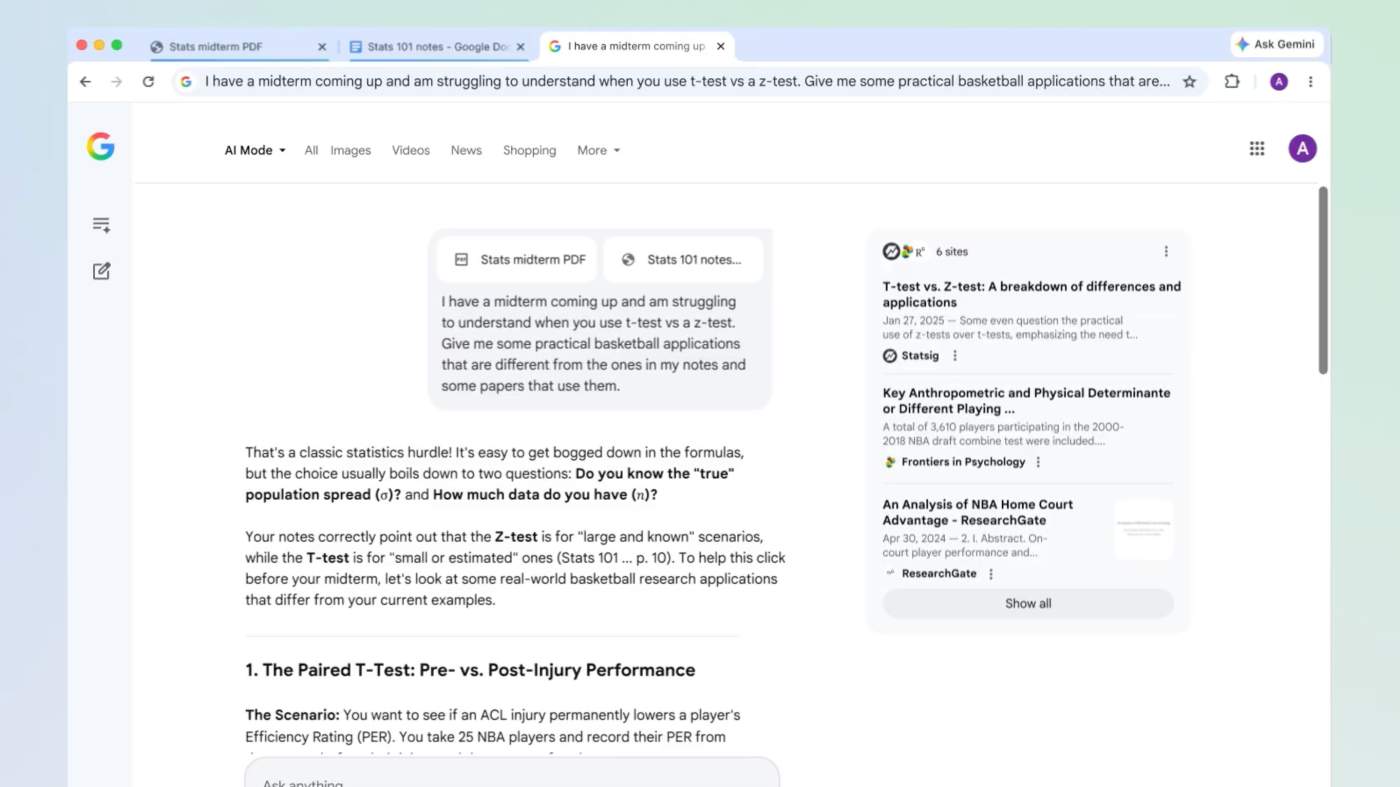

Google is rolling out an updated experience for AI Mode on Chrome for both desktop and mobile users. During a roundtable event with media this week, the company said the ultimate goal is to, “Help people dive deeper into topics while searching AI Mode alongside the web, all without losing their place or needing to switch between tabs.”
To facilitate this, when a user is in AI Mode on Chrome for desktop, clicking a link opens the webpage side-by-side. Google says this change makes it easier to visit relevant websites, compare details, and ask follow-up questions while still maintaining the context of a search.
Shopping for a specific product is the example Google uses for this. Let’s say you want a new lawnmower, given it’s that time of year. After determining a model you might like, you can use AI Mode side-by-side to ask questions about said model. Is it easy to maintain? What type of warranty does it come with? Using context from the page and
from across the web, AI Mode will share insights you’re asking for, helping the user make an informed decision.
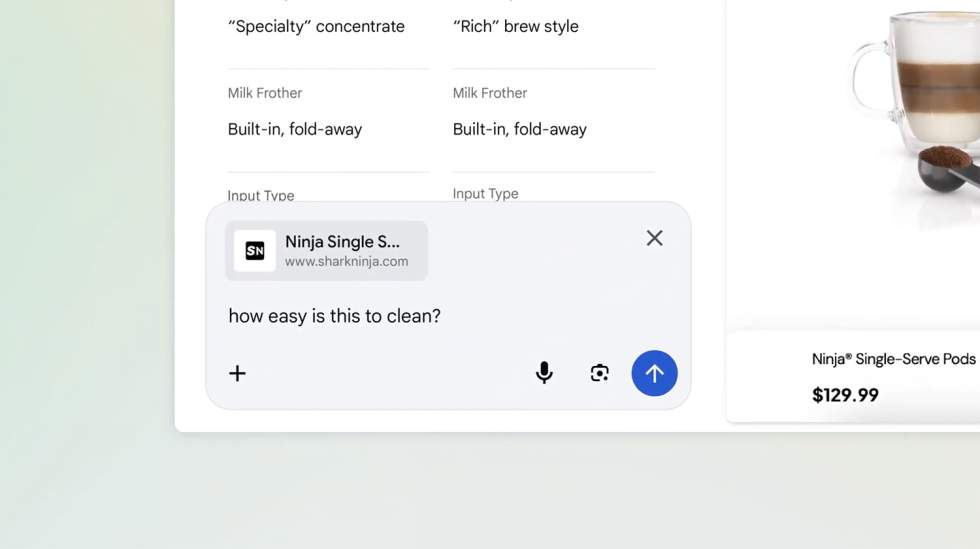
Add tabs to a search: On Chrome for desktop and mobile, you can tap on the new “plus” menu in the search box on the New Tab page (or the existing plus menu in AI Mode) to select recent tabs and add them to a search. Google says you can add all sorts of things to any given search, such as multiple tabs, images, PDFs, and more to give a search as much context as possible.
For the students here, let’s say you’re studying for a midterm. You can now bring in context from open tabs along with your class notes, lecture slides, and academic papers and ask Gemini for more examples on explaining a tricky concept. AI Mode will utilize the selected tabs and other inputted information to provide the best response possible, as well as suggest more sites to help you.
Capping it off, tools like Canvas and image creation are now accessible inside of AI Mode via the new plus menu in Chrome.
All of these changes are now live in AI Mode in the US.