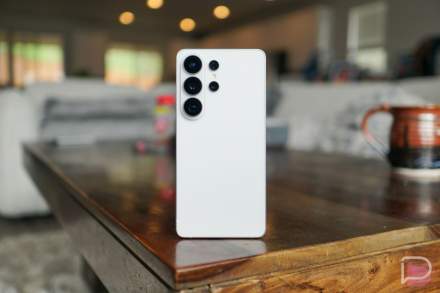

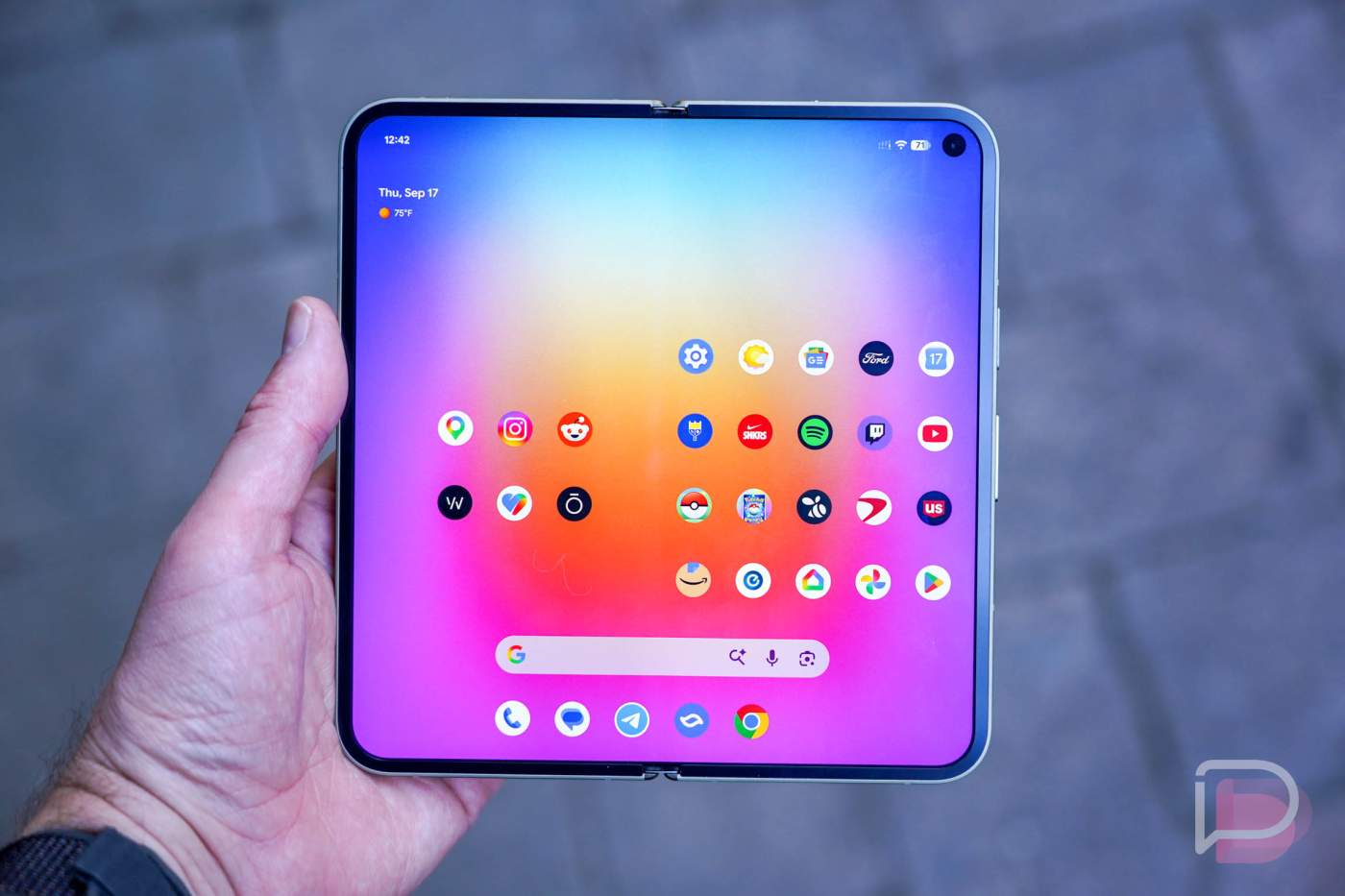

Google released Android 17 QPR3 Beta 2 to all of its still-supported Pixel devices today. If you own a Pixel 6a up through the new Pixel 11 series, you can get an update with fresh software.
This latest update has at least 20 fixes and improvements, which is welcome to see. The first QPR3 Beta 1 has been as buggy as it gets for beta software, at least on my Pixel 11 Pro.
Google has fixed crashes that caused reboots, Quick Settings tiles not showing properly, system UI elements showing abnormally small, Bluetooth pairing failures, and high idle battery drain. There’s a lot, and the full changelog can be found below.
| Release date | October 20, 2026 |
| Builds | DP11.261002.005 |
| Emulator support | x86 (64-bit), ARM (v8-A) |
| Security patch level | 2026-10-05 |
| Google Play services | 26.36.33 |
Android 17 QPR3 Beta 2 bug fixes and improvements
- Devices intermittently crash and reboot during normal use. (Issue #570031572, Issue #570031155, Issue #569529428, Issue #569222433, Issue #570414567, Issue #570725957, Issue #569237164, Issue #572493638)
- Internet Quick Settings tile displays persistent text when mobile data is active without Wi-Fi. (Issue #354469154, Issue #367059437)
- Media output dialog ignores the monochrome system theme when external audio devices are connected. (Issue #476304142)
- Pin icon glitches position next to pinned apps in the share sheet. (Issue #476234992)
- Internal PublishedApi declarations trigger unexpected API lint and source compatibility check errors. (Issue #562178518)
- Device unexpectedly shuts down during WhatsApp video calls. (Issue #554451749, Issue #559966303)
- Lock screen in-progress notifications overlap with other UI elements and cause stuttering panel animations. (Issue #547371609, Issue #548539836, Issue #562186670)
- Cellular data, MMS, and hotspot services fail to connect on Dish Network. (Issue #537736046)
- Screen recording freezes and stops capturing frames after screen rotation. (Issue #541325203)
- System UI, fonts, and apps render at an abnormally small scale regardless of configured display size settings. (Issue #563321433)
- Display turns black and becomes unresponsive after ending a phone call. (Issue #564953545)
- Terminal app fails to launch the Linux development environment virtual machine after installation. (Issue #551657934)
- Wi-Fi Aware fails to establish subsequent data paths with a no interfaces available error after releasing an accept-any responder network request during connection confirmation. (Issue #550726291)
- Paired watch continues to ring after an incoming call is answered on the phone. (Issue #564594780)
- Airbnb app fails to connect when attempting to send messages. (Issue #563024453)
- Quick Settings Bluetooth subtitle is misaligned to the right. (Issue #559417120)
- App drawer unexpectedly closes when switching keyboard language. (Issue #558774933, Issue #540389222, Issue #533125590)
- Bluetooth pairing fails due to a connection timeout when attempting to pair with a device. (Issue #563675080)
- VoLTE, VoNR, and Wi-Fi calling are unavailable on the IT&E network. (Issue #556432987)
- High idle battery drain caused by motion sensors remaining active after using Face Unlock or the camera. (Issue #568078965)
- Wi-Fi Calling unavailable on the OXIO network. (Issue #563089593)
The best way to get this update is through the Android Beta Program (sign up). If you are into flashing images, there are OTA images available (here) too.