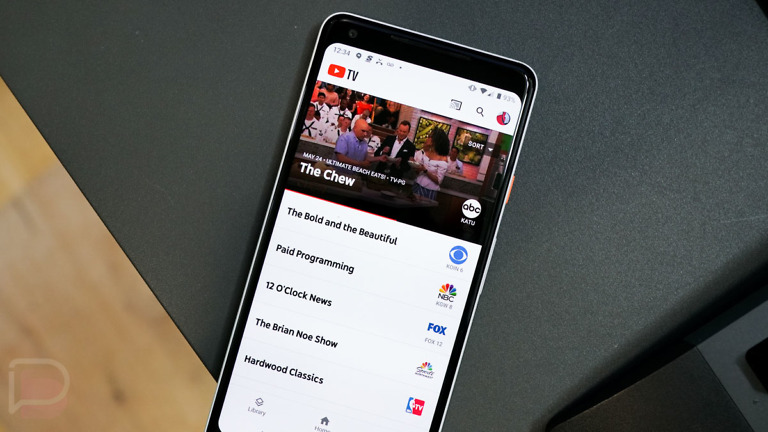

Since announcing new, cheaper plans back in February, YouTube TV has been slow to make those plans available to everyone. With the NCAA Tournament upon us, Google appears to have rolled out the Sports Plan out much more widely and is even offering it at a discount. The other non-sports plans are available as well, but a little harder to find.
For those who missed it, Google announced that YouTube TV would soon offer a handful of plans that reduce the price of the full YouTube TV experience from $82.99/mo down to as low as about $45 per month for new subscribers.
The idea here, at least in our opinion, was a realization from YouTube TV that they were turning into another bloated and expensive cable option. To counter that, they decided to offer smaller channel packages with specific focuses that reduce the price. For example, the main YouTube TV plan is $83 per month and has 167 channels, while the new Sports Plan is $54.99 (on discount) and has 54 channels.
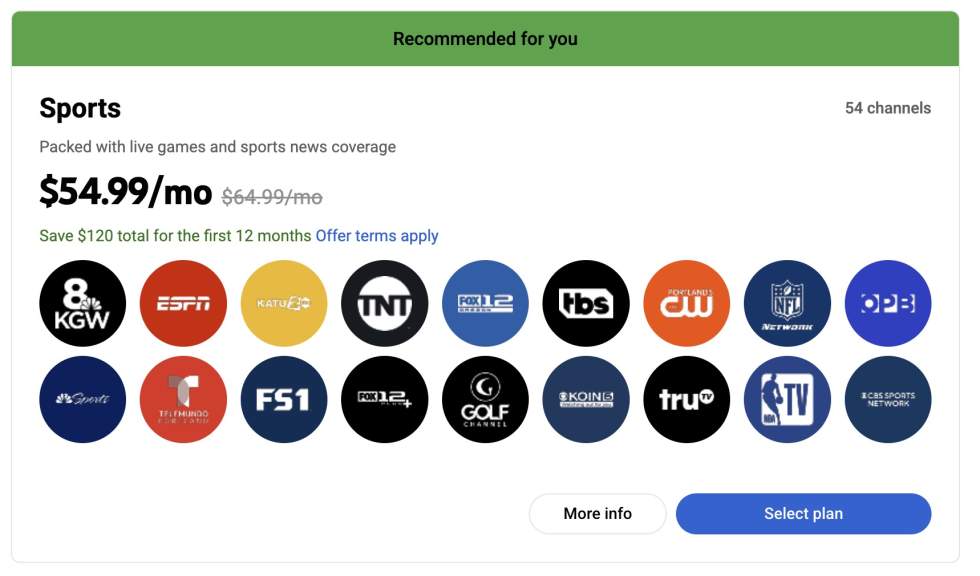
Now that the plans have rolled out much more widely, you may want to consider jumping on one. The Sports Plan, which was already going to be pretty appealing to sports fans who didn’t want all of the extra bloat in the main plan, has been discounted for the next 12 months by $10/mo. You can get all of the sports programming you ever dreamed of for $54.99/mo for a year.
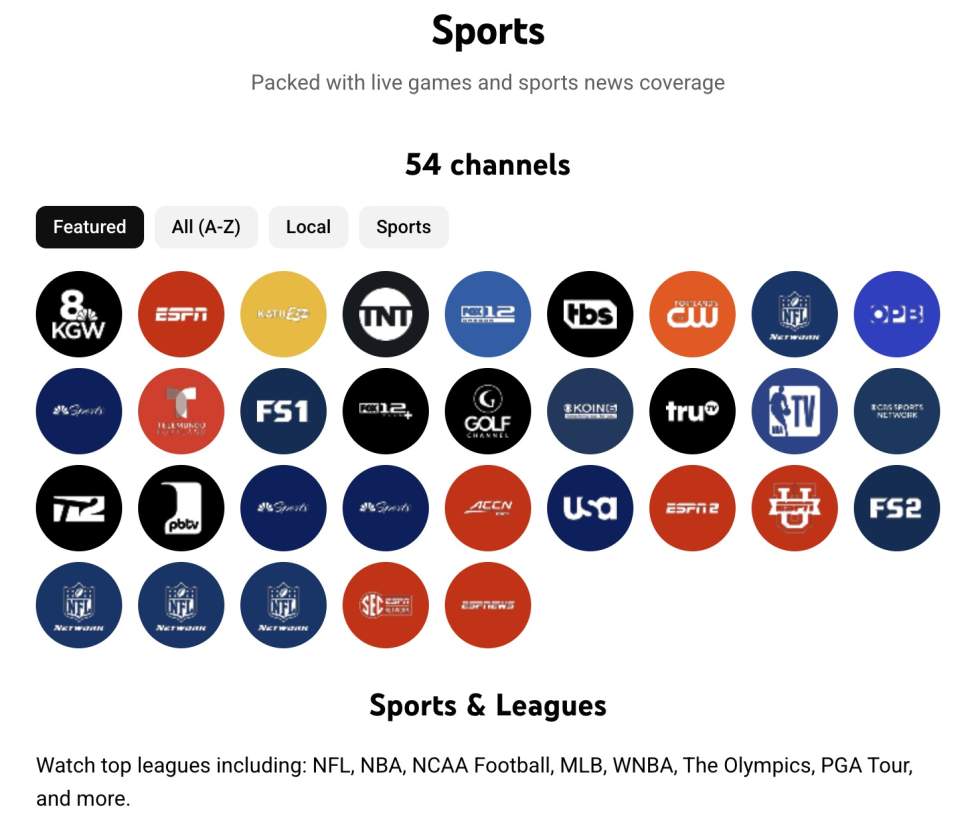
The YouTube TV Sports Plan can change depending on market, but for Portland, I get all of the local channels, plus the dedicated sports channels, including the Turner networks like TNT and TBS. The CW, USA, and Univision are there as well.
For sports fans, you get all of the ESPN channels, FS1 and FS2, NBA TV, Golf Channel, and several NBC sports networks. For Tim, Pickleball TV is included.
To get the Sports Plan on YouTube TV for $54.99/mo (a $10 discount) for the next 12 months, you’ll head to tv.youtube.com to find it. Since YouTube TV is pushing it, it should present itself to you if available in your market. The deal appears to be for just about everyone, including me as a former subscriber.
For those looking for the other plans, like the Entertainment or News Plans, there is an “Explore More Plans” link on the main YouTube TV page that will take you to an onboarding process where you can “Find a plan” that better fits your needs.