
Google Photos has been a primary beneficiary from the Gemini revolution. Editing photos however you want with the help of Gemini has been great, but Google isn’t done improving the service with AI. There are a bunch of new features now rolling out on Android, plus iOS is also getting some love.
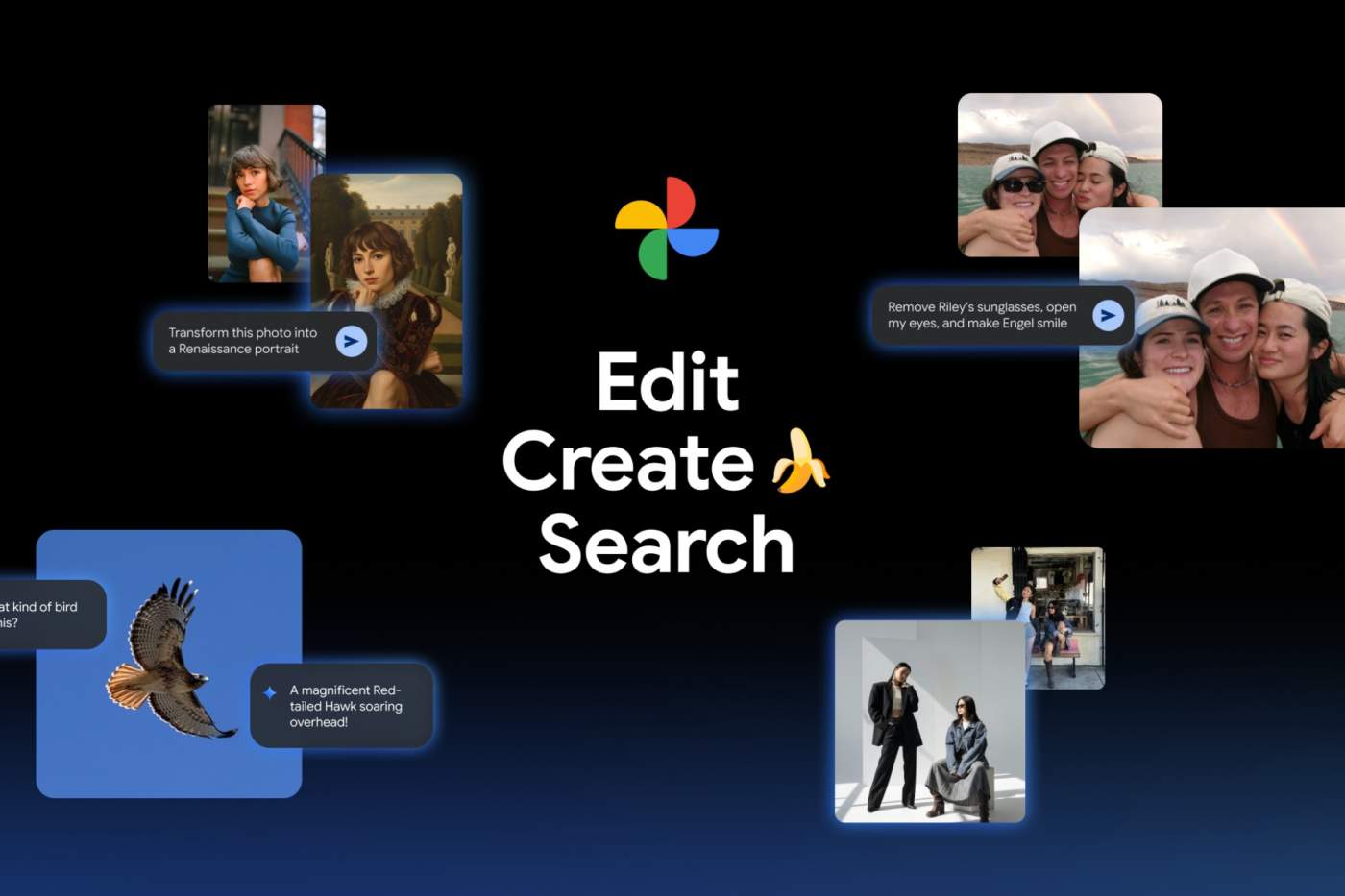
Thanks to Nano Banana, personalized edits with the “Help me edit” tool using your own private face groups are now available. For example, you can tell Gemini to, “Remove Kellen’s sunglasses, open my eyes, make Julia smile and open her eyes.” With this, the photo that isn’t quite right can now be honed into a perfect shot. Google also announced that this feature is now coming to iOS.
A new Create tab will have AI templates available, such as, “put me in a high fashion photoshoot,” “create a professional headshot” or “put me in a winter holiday card.” Personalized templates will also be available in the coming weeks. Google describes Gemini using insights about you from your gallery to create edits based on your hobbies and experiences. For example, “create a name doodle personalized to me,” or “create a cartoon of me and my hobbies.”
The Create tab will be available first in the US and India, with rollout expected to begin next week.
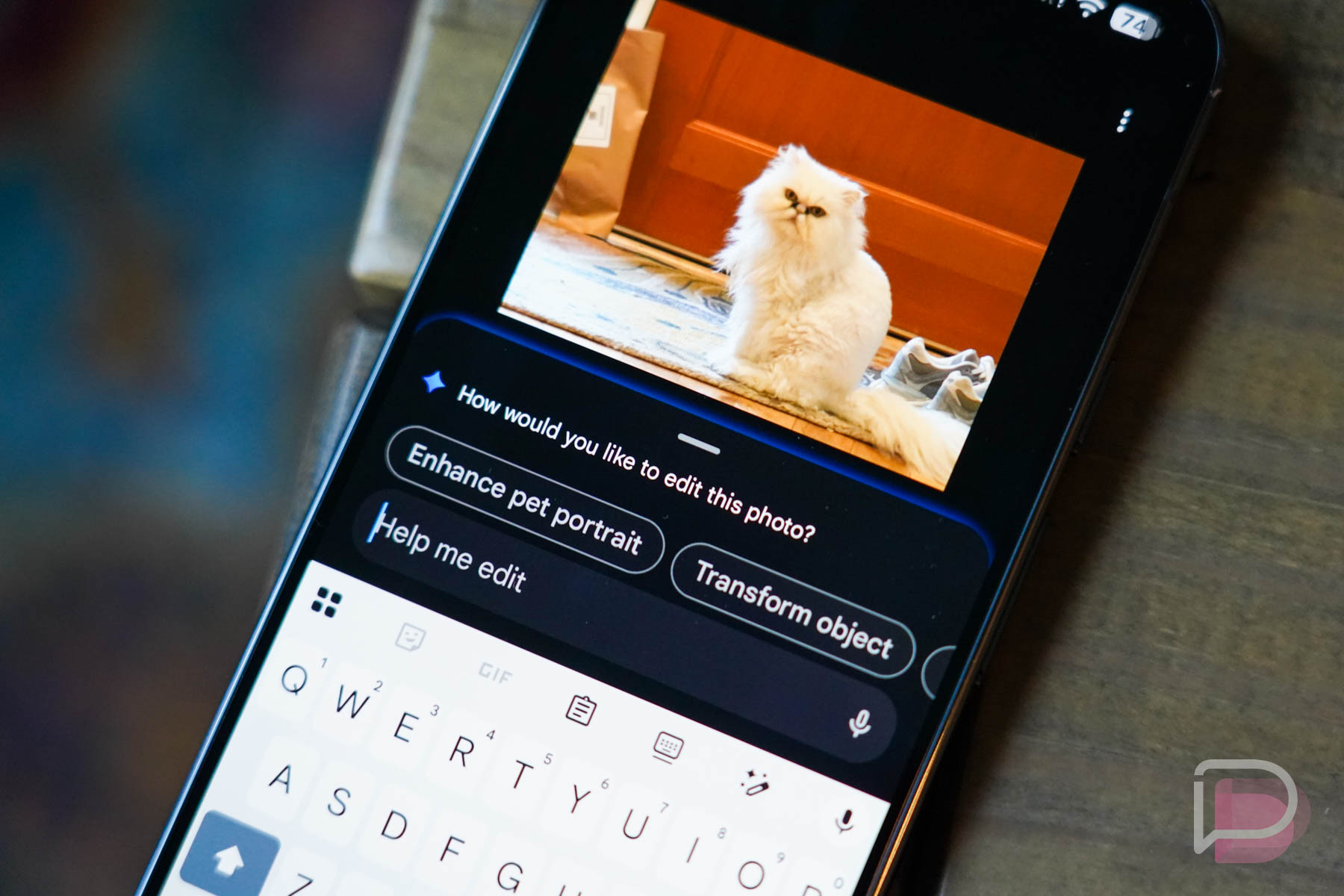
For those wanting to dive deep into an image, a new Ask button is also getting introduced. Rolling out now to Android and iOS, when viewing an image, you can start a conversation instantly to get answers about its content. Users can discover related moments (similar images) or simply describe edits they want and watch the changes appear in seconds, all thanks to Gemini.
Be on the lookout for all of these new goodies in Google Photos.