

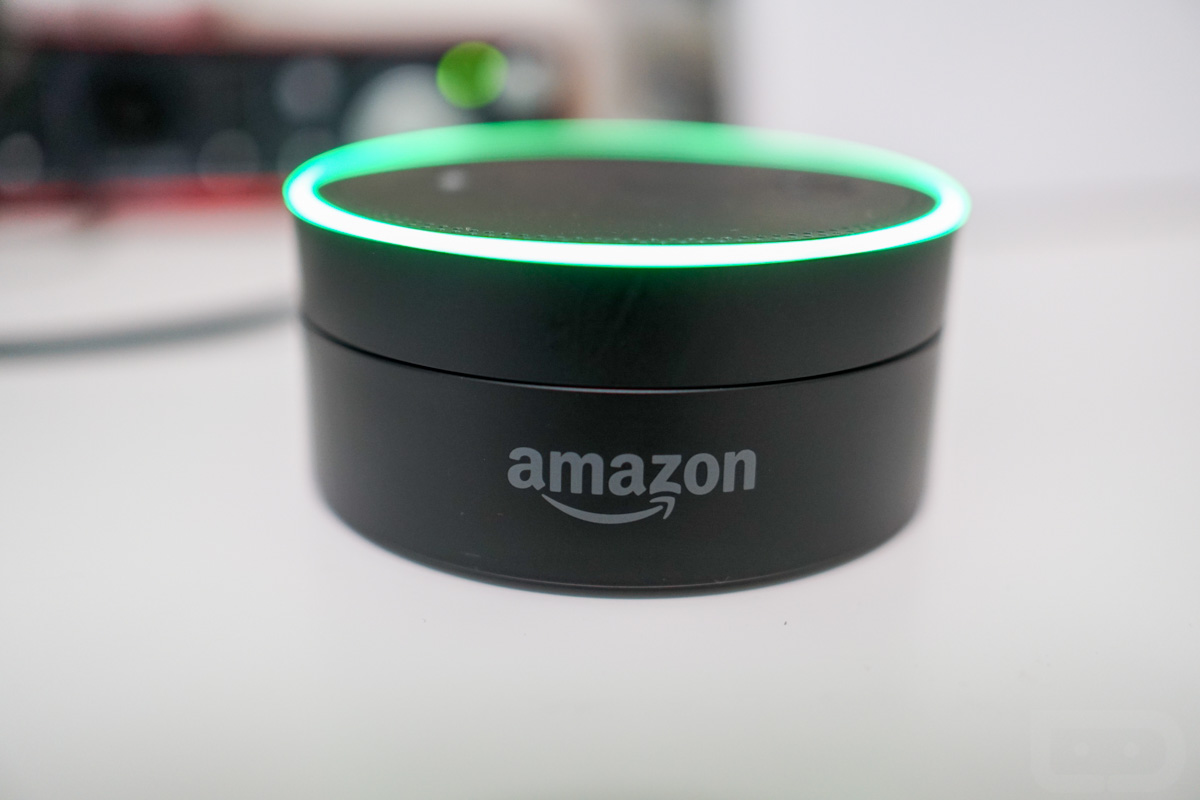

The voice calling and messaging feature for Amazon Echo products that was announced as “coming soon” yesterday is now available. The Alexa app on Android is receiving an update this morning that enables the feature right away, as long as you give it proper permissions and have someone on the other end who can take a call or receive a message.
To update, hit up that link below or jump into your Google Play app to do so through there. Once updated, the app will ask you to re-login to your Amazon account. After that, you will begin the process of setting up voice calling and messaging by giving yourself a name, allowing Alexa to access your contacts, and confirming your phone number before firing off your first message or call. You’ll then likely realize that you are in a slightly re-done Alexa app with tabs at the bottom for (in order) home feed, new messaging and calling, and another that lets you control playlists for each Echo in your home. If you tap on the messaging tab, the voice fun begins.
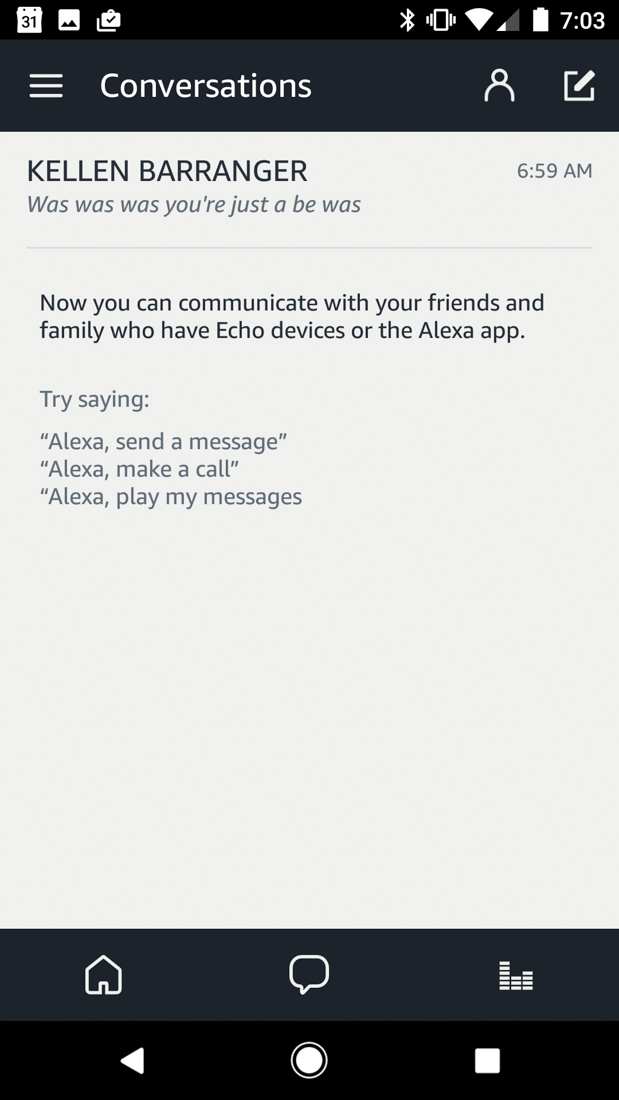
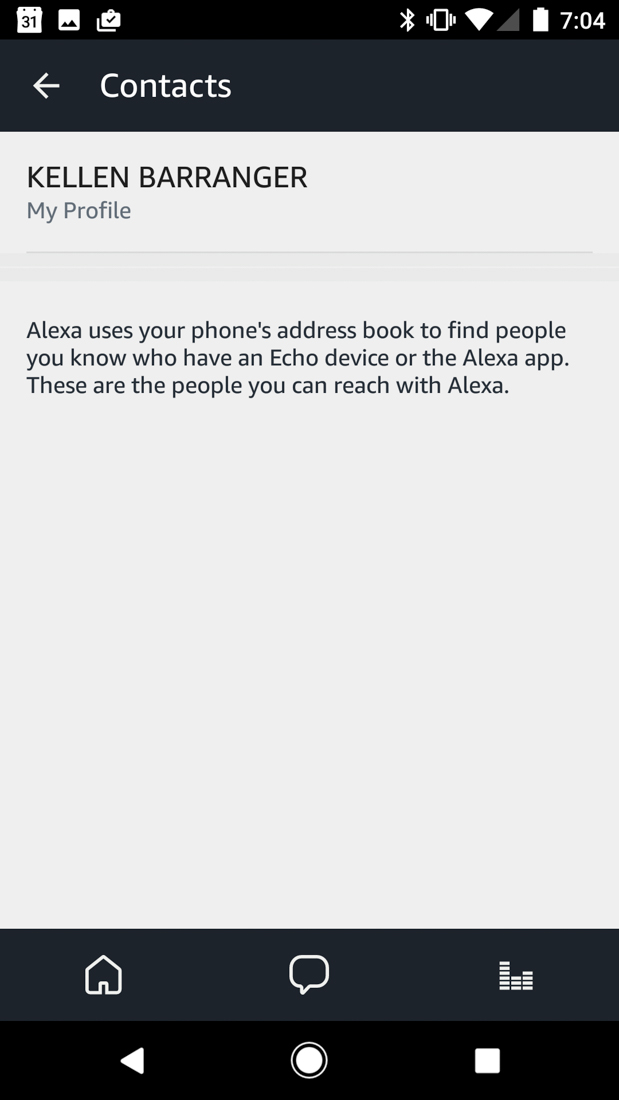
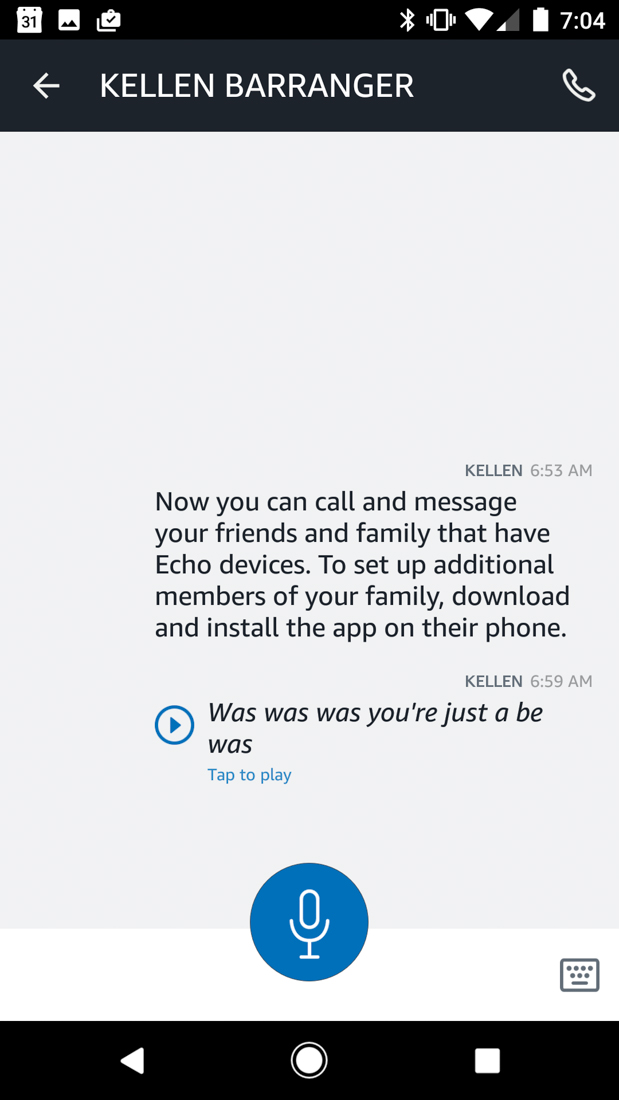
To call or message someone, Alexa will pull-up any contacts you have that it also recognizes as being available on Alexa. As you can see above, I have no one to talk to but myself. Should you see other names, you’ll be able to tap on those conversations, view previous messages within them, and of course, send new ones. With a tap and hold on the microphone button, you can record however long of a message you want. As you release, it will then send. This individual conversation page also shows conversation history, transcribes messages in case you don’t want to listen to them, lets you type them out with a keyboard that Alexa will speak on the other end, and place calls through the phone icon in the top right.
As for doing it outside of the Alexa app and straight through an Echo device, well, you just ask Alexa to do so. You can say, “Alexa, send a message” to get her to ask who you want to send one too. From there, once the person you are sending a message to is set, you voice dictate a message, sort of like if you were leaving a voicemail or just a quick voice note. If you want to call, you do the same by saying, “Alexa, make a call” or “Alexa, call Kellen.” On the other end, calls will come through your supported Echo devices and also the Alexa app. So you can not only talk to someone in a speakerphone-like setting through an Echo, you can chat via phone.
It’s pretty slick! Now I just need some other people to talk to.



Apple missed the boat on this one. Too bad because something like this is perfect for Siri. Call it Siri Home and she could do the same thing as Alexa in the home and office. I’ve heard that one it is development.
Seems like messaging is disabled for people outside of the approved countries. When I side-loaded the app, there was no messaging icon like we see in the above pictures.
Can I initiate this call from my Alexa App? The point would be if I am away from home and want to call someone at home, and want them to hear the call on Echo (since the phone is often on silent mode)?
Yes
Yes, and they can call from the echo device to your phone. Your Alexa app will ring and show a echo call is incoming. If they have the new Echo Show, it can be a video call.
If only there were a device that everyone already has, that can do both voice and text messages, and that isn’t limited to a set space that the device is tethered to, but instead is carried around by each individual. Gosh, I wish someone would make such a device.
You act like you had to paid for the calling feature. It’s just an update that adds extra capabilities to existing devices. At least Amazon updates their products unlike a few companies.
LOL Missed the point I was making. I am saying why would we need this when it is very limited, while literally everyone has a cell phone.
Just how most of us don’t need the accessibility functions of our phone, but it’s still on there. For those who need it, it’s a plus. Just because you have no use for it, doesn’t mean someone else can’t find a use for it (extreme example: paralyzed individuals).
Amazon rolling out the features ahead of Google I/O and potential Google Home next stage vision and announcements . . .
Question — as laid out in the scenario below.
* I purchase 2 Echo Dots
* I place 1 Echo dot upstairs. My account signed in. my name is Josh.
* I place 1 Echo dot downstairs. Wife’s account signed in. her name is Wifey.
* While upstairs, I use my Echo (signed into me) to call downstairs. Do i say “call wifey”?
* While downstairs, I use her Echo (signed into her name) to call upstairs. Do i say, “call Josh” ?
Do Echo’s handle multiple accounts?
If multiple exist, do they account for calling?
Do those accounts have to be the primary Prime account? (for instances where prime membership is shared with household members)
You’d have to associate her contact with the name “wifey”, but otherwise I don’t see why that scenario wouldn’t work.
thanks.
What about the second component — could I use the echo dot Downstairs to call upstairs? Does the user have to be signed in with recognized voice control to use the Echo?
Maybe? Haha. I only have one so can’t test it out. But sounds like if you get two phones each signed into their own Amazon/Alexa app and test it out, then it should just work on the devices too.
I have 3, 2 in bedrooms, 1 in kitchen. I just want to start intercom with bedroom / office / kitchen. They all have internal names (for me at least.)
Same here, I have 3 but they do not work on the device names. You should be able to do that too but it is not available yet, maybe never.
It works on the account name. Lets say you are in the office and your account name is John Doe. You say, “Alexa, call John Doe.” and all the rest of the echo devices and you cell phone that has the Alexa app on it will ring. Someone at any of the other devices will hear, “Call from John Doe,” and they can answer.
Yes. Yes. yes.
You need to have the Alexa app on your phone. Then you need to verify your phone number with a text message.
Once that is done your own name as a contact appears in your conversation list and calling can start. Also ANYONE in your phone’s contact list who has the alexa app on their phone will also appear and THEY can call your Echo too because you show up in their Alexa app as a conversation choice. So not only might you get a call on your echo from your brother but your plumber or crazy uncle may call you too. This is stupid as the access to call your echo should be chosen by the user not made from your contact list.
Anyhow back to the intercom thing. If you have a Dot upstairs that is tied to your primary account and your wife has a dot downstairs on her primary account it will work fine.
If they are a shared account I don’t know.
However, it will work in the same house on the SAME primary account but it is a bit odd. Let’s say your primary account is listed as John Doe. You can call from the dot upstairs, “Alexa, call John Doe.” All Echo devices, except the one you are calling from, and the cell phone with the Alexa app will ring and say, “Call from John Doe.” Anyone can answer from the cell phone that is ringing or any other echo devices that are ringing. If a person accepts the call then just those two devices are linked and the other devices fall silent and hear nothing of the conversation.
The echo devices can also call the phone the same way. Messages are also supported and you echo devices will show a green ring if you have had a message and you just say, “Alexa, play message.”
I kinda want to try this but also kinda don’t want to let amazon see all of my contacts…
Same here plus I know that even if I gave access to all my contacts, none of them own an Echo.
Yeah, same here. Who knows what they’re doing with that info…