

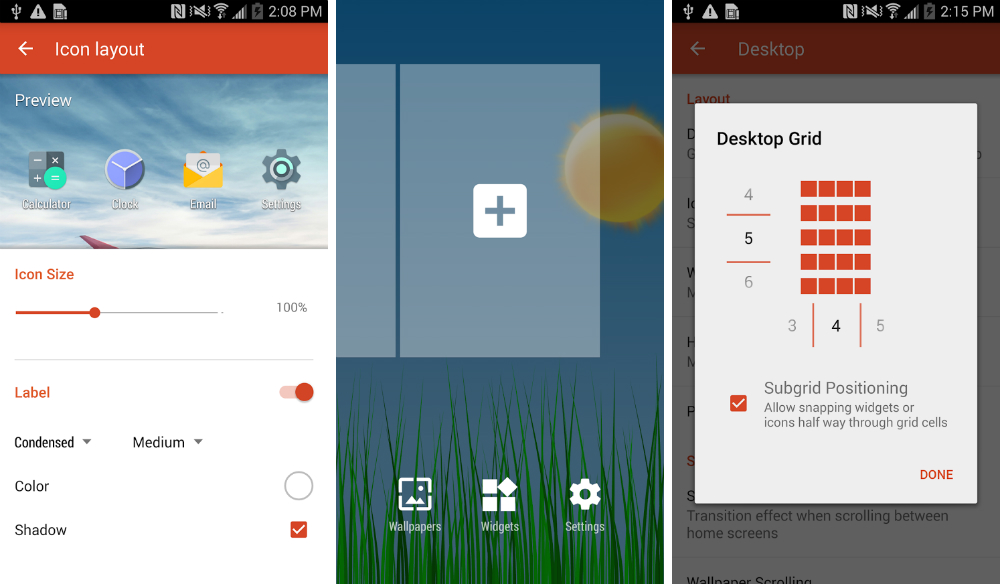

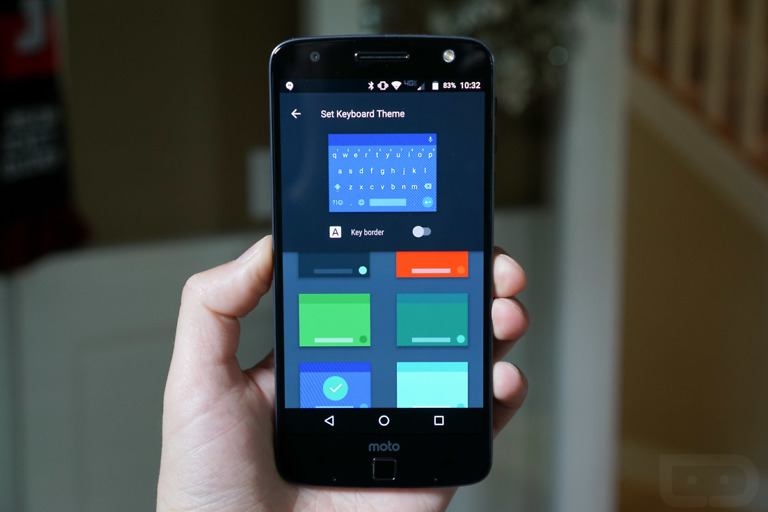
A beta update is available for Nova Launcher users, one which includes plenty of Material Design aesthetics and new features. The update brings a true Lollipop feel to the application, which should now look much nicer with devices currently running Lollipop. And if you are still on a later version of Android, Nova should help make you feel a bit more with the times. But don’t worry, we know it’s just carriers and OEMs holding you back from Android 5.0+.
Layouts for grid size, icon size, and dock settings have all been updated, allowing users to see real-time adjustments with the changes they make. No more guessing games with the grid size. In addition, a new Pull to Search feature has been included, enabling users to pull down in the app drawer to search through apps and widgets with a dedicated bar.
If you did not already know, Nova Launcher is the launcher of choice by the DL staff, with its ability to use “hot” icon packs and easily adjust grid sizes for widgets. If you have yet to try out Nova, get on it.
To download the beta version of the app, join this group, head on over to this link, sign yourself up, then download it straight from Google Play.
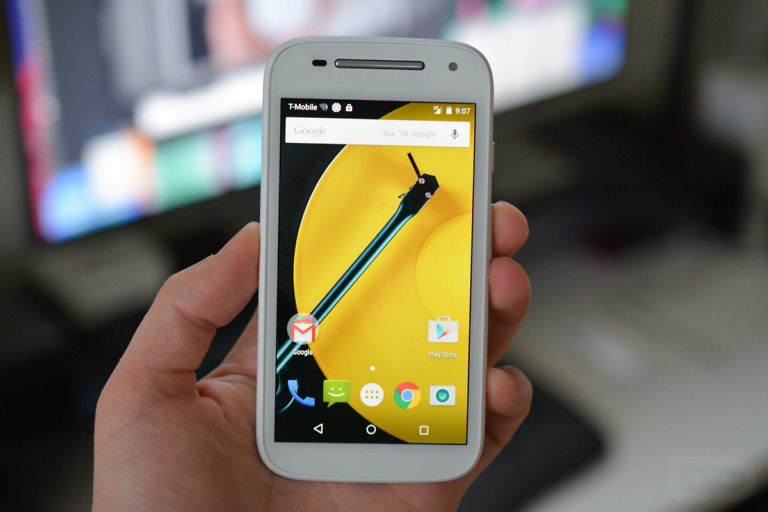
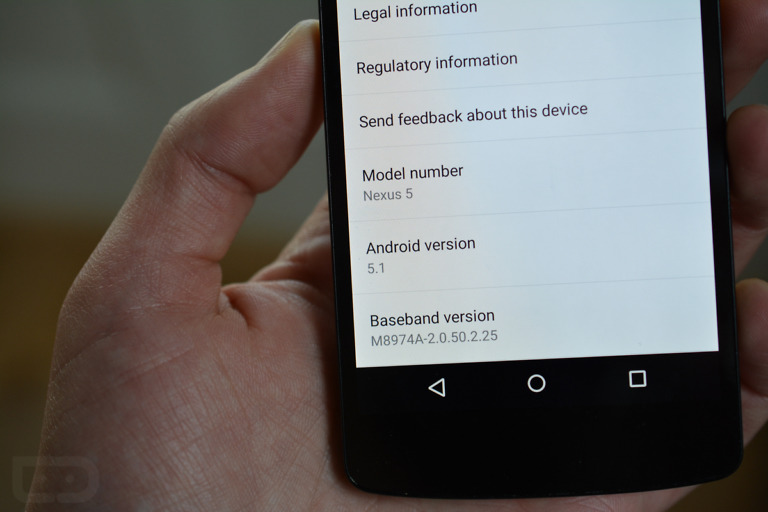
Kevin just made Nova beta .17 available, quite a bit has been fixed.
I’ll leave this here…
[url=https://imgflip.com/i/irjru][img]https://i.imgflip.com/irjru.jpg[/img][/url][url=https://imgflip.com/memegenerator]via Imgflip Meme Maker[/url]
The only thing that looks to need fixing, is the icon spacing in the folders – my icons are crammed together.
I have been using Nova ever since “Google Now Launcher” was bundled with Nexus.
Just if people are having the same issues. My icons and such where completely messed up. Small folders here, large ones here etc. settings for which I could not find. I backed up my settings, reset my settings and imported them again. Somehow that seemed to have worked.
Best thing about this is they fixed the app drawer open/close animation. That was seriously bugging me!
I wish there was a easier way to arrange apps into folders in the app drawer.
This is okay but I hate how material is making making everything white and bright. I liked the darker colors and black backgrounds way better
This is why I just turned off auto update for my Nova app. I use Nova to get away from the bright white lollipop color scheme. It makes my app drawer dark again.
you know you can pick the style you want right? that’s the whole point
Yeah but not inside the app itself. I have customized settings and whatnot but you can’t change the themes inside the actual Nova app
Yeah but you really only need to go in there once to set it up initially.
love nova. love the update.
Nice i will ttry using action launcher 3. Bought nova few years ago lol
Wow, I honestly did not expect for Nova to actually update to a material look. The App search function is pretty neat. I have to explore it more now.
Aw man, the new Material Design UI for the settings page is beautiful. Glad to see the most important app I own is supporting it now! I found so many new features I didn’t even know about, haha.
So I’ve been trying out Action Launcher 3 since their latest update, but I miss my app drawer folders and there are a couple bugs as well. I’ll be switching back to Nova today
icon packs are so hot right now
Hansel so hot right now… Hansel!
Zoolander reference!
+1000 for that
Zoolander 2 announced today! http://www.rollingstone.com/movies/news/ben-stiller-announces-zoolander-2-at-paris-fashion-week-20150310
Such awesome news. Thank you for the link.
Very good update with some useful features, made my N6 even faster, all the transitions, animations are now more smooth and snappy.
i saw this in another thread about this update…it kinda holds true.
“Nova Launcher is like the girlfriend you cant leave. Others (launchers) come and go but you can’t help but go back to the original one who had your heart”
Nova Launcher is the single greatest thing to ever improve Android (and hide Touchwiz).
Just don’t pull down that notification shade.
This is a bigger update to me than 5.1
5.1 plus this…HUGE
No probs Tim….jeesh lol
Great update.Only thing missing is swipe left for Google Now.
swipe gestures are a good alternative. I have it setup to access google now whith a swipe up on the home screen. Not quite the same but worth the trade off for the amount of features in nova imo.
Yeah, I love the swipe gestures. I use them on all my folder icons too for my most common app in that folder. I have Google Now set to swipe up from my app drawer icon though. Swiping up anywhere in the launcher just takes me into the system settings, and swipe down anywhere for the notification panel (great for larger phones).
How do you set this?
In addition, a new Pull to Search feature has been included, enabling users to pull down in the app drawer to search through apps and widgets with a dedicated bar.
Pull down opens a popup box where you enter your search, it’s cool and done very well, I like it.
I think its automatically enabled. Just go into the app drawer and pull down.
That is pretty cool. Thanks for the help!
sweet
“with its ability to use “hot” icon packs”
Since we’re being honest. Haha.
truth is certain Icon packs are in fact ….”Hot”
maybe i should make one called Fuego
I wish kovdev would make an icon pack called COLD. DL would be like
http://www.reactiongifs.com/r/2013/09/mcfly-huh.gif
☞☞☞MAKE $13500 in 30days@a2:
Going Here you
Can Find Out,,,
►►►►►► ::>>https://PrimeJobs99.com/get/position….
Props where props are due: That Liam Spradlin is one hell of a designer and Material Design expert. Today Calendar, this, his G+ page, his articles. Good stuff.