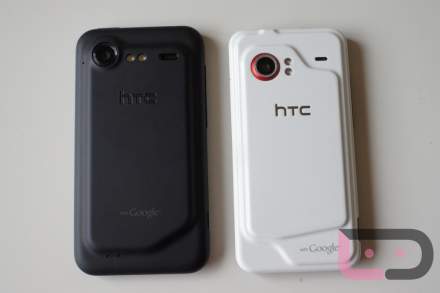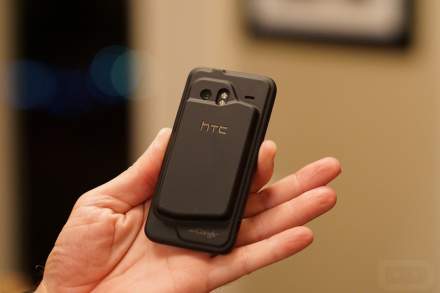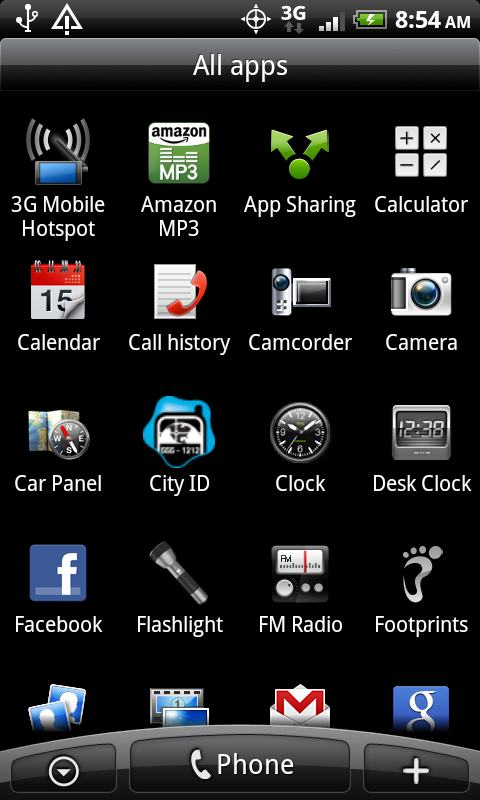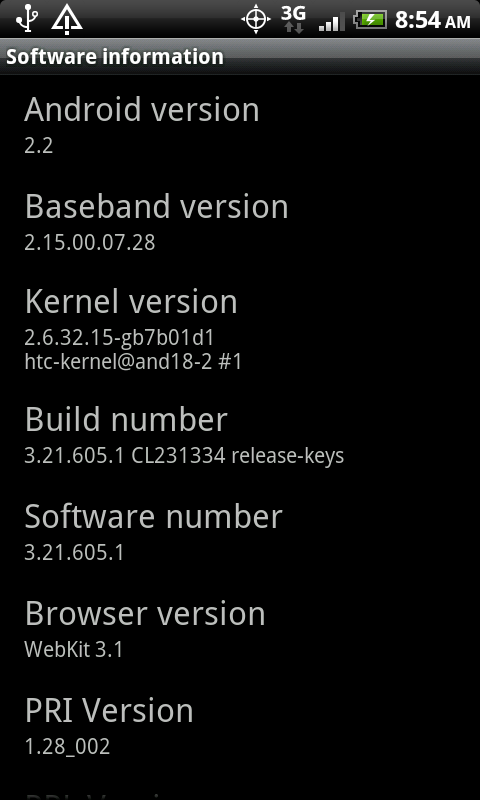
We’ve had a chance to flash the new (and what appears to be official) Android 2.2 for the Droid Incredible and wanted to drop the instructions on you.
*Warning* – For those that aren’t rooted, the steps are pretty simple (read Note 2), just understand that this will wipe your phone completely clean meaning all of your apps will be gone and you’ll need to set up your accounts/settings again. Also be warned that if this is not the official update, it could be extremely difficult to back out of and OTA updates could pass you by. Don’t say I didn’t warn you. You accept all risk involved.
UPDATE: FOR NON-ROOTED USERS, THE UPDATE IS COMING TOMORROW OTA. DO NOT UPDATE TO THIS.
Instructions: (pulled from XDA and edited)
*Note 1* – If you are rooted, make sure you have flashed the unrevoked-forever file!
*Note 2* – If you just want to update to 2.2 without root, just plug your phone in and run the RUU which you can download from here.
1. Download this file and place on your SD card.
2. Boot into hboot (Hold optical button + power) and select Bootloader.
3. PB31IMG.ZIP will start to install.
**Step 3 note** Your phone might reboot to either hboot or recovery after trying to install PB31IMG.ZIP, just get back to hboot and install again, when you get back to hboot you should notice its version .92 and S-OFF is still on, just install PB31IMG.ZIP again and all should be good. I believe at one point after it updates hboot it has to reboot to finish the install, so this might be what you are seeing.
4. Reboot, setup your google account, etc.
5. Put the files attached below on the root of your SD-Card.
***Files are PB31IMG.ZIP (this is not the update, either delete the other PB31IMG.ZIP or rename it to PB31IMG.BAK, this is just clockwork recovery in the PB31IMG.ZIP) , payload-update.zip, and su-2.3.2.1-ef-signed.zip***
6. Power down phone and boot to hboot (hold optical button + power).
7. Install PB31IMG.ZIP in hboot, this installs clockwork recovery.
8. Once that is done installing, press volume down, so your phone doesnt reboot, then select recovery.
9. Once you boot into recovery choose install zip from SD-Card, then choose payload-update.zip.
10. After that installs, choose to install another zip and install su-2.3.2.1-ef-signed.zip.
11. Reboot and enjoy your rooted phone running the new Froyo.
Have fun kiddies.