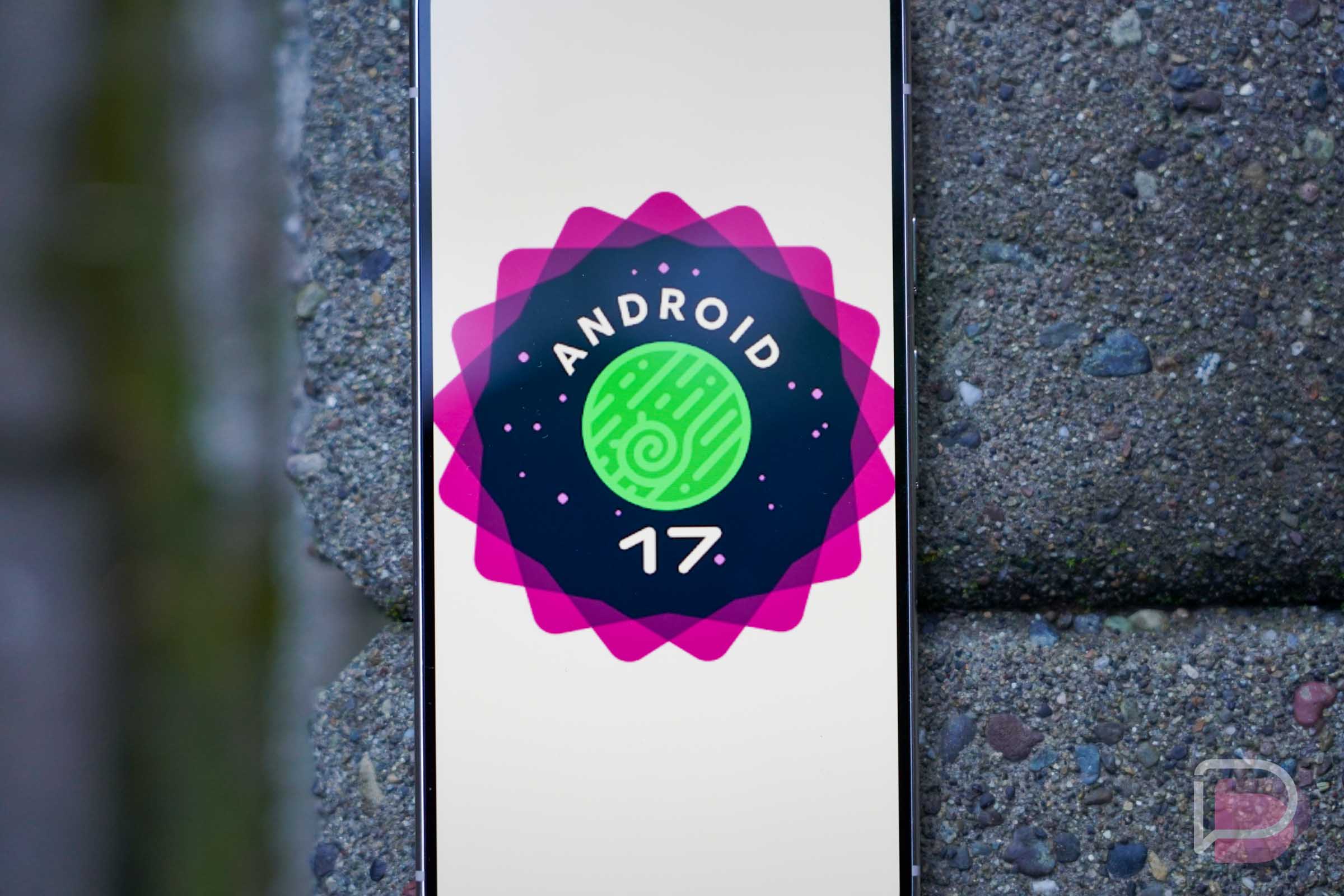

Android 17 Beta 3 has been released for Pixel devices, but also, it has reached Platform Stability, meaning the API surface is now locked and developers can start dialing in their final tweaks to ensure stability.
All of the changes that are inside this fresh beta are listed below. From our brief glance, we can see a few things that are noteworthy, such as camera and media enhancements, privacy changes, system and UI tweaks, and plenty else.
Android 17 Beta 3 Details
- Release date: March 26, 2026
- Builds: CP21.260306.017
- Emulator support: x86 (64-bit), ARM (v8-A)
- Security patch level: 2026-03-05
- Google Play services: 26.02.35
To get Android 17 Beta 3 up and running on your Android device, the quickest way would be via the Android Beta, located here. Enroll your device, then await the OTA. If you are old school, you can go the old fashioned route of flashing a factory image or OTA file.
Android 17 Beta 3 supports all Pixel devices dating back to the Pixel 6 lineup.
What’s New in Android 17 Beta 3
Media and Camera Enhancements
- Photo Picker Customization: You can now modify the grid view aspect ratio of the photo picker. Using the
PhotoPickerUiCustomizationParamsAPI, you can switch from the default 1:1 square to a 9:16 portrait display, allowing for better UI integration. - RAW14 Image Format: Professional camera apps can now capture 14-bit per pixel RAW images using the new
ImageFormat.RAW14constant, allowing for maximum detail and color depth from compatible sensors. - Vendor-Defined Camera Extensions: Hardware partners can now define custom camera extension modes (e.g., ‘Super Resolution’ or AI enhancements). Query these via the
isExtensionSupported(int)API. - Camera Device Type APIs: Identify whether a camera is built-in hardware, an external USB webcam, or a virtual camera.
- Bluetooth LE Audio Hearing Aids: A new device category (
AudioDeviceInfo.TYPE_BLE_HEARING_AID) allows apps to distinguish hearing aids from generic LE Audio headsets, enabling tailored UI iconography. - Granular Hearing Aid Audio Routing: Users can independently route system sounds (notifications, ringtones, alarms) to either connected hearing aids or the device speaker. This is handled at the system level and requires no API changes.
- Extended HE-AAC Software Encoder: A new system-provided encoder (
c2.android.xheaac.encoder) supports high and low bitrates for significantly better audio in low-bandwidth conditions, including mandatory support for loudness metadata to ensure consistent volume.
Performance and Battery
- Reduced Wakelocks for Idle Alarms: A new callback-based variant of
AlarmManager.setExactAndAllowWhileIdleaccepts anOnAlarmListenerinstead of aPendingIntent. This reduces power consumption and long partial wakelocks for apps (like medical monitors or messaging sockets) that need precise callbacks during Doze or Battery Saver modes.
Privacy and Security
- System-Provided Location Button: You can embed a secure, system-rendered location button via Jetpack. Tapping it grants your app precise location access for the current session only, without triggering a system dialog. Requires the
USE_LOCATION_BUTTONpermission. - Discrete Password Visibility: “Show passwords” settings are now split between touch inputs (briefly echoes the last character) and physical keyboards (hidden immediately by default). Standard framework components respect this automatically; custom fields should migrate to the
ShowSecretsSettingAPI. - Post-Quantum Cryptography (PQC) Hybrid Signing: Android introduces the v3.2 APK Signature Scheme, combining classical signatures (RSA/Elliptic Curve) with ML-DSA signatures. This prepares apps for NIST standards and quantum computing advancements.
User Experience and System UI
- Widget Support on External Displays: Improved visual consistency for widgets across different pixel densities.
RemoteViews.setViewPaddingnow accepts complex units (DP/SP), and widgets can retrieve specificDisplayMetricsviaOPTION_APPWIDGET_DISPLAY_ID. - Desktop Interactive Picture-in-Picture (iPiP): Apps can request to be moved to a “pinned” windowing layer during desktop mode (default on external displays). These pinned windows remain interactive and always-on-top. Requires
USE_PINNED_WINDOWING_LAYERand PiP permissions. - Hidden Home Screen App Labels: Users can now hide app labels on the home screen. Ensure your app icon is highly recognizable!
- Redesigned Screen Recording: A new floating toolbar improves recording controls and capture settings for creators. The UI is automatically excluded from the final video.
- Bubbles: The windowing mode feature introduced in Beta 2 is now fully enabled.
Core Functionality & Health
- VPN App Exclusion Settings: VPN apps can use the
ACTION_VPN_APP_EXCLUSION_SETTINGSintent to launch a system-managed screen where users can select specific apps to bypass the VPN tunnel (split-tunneling). - Dynamic System Font Fallback: Android now supports runtime updates to the font fallback chain, delivering updated emojis and typography without a full OS update.
- OpenJDK 21 & 25 Updates: Integration of modern OpenJDK features, including updated Unicode support and enhanced SSL support for named groups in TLS.
- Health Connect Device Data Providers (DDPs): Health Connect can now distinguish between data generated by apps and data originating directly from system-verified hardware (like Wear OS watches or the phone itself).