As expected, Google previewed the next major release of Android at today’s I/O keynote. Dubbed the “L” release, it’s a fundamental redesign of Android brimming with new features.
Let’s take a look at some of the announcements below.
Material Design
The big buzzword was “material design.” In theory, that means new transition animations within and between apps, virtual light sources that cast realtime shadows behind objects, and colorized UI elements. In practice, it means a much more polished aesthetic that feels light years ahead of even KitKat.
If extendability were a word, it would describe L’s design language perfectly. Part of the goal, Google design guru Matias Duarte explained, was to enable developers to easily and logically bring apps to multiple platforms. “Grid,” one of the pedestals of the new aesthetic, will automate much of that process, appropriately adapting the UI for the form factor. Ideally, apps across mobile, desktop, and tablet will look and function consistently.
New Features
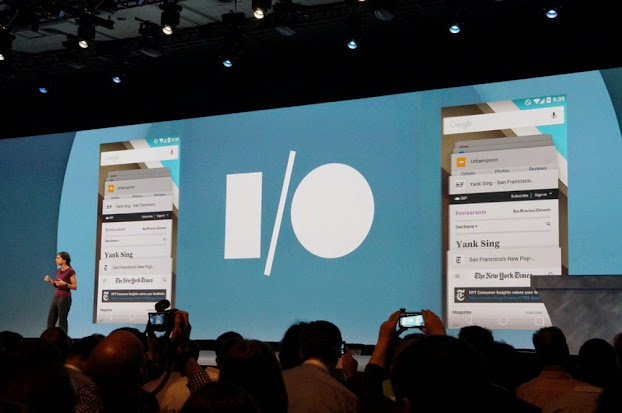
The changes don’t stop at the ecosystem level. The new Recents UI is card-like, using the L release’s shadowing and depth to great effect. The new functionality is impressive – Chrome tabs automagically slot into the list of recent activities.
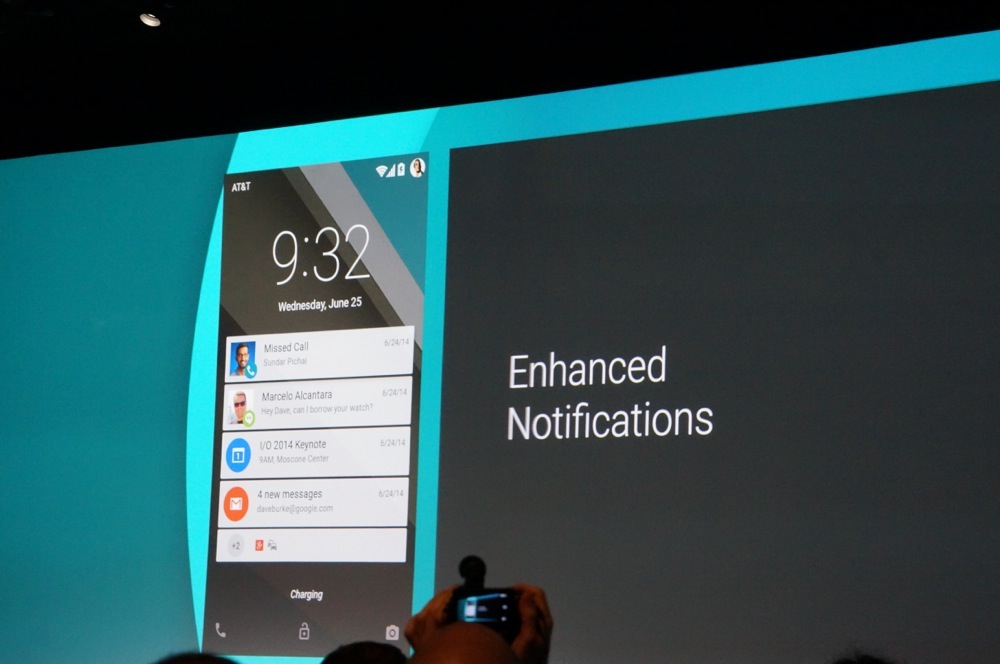
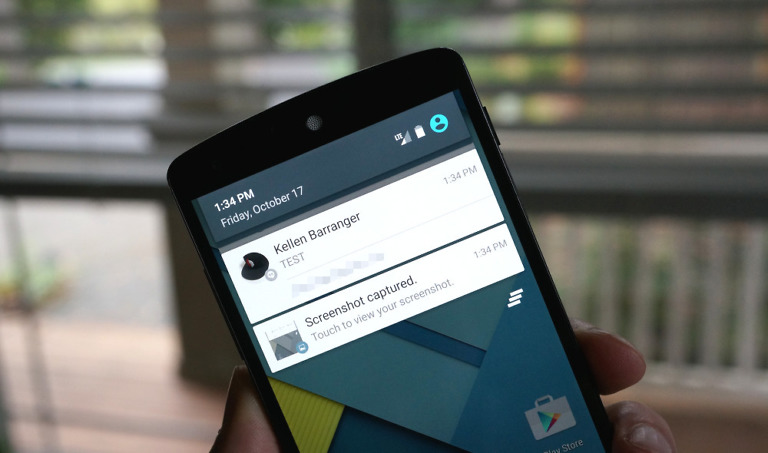
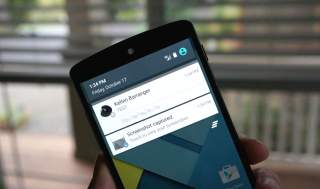
Notifications also received some much-needed love. All notifications are now actionable on the lockscreen – you can interact with them without unlocking your phone or tablet – and can be manipulated with a double tap. Some notifications can now interrupt you. Taking a cue from Apple’s playbook, notifications designated as “urgent” slide down from the top of the screen, and can be dismissed with a swipe.
Personal unlocking, part of Google’s bid to eliminate barriers to content, unlocks your phone when in a “secure” state. If you’re wearing a Bluetooth smartwatch that’s paired to your device, for example, your phone will unlock without the need for a PIN or password. Disabling Bluetooth or leaving the watch at home will re-enable security. But personal unlocking’s intelligence apparently extends beyond Bluetooth – it’ll leverage wireless and even things like voiceprint to make unlocking your device less of a hassle.
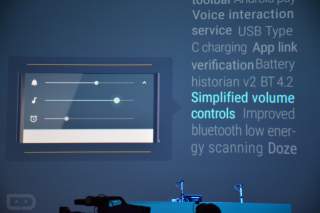
Other additions in the Android L release include a more refined Roboto font, awesome new animations, and a bunch of little enhancements like redesigned navigation keys, a new keyboard UI, and quick settings menu.
Performance
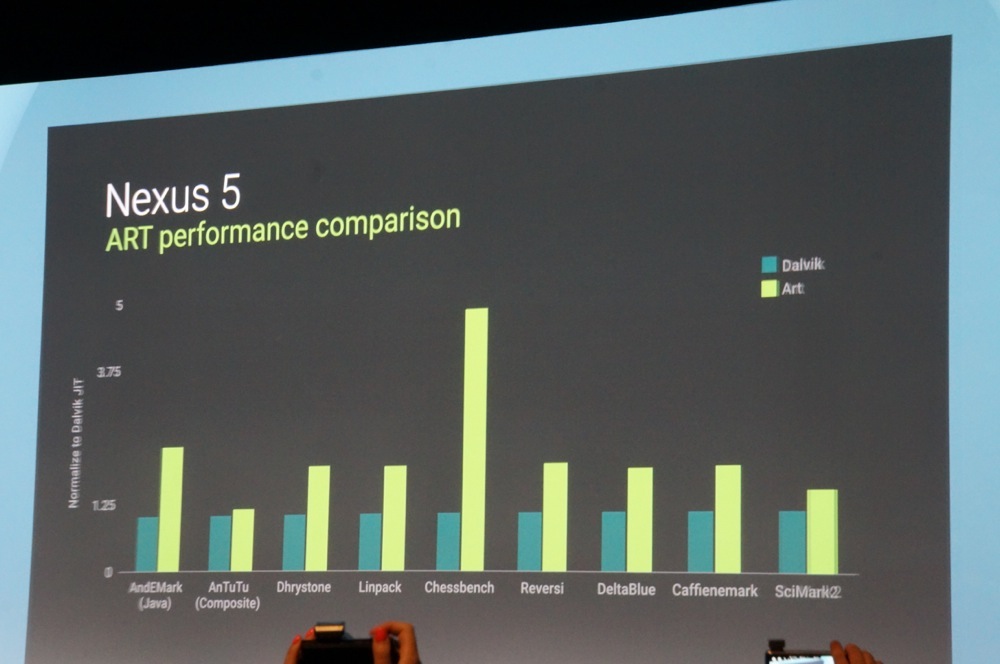
Big fluidity improvements are in tow with the Android L release. As rumored, a finalized version of ART will become the default runtime, which translates to fewer app stutters and 2x performance in some cases.
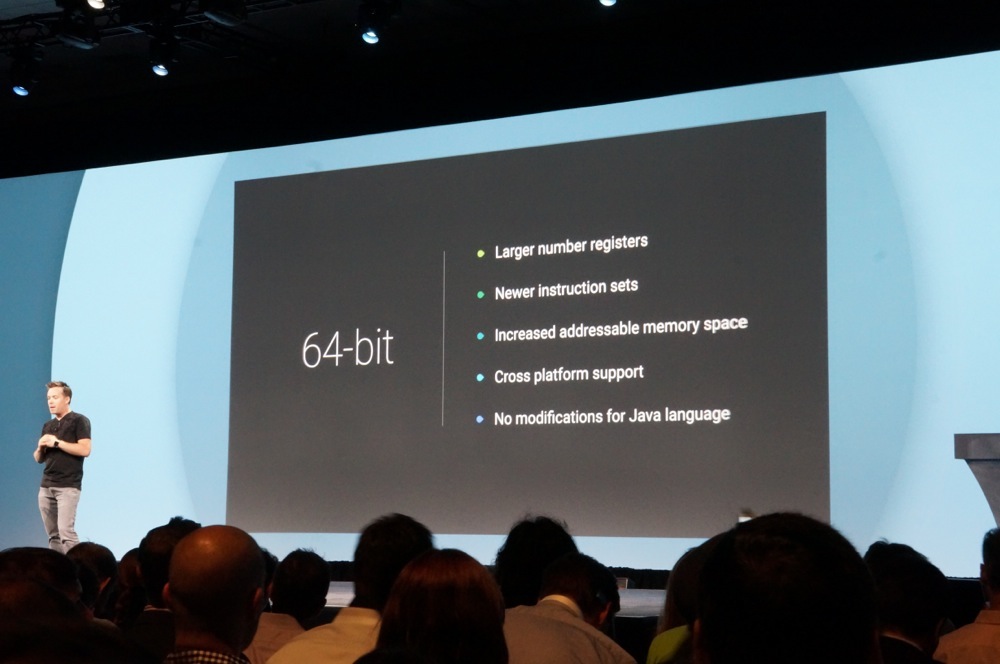
Android is now 64-bit, which means support of new ARM instruction sets and RAM amounts of 4GB and greater – basically, all things that will help make future devices running Android faster and more responsive.
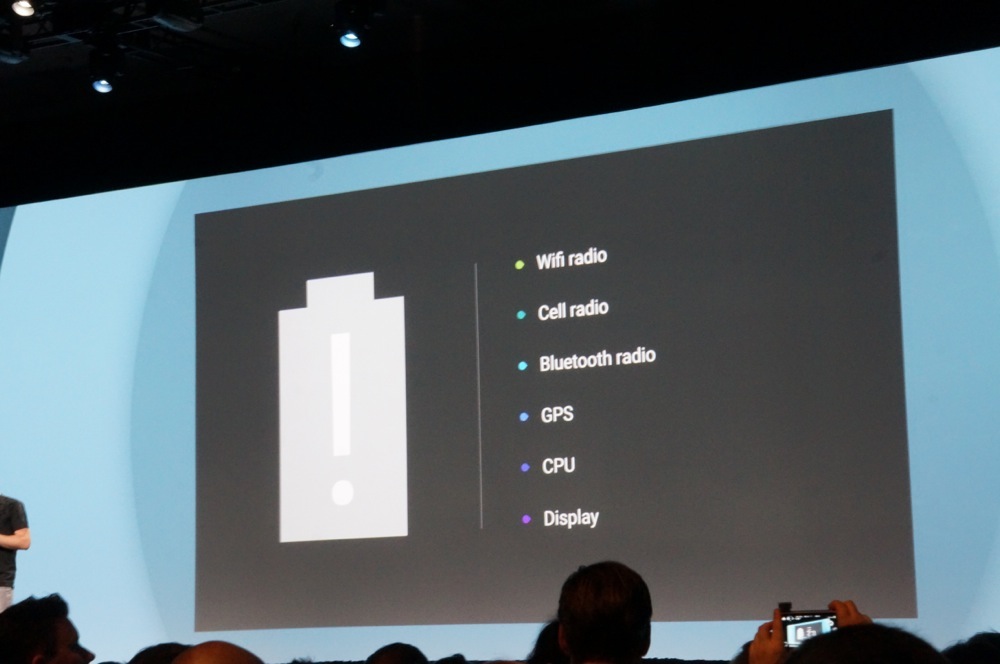
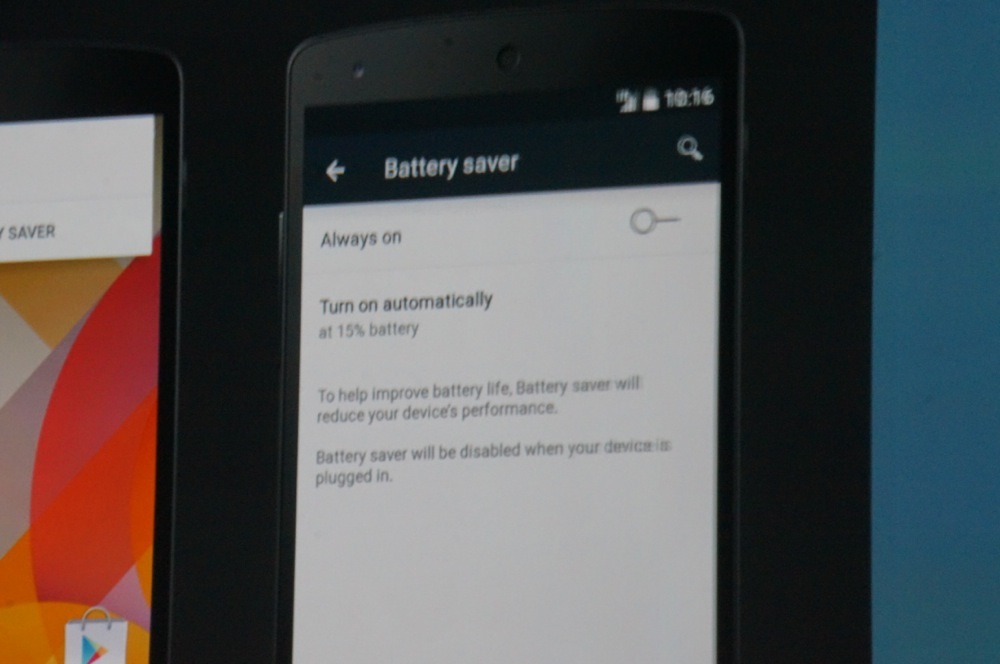
Project Volta is an initiative aimed at improving battery life across the board. It’s more than rhetoric – with a new battery saver setting, Google was apparently able to extend the Nexus 5’s life by 90 minutes. Volta also introduces Battery Historian, a tool for developers that sheds greater light on how apps are using sensors and hardware.
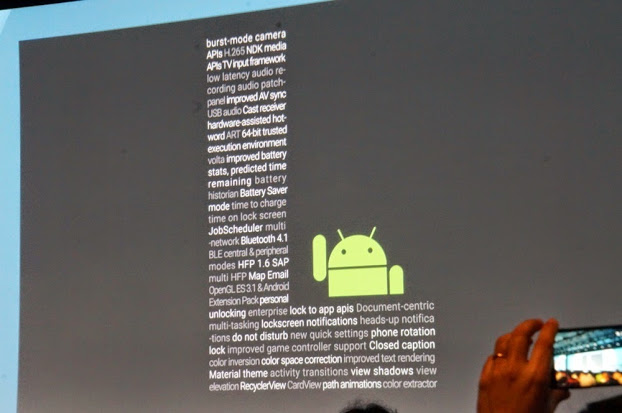
Google said the Android L release is their “biggest to date,” and they weren’t kidding – we’re still sifting through the many new features introduced onstage at I/O. Preview software will be made available to the Nexus 5 and Nexus 7 tomorrow morning, so we’ll be diving deeper into L very soon.

On my Sony Z Ultra GPe
When’s the release date?
#3DFlatHoloYolo
It’s crazy how dated Kit Kat looks now after seeing the L preview today. Cannot wait to be running this TOMORROW!
And then the oems swoop in to destroy all the aesthetics google worked hard to polish.
The OEM’s look at them, injest them, them crap them out with all their other bile to turn it back into sh$t
Kind of kills the G3 for me
So are they dropping the dessert theme?
I doubt it. This isn’t officially released, just a preview build. Dessert name will probably accompany a launch device next fall.
I just watched the Material Design short video on YouTube (https://www.youtube.com/watch?v=Q8TXgCzxEnw). Looks like there’s going to be a built-in file manager as well (0:36 mark).
Ah, nice find.
What did the revamped keyboard UI look like? Can anyone screenshot the video on it? Am going to watch again tonight.
http://cdn.androidpolice.com/wp-content/uploads/2014/06/nexusae0_146.png
Love it! Thanks much
http://cdn.androidpolice.com/wp-content/uploads/2014/06/nexusae0_146.png
Here
Pretty legit.
Another view of the keyboard
There it is, Android. I wish you could see it the way I do. It’s so… perfect.
Is that a Mass Effect 3 reference?
They increased the battery life by a whole 19 minutes! I am impressed! /s
I do like the ability to bypass a pin when using a bluetooth device. That will make using the Nike app when I run a whole lot easier.
FYI, SkipLock (you do need to manually unlock with each connection tho, works on Wifi sources too)
90.
“automagically”
Didn’t catch that.
heh
meh, doesn’t seem like the biggest release to me…
thats what she said
Where can I watch the Keynote??? Thanks in advance 🙂
The new buttons look almost like the ones on my DNA (2012)! HTC so far ahead of it’s time.. (jk)
Kellen: “FML …did he just say the MOTO 360 won’t be here until end of summer.”
Enhance!
Just print the damn thing!
Creepin
The new nav bar keys remind me of the FCA design (merger of Fiat and Chrysler Group LLC)
F is supposed to be a box
C is supposed to be a circle
A is supposed to be a triangle
Nothing on Google Voice and Hangouts?
Let’s hope that will come later on in the conference
*cry
As usual – half baked stuff all over the place, typical google
Huh? Like what?
Pretty much every thing – Android Auto, Android TV, Universal data controls, Project Volta to name a few, they didn’t show any thing in complete form, very disappointing..
It was a preview.
As much as I don’t like Apple, but compare this to IOS previews – they demo a feature which is a complete product
Well I don’t know what else you expected. They squeezed a lot into 2 hours and I got a good idea of what to expect in the upcoming months. And the fact that I get to play with an early build of Android as early as tomorrow makes it even better.
The ios previews aren’t a complete product at all…..They are betas(previews) just like the ones Google showed today.
back to the tar pit, troll.
because Google is an advertising company, not a design (software/hardware) company.
That’s why half-baked.
That’s why Glass will be a flop.
That’s why Gmail looks like crap since the latest “design” update.
Android TV looks pretty polished… What did you want for a Project Volta preview? A video of a battery rundown test?
i thought this was the most exciting, coherent i/o i’ve seen.. i think my 3rd or 4th now. it was great until it ended without a hangouts/voice update. now i’m pissed.
they will update all of their apps, as they previewed with gmail.
i’m sure they will, but i don’t think you understand my point on hangouts/GV.
Oh the joys of owning a Nexus…
Being among the first to experience the finished version of an Android release…
Can’t wait…
I’d say Google has already shat on Apple with this keynote, even though I liked iOS 8’s intro
I want the wallpaper.
Only three articles? Apple got more articles on Droid Life than Google IO. IO was such a fail.
Not really. Obviously the articles will come when the IO keynote ends Droid life is not the verge. Less employees and resources.
I’d rather have an article like this that goes over everything rather than multiple articles to read anyway.
Except, this article doesn’t show everything.
You know what I mean. A site like the Verge would have separated every point of this article into their own.
Droid Life also does this. They right opinion articles, poll would you buy this?, specs info, summary, etc.
I mean, I/O is still going on atm and droid-life is attending so I doubt they have time to write detailed articles
The crowd was so loud when he announced the battery saver mode and then “19 minutes” was greeted by a huge letdown lol.
I thought he said 90 minutes?
Please tell me it was 90. That would be very impressive. Will watch keynote again tonight and listen very carefully
I did too since 19 was such a weird number, but the article says 19 so I went with that lol
Was 90
The Goog killed it!
SW buttons didn’t need a revamp IMO. Like the current look more.
My
Uncle Joseph just got red Audi S8 only from working part-time off a pc at
home… you could check here
www.woRks77.com
i was assuming that had something to do with the developer options on the phone that also show touches. is the consensus that those are the actual L software buttons?
I think they’re probably the actual buttons. They fit with the new design theme. Just look at the I/O logo as you’ll see what I mean.
i/o’s kind of always been like that though. it’s interesting if so. i still kind of doubt it. it’s so…. ios.
I agree, the new ones didnt look good!
I think we will get used to them.
Probably.. But the “old” ones looks much nicer. 🙂 Its probably fixable with root anyways.. 🙂
I liked them!
yup they are fantastic.
The beautiful thing about Android is you can change the navigation buttons to whatever pleases you.
… If your rooted. They really need to allow that to be changed.
I actually like the new buttons. They look more modern and in my opinion fit better with Android L’s new aesthetic than the old ones.
I don’t dislike them, but I think the original are perfect. Minimal while still being descriptive.. just good design. New ones are much less creative.
They look like they belong to Sony
Which says something about Sony’s marketing prowess – and begs the question of why they can’t market their phones in the US.
Agreed, old buttons are so ugly. Glad they changed the look of them!
The new buttons look stupid. WTF were they smoking when they designed them? Shapes?
Is “shapes” a new drug or something?
Context is everything lol.
and the horrible and very iDiotic multitasking app selection!
Lol.
And the pull and pull again for the “quick settings” to appear. WTF? How is that “quick”?
😀
What I like about the new ones is that they’re simple. It cleans up the look of the homescreen, and since there are only three buttons it’s not like people will get confused about what they do. I don’t even look at the buttons when I press them, since I know where on the phone they are. Making the design simple and reserved will (I think) make them less obtrusive.
It’ll probably be the same or similiar buttons. The UX elements of the buttons are probably omitted in the developer preview. Simple GUI, much like how they hid the USB Debugging icon with just an L.
Agreed. The redesign will work for me as I can navigate Android in my sleep. But new users will have to guess at their function; that’s not good design.
http://hashtagme.co.nz/wp-content/uploads/2014/04/0.jpg
Me want now!
How can I side load the L release without paying 25$ for a Dev account? I really want this on my nexus 7. What an amazing keynote by google
Who said you needed a developer account?
XDA is your friend
Very true. Hey guys you think having an unlocked boot loader will be a problem? Im rooted but will unroot as soon as the image becomes available. Just wanted to know, thanks
You need an unlocked bootloader to install the factory images.
Are you sure? Before I was unlocked I side loaded just fine.
I thought you did. Maybe it unlocks it automatically in the process but I always thought you had to unlock it before flashing. Someone else can correct me if I am wrong.
will I be able to download Android 5.0 tomorrow or do I have to be a dev? And will any apps be able to use or do i have to wait for ever dev to update the app?
I’m running Nexus 5 btw
The beauty of Android is anyone can be a “developer” so yes, you can probably download it tomorrow. That being said, I get the impression it’s still a bit rough around the edges, so you may have to deal with bugs, and possibly not be able to do a standard OTA update to Android L or from the developer release to the final.
But once we download the L release, we should expect OTA’s to something like a beta 2 or beta 3 or whatever google decides to call them.
But will apps like Instagram and Snapchat work if i get android L?
There is no way to know for sure.
im using art on my moto x and they work no problem
I’d be surprised if the new Material stuff ends up in the support library. That seems like something that would have to be updated at the OS level. At least they’re getting the OS out there way early so OEMs should be able to update pretty quickly once it’s officially released.
Looks nice! I want it now, on a nexus with a htc one body.