
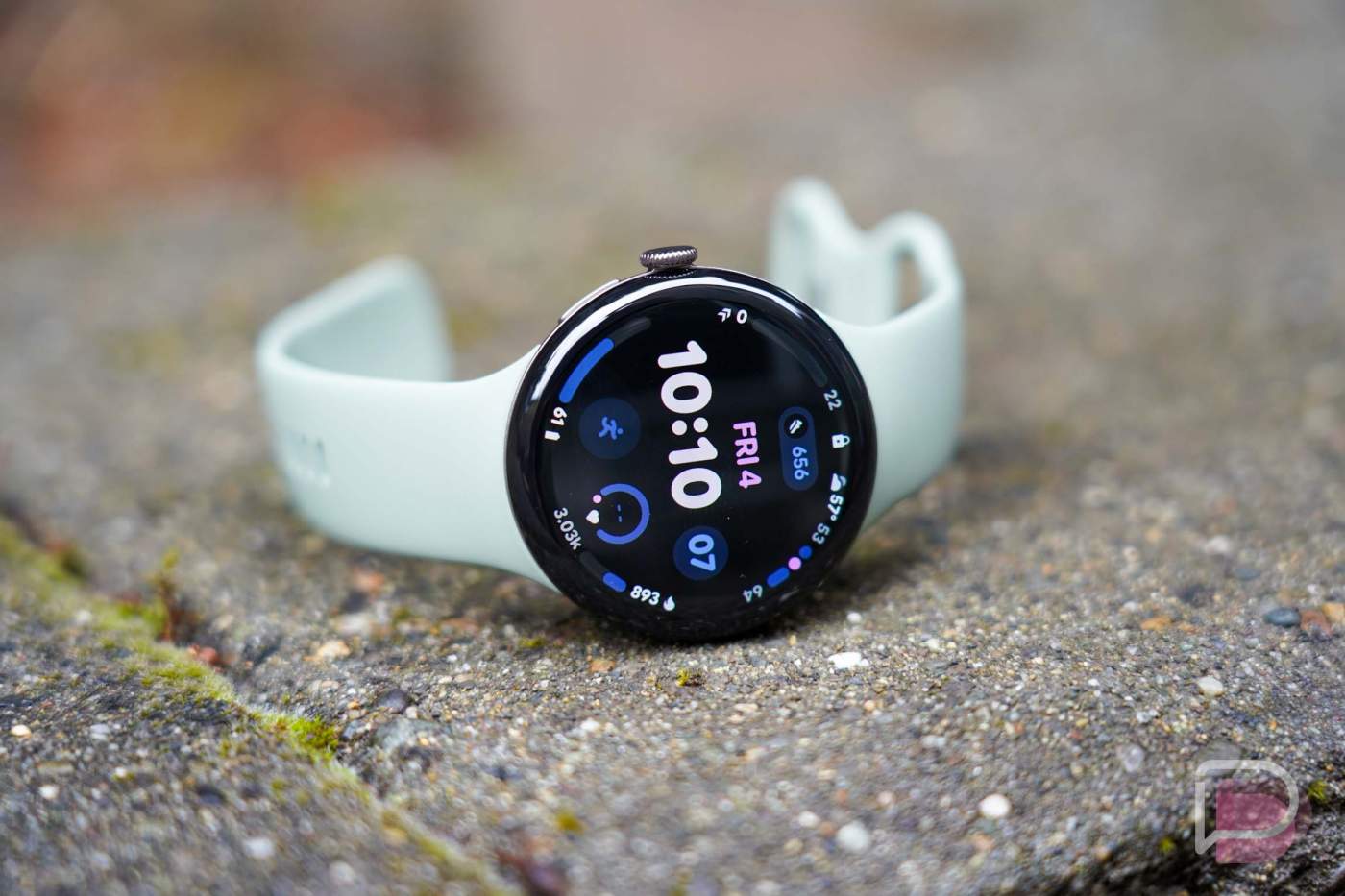

The Pixel Watch 5 launched back in August alongside the Pixel 11 series without a lot of major improvements to talk about. Google didn’t try and oversell the Pixel Watch 5, they simply told us about refinements, incoming advanced health tracking features, the new colors, and that Gemini Intelligence is here on some level.
We’ve had a 45mm review unit model on the wrist to put the Pixel Watch 5 through our typical testing, which involves sleeping with it every night, working out 5 days a week, and attempting to use it for more than just telling time or checking the occasional notification. We have worn this little guy, that’s for sure.
Let’s dive into our Pixel Watch 5 review.
What do you need to know about the Pixel Watch 5?
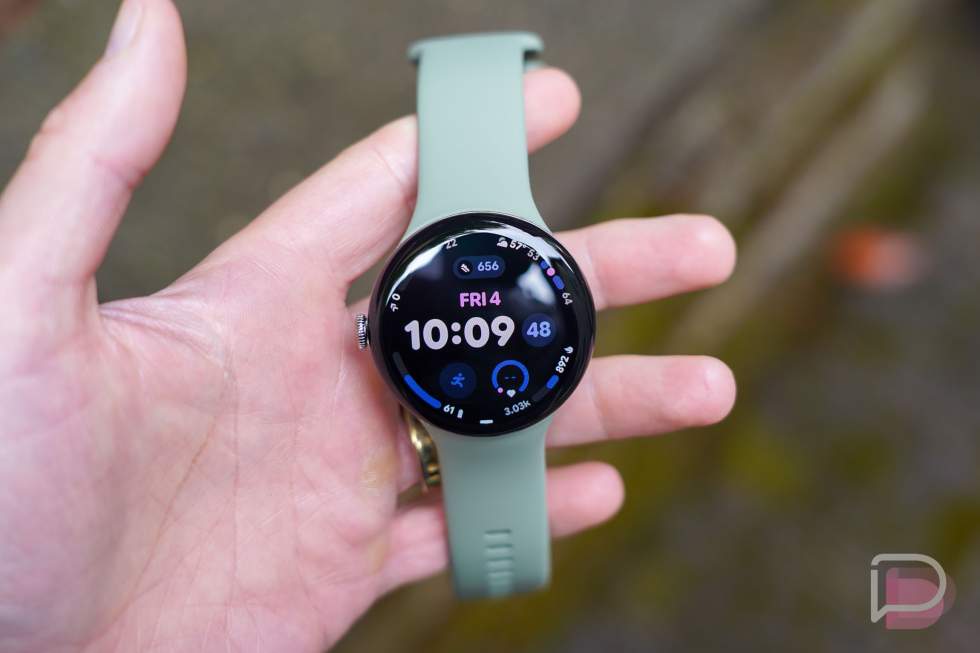
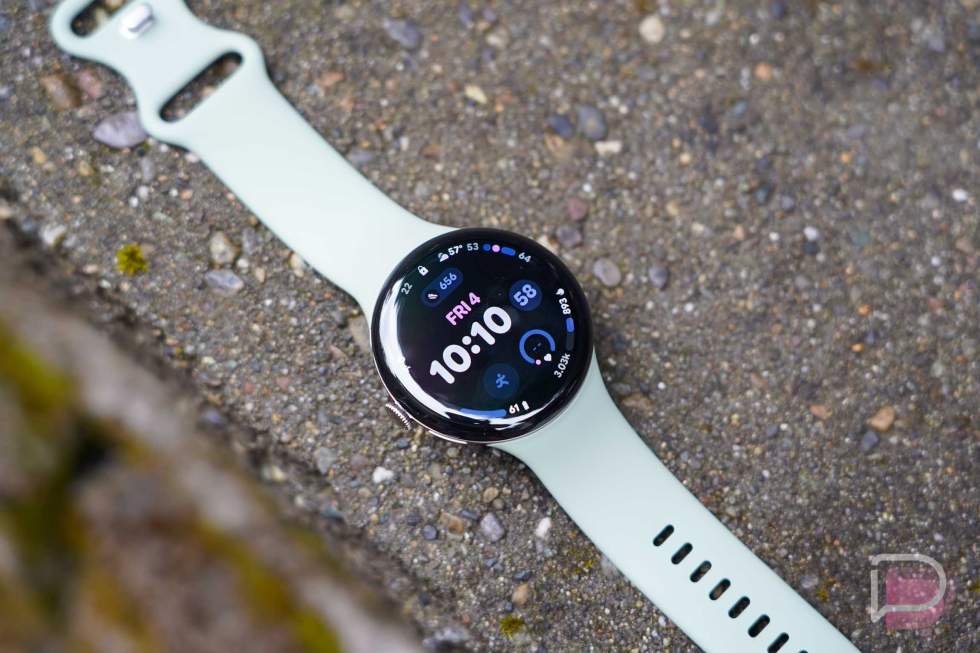
Design. Google is running back the same design for a fifth generation of Pixel Watch. As I continue to say with each review, that’s not a bad thing – this is the best looking smartwatch in the land. Samsung’s new Galaxy Watch 9 is also a stunner, but Google has truly created an iconic smartwatch design that finds a beautiful balance between modern and classic.
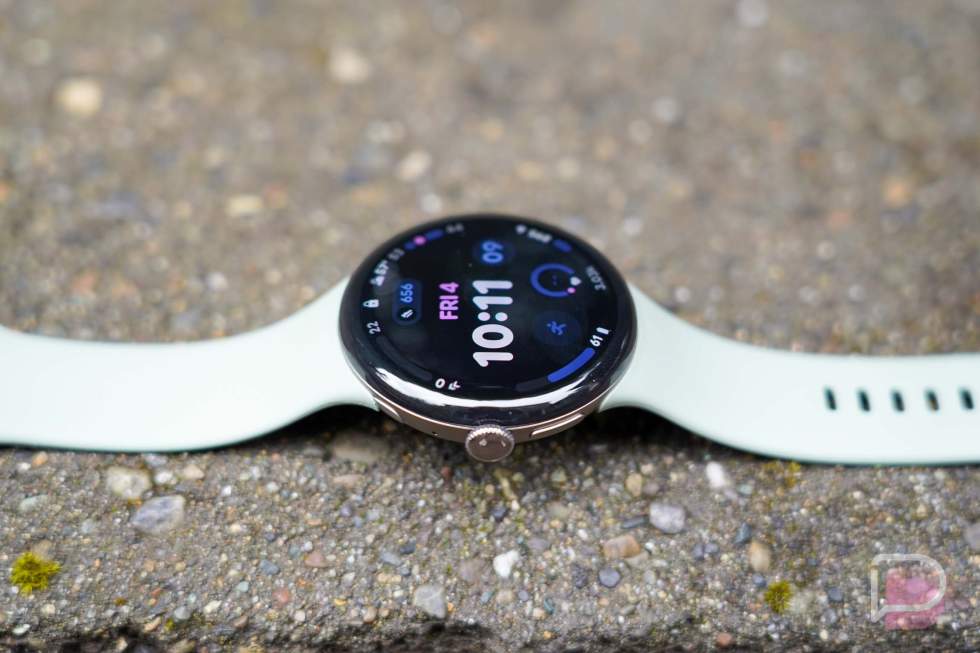
We have the same 41mm and 45mm round case options, both of which are made from aerospace-grade aluminum. There’s a circular display with domed glass on top, a rotating crown that doubles as a button, and one extra button that performs multiple tasks, like opening Gemini.
We have the same band system again too, so that means a finicky slide-to-lock mechanism that directly attaches bands to the case. Once attached, they look great, it’s just that frequent band changers might quickly grow to despise this system. It works, but it certainly takes some practice.
And then for charging, Google has brought back the side magnetic pin and dock system from the Pixel Watch 4. You can see this area on the opposite side of the crown and also feel the pins if you brush your finger over them. They don’t necessarily take away from the overall design, but they are noticeable depending on the case. Overall, I like this pin charging system, so I’ll deal with that little black slit up the side.
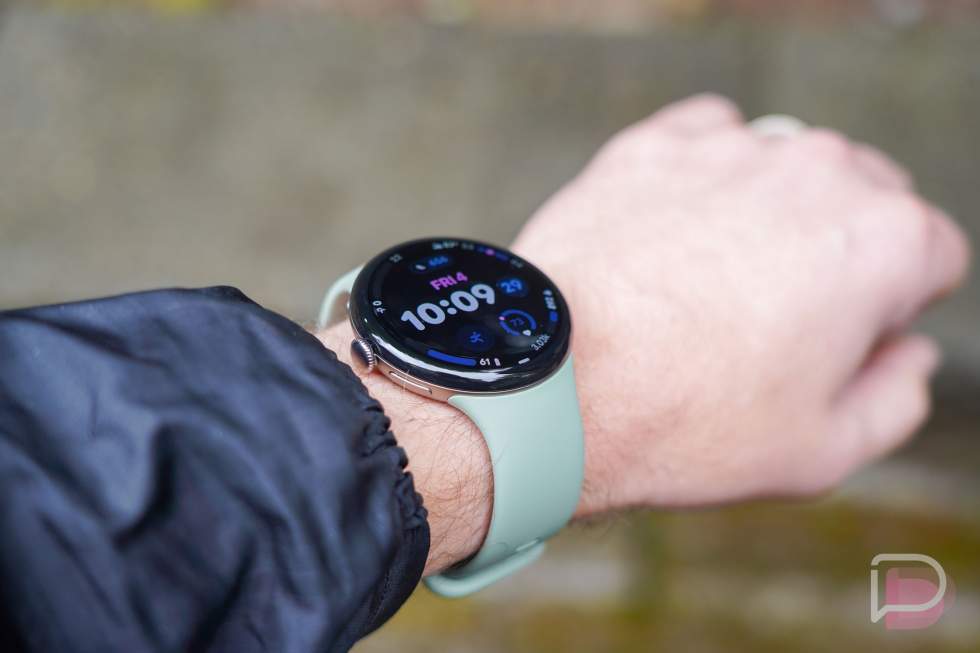
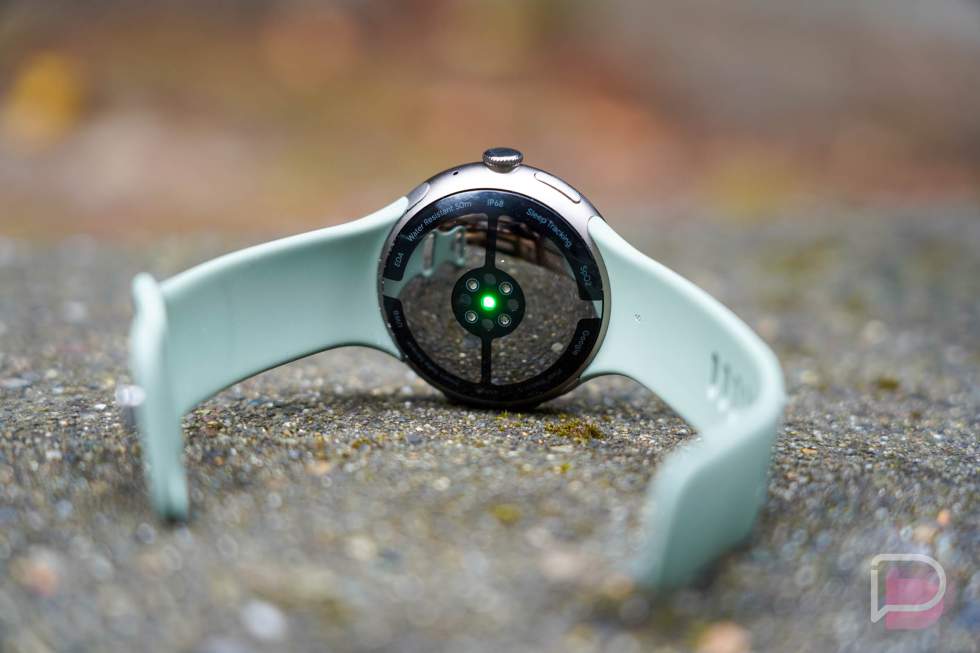
On the wrist, even this bigger 45mm version that I’ve been testing doesn’t wear large. Thanks to the bands attaching into the case, it fits snugly and close to your arm, plus the weight isn’t obnoxious. There are times when you forget you are wearing Pixel Watch 5, because it stays out of your way. The sensor on the back allows the watch to lay mostly flat too.
When you glance down upon it, it’s a pleasing sight each time, mostly because Google’s technological pebble is still stunning to look at. That extra doming of the glass for these past two generations, the touch of metal peeking out, and the way a watch face fits as far to the edge of the display as it can, all make for one of the best on-wrist views of any smartwatch.
Look, this is a beautifully designed watch that feels very premium. We’ve come a long way from that original Pixel Watch. Like the Pixel 11 series, this Pixel Watch 5 feels like Google continuing to grow and improve with hardware refinements. While there is nothing new here, it’s still good.
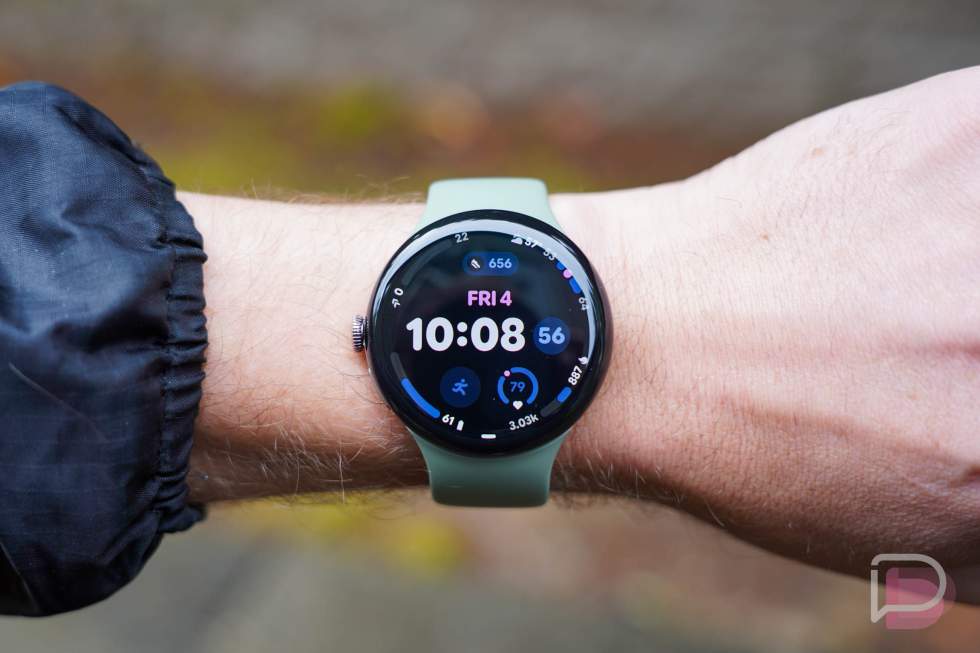
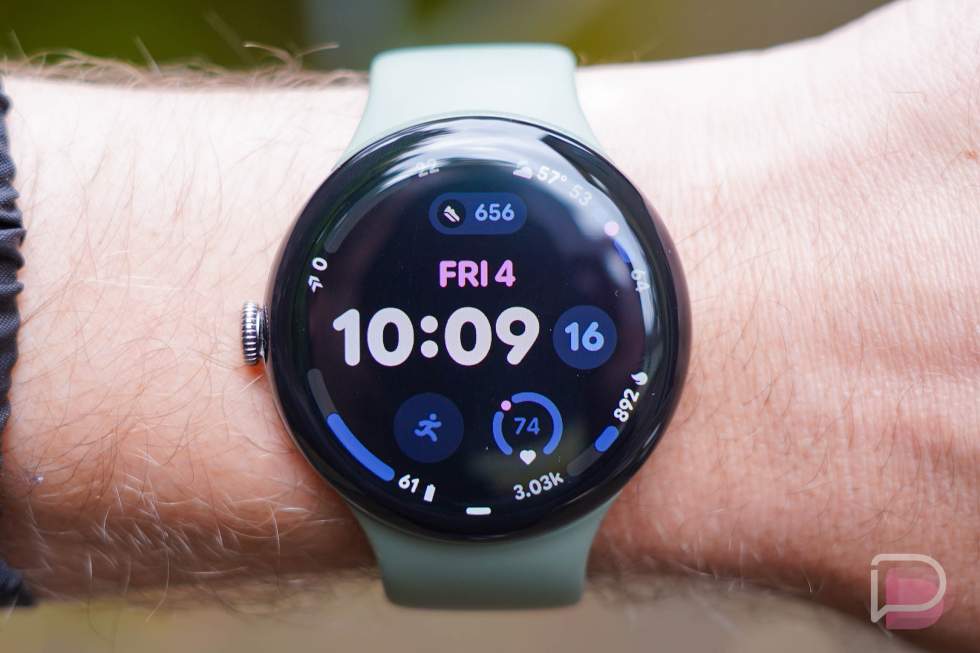
Battery life. I’ve been battery life testing the Pixel Watch 5 since August 12, with the always-on display both active and turned off. I’ve taken it on GPS bike rides, worn it through more than a dozen workouts, slept with it every single night, and think I have a pretty good grasp on battery life.
Google gave us slightly larger batteries this year, but they are only promising similar battery life (45mm: 40h with AOD on, 72h with AOD off). The Pixel Watch 4 had excellent battery life, so that’s fine. However, battery life is once again very good on the Pixel Watch 5.
With the always-on display active, I was getting a full 2 days on a charge. By the 40-hour mark, my remaining battery was anywhere from 10-25%, which likely changed because of my lack of activity on certain days.
With the always-on display turned off, I was close to the 72-hour rating from Google on most charges. I was averaging about a 30% loss each day with typical use. I had charges that might not have made the full 3 days, while other charges could have gone there and then some.
I will point out that on an hour+ bike ride, using GPS the entire time, took off a full 10% battery. That’s expected, of course, and the longer charges are always only going to happen with lighter usage.
Speaking of usage, I’d call my usage on the Pixel Watch 5 pretty light. I’m no longer much of a smartwatch wearer, so when I have one, I use it as a watch first, but then also for setting timers, viewing the occasional notification, actively tracking workouts, and not much else. I’ll get into software in a bit, but when you look at my battery life numbers, it’s probably safe to say that power users won’t hit these numbers and you should expect under what I’ve hit here.
Hardware. In the hardware department, Google hasn’t changed much for the Pixel Watch 5. In fact, if you use the Google Store’s comparison tool of the Pixel Watch 5 to the Pixel Watch 4, you won’t find a single difference outside of the “Accelerated” branding on the Snapdragon W5 Gen 2 chipset. That tool doesn’t tell the full story, though, and we know that we now have 3GB RAM (up from 2GB), double the storage to 64GB, and a healthy 20% speed improvement over the Pixel Watch 4.
The rest is identical – same heart rate sensor, IP68 and 5ATM ratings, and 360 Actua displays with 3000 nits brightness. This is very much a Pixel Watch 4+ in terms of hardware.
Software and Gemini. The Pixel Watch 5 runs Wear OS 7 out of the box with all of the latest from Google in smartwatch features. It has the new Material color system throughout, buttons are big and bold and easy to touch, and we now have widgets in place of Tiles. Gemini is at the ready with a raise-to-talk gesture, long-press of the side button, or with “Hey, Google.” Google Health is fully integrated, we have a couple of new watch faces, the Pixel Watch app continues to see big improvements in usability, and there’s a full suite of Google apps pre-loaded, with Google Wallet there for your mobile payments.
Before we go any further, I have to point something out. For years, I’ve been complaining about Google not adding an option to wake the watch on new notifications. Every other smartwatch maker has this built-in, and it’s an important feature, because it allows notifications to wake the display without you needing to twist your wrist. Guys, I don’t know when they added this, but it’s here! There’s now a setting in the “Show new notifications” area called “Immediately,” which does indeed wake your screen when a notification arrives. Thank you, Google.
OK, so when it comes to software, I think you get a really complete package here from Google. The Google Health tracking is well integrated and offers a robust set of features to track sleep, fitness and activity levels, and help you become a healthier you. We’ll get more into that next.
For the rest of the experience, Google has added a lot of polish to Wear OS with Wear OS 7. This feels like a complete wearable experience. They’ve clearly spent a lot of time on view-ability and glance-ability, with everything finding new bold and colorful boxes or shapes that are easy to identify and press. Notifications appear with actionable items that don’t take several scrolls to find, the speech-to-text is quicker than ever, the watch faces continue to get better with more complications, and Google is fully utilizing the curved screen to add beautiful transitions and flow as you move about the watch.
The Pixel Watch 5 software is good for someone like me, who doesn’t do a lot on a smartwatch, yet needs the simple things to just work. I need notifications to be easy to deal with, timers to work instantly by voice, the fitness tracking to capture everything without me asking for it to, and for a companion app to (mostly) mirror all of the on-watch settings, so that I can deal less with the mini round screen on my wrist.
Of course, Gemini is a big part of the Pixel Watch 5 story. You can activate it by long-pressing the side (non-crown) button, saying “Hey, Google,” or using a raise-to-talk gesture that was first introduced on the Pixel Watch 4. That raise gesture almost never works when I need it to. I despise saying “Hey Google” these days, and I don’t always have fingers free to long-press a button, so I’ve tried to find the tricks to get this raise gesture to work and it almost never does, at least not when I need it to. It’s become so inconsistent that I now just grab my phone if I need Gemini for something.
When I do decide to give Gemini a chance on the watch, I’ve got to be honest in saying that it brings me some anxiety. These small displays, in my experience, are just not good at doing anything outside of notification management, so the idea of having a watch give me info, attempt to complete tasks, or do anything that isn’t of the simplest forms, isn’t something I want to do.
But here’s just one example of how this can be frustrating. Google suggests you can raise the watch to your mouth and ask it to start a workout. As I’m sitting here writing this review, I raised my wrist, saw the blue glow of Gemini, and said, “Start a pickleball workout.” Did it? No. I tried it probably 15 times and it just did nothing. So then I long-pressed on the Gemini button, it fired up, and I said the same command. Its response? “Sure I can help with this. First, please select a provider app to turn on.” What in the f*ck does that even mean? I don’t know. It doesn’t even know. It just doesn’t work. I’ve tried it with “Start a run” or “Open Google Health and start a workout.” None of these ever do anything.
While these are the situations that cause me to quickly give up on my wrist device being very helpful outside of the basics, when Gemini does work, it can be impressive. I had a Google Task that I needed updating as I drove somewhere this morning. While driving, I actually got the raise-to-talk gesture to work, told it that I had a task for tomorrow that I needed changed to today at noon, and you know what? It did just that.
Again, I do think the overall Wear OS software experience on the Pixel Watch 5 is quite good. I would be very hesitant to think this is a Gemini-powered, proactive tool that’ll let you touch your smartphone less, at least on a consistent basis.
Health tracking. The health tracking is going to be one of the top 1 or 2 reasons you buy a Pixel Watch 5. With the Fitbit history and the new upgrades to Google Health, this is a robust, yet simple-to-adopt health and fitness tracking system.
When you put on a Pixel Watch 5, Google Health starts automatically tracking your workouts and activity, vitals, and sleep without any effort on your part. And it does so with never-ending improvements, because Google is constantly looking for ways to improve algorithms and the metrics this watch (and Google Health) can keep track of. It’s presented in an easy-to-digest format, but it also lets you dive deeper into metrics if you want.
The Pixel Watch 5, specifically, is very quick at recognizing when you are awake in the morning and then processing your sleep. Unlike the Fitbit Air, which is frustratingly slow to do that same task, the Pixel Watch 5 often considers that I’m awake within minutes of grabbing my phone. It’s also better at recognizing workouts, informing me of workout tracking as it’s happening, and then better understanding when I’m done. The Fitbit Air, again, has been frustratingly slow or inaccurate in recent months with similar tracking.
For accuracy, when compared to my Oura ring, everything is within range. My Pixel Watch 5 does register a resting heart rate during sleep at 5 bpm faster on most days, but I’d guess that’s because I don’t wear it as tight as is recommended. But when checking live heart rate, they essentially match each other. Other items like sleep and readiness scores will always differ, because they use different algorithms to calculate those, but I’d call them within range too. Nothing has popped up that I would consider out of the ordinary or that I think the Pixel Watch 5 isn’t tracking properly.
While actively tracking a workout, Google provides pretty basic levels of info that have few customizations. I would hope that one day they’ll really let you fully customize all that can be seen on running activities, for example, we just aren’t there yet.
Google has introduced a really big suite of more serious health and wellness tracking as a part of the Pixel Watch 5 launch. It’ll soon show you blood pressure trends, let you track insulin resistance, detect breathing emergencies, and look at sleep breathing quality. Of course, it also does loss of pulse detection, can find signs of AFib, and continues to present more and more info on how well or poorly you slept. While this isn’t technically or officially a medical device, it sure feels like we’re getting closer to it becoming one.
This is such a well put-together health and fitness tracking experience.
Haptics (again). I complained last year about the haptics on the Pixel Watch 4 not being strong enough, even with Google suggesting they were stronger than ever. For the Pixel Watch 5, I am once again finding them to be too weak, even when cranked to the max. My wrist almost never feels a notification come across, unless I’m sitting at my desk or driving a car and doing almost nothing else. Mid-workout? I’ll feel nothing, only to take a break or find a minute in-between sets to find several missed notifications from Gmail to texts to calendar items.
Pricing. Google raised prices on every single Pixel Watch 5 model over the Pixel Watch 4. I’d imagine the reason is increased prices from chip shortages, but it is definitely an unfortunate thing to see knowing that the improvements aren’t that big. The Pixel Watch 5 now starts at $399 and tops out at $529. That base price of $399 is $50 higher than last year’s Pixel Watch 4.
Should you buy the Pixel Watch 5?
The Pixel Watch 5 finds itself in a similar situation to the Pixel 11, which are Google’s new phones that launched alongside it. All are excellent devices, but none are big leaps over previous generation devices.
What I’m getting at is that the Pixel Watch 5 is very good. Battery life is solid, the software is good, the health tracking is excellent, and the design is still one of our favorites. But if you own a Pixel Watch 4, this isn’t a device you would upgrade to. There just aren’t any major differences between the two. However, if you are on a Pixel Watch 1, 2, or 3, then yeah, this is going to be a pretty big upgrade in several ways.
Pixel Watch 5 Review: Still Good, Upgrades Aren't Big
The Pixel Watch 5 is another gorgeous, remarkably polished wearable, but it’s essentially a "Pixel Watch 4+" with a steeper $399 starting price. You get the same stunning design, solid two-day battery life, snappy Wear OS 7 software, and fantastic automatic health tracking. Still, the haptics remain way too weak and Gemini on the wrist is still far too finicky to rely on. It’s an easy, worthwhile upgrade if you’re coming from an original Pixel Watch, 2, or 3, but if you’re already wearing a Pixel Watch 4, you can safely skip this one.