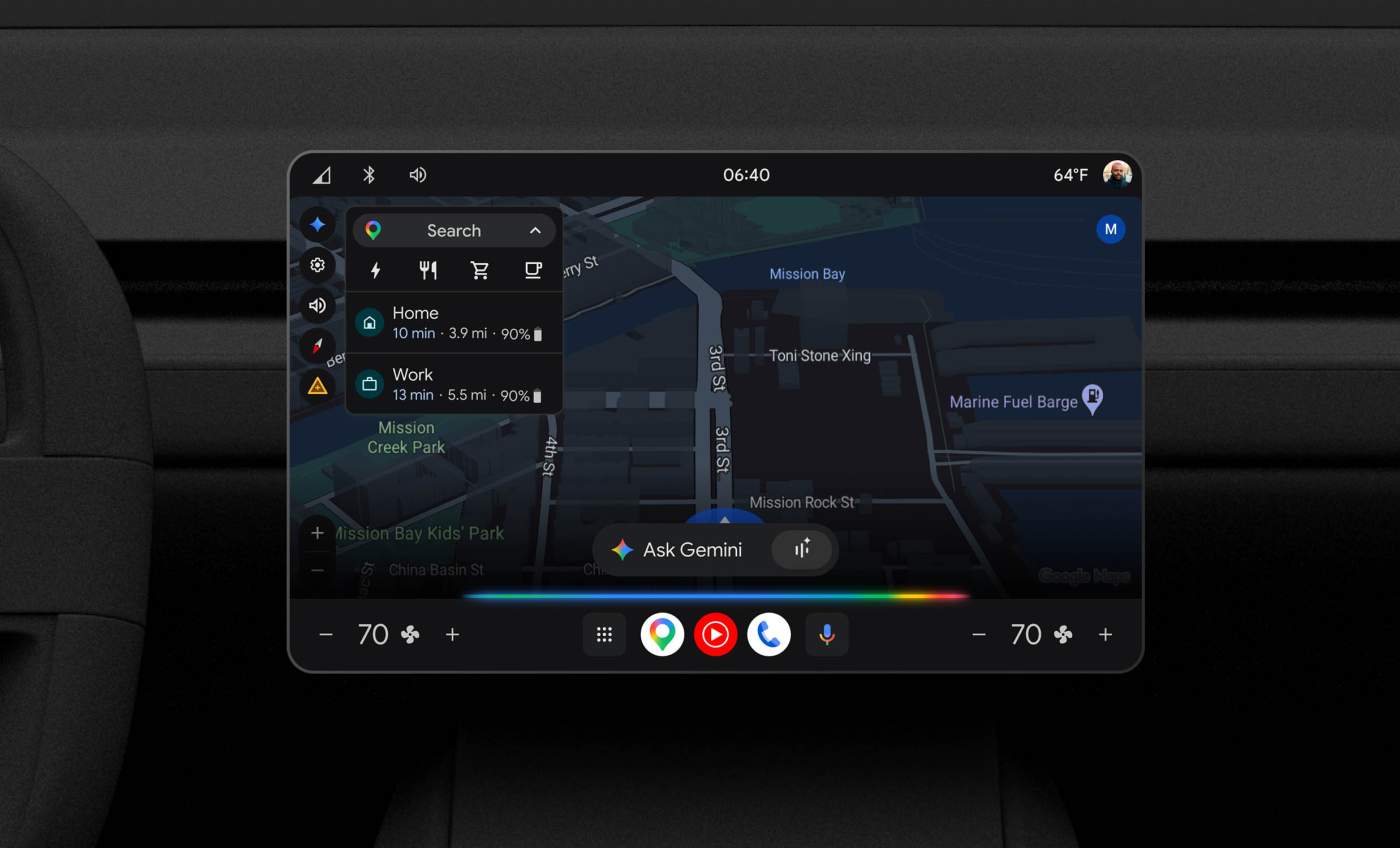

A potentially big upgrade is coming to your car if it runs Google or Android Automotive as its operating system. Google announced today that Gemini is rolling out to replace Google Assistant, giving you more natural conversations, including controlling your car and going live to chat-it-up with an assistant as you drive.
The rollout for this change will start with English in the US and then hit other markets and languages “over the coming months.”
What does Gemini in your car look like and what can you do? It could be big, assuming you were previously leaning on the clunkiness of Google Assistant.
Here are a bunch of things you can do with Gemini:
- Talk more naturally: One of the biggest improvements will be the types of conversations you can have. Google Assistant was always a bit stiff and frustrating to talk to, but Gemini lets you be more free with your choice of words. Rather than needing to know specific commands as you drive, you can kind of ramble in ways and Gemini should be able to figure out what you need.
- Real-time updates: Beyond the conversational part, Gemini should be more powerful and can get you more info. Real-time updates along your drive, finding pit stops on your route, and checking on parking are all things you might be able to do.
- Messaging improvements: Because this is Gemini and voice-to-text is its super power, sending and checking messages should happen with more confidence.
- Gemini Live: If you are bored or need to talk to an AI assistant as you drive, Gemini Live will arrive and can tell you about your destination with history and facts, you can ask general questions about life or have it tell you a story, and get recommendations for your trip.
- Car controls: Since so many cars that run Google have removed physical car controls, talking to Gemini to get things done might be easier that dancing through software menus. Gemini can provide real-time EV insights on your battery status, you can get help with car issues or settings since Gemini can read through your car’s manual, and you can adjust temperature/climate.
There might not be a way to force this change to Gemini, so try to be patient. I’m pretty sure I still don’t have Gemini in Android Auto after all these months and have tried every supposed trick in the book. For Cars with Google built-in, you are likely waiting for your carmaker and Google to push Gemini out.