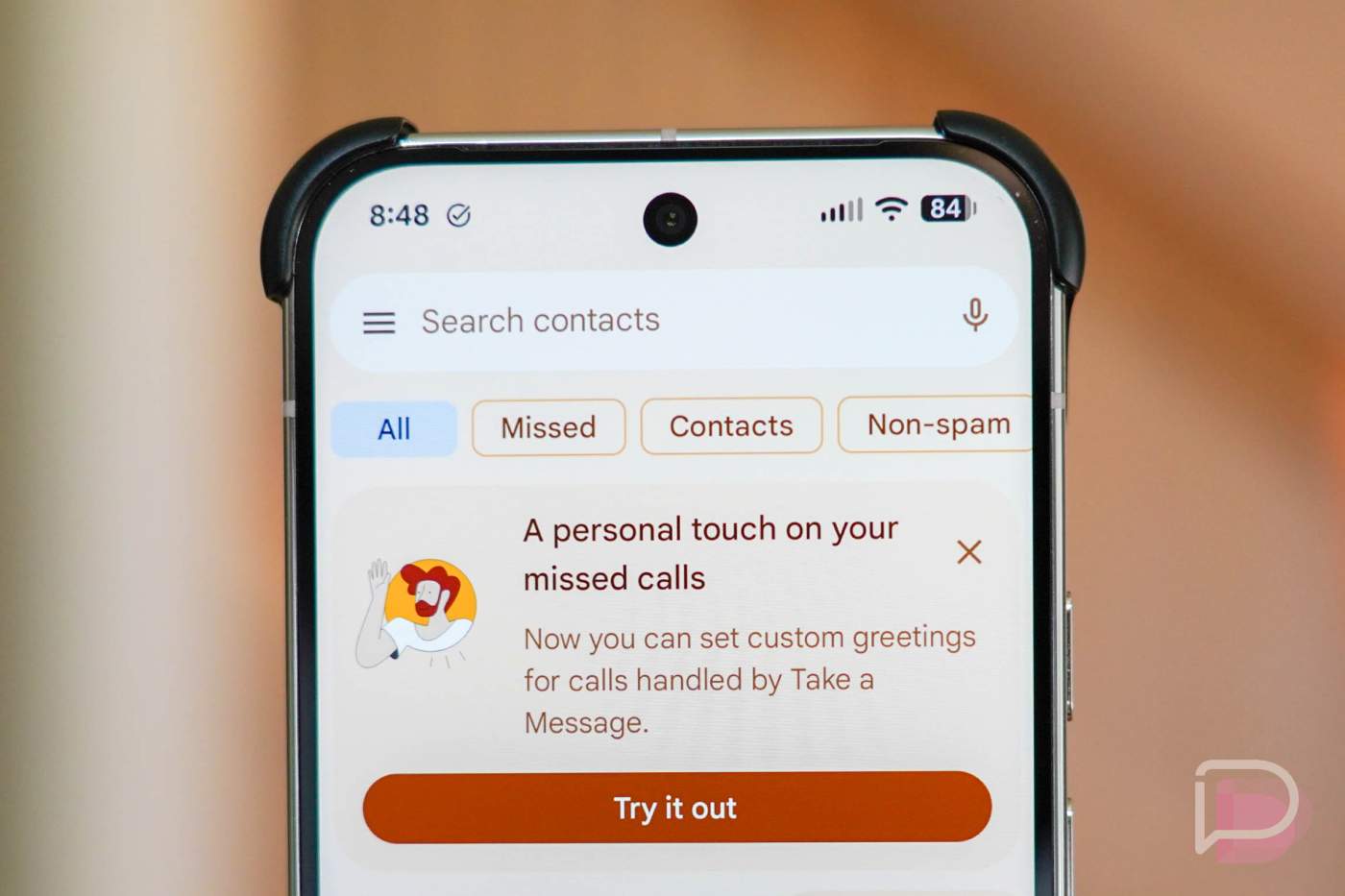

One of my favorite features that first debuted on the Pixel 10 series is called “Take a Message.” This is a voicemail replacement on your Pixel phone that shows real-time transcription and acts as a more modern, potentially-feature-rich take on voicemail.
This week, Google Pixel’s Take a Message is getting an upgrade that lets you record your own custom greetings.
Updating your Phone app should get you this new feature, as it appears to be rolling out widely at this time. Head to Google Play to update, then open your app, and you should see it at the top of the app as a notice that reads, “A personal touch on your missed calls” and that “Now you can set custom greetings for calls handled by Take a Message.”
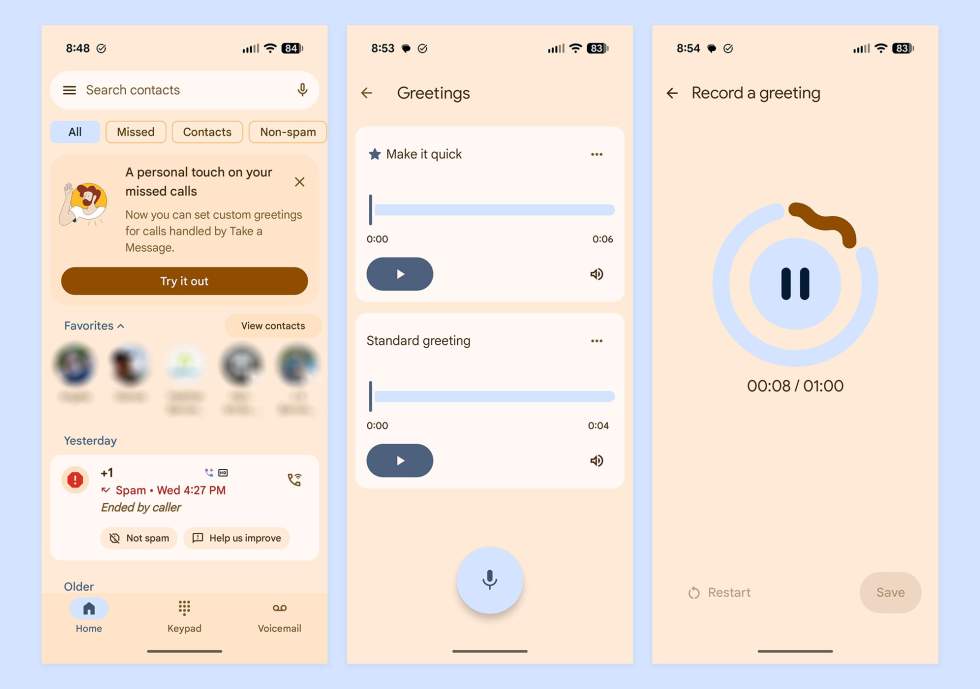
If you hit the “Try it out” button, you’ll be taken to the Greetings page where you can then tap a microphone button to begin recording. This new feature lets you record multiple greetings that are up to 1-minute in length.
You’ll then be able to hit each greeting’s 3-dot menu to rename, delete, or set one as a default. At this time, you can only set a single greeting for all calls, but I’d imagine Google could let you customize these per contact in the future.
To access this setting without the banner at the top of the app, you’ll slide out the side navigation menu, tap Settings, Take a Message, and then Manage Greetings.
Take a Message is available on the Pixel 6 and higher.
Google Play Link: Phone by Google