

Today, Google Photos announced that it is rolling out 5 upgrades to your experience, giving you power over photos with Gemini Spark, access to your digital closet, new Moods to style things with, new Remix templates, and an upgraded markup tool.
Some of this new stuff you’ve heard of before, but this is Google acknowledging that it is rolling out more widely or actually available rather than just coming “soon.”
Gemini Spark and Google Photos
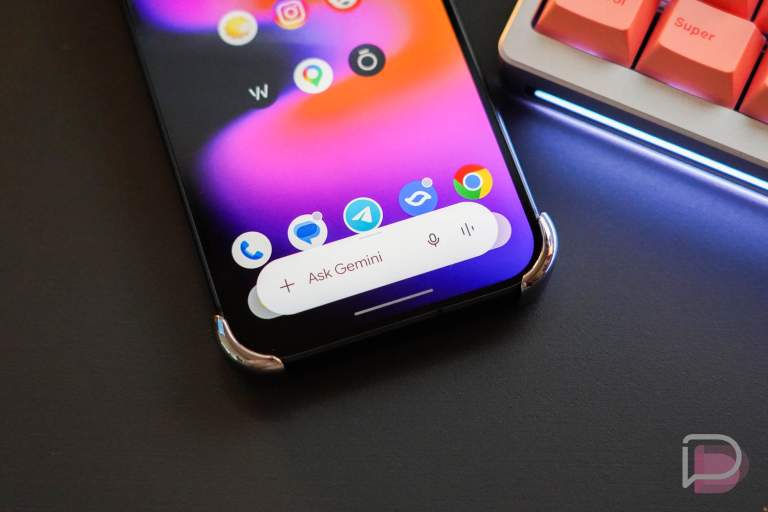
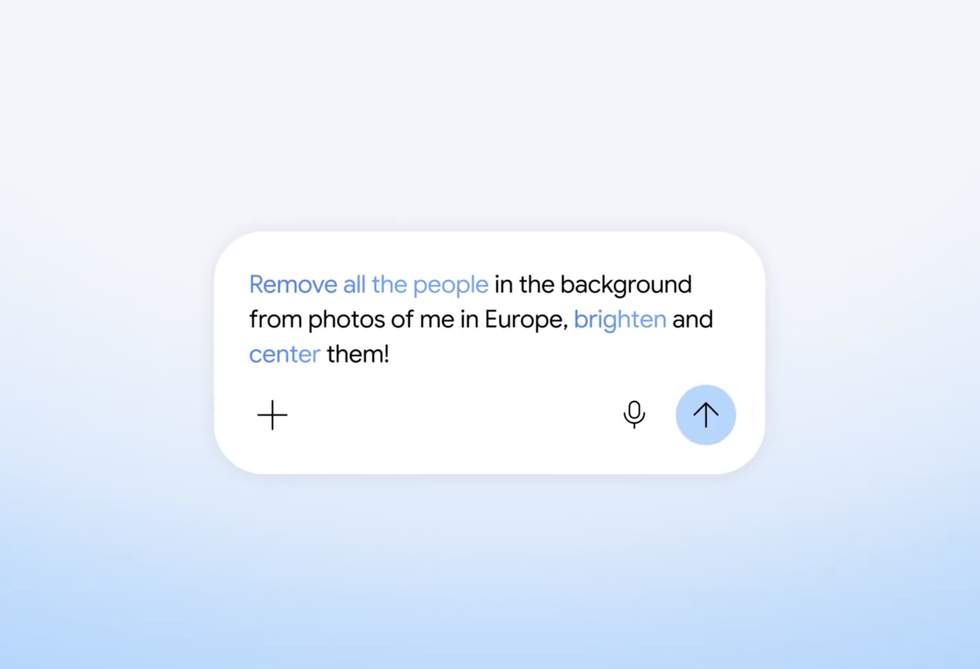
The first item is allowing Gemini Spark to have some control over Google Photos. We’ve talked about this previously because Google announced it at the beginning of September, but it is now available to Google AI Pro and Ultra subscribers in the US.
With Gemini Spark having access to Google Photos, you could do a lot of cool stuff= through prompts. You could tell Spark to gather all of your recent vacation photos, put them in a gallery, draft an email to the person in the photos that you were on vacation with, and then send that gallery it just made.
You could also have it bulk edit all of your selfies with boosted shadows or another style. You could even have it create weekly photo recaps of your kids and their activities to be sent to their grandparents.
Google Photos digital wardrobe
Back in April, Google announced that it was going to introduce a digital wardrobe to Photos that would basically catalog everything you wear in the photos of you in your account. It would then let you virtually try-on outfits based on that catalog of clothing.
This is now available to all eligible (AI Pro and Ultra subscribers) Android and iOS users in the US, India, and Brazil.
New Moods for styles
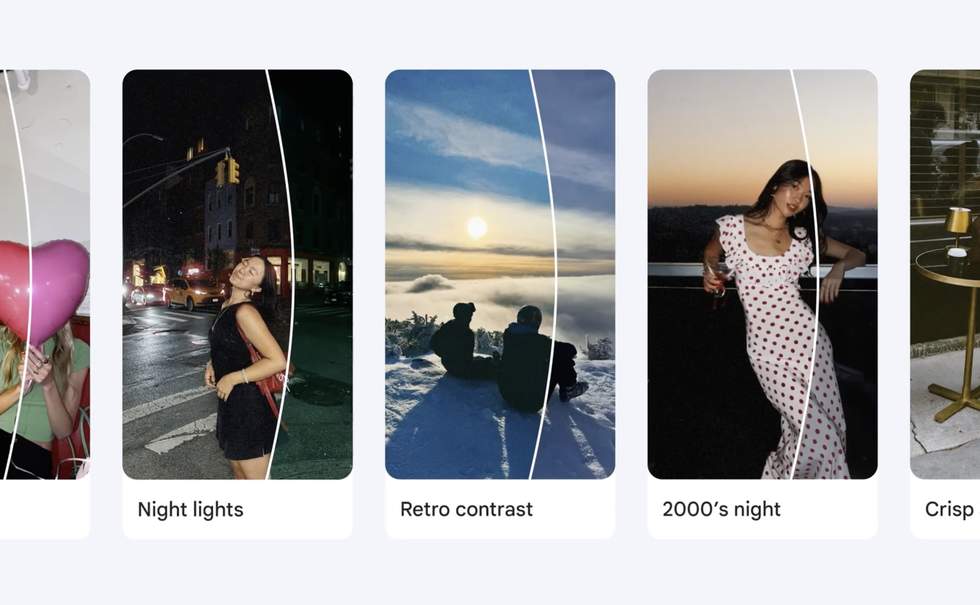
Google Photos is introducing Moods as a way to edit photos with certain styles “that intelligently adapt to your images.” In the image above, you can see ideas like “Night lights,” “Retro contrast,” and “2000’s night.”
This is available globally on Android.
New Remix Templates, upgraded Markup tool
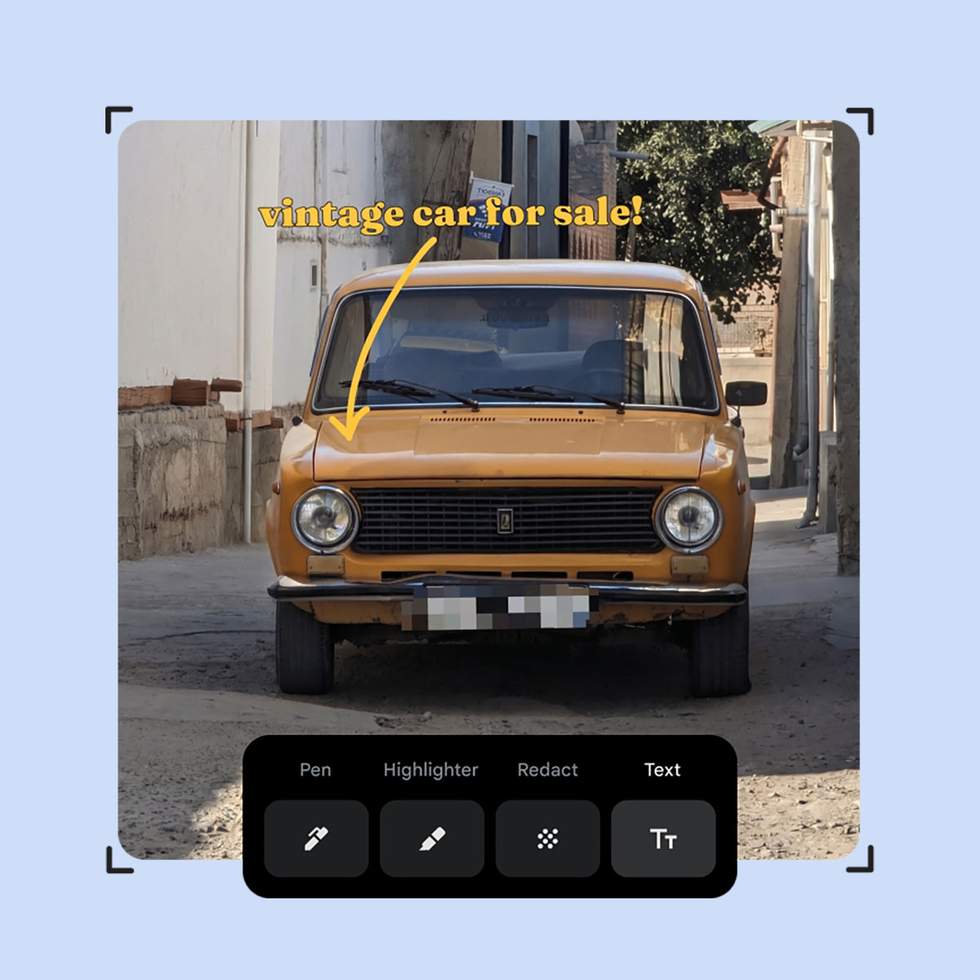
Finally, Google Photos is also getting 15 new Remix templates and the markup tool has been upgraded with things like a redact pen to blur sensitive info, precise thickness sliders, and fresh fonts.
The new markup tool is rolling out globally on Android.