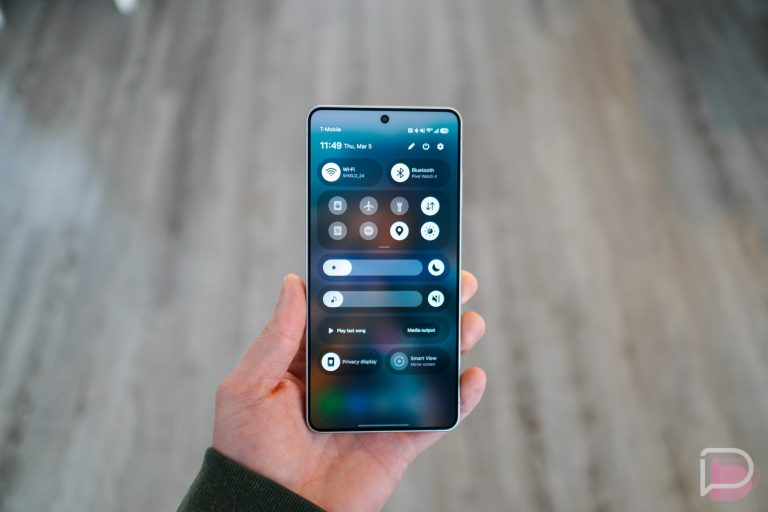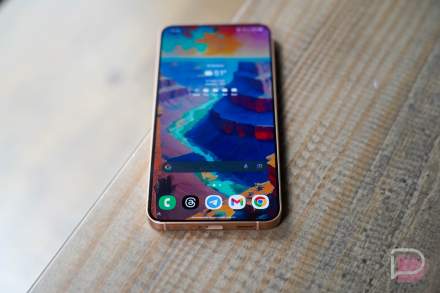

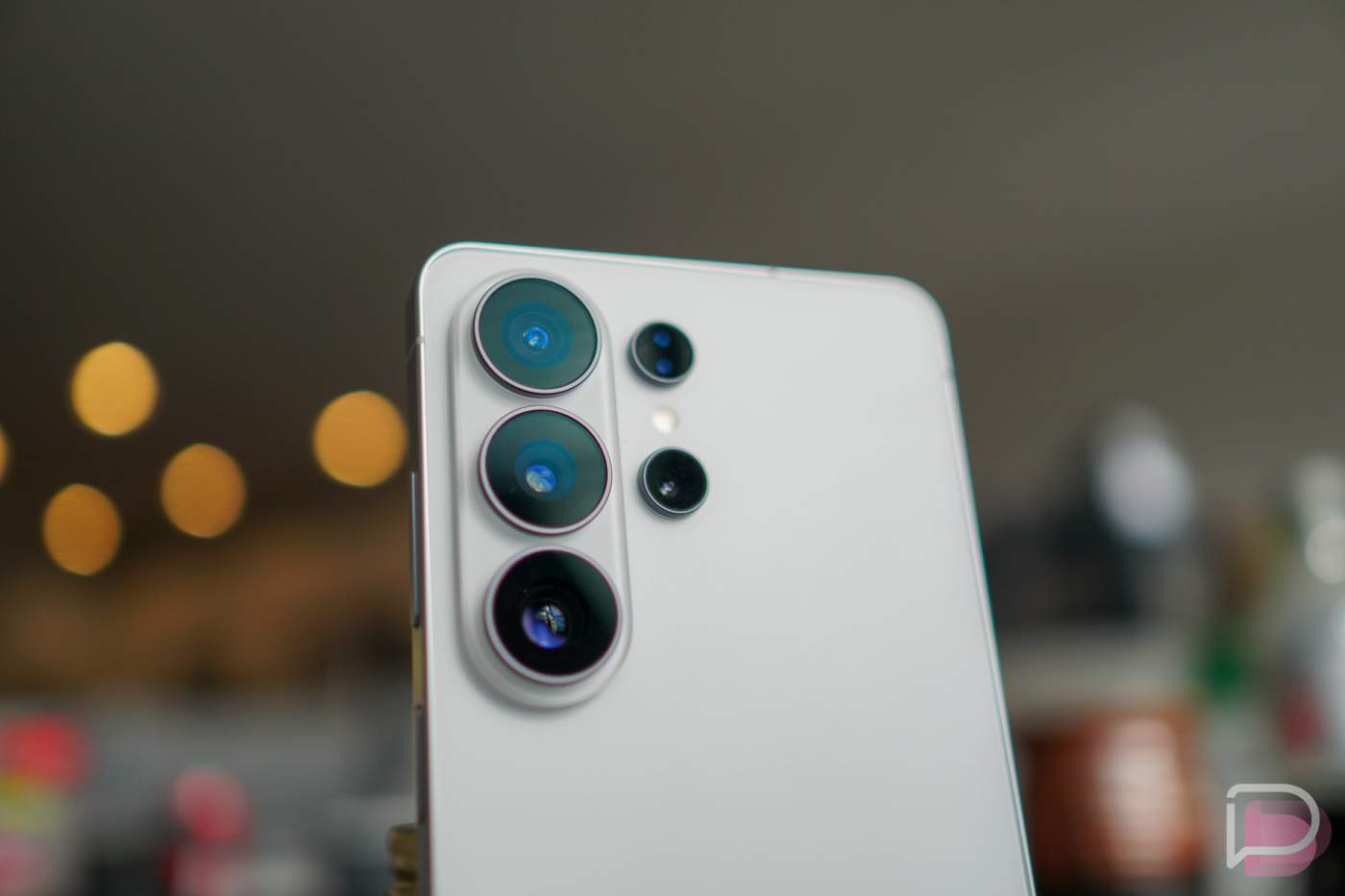

After months and months of testing in a beta program, Samsung began pushing the stable and official One UI 9 update to the Galaxy S26 series today. This massive update not only brings the latest changes from Samsung’s One UI 9, it is also an update to Android 17.
One UI 9 first debuted on the Galaxy Z Fold 8 and Galaxy Z Fold 8 Ultra back in July in stable form, but as I mentioned, One UI 9 Beta builds have been on the Galaxy S26 since May of this year.
What’s new in One UI 9 for Galaxy S26
This update is being pitched as one that brings you new ways to stay focused, to tailor the information you see each day, and the manage device care more easily. They are doing this through Now Brief updates, a new Now Nudge, smarter document scanning, structured voice recorder summaries, and security alerts/brief within your Now Brief.
- My FanCam: If you shoot video of your kid at a recital or a friend at a show, this lets you lock onto a specific person in recorded footage. It auto-tracks and reframes the shot to keep them centered.
- Customizable Now Brief Cards: Now Brief gets generative, editable cards, where you can tweak and build cards for things like health, weather, and video recaps. This will hopefully present a daily briefing that isn’t so cluttered with stuff you don’t care about.
- Warranty & Care in Settings: Samsung baked hardware support into the main Settings menu to let you view warranties across all linked Galaxy devices, run diagnostics, get repair estimates, and schedule service or manage Care+.
- Now Nudge: Samsung’s version of Google’s Proactive Assistance is called Now Nudge and it pops up quick shortcuts within messages, based on contextual triggers. This could mean adding an event straight to your calendar, pulling up reservations, or grabbing addresses without leaving the conversation.
- Interpreter Thread View: Conversations in Interpreter now get a messaging-style “Thread View” so you can scroll back up and read earlier parts of the chat. They’ve also shaved down translation latency in Conversation Mode, especially when using Galaxy Buds.
- Smarter Document Scanning: Scanning documents can now automatically straighten out curved book pages, fix folded corners, and clean up fingers holding pages down with an improved Finger Eraser tool.
- Structured Voice Recorder Summaries: Instead of spitting out a wall of text, AI transcript summaries in Voice Recorder now format notes with clear headings and tables to make meetings easier to scan.
- Security Brief & AI Privacy Alerts: Security alerts (Ex: malware warnings, sketchy sideloaded apps, etc.) now feed straight into your daily Now Brief. Additionally, AI can flag background apps suspiciously pinging permissions they shouldn’t be touching, plus there’s an expanded rollout for scam call detection.
And that’s the big stuff that Samsung wants you to know about. There are likely several other minor changes and tweaks, since One UI 9 is quite a bit update.
How to download One UI 9 update
To check for the update on your Galaxy S26 device, do the following:
- Open the Settings app
- Within Settings, scroll until you see “Software update” and tap it
- Now tap “Download and install” or “Check for updates”
- The software will download and install before presenting options to Restart or Schedule the update for later
Let us know if you see it in the US. Samsung typically starts this rollout in Korea a few days before we see it.
// Samsung