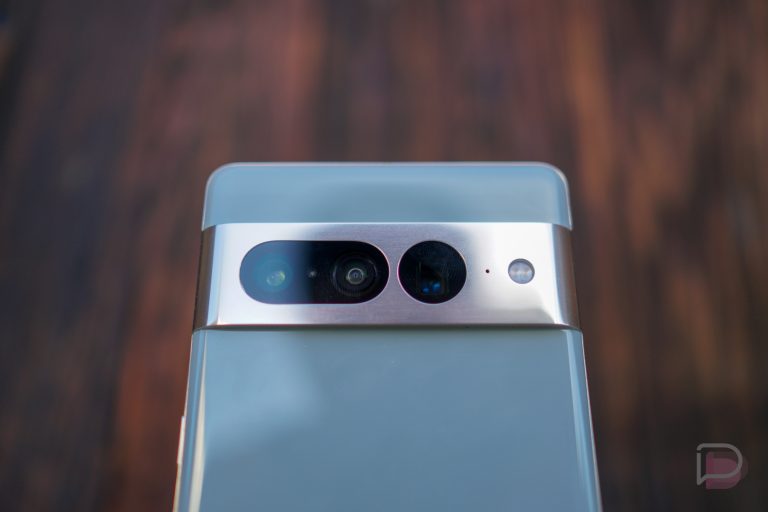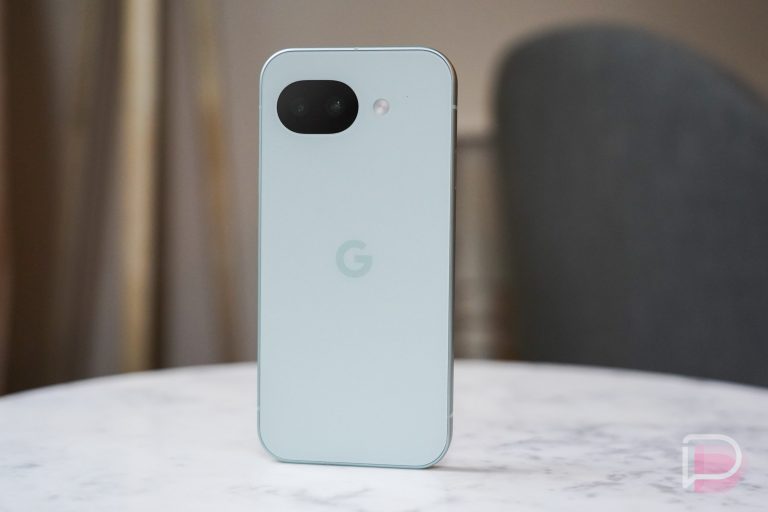

The April Google Pixel update is rolling out to your Pixel device with a handful of bug fixes. This is not a Pixel Feature Drop month, so don’t expect major changes following last month’s big update.
If you own a Pixel 6 up through the new Pixel 10a, you will receive an update. I’ve got to admit that I am a little shocked to see updates to the Pixel 6, 6 Pro, 6a, Pixel 7, 7 Pro, and 7a, knowing that Google has essentially demoted them to a quarterly update schedule in recent months. But hey, we’ll take it.
The new versions can be found below with only two builds to start. There is a “Global” build for most people, along with an Australia build.
Global
- Pixel 6: CP1A.260405.005
- Pixel 6 Pro: CP1A.260405.005
- Pixel 6a: CP1A.260405.005
- Pixel 7: CP1A.260405.005
- Pixel 7 Pro: CP1A.260405.005
- Pixel 7a: CP1A.260405.005
- Pixel Tablet: CP1A.260405.005
- Pixel Fold: CP1A.260405.005
- Pixel 8: CP1A.260405.005
- Pixel 8 Pro: CP1A.260405.005
- Pixel 8a: CP1A.260405.005
- Pixel 9: CP1A.260405.005
- Pixel 9 Pro: CP1A.260405.005
- Pixel 9 Pro XL: CP1A.260405.005
- Pixel 9 Pro Fold: CP1A.260405.005
- Pixel 9a: CP1A.260405.005
- Pixel 10: CP1A.260405.005
- Pixel 10 Pro: CP1A.260405.005
- Pixel 10 Pro XL: CP1A.260405.005
- Pixel 10 Pro Fold: CP1A.260405.005
- Pixel 10a: CP1A.260405.005
Australia
- Pixel 6: CP1A.260405.003.A1
- Pixel 6 Pro: CP1A.260405.003.A1
- Pixel 6a: CP1A.260405.003.A1
READ: Google swatted these 5 bugs in the April update
Again, Google (and its carrier partners like Verizon, T-Mobile, and AT&T) will begin pushing these updates over-the-air shortly (Settings>System>Software updates>System update), but if you don’t want to wait for Google and prefer to update manually, you will soon find each factory image or OTA file at the links below. For instructions on how to flash a factory image, here you go. For instructions on how to flash an OTA .zip file, here you go.