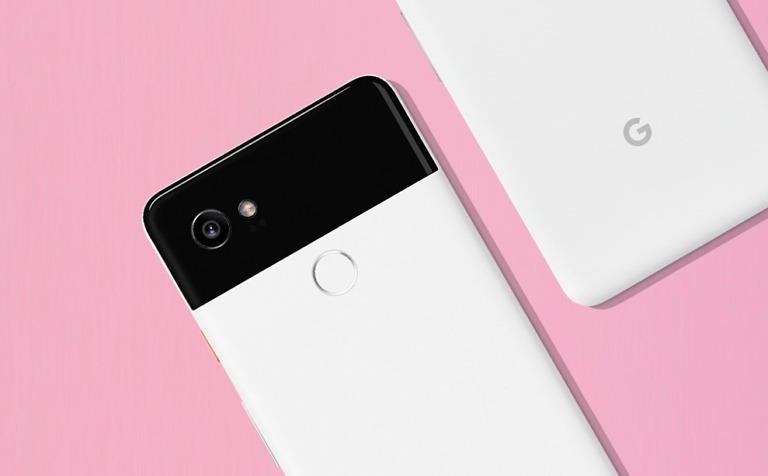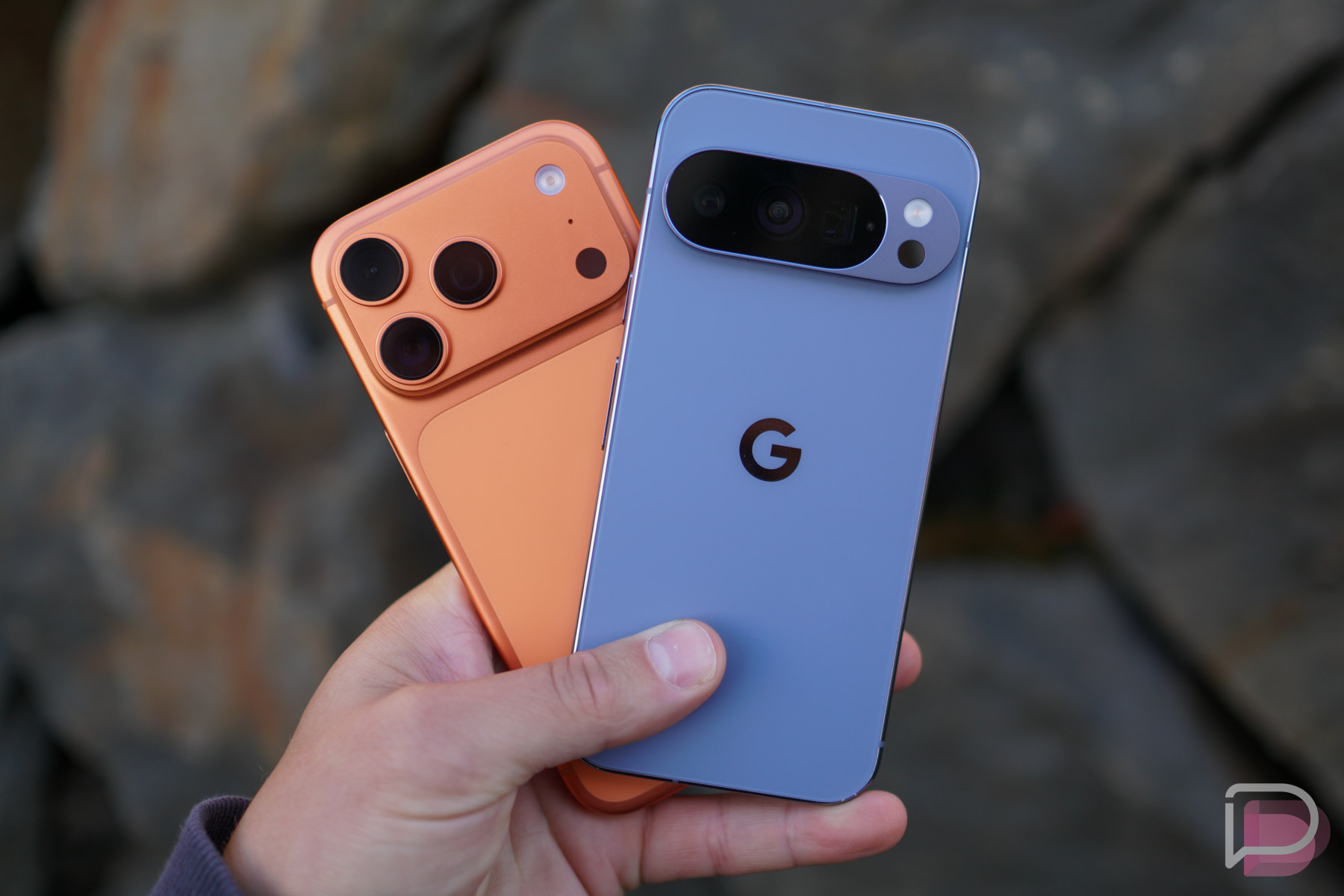

Google just surprised the entire tech universe by announcing that its Pixel 10 phones can share to iPhones with a combination of Quick Share and AirDrop. AirDrop on Android is (sort of) here.
- UPDATE: HERE’S OUR FULL GUIDE on how to setup AirDrop on your Pixel 10 and then send/receive your first files.
In a short blog post to announce the feature, Google says that they are rolling out this capability starting today on the entire Pixel 10 family. If you own a Pixel 10, Pixel 10 Pro, Pixel 10 Pro XL, or Pixel 10 Pro Fold, you should soon be able to AirDrop with your friends and family who own an iPhone.
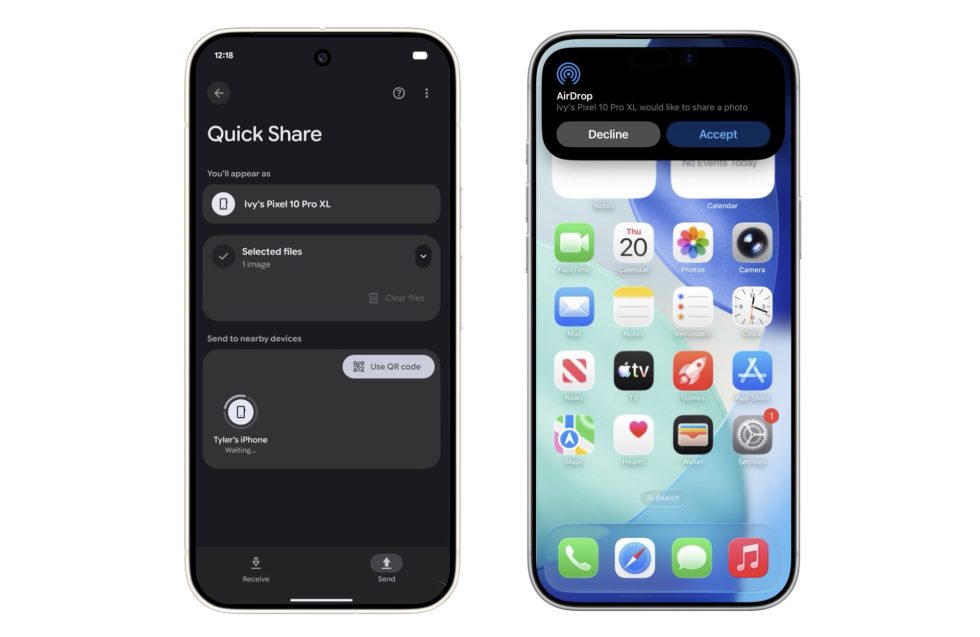
To do this, you’ll need to do a bit of work on the iPhone at first. You will ask your iPhone or iPad or macOS friend to open their AirDrop settings and then choose the “Everyone for 10 minutes” option. Once that’s done, you open your Pixel, find the content you want to share, tap Quick Share, and then look for the Apple device you want to share with in your nearby devices list. You’ll tap that device and then your Apple friend will hit the “Accept” button to accept it.
Bam! AirDrop magic on Android.
We’re looking for it on our Pixel 10 devices and will likely report back with more! Google says it is looking to improve the experience before expanding to more Android devices.