When YouTube TV announced its new multiview feature earlier in the week, we almost couldn’t contain our immediate excitement knowing the NCAA March Madness basketball tournament was days away. But then we realized that Google was only planning to rollout the feature at random in a limited capacity, so we may not have been a part of the early access group during the first (and best) few days of the tourney.
As it turns out, YouTube TV support is taking requests for access to multiview and it may get you into the multi-channel action before the weekend ends.
Last night, I spotted a reddit thread with a few folks suggesting they had reached out to YouTube TV support to ask for access. Support reps had apparently told them they were then whitelisting people and that it could take up to a day to get their account access. I figured, why not give it a shot?
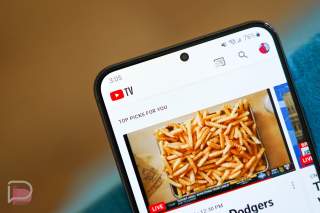
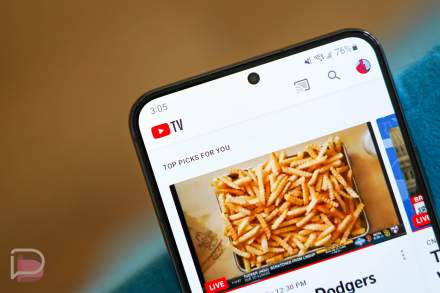
So I went through talking to support chat, filled out a form that YouTube TV pointed me to, and sure enough this morning I had access. That picture above was snapped with my Galaxy S23, so ignore the quality and simply nod at the process.
Here’s the deal this morning – the world is realizing you can ask YouTube TV for access and the line is getting long. At the moment, chat has a 2-hour wait (callbacks are at 50 minutes) and then who knows how long it’ll take from there to get your account access. Still, it might be worth it.
How to get YouTube TV multiview access:
- Head to the YouTube TV Help page and fill out this form to initiate a chat with support.
- Once the chat goes live, you can tell the rep you want multiview access and they should tell you that they will add your name to the list and it could take a while to get you live.
- During my process last night, YouTube TV also directed me to this separate form to get added to the list. Feel free to try it as well.
Apologies to YouTube TV support for the non-stop requests today, but we do appreciate the help. Now, time for multiview.
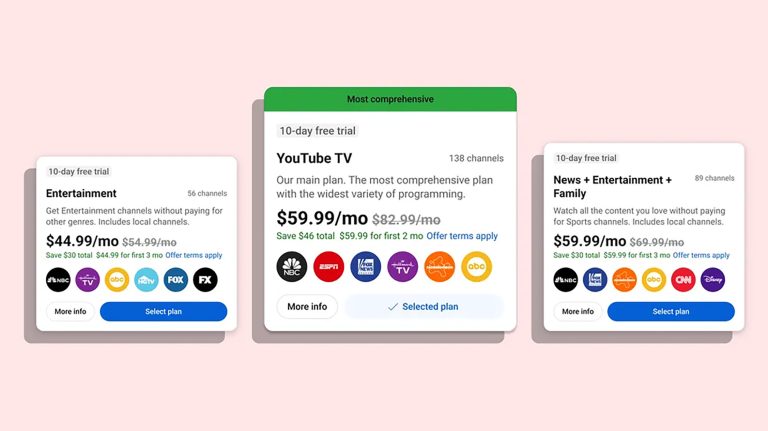
- UPDATE: A price increase is also here! $73/mo now for YouTube TV.
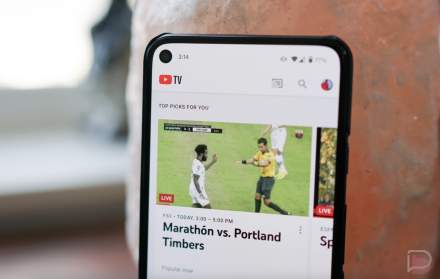
I didn’t even sign up for this feature but got an update on my YTTV Home screen on Friday that I was selected for early access.
I use an NVidia Shield Pro so the experience and usability was very nice and smooth.
Very cool to have multiscreen viewing and be able to choose which one is providing the audio feed, and switch back and forth from full-screen to multi-window mode.
https://www.tiktok.com/@pkells80/video/7211932670740139307
I assume CCwGTV is considered one of the “media players” that can get this now, yes?
Entered a request at the second link above yesterday, specifying I’ve got a CCwGTV and selecting reply via email; got an automated reply later that day, then an actual response this morning asking me to see if it’s in place — it’s not. Replied back to that effect, waiting for another response.
UPDATE: I’m an idiot. It is there…in YouTube TV. Was looking at the CCwGTV UI. D’oh!
Mine showed I had access this morning. I never had to request anything.
They rolled this out today for everyone. No request needed.
I think it is still by request only. I requested access via the third option link yesterday morning. I got an email last night saying they were working on it. By this morning I had access. I just got an email from them 10 min ago:
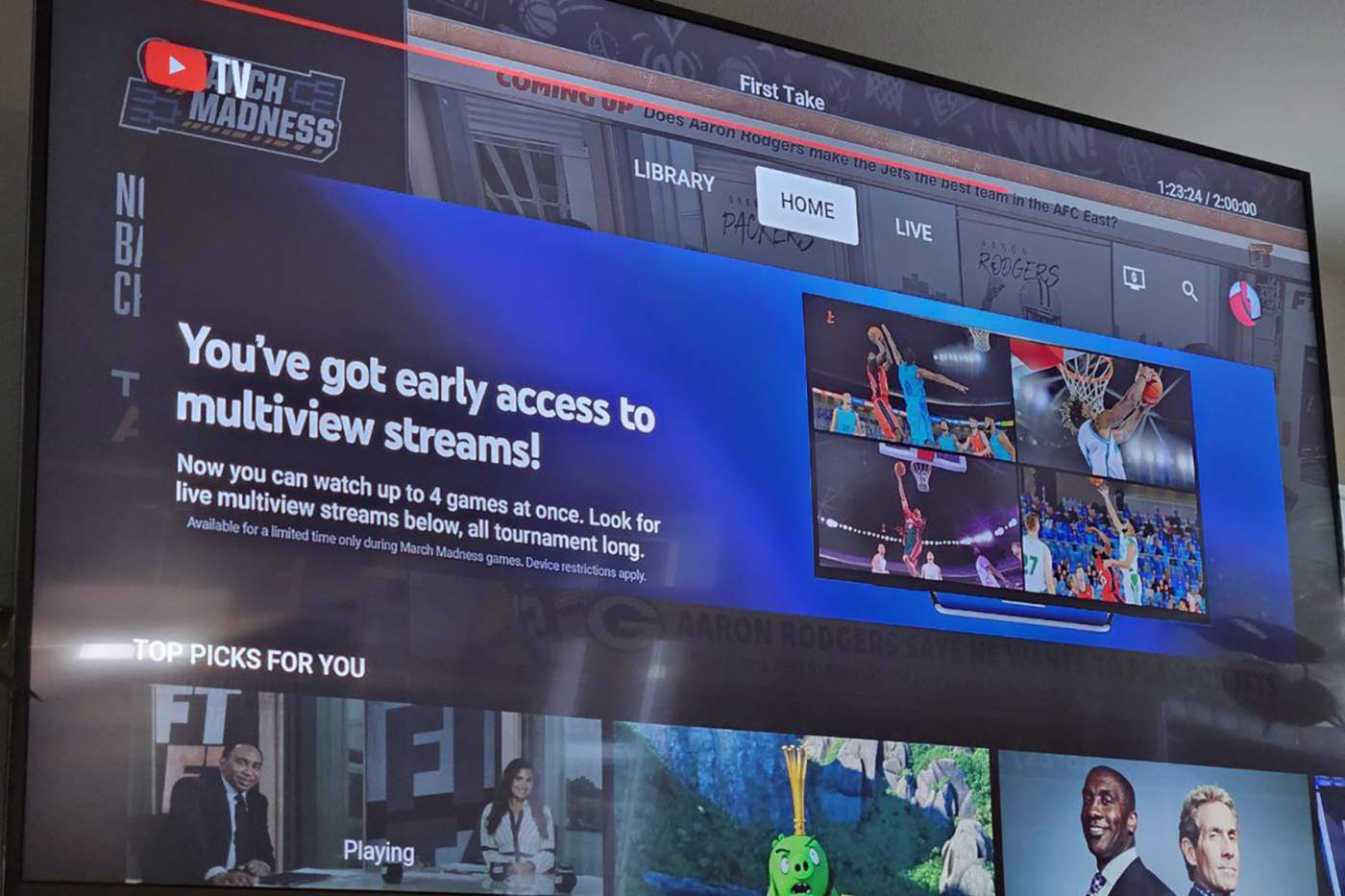
“Get excited! You’re one of the select few who get to experience multiview. Watch up to 4 March Madness® games at the same time, on 1 TV screen.* Look for live multiview streams in your Top Picks for You section when you open the YouTube TV app on your TV.”
https://uploads.disquscdn.com/images/ad3e1977261bc7668fead8115c5b66d63db4efd6e247b930b75b7506367e7fd2.png
I got it to but I didn’t request it. I watched the early NCAA basketball games today and only had 2 windows. But the night games I had 4 windows. There is a delay in the sound when you move around the boxes.
Waiting in line for the chat for about 10 minutes (started out 64th in line but went super quick).
After they added me I checked back on my Onn 4k AndoirdTV boxes about two hours later I had it!
You don’t even need to request it, everyone gets it on smart tvs and streaming devices. I commented on the last post about this but it’s “pending” probably because I included a link to the google page?
Received it today just in time for March Madness!
Piece of cake! Thanks for the information!
Finally got through. Some things I learned:
1) Only available on Smart TV’s (so not web)
2) By request only and only for one user at a time – so if you have family account, each member needs to request
3) Takes 24hrs to approve the request
EDIT: Anyone know why DL bans posts that have URLs in them? ANNOYING.
EDIT2: Confirmed #1. Don’t see it on web but do see it on my Samsung TV now.
lol @ number 232 in line. Yikes.
EDIT: Finally got through. Some things I learned:
1) Only available on Smart TV’s (so not tv.youtube.com).
2) By request only and only for one user at a time – so if you have family account, each member needs to request
3) Takes 24hrs to approve the request
Pretty bad when the chat line is twice as long as the call queue.
#983 in line.
I am sure ‘whitelisting’ is a typo. ” Support reps had apparently told them they were then whitelisting people” I would recommend changing it because it sounds racist even if you did not intend it to be.
What are you even talking about – whitelisting is a common word, primarily in tech.
currently #1201 in line for chat support! i’m in this for the long haul.
My page eventually timed out lol. Luckily, if you refresh, it puts you right back in the queue in your original spot.
ha yeah I just had that happen too, no harm though
Anyone able to view more than 2 games at a time?
I just filled out the form in #3, so we shall see if that works.