
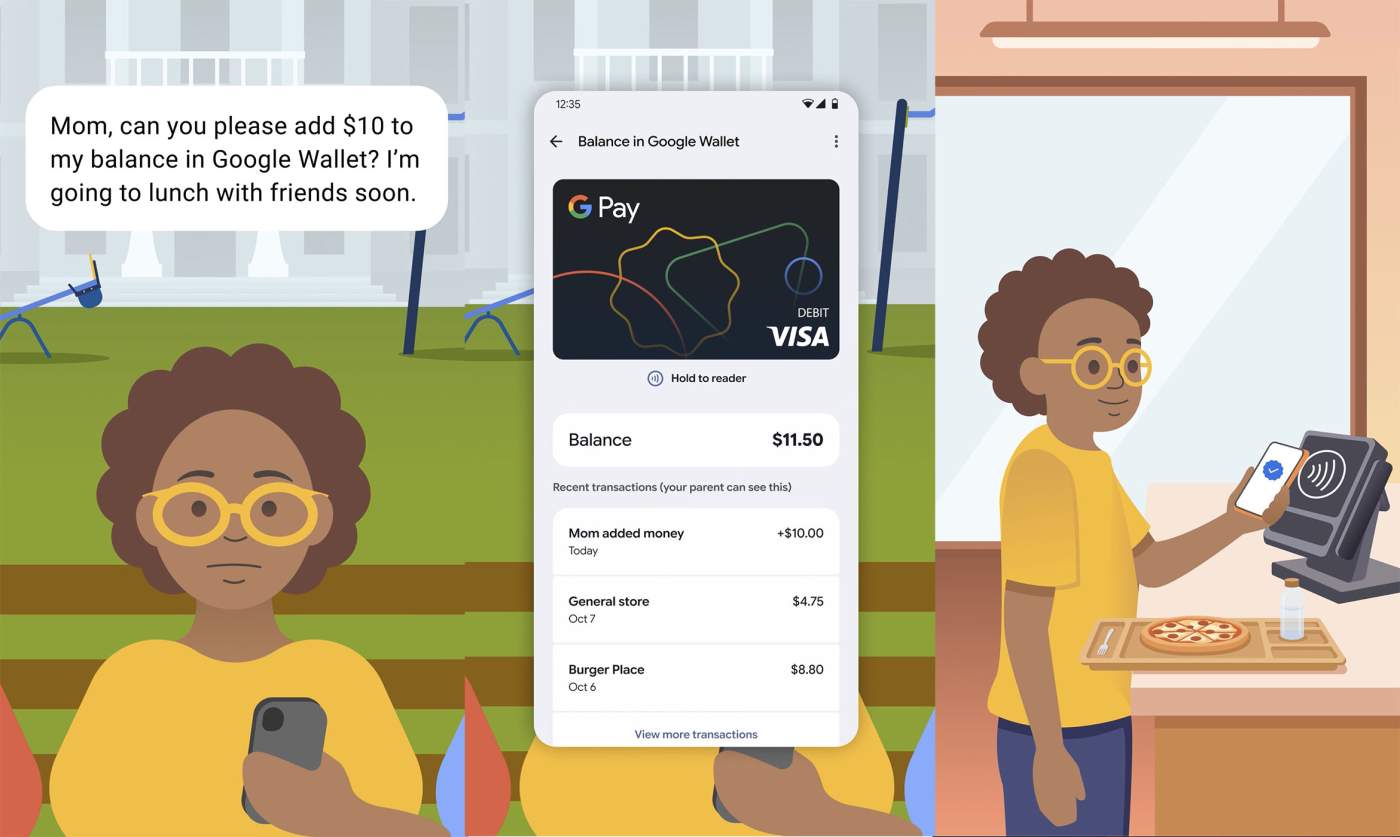

Google is doing something pretty cool with Google Wallet if your kid has an Android phone and you want them to be able to pay for stuff. Google Wallet can now setup a balance for your kid to access and then pay for things with NFC and tap to pay.
This all works through Family Link and Google Wallet. Once you have access, you’ll head to Google Wallet to setup a secure balance for your kid and then add money to it. You’ll soon be able to setup regular automated payments to keep it topped off too.
As far as I can tell, Google is basically adding the “Google Pay Balance Prepaid Visa Card” to run this thing on child accounts. You’ll then send money to that, which allows them to use NFC and tap to pay while shopping in a store.
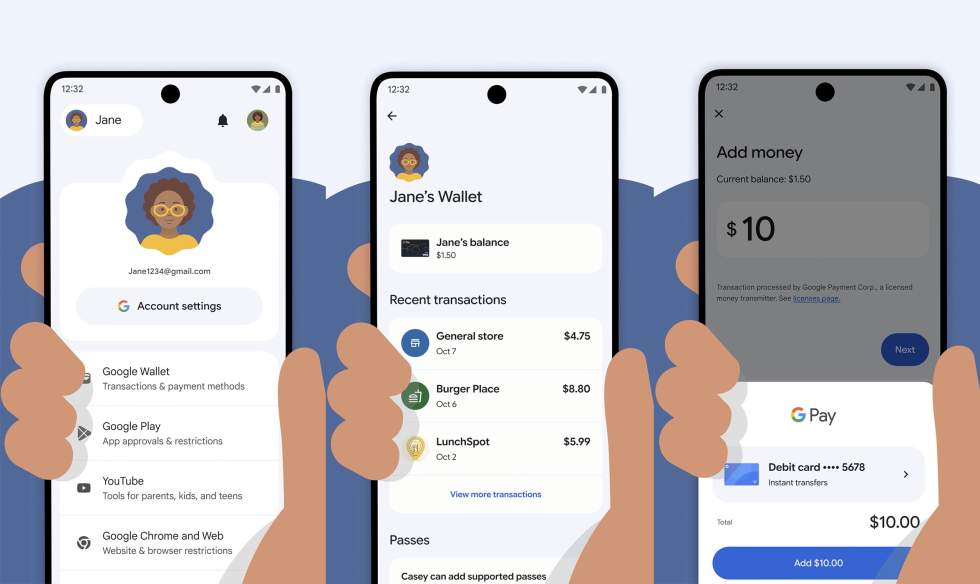
To get started, Google says to head to the Google Wallet website and then the Family tab (here). Once there, you’ll look for your child’s name and the option to “Set up a balance.” If you aren’t seeing it (I’m not), it’s probably because Google has only begun to roll this out.
From there, you’ll follow a process to finish up the setup process and then you’ll find a new Google Wallet option within Family Link that’ll let you add money. The images throughout this post should show you how it’ll all look and work.
Google has instructions here and here that will get you going.