
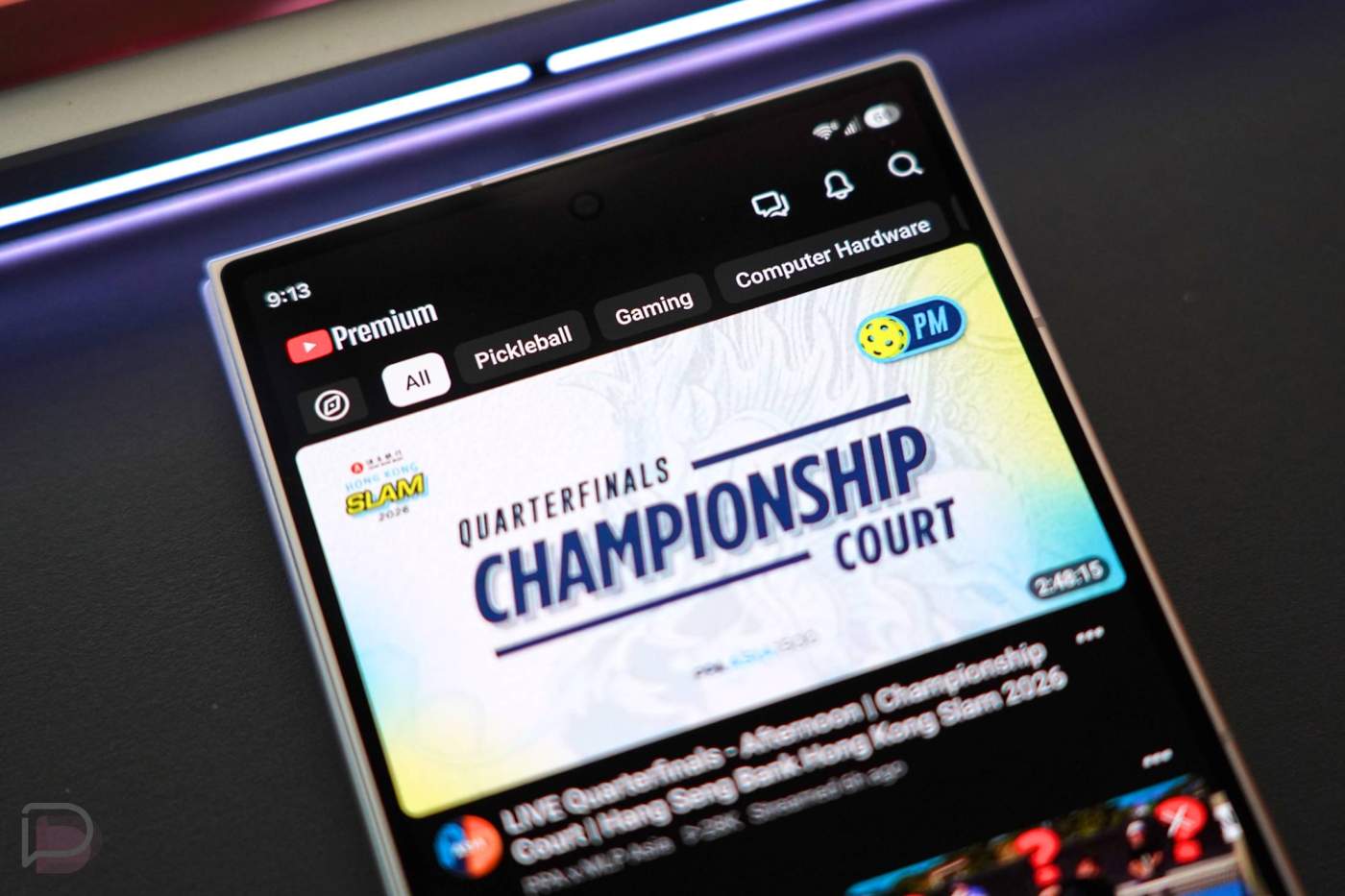

The YouTube app is about to get a couple of major changes that’ll affect the way you use it going forward. The top bar is getting a refresh with shortcuts to your subscriptions page (now “Subs”), plus the bottom bar is getting its own tweak.
Google announced this week that they will introduce a “new, seamless navigation experience on the mobile app” for YouTube. This means a redesigned top bar that may have showcased individual subscriptions or your interests before, but it will now show shortcuts to Home, Subs, Live, Music, and Movies & TV. It’ll also have a new “+” button to help you create custom feeds.
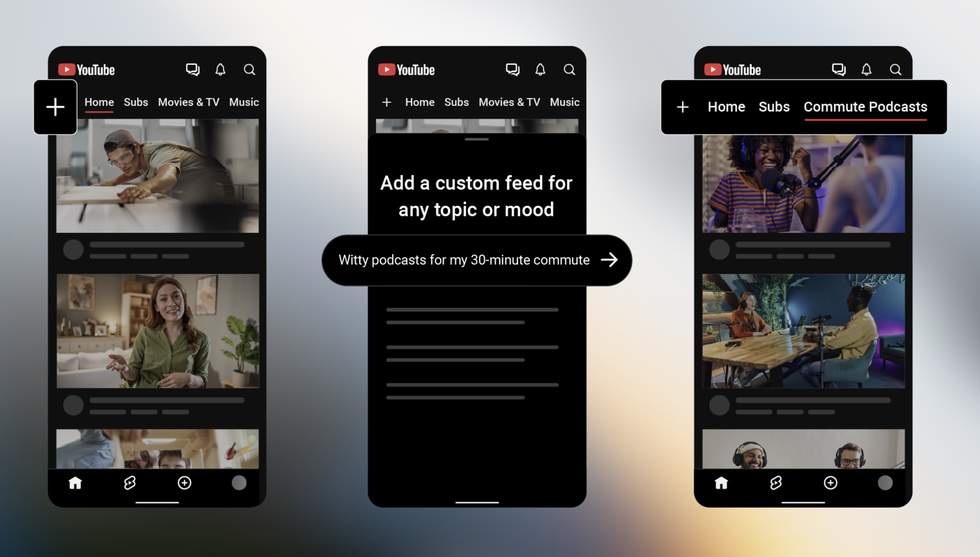
What you are seeing above is the new “+” button in action. This is a button that you can tap to create a custom feed of any subject you are interested in. That could be “witty podcasts for my 30-minute commute” or “building custom keyboards.” It’s really a way to make feeds for whatever you are into. Also, you can have multiple of these set up for all of your favorite topics.
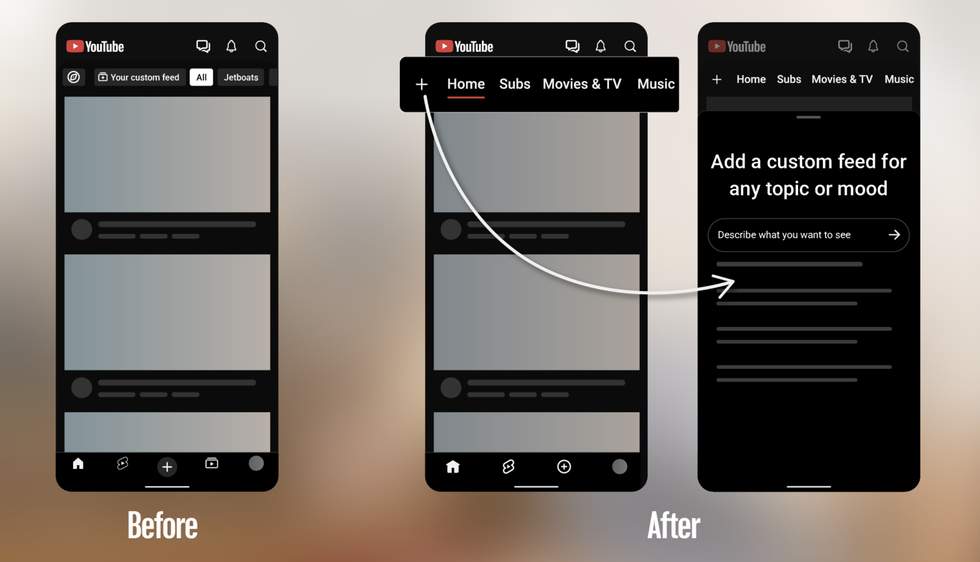
And with that new “+” button comes the new top navigation bar and a change to the bottom navigation bar. The top bar is pretty straightforward. It will show you the “+” next to Home, Subs, Movies & TV, Music, and Live, as well as some of the custom feeds you’ve made.
The “Subs” button is now your shortcut to YouTube subscriptions, which means it has left the bottom bar completely. Removing that option shrinks it down to 4 choices of Home, Shorts, Create, and You.
The custom feeds “+” button is rolling out on mobile and desktop in the US as you read this. Let us know once you get it.
// YouTube