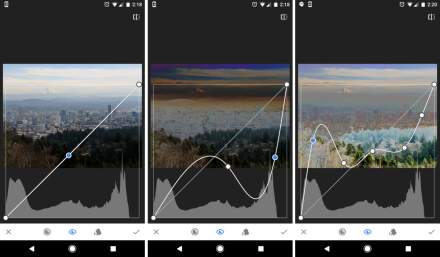

A new Snapseed has indeed launched this week on Android (and iOS) as version 4.0. This was teased in several places, but today, the new update went live and is rolling out.
Snapseed, for those not familiar, is a photo editor on mobile that has apparently remained popular even as it approaches being 15 years old. It was bought by Google in 2012 and received several major updates, although things went mostly quiet in our world from 2017 up until this week.
There is a Snapseed subreddit that posted news of Snapseed 4.0 and shared a changelog that tells the true story here. It lists a dozen+ noteworthy changes that are coming to Android, as well as others that will land on iOS.
The team behind Snapseed also wanted to make sure that you understand the level of this update. This is a “really big change to an app that hasn’t changed in quite a while,” they note, so you’ll have to get used to some new stuff.
Everything new can be found below.
Snapseed 4.0 – changes and features
What’s coming to Android:
- Improved editing flows
- A gallery, which in addition to letting you see all your edits, unlocks multi-image import and batch edits
- Editing a batch of photos (select a photo from the grid, copy the style, and paste on other photos)
- Pinning your favorite tools as you want so you can access them faster
- Non-destructive editing (being able to re-edit a photo while preserving the edit stack)
- A revamped toolbox that helps you discover new types of tools easier
- Streamlined interface within tools that allows you to change parameters and modes with less taps
- Snapseed camera
- Shoot with your saved, custom looks
- Preserves originals so you can always re-edit in post
- Free film-inspired looks
- Pro controls
- Improved effects
- Quickly adding masks to images for region-based editing in many effects
- Updated Films options that accurately emulate some of our favorite historical film stocks
- Updated Portrait tool with more powerful effects
- Unified Crop & Rotate into a single tool
- New effects
- New, film-inspired looks from some of our favorite film stocks
- Dehaze – adds or removes haze / smog / etc.
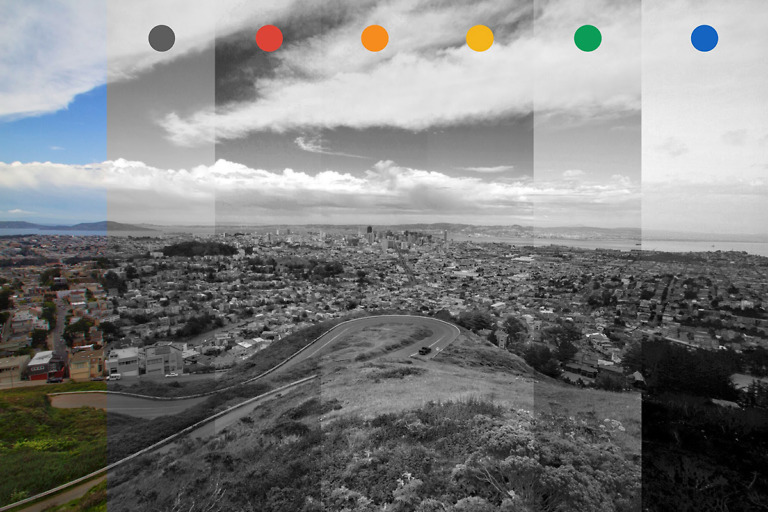
- Color – tunes the hue, saturation, and luminance of specific colors
- Bloom – makes bright lights bloom into neighboring areas to mimic film
- Halation – adds red halos around bright lights to mimic film
What’s coming to iOS:
Many of the features above were already available on iOS, but here are the specifics that are coming as part of the 3.20 → 4.0 update
- Improved editing flows
- Pinning as many of your favorite tools as you want
- A revamped toolbox that helps you discover new types of tools easier, and should make scanning tools faster while also letting you see your image
- Streamlined interface that allows you to change parameters and modes with less taps (i.e. you can see carousels and slider at the same time now)
- New effects
- New, film-inspired looks from some of our favorite film stocks
- Bloom – makes bright lights bloom into neighboring areas to mimic film
- Halation – adds red halos around bright lights to mimic film
Google Play Link: Snapseed
Anyone still using Snapseed? If not, are you looking forward to getting back into it?