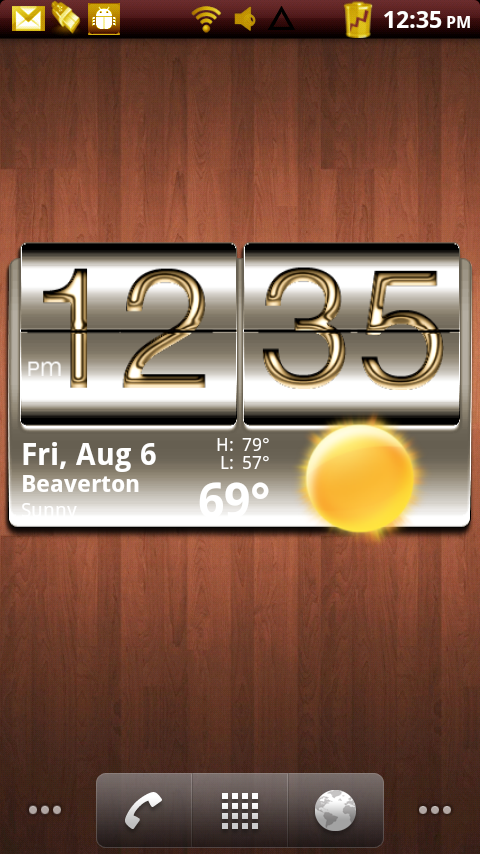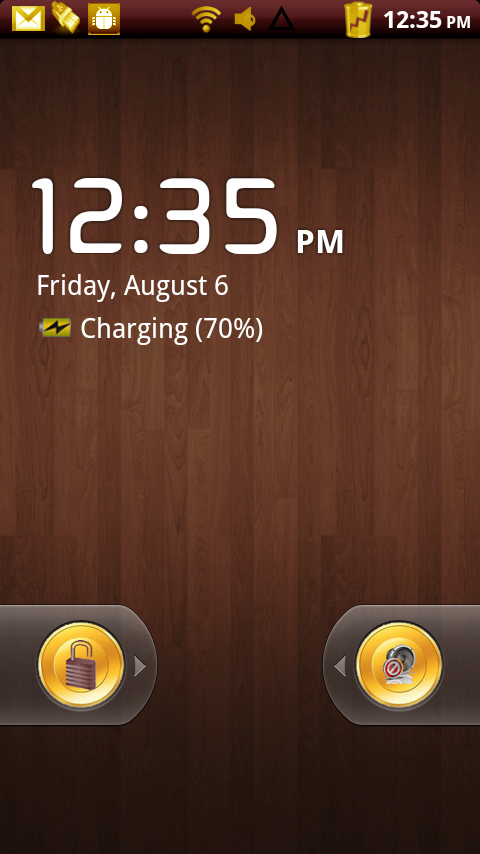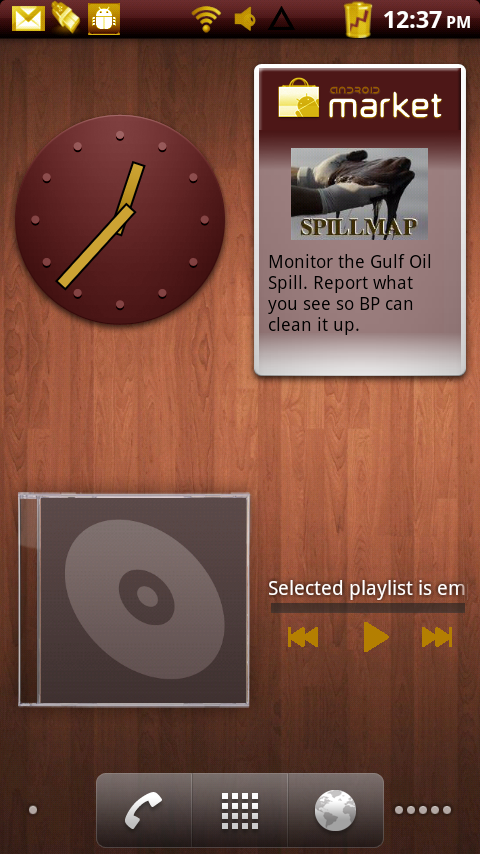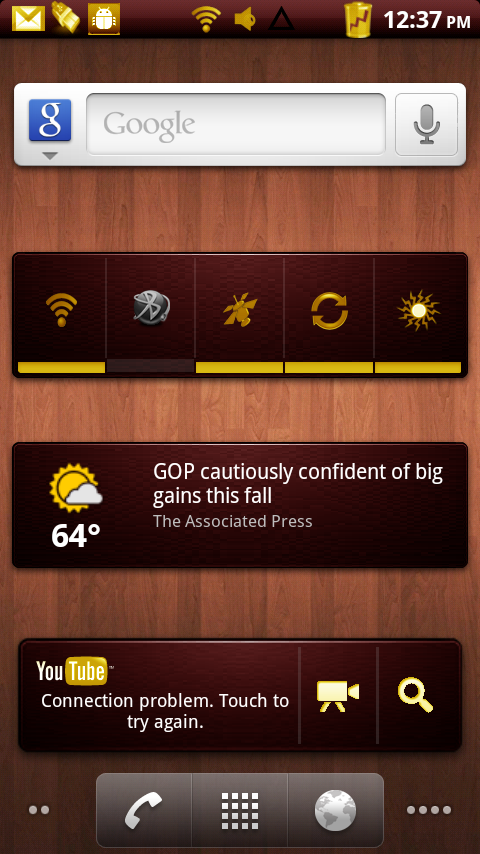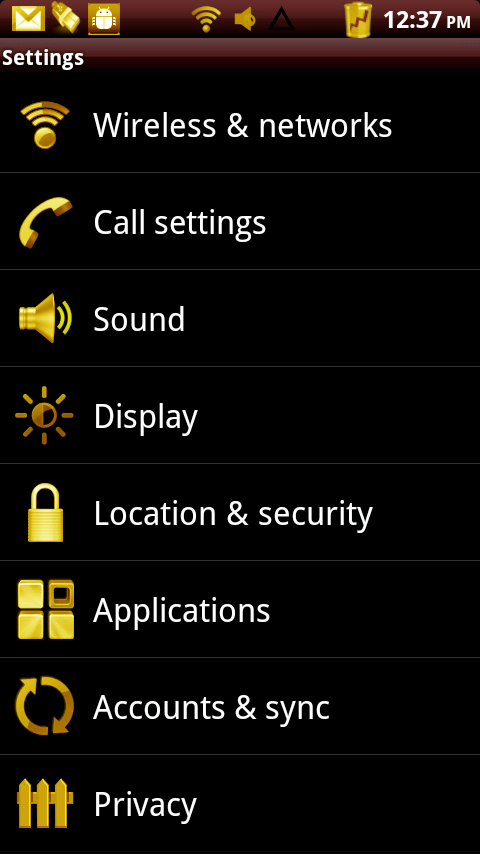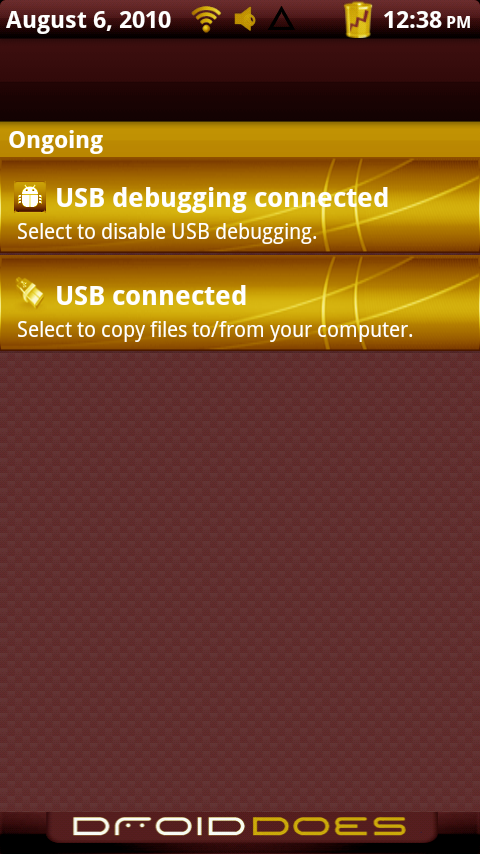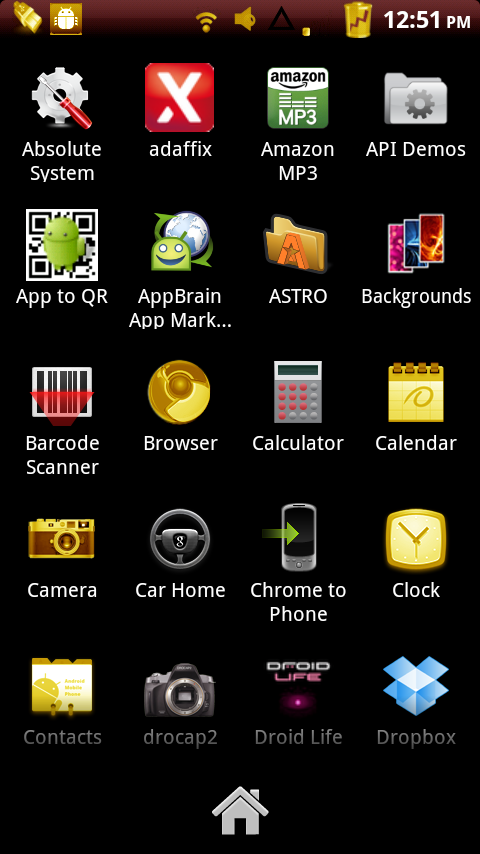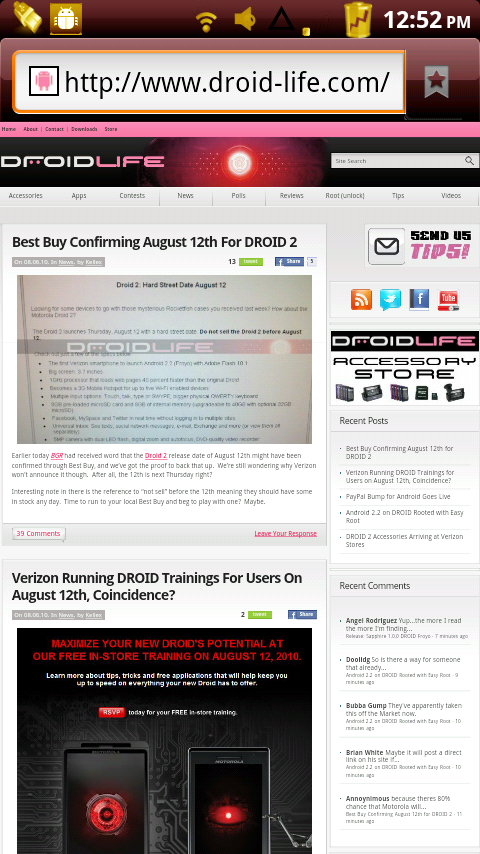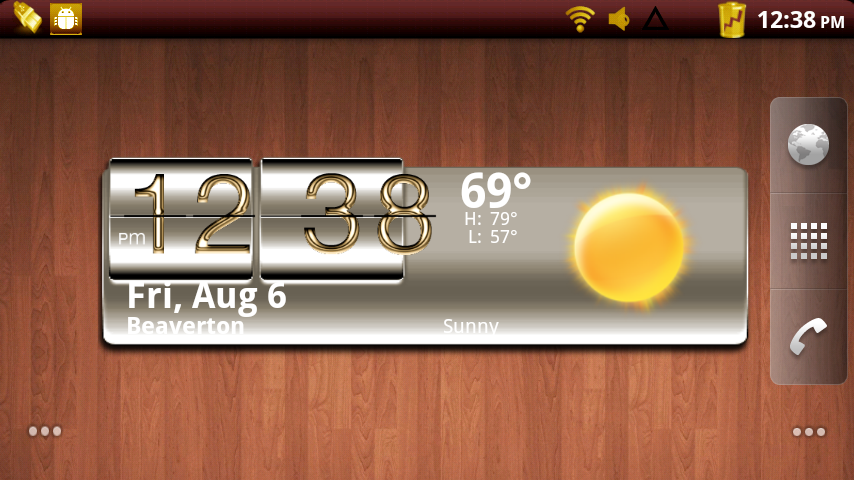
To those of you new to the site, we’d like to welcome you to Custom Theme Friday which is a segment posted at the end of each week featuring one of the hot new custom themes on the market. You will need to be rooted to follow this process, but that should be easy after we showed you the “1-touch” method this morning (before it was suspended from the market that is).
So today we have one of the new themes for JRummy’s series of ROMs which is built off of FRG01B, the official Froyo release. Again for those new, you’ll be seeing a lot of JRummy’s work around here and that’s a good thing. The guy provides more custom color schemes and themes than anyone in the business.
We’ve also added some extra details to our usual instructions to hopefully help you out along the way…
Theme: Golden Elegance for Lithium Mod (Created by kookahdoo)
Instructions…
*Warning* – Just a reminder that rooting VOIDS your warranty and could potentially do permanent damage to your device. Installing a custom ROM or theme could also possibly brick your phone. This is not a recommended practice and you do so at your own risk.
1. Download and install ROM Manager Premium.
2. Open and tap “Download ROM”.
*If it’s your first time opening ROM Manager, you will need to tap the top option to “Flash Clockwork Recovery” first.
3. Choose JRummy and “Lithium Mod V1.0.12”.
4. Choose “Golden Elegance” or whichever color package you prefer.
5. Choose a kernel, font, and any Addons.
6. Once the ROM and add-ons finish downloading you will be prompted with this:
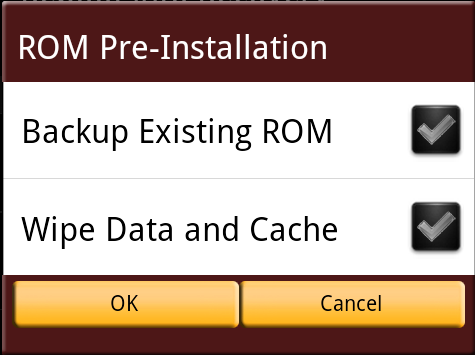
7. Check the box to make a backup in case something goes wrong with the install.
8. No need to “wipe data and cache” if already running a Froyo ROM.
*If you run into issues after installing, you may need to re-flash the ROM and make sure to wipe data and cache. Just follow this same process, but check the box to wipe.
9. Press “OK” and your phone will reboot and work some magic.
10. Once it finishes, your phone will reboot and you will have Lithium Mod installed!
*If you get stuck at the boot animation, then something went wrong. Either your phone doesn’t like the kernel you chose or you just need to “wipe data and cache.” Boot into recovery (hold Power + X with phone off) and flash a “nandroid” backup that you created in step 7.
11. Enjoy!
Let us know if you run into any issues! And feel free to leave tips for any of our readers that are new to rooting their phones.
Full support thread and donate link here.
Full gallery after the jump!
Big Cheers to the whole Lithium Mod team: Billygalbreath, insanenemesis, N8dyddy, jdlfg, romanrish, ronx, canvs2331, and JRummy!
Gallery: