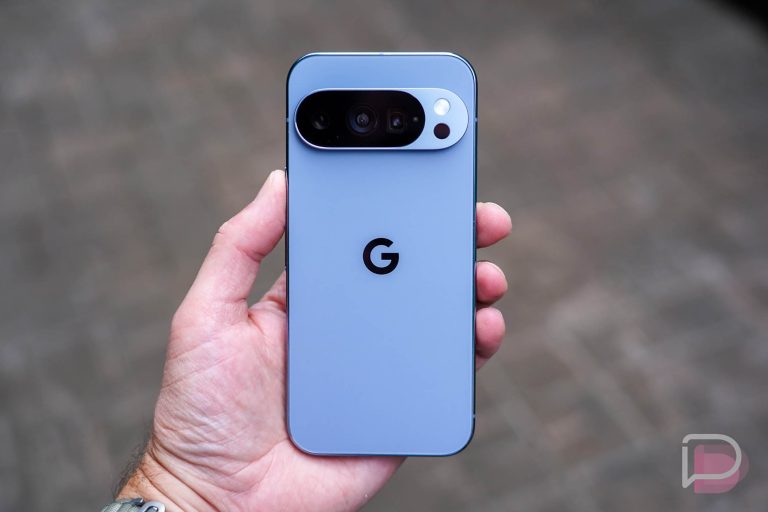



When Google made the Pixel 11 series official, they talked about several new features and hardware changes, like Rambler, Magic Capture, HiLight, and the fun new colors that all devices would ship in. Weirdly, they forgot to mention Pause Point, another Pixel 11 exclusive feature that hasn’t been brought up since May.
If we rewind back to Google I/O in May, Google announced a bunch of changes that were either coming to Android 17 or under vague timelines that sort of attached them to the Pixel 11 series, even if that series of devices hadn’t launched yet. Things like Rambler come to mind, but we’re now realizing that Pause Point is in that category too.
What is Pause Point on Pixel 11?
As you’ll see below, Pause Point is a Digital Wellbeing feature that adds a “brief delay before opening apps you find distracting.” It really could be for any app on your device, but the idea is that maybe you need a quick pause or breather before opening Instagram or Threads or YouTube or your favorite game, since those apps tend to endlessly gobble up your time.
A Pause Point might ask you to answer a question, take a deep breath in and out, revisit a soothing memory, etc. Again, it’s an interruption before you dive into apps to hopefully reduce stress if you take a few seconds to pause.

When active, you start by choosing the apps you want to have a Pause Point, but then you get to potentially decide what the interruption is before you can open that app. Google currently has 5 options to choose from: Breathe, Remind, Divert, Plan, and Reflect. You can toggle them all on or pick your favorites, and if you have multiple, your phone will cycle through them at random.
One of my favorites is Plan, which lets you set a timer for the app you are trying to open. You’ll get reminders as your time runs out and it can even close the app once that timer has ended. I also like Breathe, just because it gives me a second to focus and take a big breath in and then out before entering online hell.

Some of these options have more settings, like Divert, which is a list of pre-selected apps that the Pause Point screen might try to re-direct you to instead of the app you just tried to open. Examples of this would be a re-direct to a workout app instead of YouTube, or maybe a puzzle instead of Twitter.
How to turn on Pixel 11 Pause Point
If you’d like to take Pause Point for a spin, you’ll need to own a Pixel 11 series phone, so the Pixel 11, Pixel 11 Pro, Pixel 11 Pro XL, or Pixel 11 Pro Fold. I don’t know why this is exclusive to Pixel 11, but it is, at least for now.
Assuming you have one of those phones, you’ll then enter Settings>Digital Wellbeing. Once in Digital Wellbeing, Pause Point should be the top feature under “Ways to disconnect.” You’ll tap in, enable it, and then decide which of the Pause Point options you want to go with and which apps you’d like them to run in front of.
I will point out that my Pixel 11 Pro on the Android 17 QPR2 Beta does not have Pause Point, but the Pixel 11 Pro Fold review unit I have that is still on stable Android 17 has it.
Have you been using Pause Point or did you not even know it existed?