More Reading

Post navigation

33 Comments

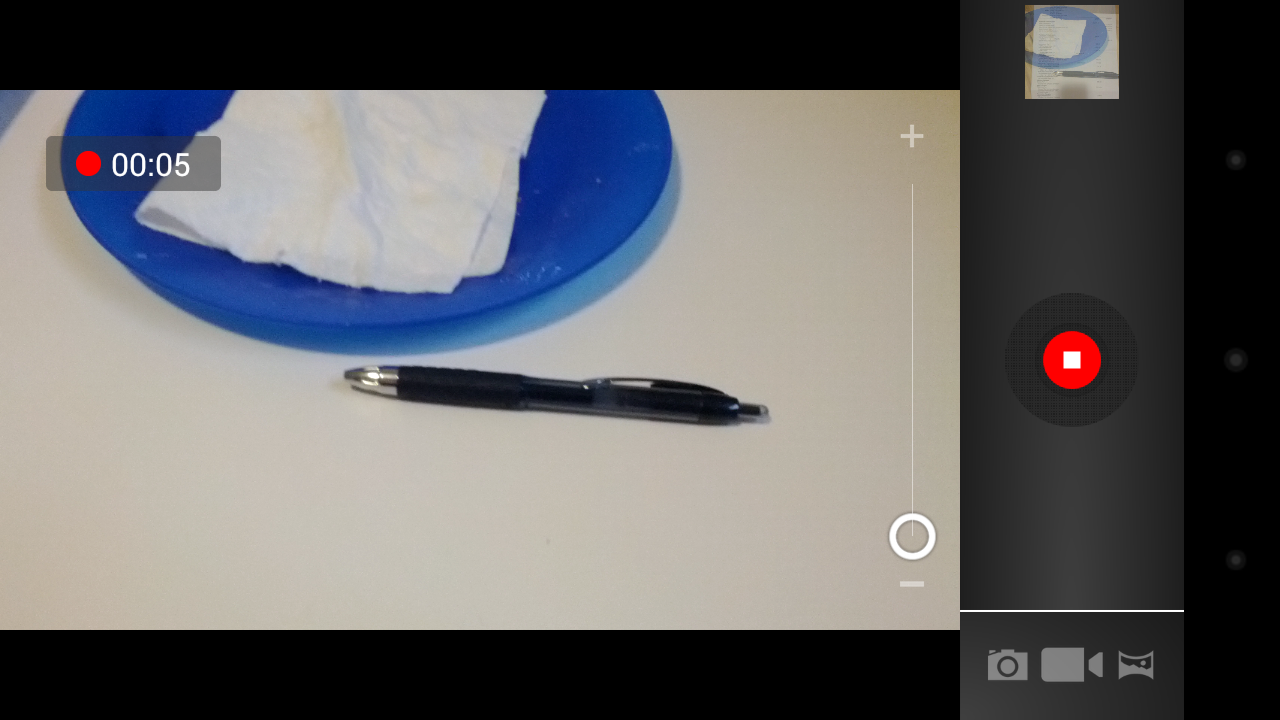
  • Is there any way to create a picture after the the video has already been created? 

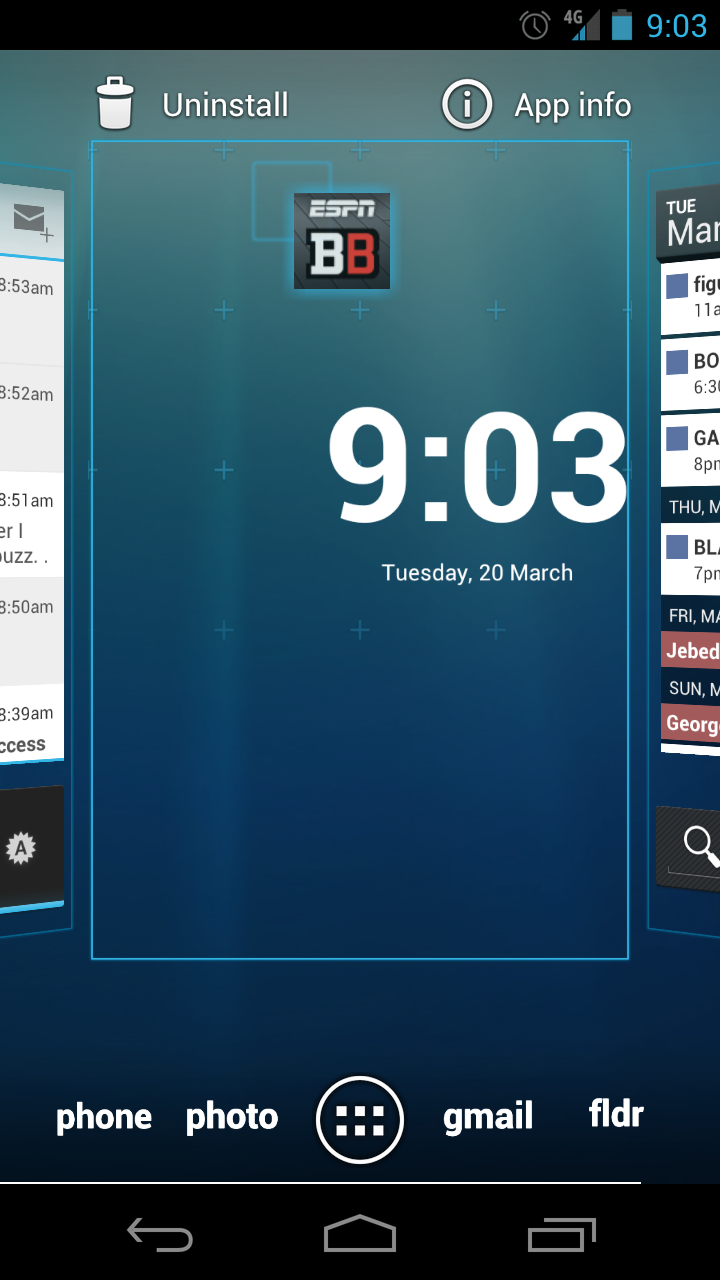
  • Ahhhh, handy little tips.  I can’t believe I never noticed the “drag from app drawer for quick uninstall”.

    Handy article, I’m diggin it. 

  • I miss most have feature from android 2.3.
    The ability to make the phone silent while it is locked.
    Now with android 4 I have to unlock the phone first to turn it silent !

    • If your running ICS and your a Droid-Life follower I doubt your running stock. I know with AOKP you can add up to 6 more icons into that circle (such as silent, text messages, or phone…). Also, if you press and hold the power button you can go into silent from there. It would be nice is stock OS did have some extra customization features though.

  • my ŕoomate’s sister-in-law makes $73 hourly on the Ìnternet. She has been out of a job for 5 months bùt last month her paycheck was $8319 just working on the intérnet for a few hours. Here’s the site to rèad more… LazyCash5.Com

  • To add to the quick app info access I noticed too that if you launch an app and then bring up your recents soft key menu you can long press the app window to access the app info as well, which is pretty handy. 

    Side note – Has anyone ever been able to see the contact’s actual picture in the notification when receiving a text message or missed call? I just see the normal default icon for a contact even though I have a picture set for that contact. I remember the ICS demo back in October you could see the actual contact picture next to the notification. Anyone seeing this?

    • I think the photo-in-notification bit you’re speaking to only involves Google services such as GTalk and GVoice. I wish it extended to the phone’s dialer and SMS/MMS app as well =/

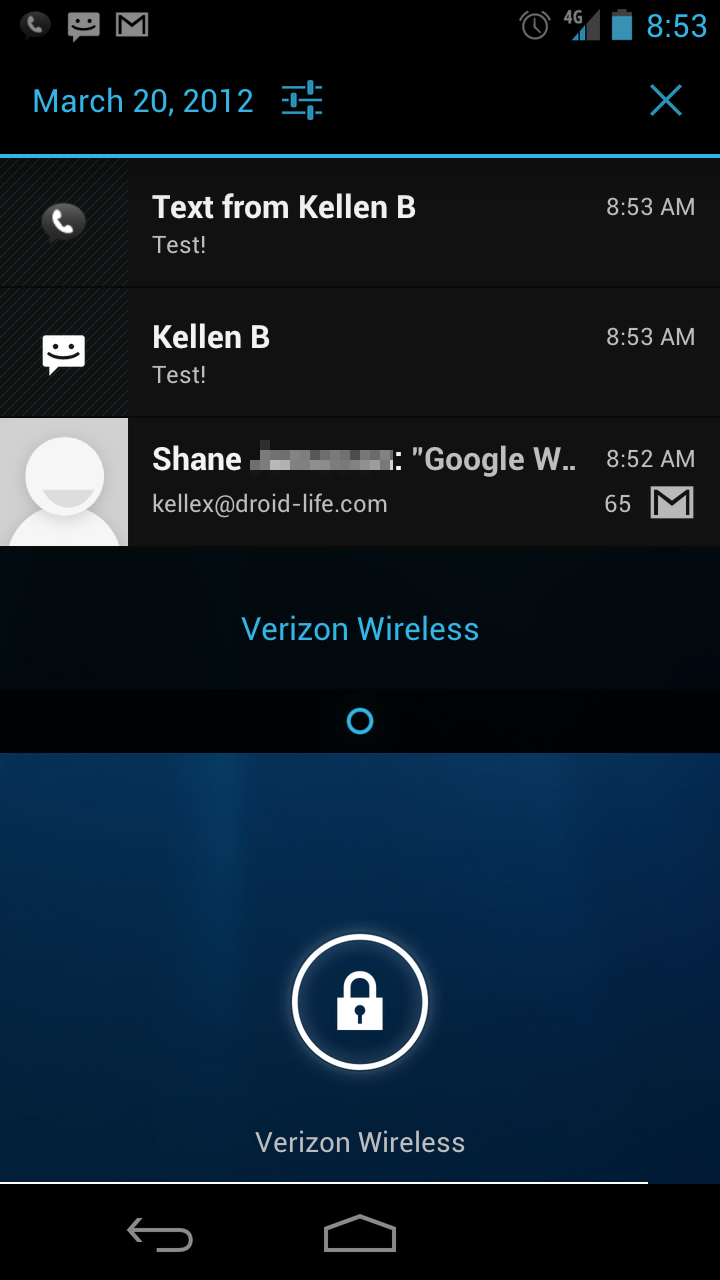
  • Wow I can’t believe I didn’t know about being able to pull down the notification bar from the lockscreen!?!!?  How have I been missing this!?!?!?!

  • I know many people don’t like it, but I absolutely need the Face Unlock. The Galaxy Nexus is too big to unlock using a pattern by one hand comfortably. So, most of the times, I use the Face Unlock. The only downside is, it takes a while for the camera to come up!

  • i always thought the notifications from the lockscreen was part of the ROM i had. But i put a pin, and i didnt last 2 hours with it. you dont know what you’ve got till its gone. lol

  • Settings>developer options> check “show screen updates.  this will induce a seizure immediately to get you out of hairy situations (bad date, dinner with the in-laws, ect)

  • The dock bar slots at the bottom of the home screen can be folders.  Just drag additional items on to them and it creates a folder.  You can put shortcuts as well as apps in the folders.  The first item in the folder has it’s icon on top.  

    In the left most slot, I have the Phone app icon along with direct dial shortcuts for my wife and daughter and the app icon for the directory.  In the next dock slot, I have text messaging stuff: text messaging app icon, direct message shortcuts for my wife and daughter, and Glympse shortcuts for a couple of regular destinations.  For instance, when I’m on my way home from work, I hit the text messaging dock slot to open up the folder and then select the Home Glympse shortcut.  This opens one of my saved Glympse favorites that texts the message “On my way home” to my wife and starts Glympse.

  • Still think google needs to add more options to the lockscreen as an optional feature. If you get a text it should show up around the circle. Yes i know you can mod it onto the nexus.

  • Unrelated, but how can did you add that “fldr” text for use as a folder icon? I’ve been wanting to go the minimalistic text route, but i use mostly folders and couldn’t figure out how to set a folder with a different icon?

  • The best feature to me is the pano pics.  I was coming off of the OG, so it was a major upgrade in all respects for me.

  • I’ve uninstalled so many apps using the method you described above and never realized you can get to the app info from there. Thanks.

      • I wonder if that is a hardware issue or an OS issue? My Sony camcorder and Cybershot still cam both allow stills while recording video. I have to admit that it’s a really cool feature (once I started remembering to use it)!

        •  I ‘think’ it’s hardware-related because I can’t take stills while recording video on my Nexus S. Or maybe it just hasn’t been implemented in AOKP.

Comments are closed.

back to top