

Disclosure: This post is sponsored in partnership with Samsung Mobile. Affiliate links are included above, meaning Droid Life may earn a commission at no extra cost to you. #SamsungHoliday #ad #SamsungMobilePartner
“Is this phone worth buying?” It’s a simple question that plenty of people ask themselves, especially with all of the holiday deals starting to pop up.
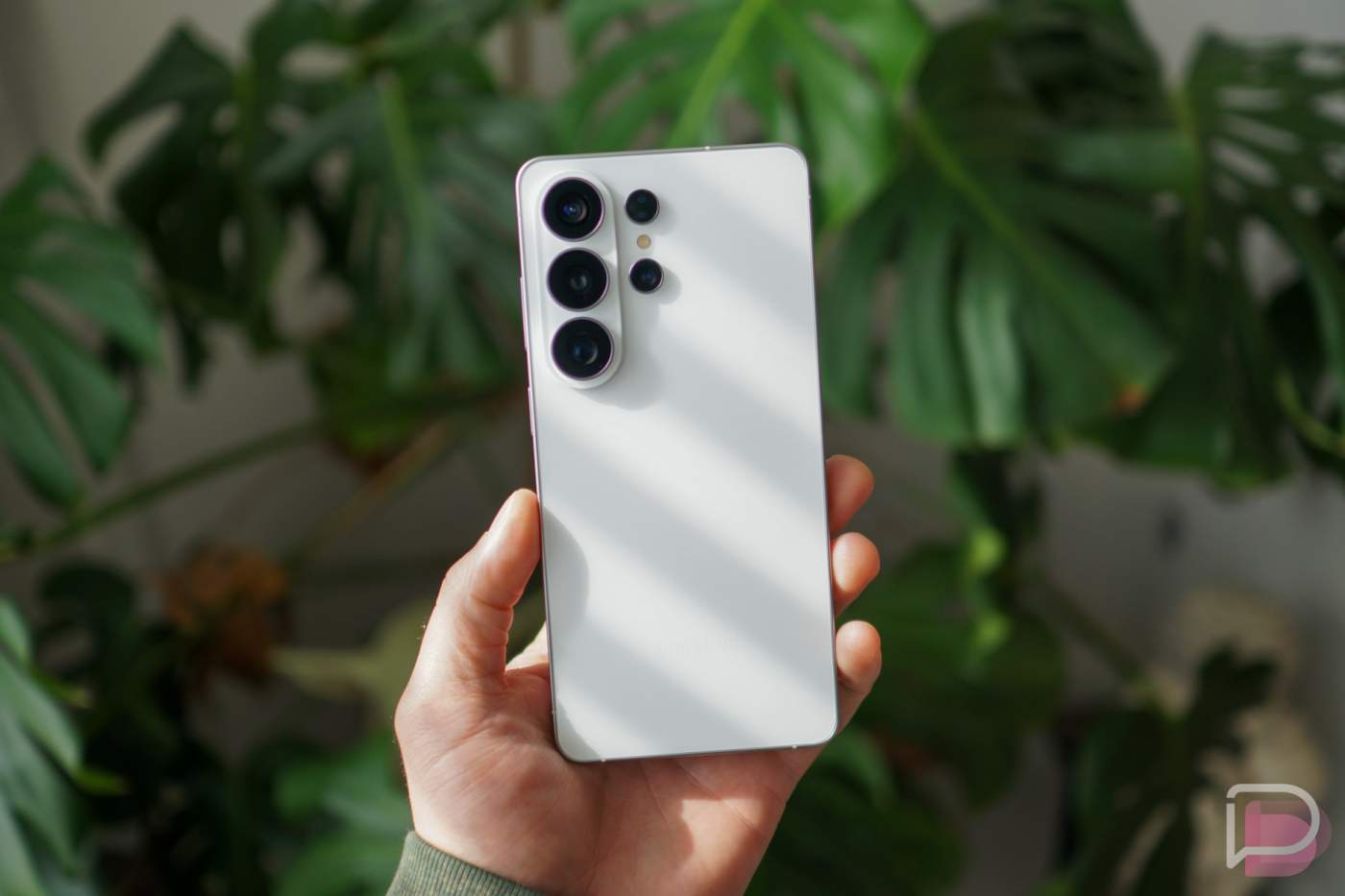
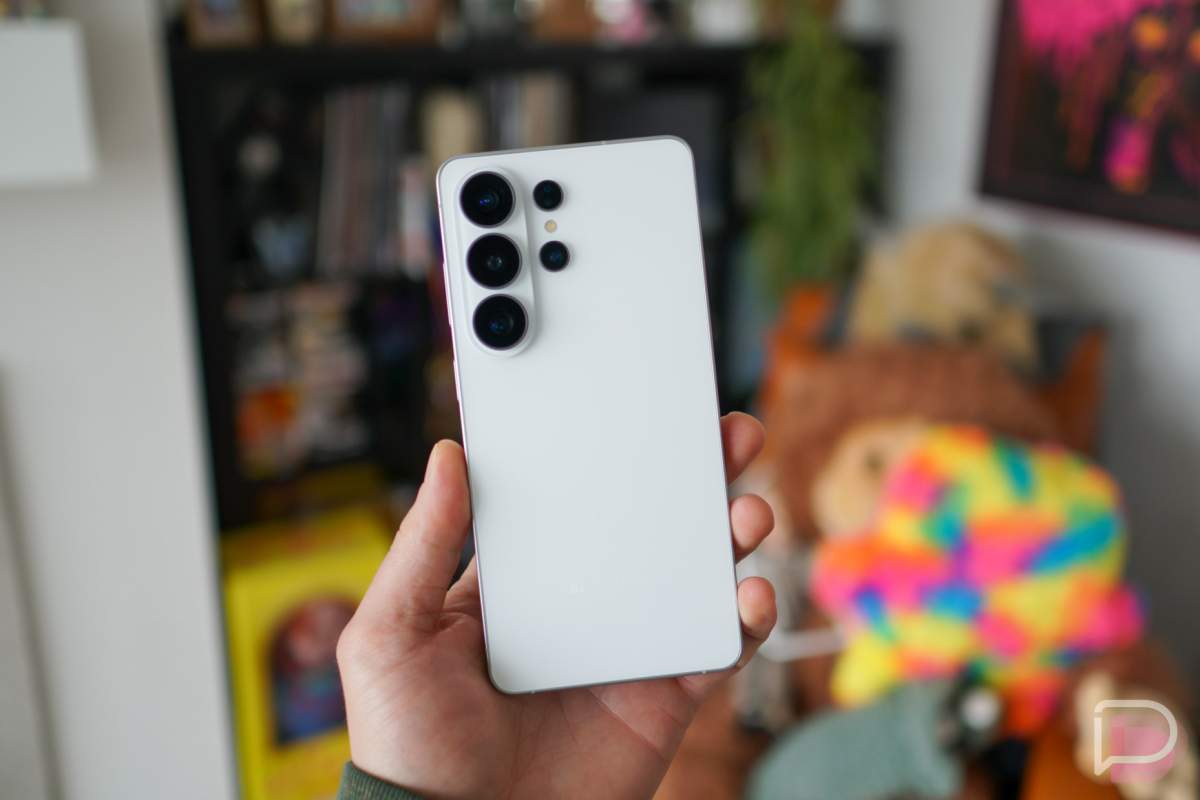
Samsung’s Galaxy S26 Ultra is worth buying if you want the company’s most capable camera system, built-in hardware Privacy Display, plus top-tier gaming and AI performance in a traditional slab smartphone. Powered by a Snapdragon 8 Elite Gen 5 for Galaxy processor and featuring a 200MP quad-camera array, it starts at $1,299, but more casual users can save hundreds by choosing the Galaxy S26 or Galaxy S26 FE.
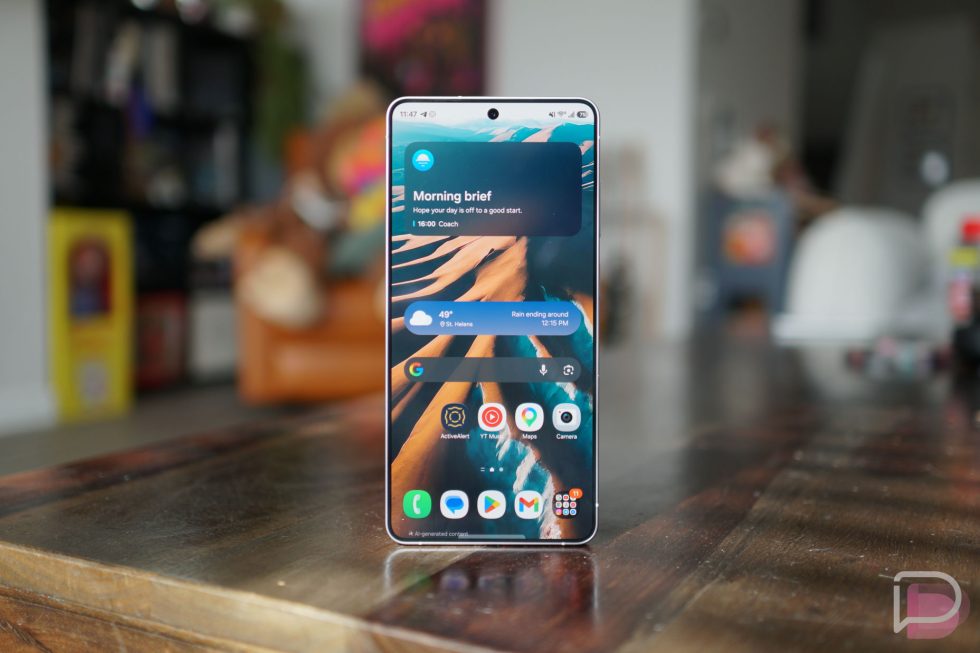
Galaxy S26 Ultra Specs and Price
Starting at $1299, the Galaxy S26 Ultra includes a 6.9-inch Dynamic AMOLED 2X display with Qualcomm’s 3nm Snapdragon 8 Elite Gen 5 chip and an integrated S Pen. Storage starts at 256GB with 12GB of RAM, scaling up to 1TB with 16GB RAM, but take note that there is no microSD card slot.
Here are the key specs of the Galaxy S26 lineup.
| Feature | Galaxy S26 Ultra | Galaxy S26 | Galaxy S26 FE |
| Display | 6.9″ Dynamic LTPO AMOLED 2X (120Hz, QHD+) | 6.3″ Dynamic LTPO AMOLED 2X (120Hz, FHD+) | 6.7″ Dynamic AMOLED 2X (120Hz, FHD+) |
| Privacy Display | Yes (Built-in hardware screen) | No | No |
| Processor | Snapdragon 8 Elite Gen 5 for Galaxy (3nm) | Snapdragon 8 Elite Gen 5 | Exynos 2500 (3nm) |
| RAM & Storage | 12GB+ 256GB/512GB; 16GB + 1TB | 12GB+ 256GB/512GB | 8GB+ 128GB/256GB/512GB |
| Rear Cameras | 200MP wide, 50MP ultra-wide, 50MP (5x) & 10MP (3x) telephoto | 50MP wide, 12MP ultra-wide, 10MP (3x) telephoto | 50MP wide, 12MP ultra-wide, 8MP (3x) telephoto |
| Battery & Charging | 5,000mAh 60W wired, 25W wireless | 4,300mAh 25W wired, 15W wireless | 4,900mAh 45W wired, 15W wireless |
| Durability | Corning Gorilla Armor 2, Armor Aluminum, IP68 | Gorilla Glass Victus 2, Armor Aluminum 2, IP68 | Gorilla Glass Victus+, Aluminum alloy, IP68 |
| Starting Price | $1,299.99 | $899.99 | $699.99 |
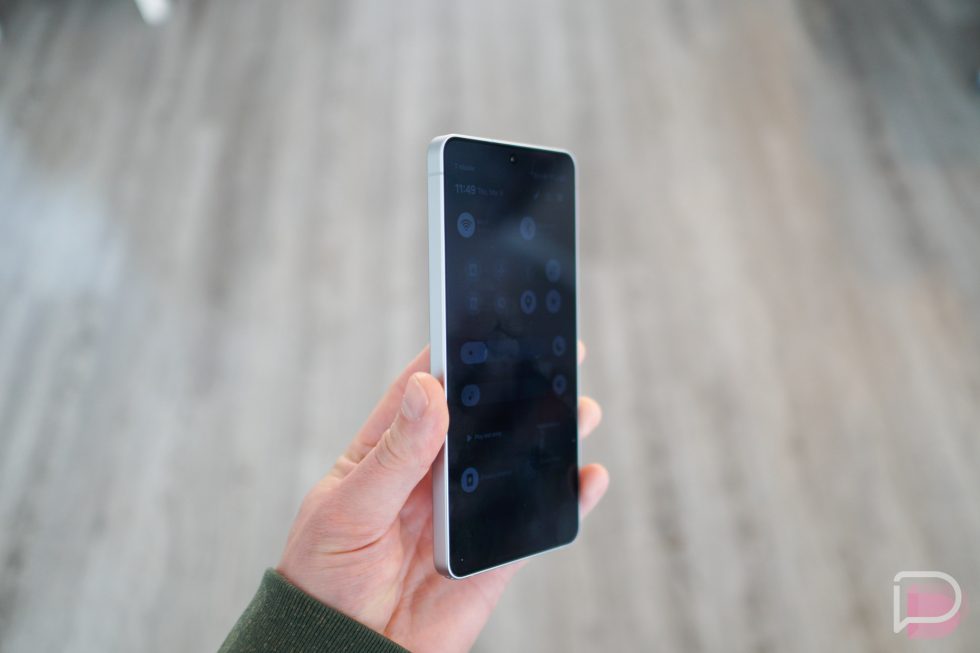
How does the Privacy Display work in daily life?
Galaxy S26 Ultra introduced the industry’s first built-in Privacy Display on a smartphone, keeping content crisp and easy to read when viewed straight on, while darkening the screen for those viewing content from the side. Unlike those stick-on privacy screen protectors that dull brightness and colors across everything you do, Samsung’s implementation can be toggled automatically or manually whenever you need it.
- Targeted protection: You can manually configure the display to auto-enable when entering passwords, viewing lock-screen notifications, or opening banking and messaging apps.
- Testing note: Having reviewed this device myself, I can tell you that there are two levels to Privacy Display. Privacy Display can automatically activate for selected apps, while Maximum Privacy Protection is a separate setting that further narrows the viewing angle. If you choose, maximum privacy protection can be used across the entire device, but makes viewing the display difficult from any sort of angle. My suggestion is running Privacy Display without maximum protection when you can, because you lose a lot of display clarity and color when it’s enabled.
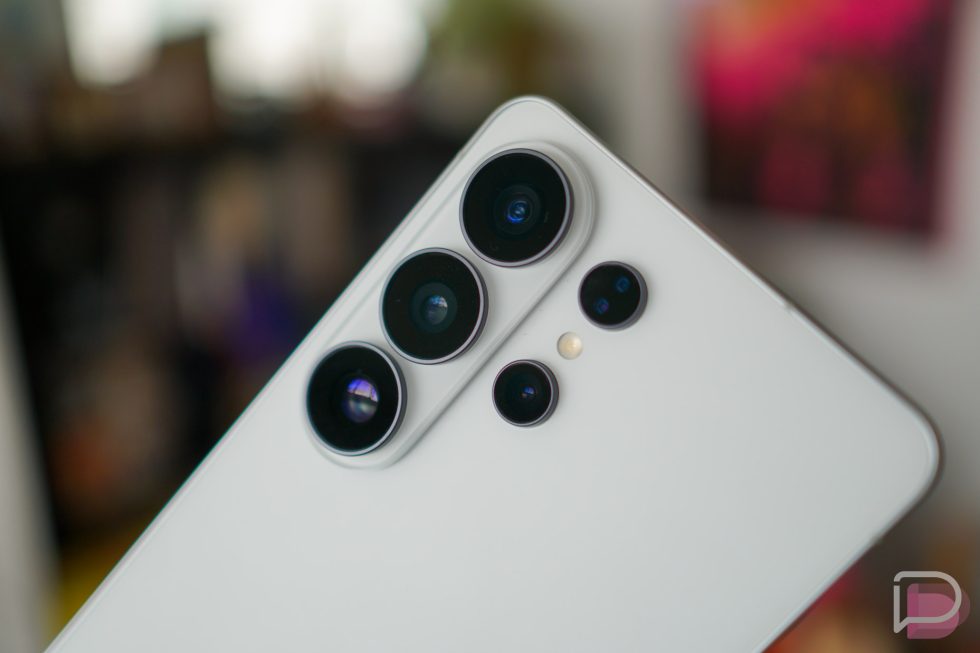
How good is the 200MP camera and 100x Zoom?
Galaxy S26 Ultra houses Samsung’s strongest S-series camera system, anchored by a 200MP main sensor with wider apertures for cleaner low-light video and Nightography. You’ll also find dual telephoto lenses (10MP 3x optical lens and 50MP 5x periscope lens) that bridge into AI Zoom up to 100x with Space Zoom stabilization.
- Everyday shooting: You won’t find many camera systems on a phone that can handle as wide of variety of shot types as Galaxy S26 Ultra. Out of the box, the point and click ability of this device is tough to beat. It can handle the heavy zooming with optical quality and then tap into AI power when needed, but overall this phone delivers a very strong camera experience without having to tweak settings or dive into settings menus.
- On-device AI editing: Of course, many people get excited when playing with AI, and Galaxy S26 Ultra offers plenty of that fun stuff. Owners get access to Photo Assist as well as Creative Studio, so your imagination can let loose and dream up whatever you might like.
How fast does the battery charge?
Samsung upgraded wired charging on the Galaxy S26 Ultra to Super Fast Charging 3.0 at 60W, replenishing its 5,000mAh battery to roughly 75% in 30 minutes. Samsung rates the phone for up to 31 hours of video playback on a single charge.
From our own testing during our review period, I was averaging 7.5 hours of screen on time, going to bed with around 20-30% battery remaining. For me, and all of the TikTok and YouTube I consume, that was very good.
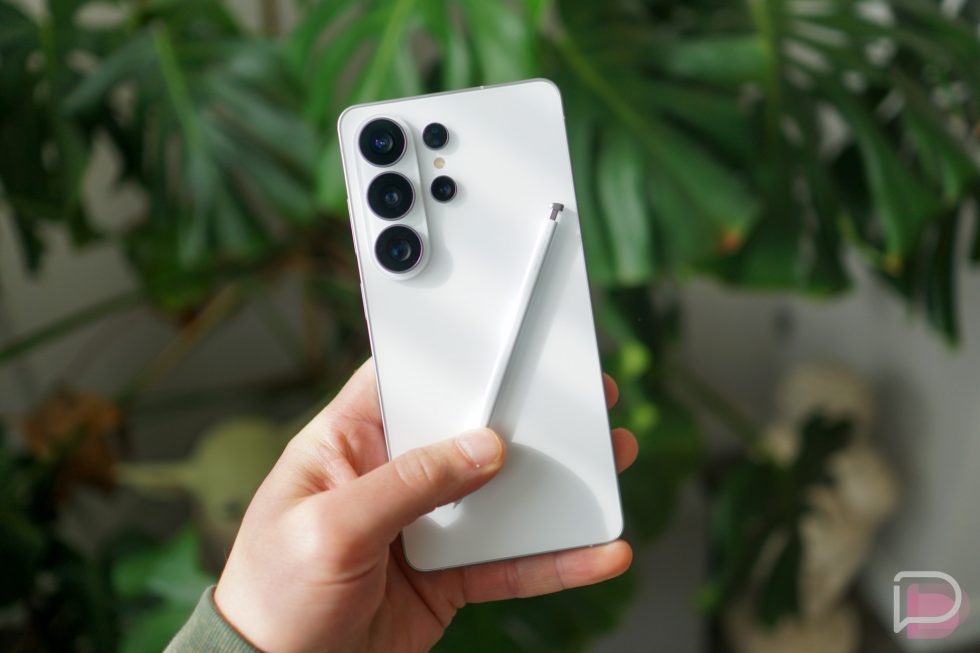
Who should buy it? Who should skip it?
Choosing the right phone comes down to whether you will actually use pro-level camera hardware, the S Pen, and the Privacy Display.
Buy Galaxy S26 Ultra if:
- You want the best zoom and low-light camera system in the Galaxy S26 lineup.
- You travel or commute frequently and want built-in screen privacy without sacrificing display clarity.
- You take handwritten notes with the S Pen or need sustained performance for heavy multitasking and gaming.
Consider an alternative if:
- You want a compact, lightweight phone. At 6.9 inches and 214g, the Ultra is a two-handed device. Choose the Galaxy S26 (6.3 inches, 167g) for one-handed comfort with the same Snapdragon 8 Elite Gen 5 processor.
- You’re on a tighter budget. Choose the Galaxy S26 FE ($599) if you want a large 6.7-inch 120Hz screen, a 4,900mAh battery, and Galaxy AI tools at a significantly lower price than the Ultra.
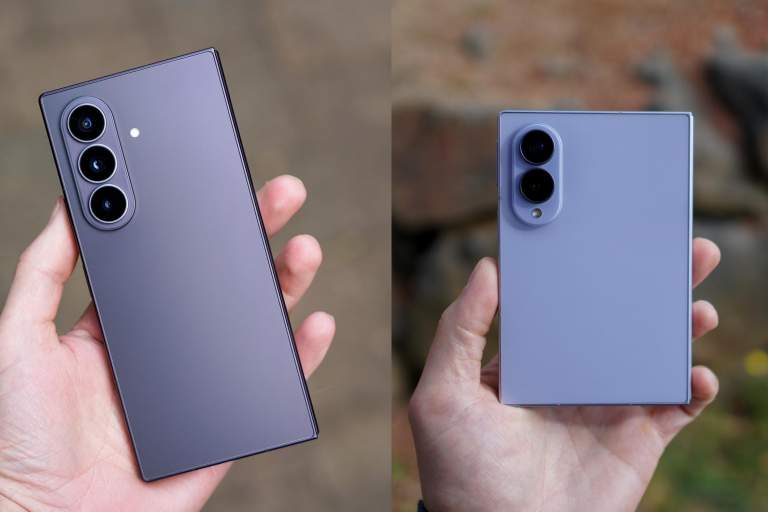
- You want a different form factor entirely. Choose the Galaxy Z Fold 8 (7.6-inch main screen, 201g) or Galaxy Z Fold 8 Ultra (8-inch main screen) if split-screen productivity matters more than 100x zoom from the camera.
FAQ
Does the Galaxy S26 Ultra include an S Pen?
- Yes. The S Pen slots directly into the bottom of the device for note-taking, sketching, and precision photo editing.
What comes in the box?
- A USB-C to USB-C cable and a SIM ejection pin tool. Samsung does not include a charger.
How many years of software updates does the Galaxy S26 Ultra get?
- Samsung supports Galaxy S26 Ultra with up to seven years of Android OS upgrades and seven years of security updates.
Which carriers does the Galaxy S26 Ultra work on?
- Samsung sells specific models for each US carrier (Verizon, AT&T, and T-Mobile), plus an Unlocked model compatible with major US carriers, subject to carrier compatibility requirements.
Is it easy to transfer data from an older phone to the Galaxy S26 Ultra?
- Yes. Using Samsung’s Smart Switch app during setup, you can scan a QR code and transfer photos, messages, apps, and settings wirelessly without cables.
TL;DR
Galaxy S26 Ultra is worth upgrading to if you take photography seriously want a 200MP camera with 100x AI Zoom, faster 60W wired charging, and the world’s first Privacy Display on a phone. If you prefer a smaller phone or want to save money this holiday season, look at the Galaxy S26 or Galaxy S26 FE instead.