
Google is adding two pretty major changes to Chrome on your desktop, one of which you’ve either been begging Google to add or that might completely offend your internet browsing brain. The other is for the readers among us.
Vertical Tabs in Chrome
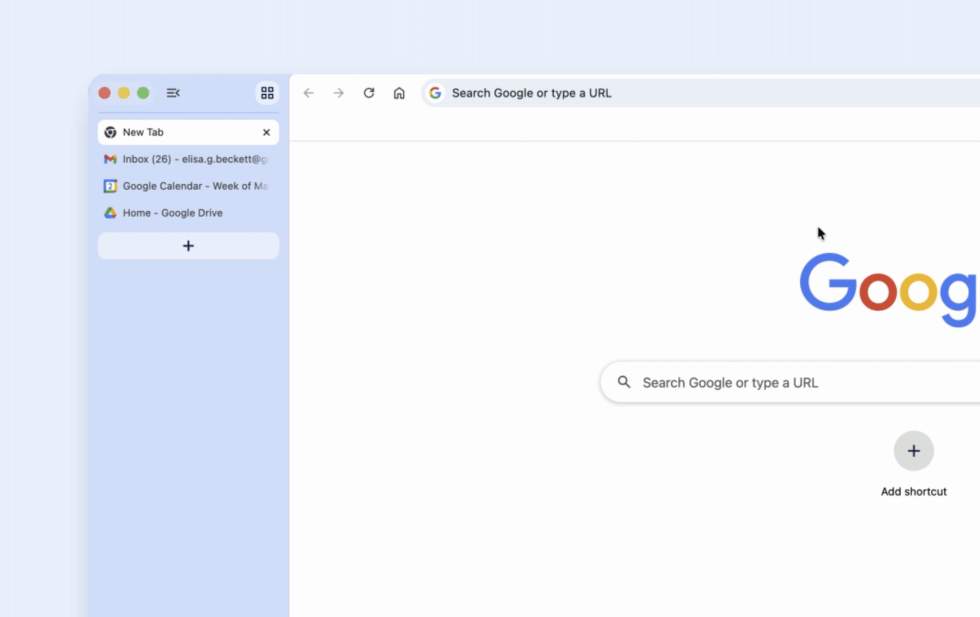
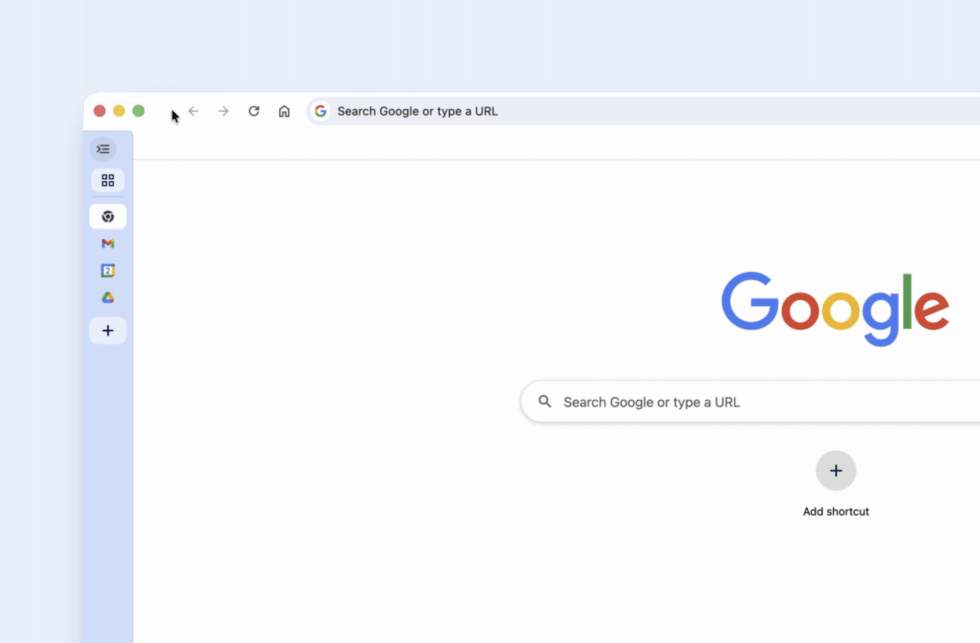
Google has (is) adding an option that can move your Chrome tabs to the side of the window and display vertically. This sounds like something I’ll need to process visually and in my own web experience before I know if it’s good or not, but as someone who constantly has a couple of dozen tabs open at any time, I’m interested.
Once you have the latest version of Chrome with vertical tabs, you’ll right click in a Chrome window and then select the “Show Tabs Vertically” option. This will slide all of your tabs to a sidebar view with either expanded titles or down to just icons.
Immersive Mode in Chrome
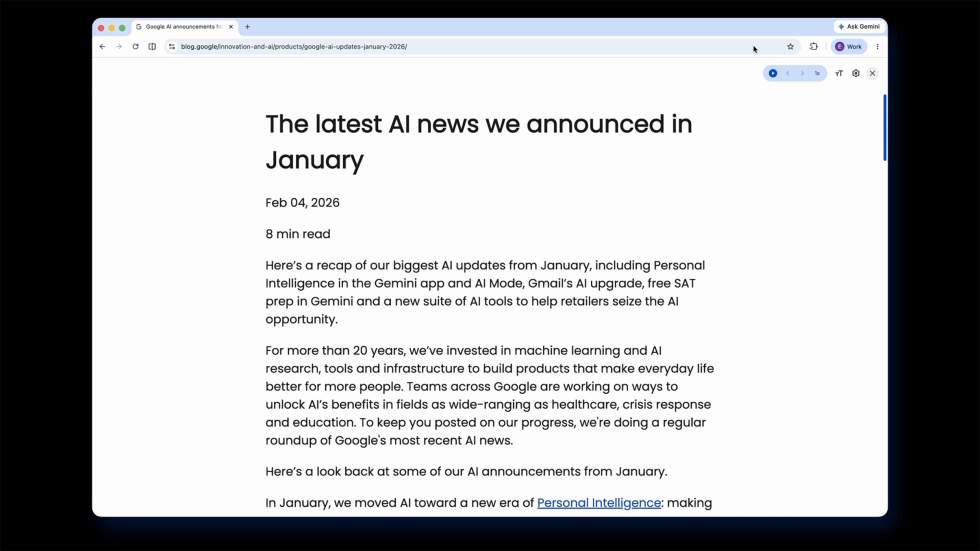
Google is also expanding on its reading mode in a way by making it more immersive. Now, when you go to read a website with a ton of text and want all of the distractions gone, you can right-click and say “Open in reading mode.” This will now go to a full-page interface that makes a busy webpage far more immersive and text-focused.
Be on the lookout for both of these features rolling out.