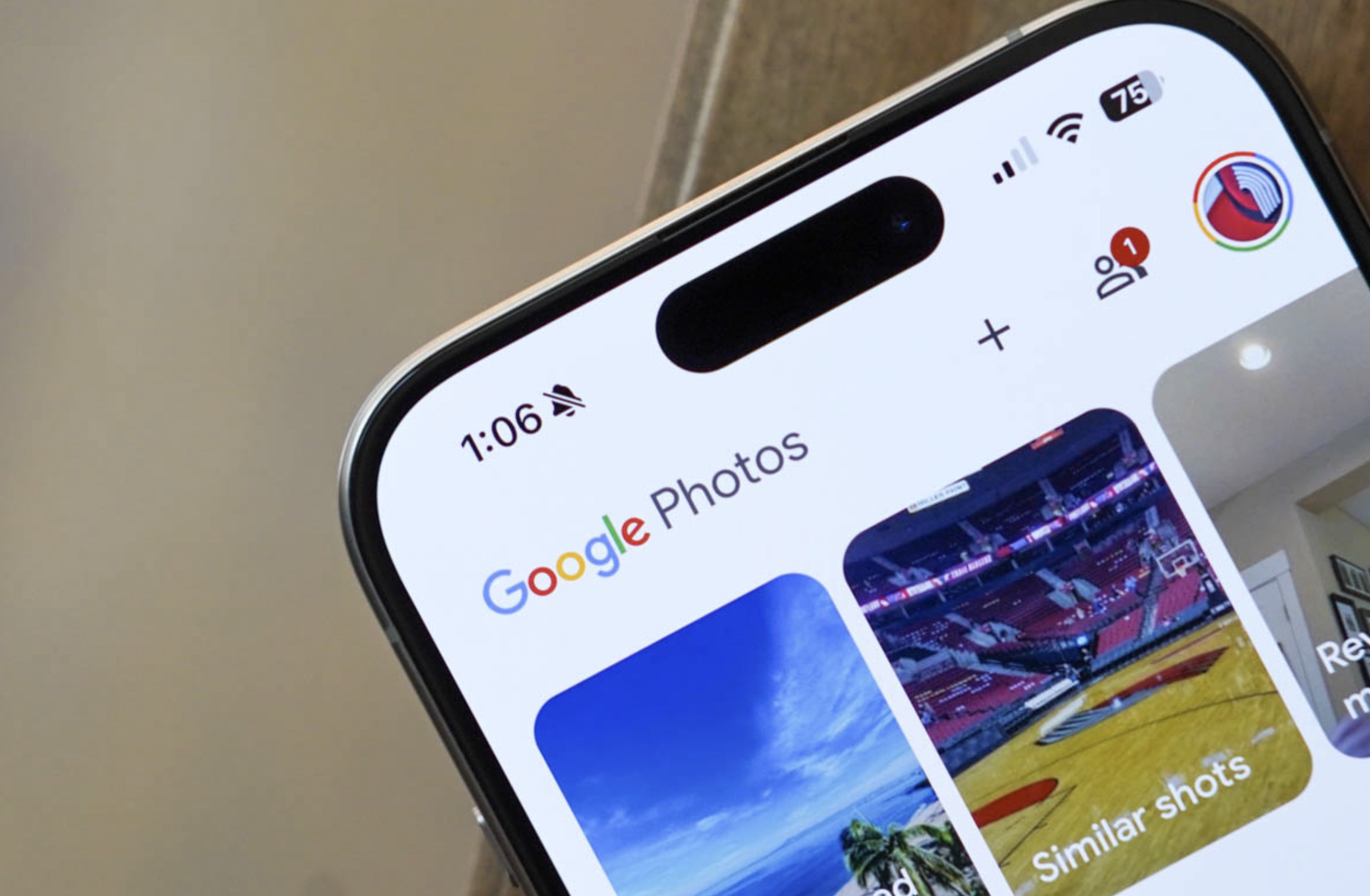

Google Photos users on Android, you can now change playback speed of videos. This new feature is rolling out now, Google announced today as a “top request” from the community.
To adjust video playback speed in Google Photos, you’ll open the Photos app, tap on a video you want to edit, tap the 3-dot menu button, and then choose “Playback speed.”
You’ll see options of: 0.25X, 0.5X, 1X, 1.5X, and 2X. Once you choose one, you’ll select the checkmark (Done) to complete.
And that’s it! The simplest playback speed changing feature I’ve seen.