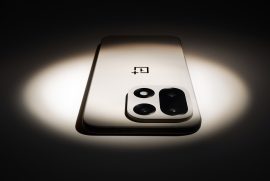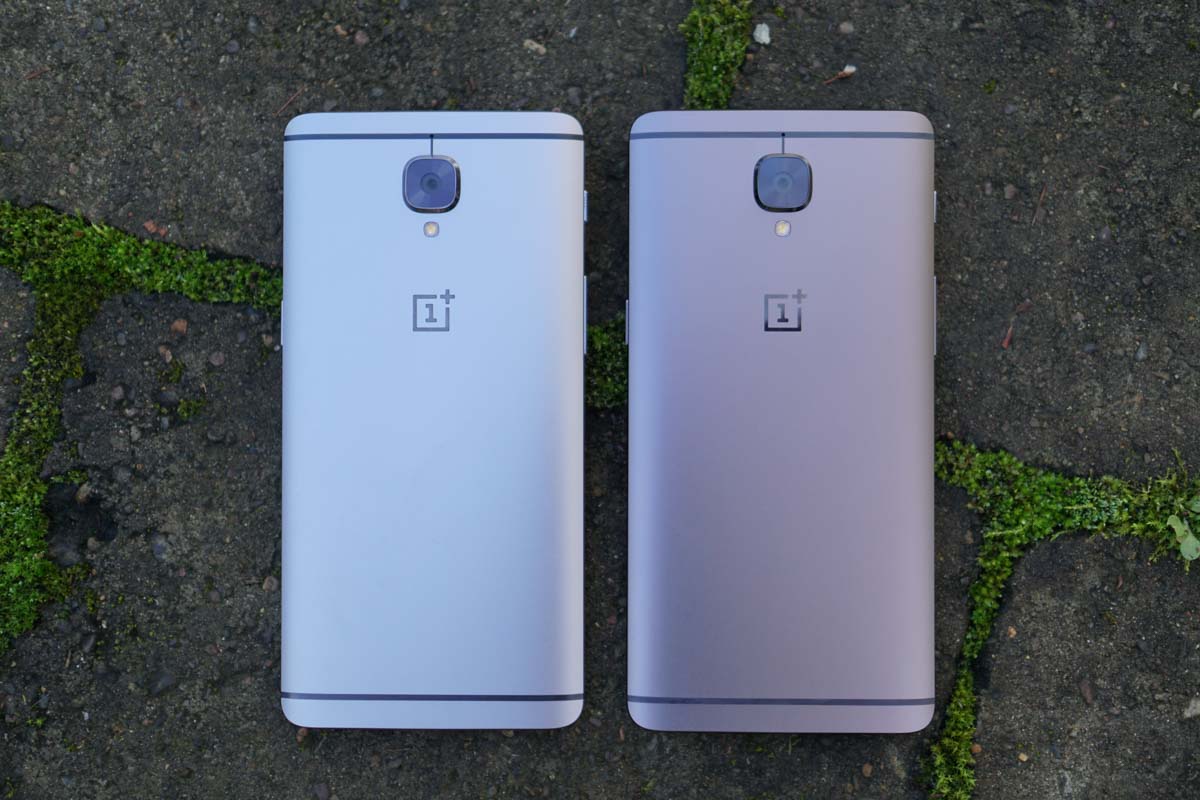
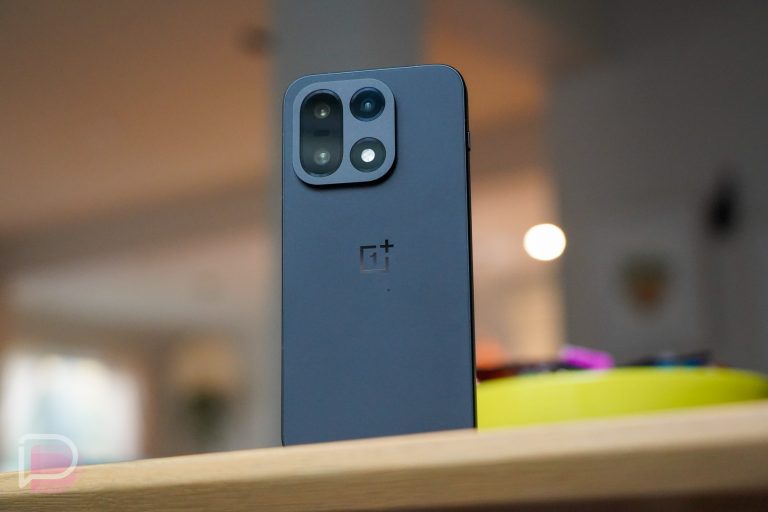
OnePlus dropped a new beta update on OnePlus 3 and 3T owners this morning in the form of Android 7.1.1. Oh yeah, it’s 7.1.1 Nougat update time, child.
The build is available as an “open” beta, which means we can all update to it right now without much work. You see, OnePlus makes updating incredibly easy as long as you have a file to flash. With these open betas, that’s exactly what they provide.
Do keep in mind that this is a “beta,” so there could be bugs and issues. At the source links below, you’ll find lists of changes and bugs that are known. Be sure to dig through those before flashing the update in order to avoid any frustrations. Also, betas are just that, betas. They aren’t supposed to be a fully stable build and may have issues that aren’t listed. Proceed with some caution.
Instructions
In order to update, all you need to do is download the file to your phone. You’ll find it at a link at the bottom of this post. Once on your phone, make sure it’s in the root directory of your storage (that just means it’s not in any folder). Once that is complete, head into Settings>System updates. Once in there, tap on the Settings icon in the top right corner and choose “Local upgrade.” If the file you downloaded is in the proper folder, it should show up there. Tap on it and begin the update process.
It’s seriously that easy.
What’s New
- Upgraded to Android 7.1.1
- New Shot on OnePlus wallpaper option
- Gallery Improvements
- New photo editor with watermark and photo straightening options
- Newly added media will be highlighted in Photos section
- Image location will be displayed on grid view
- Media can be grouped by month and year
- Folders and individual media can be hidden
- General bug fixes
Links: OnePlus 3 File and Instructions | OnePlus 3T File and Instructions
I am just unable to update this on my one plus 3T it is stopped at 73.3% and can’t be resumed after that nor cancelled.what should I do.
Is it a official OTA updates for one plus 3.
does it fix bluetooth periodically cutting off from my car? does it fix the fact that my widgets magically disappear after i play game? as long as it fixes these two, i’m loving my op3
thanks droid life its very easy i tried wit my computer nothing happen i see your post try like this now my 3T 7.1.1 thanks
Just got my 3t two days ago, love it! If I flash this will I still be able to get future OTA updates?
Yes. You will get the next beta OTA. If you want to go back to “stable” you will need to flash it back. They provide it all at downloads.oneplus.net
Thanks
Very happy with my 3T, keep it up OnePlus!
Over a year ago I was jobless, with only 7 bucks in my pocket, and nowhere to go. I’ve had luck to find out about this website from my good buddy, and he recommended me to try, since he was making five-figures/month. After 4 months on this job, my latest pay was $5789 and keeps raising. To see what I do, keep reading here http://Google.com/Mattronin-jobs/$97HourlyPay/472g
I have profited 104,000 bucks previous year by working on-line and I did it by working part-time for 3 or sometimes more h daily. I followed an earning model I stumbled upon from this website i found online and I am amazed that i made so much money. It’s so newbie-friendly and I’m so grateful that i found this. Check out what I do… http://easyurl.net/f2265
Idiot post about oneplus3
Update to the Latest Android 7.1.1 Nougat here step by step method->> http://www.enzuke.com/update-android-7-1-1-nougat-custom-rom-slim7-htc-one-m9-337153enz/
I got paid 104000 dollars in last 12 months by working online and I did it by working part time for several hrs a day. I’m using work opportunity I came across from this website i found online and I am so thrilled that I was able to earn so much money on the side. It’s so beginner friendly and I’m just so thankful that i learned about it. Check out what I did… http://jump.wtf/CCcHHu1
Maybe its the drugs im on from my wisdom teeth being pulled but how do I get this file to the root directory of the internal storage?
Needs to be done from a PC according to their instructions.
Yes and no. For first installation yes. Afterwards you can just normally download on a phone, in your downloads hold on the file and copy it in settings. Then navigate back to internal storage and you will see paste in the top right. Press it and there you go 🙂
(You should get updates OTA. I had to move it to do it manually as my update froze last time. It’s a beta.)
I am amused Kellen must remind people that this is “beta” not once, but twice in the same paragraph.
I’ll say it’s important. Same as Tesla Model S autopilot is a beta yet people sleep behind the wheel.
Company is really stepping up its game. I’ve been spoiled with MST on my S6 and S7e…otherwise would love to have the 3T.
OnePlus…so hot right now
https://uploads.disquscdn.com/images/2cd11cdf93f6b4e25c1fdbd457f63697522a4b8609e661d2061cad816189c53d.jpg