
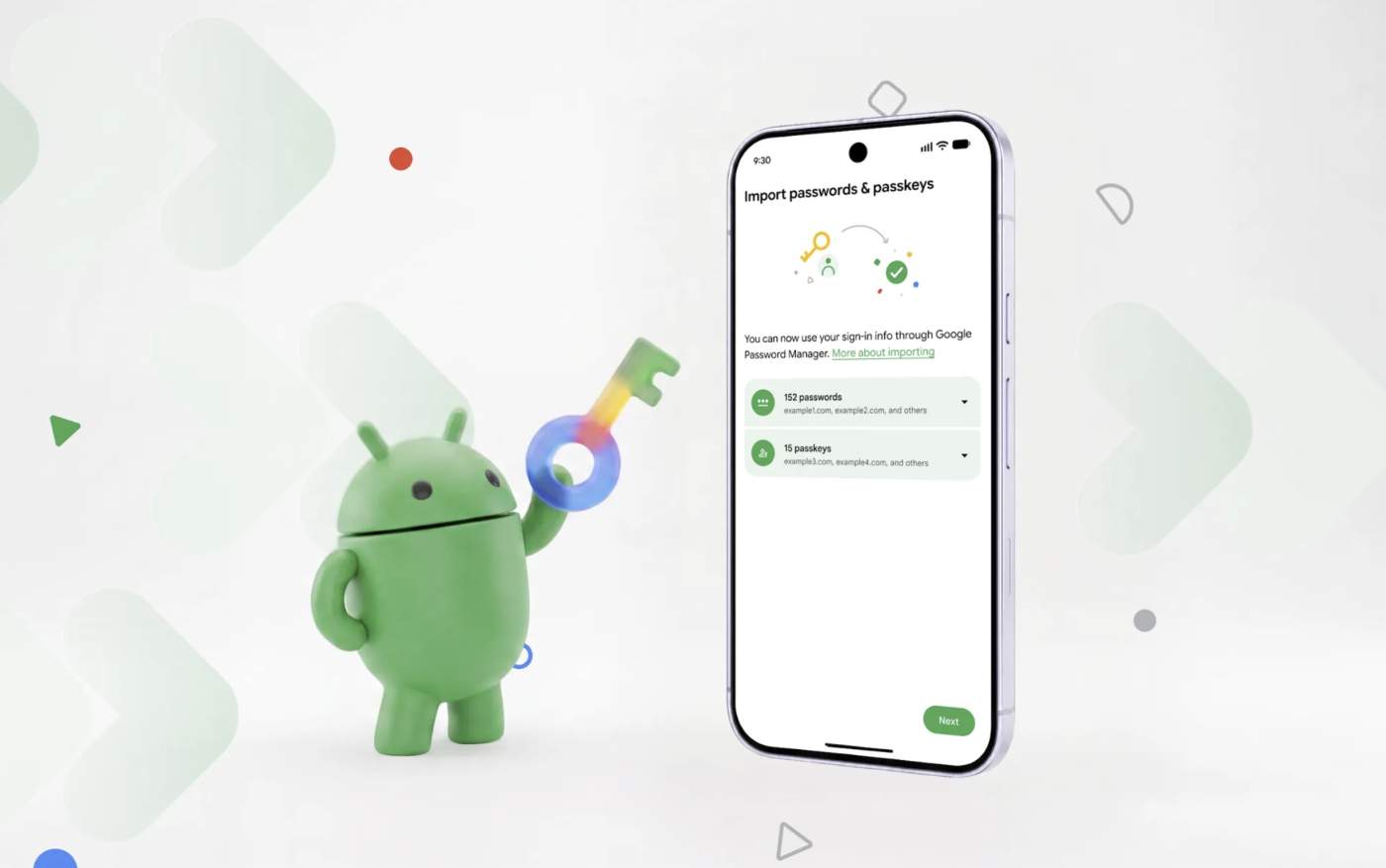

Google is launching something pretty cool for those of us who use a password manager on Android. They have created a system that allows you to import/export passwords and passkeys from one provider to the next without sacrificing on security. And this isn’t just for Google Password Manager.
A new transfer system is here that already supports Google Password Manager, 1Password, Bitwarden Password Manager, and Dashlane. Google says more providers are on the way too.
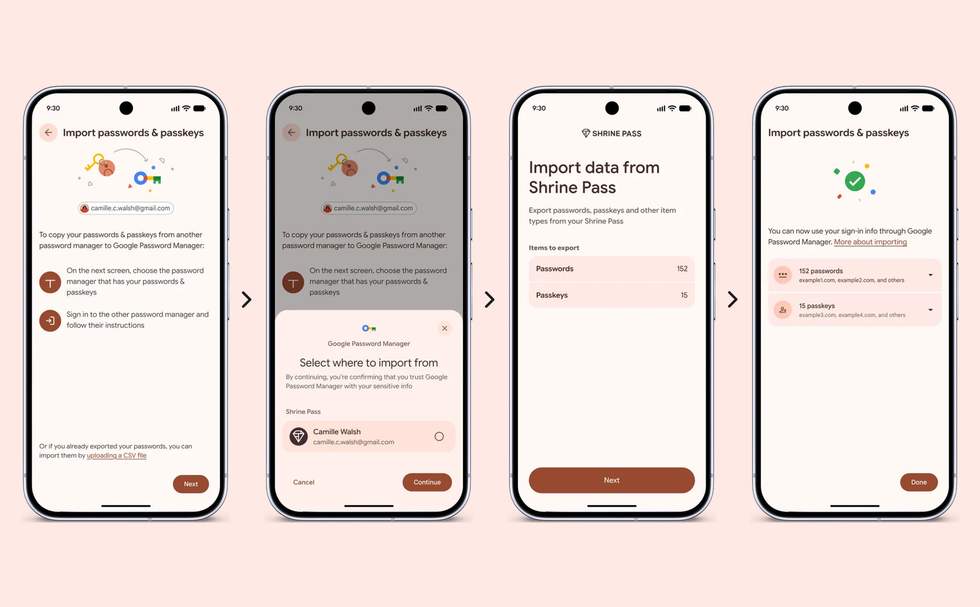
The system works when you decide to transfer to a new password manager and choose the option to import or copy passwords from another provider. Once you hit that setting, Android then takes over to securely move things around. In the past, you would have had to download a potentially insecure file from your old provider that would be uploaded to the new provider.
Google says that Android will detect other password managers on your device that it can work with and then begin the transfer. This actual process of transferring should only take a “few seconds” to complete.
Here’s their explanation of the process:
- Start the move: Open your new password manager app and choose the option to import or copy your passwords and passkeys from another provider. The password manager will then hand the task over to Android.
- Let Android securely coordinate the data transfer: Android will automatically detect existing password managers on your device and show you which you can import from.
- Review and authorize: Once you tap “Continue,” Android will bring you to your existing password manager to select, review, and authorize the transfer. Then your data will be quickly and securely transferred between the apps in just a few seconds.