
 Kellen
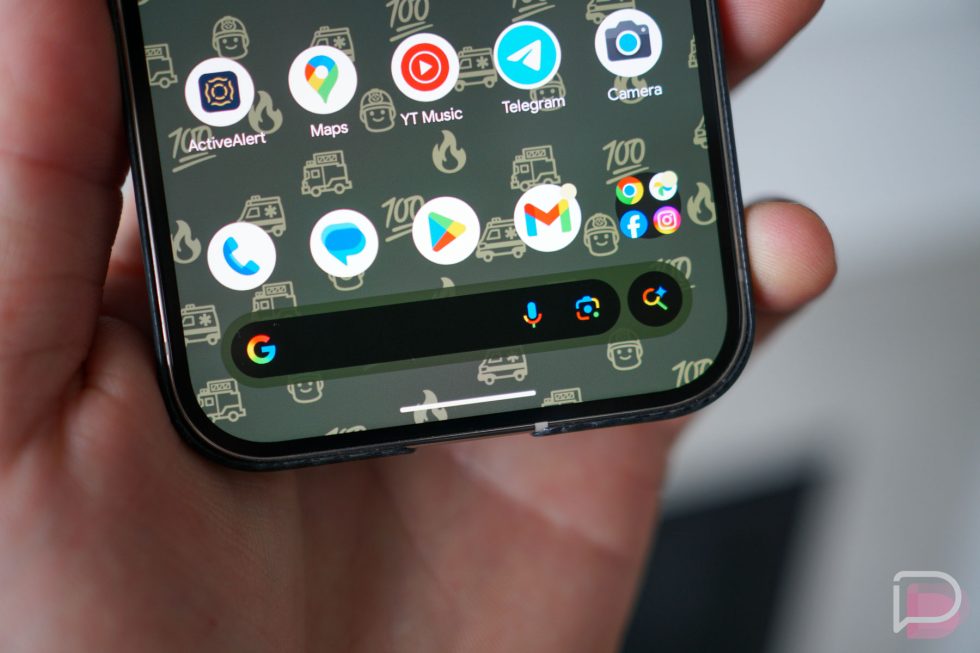
Within the past several days, a group of Pixel owners noticed a change to the way the Search bar at the bottom of their Pixel Launcher home screen worked. Because this change was not an improvement in the eyes of many, they immediately took to places like reddit to question this change by Google and whether or not it was a bug or intentional. As it turns out, the change might just be intentional and that has really brought out the opinions.
Back with the November Pixel Feature Drop, Google announced that they were adding an AI Mode shortcut to the Pixel Launcher, calling it “An upgraded home screen search bar.” We all saw this arrive because it was indeed a shortcut that you could not avoid or turn off. However, we initially thought that was the only change, but as it turns out, the functionality of that same Pixel Launcher search bar no longer acts as it used to and that’s what has angered some folks.
The change appears to be a switch from the types of searches one can do from the Google Search bar at the bottom of the Pixel Launcher. When you tap on that Search bar now, it simply searches Google (and shows apps you have installed). You can tap voice or Lens or AI Mode shortcuts on that bar to perform different types of Google Search queries. According to a bunch of frustrated users, that same Search bar used to perform a universal search on Pixel devices and would bring up apps, settings, deeper results from apps, and web searches.
I phrase it like that because there’s another type of search that you can do on Pixel devices that does that full on-device and web search – the swipe into the app drawer will launch this. In fact, it still does this and it’s the type of search I only do. This might sound weird (although, I’m not alone), but I always assumed the Search bar at the bottom would only do Google Search queries and so I rarely used it. To do on-device type of searches, I always just swiped into my app drawer.
Here’s how those two different searches now look.
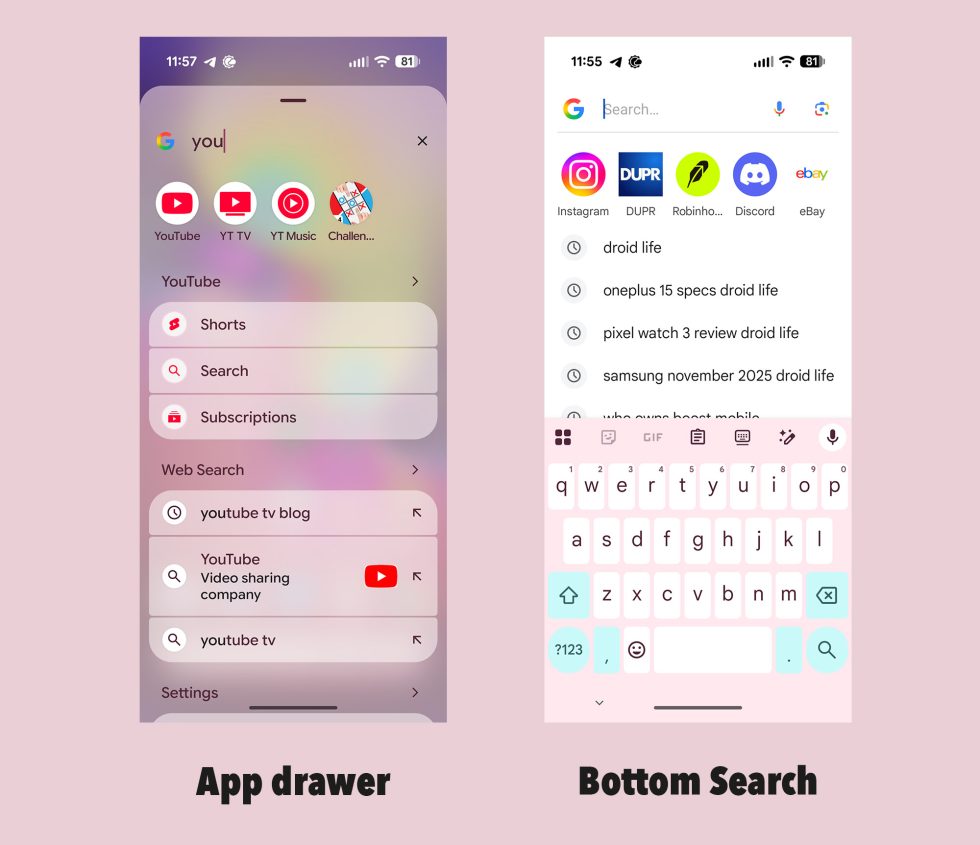
We’re now at the point of having two different search features on Pixel devices who use the Pixel Launcher. The bottom search bar basically just searches Google (and can bring up apps on your phone), while the search within the app drawer is the more feature-rich and powerful, on-device+Google search option.
The change here is a weird one. The universal search (that you can still do within the app drawer) is pretty awesome for finding things on your device, but it can also lead you into Google Search should you not find what you are looking for. The bottom Google Search bar only doing searches through Google is quite a bit of a downgrade for those who were using it as the more powerful search previously. They now have to change their habits and the way they use their device because Google decided it wants you searching Google more instead of your device first. That sucks.
I should also point out that the universal on-device search looks great, meets the design of Pixel devices and feels very native. The Google Search bar, which you can see on the right side above, looks like it’s stuck in 2015. If you are going to force us into this experience, Google, at least do it right.
Thoughts? How do you search your phone – from the Search bar or in the app drawer?
Collapse Show Comments4 Comments