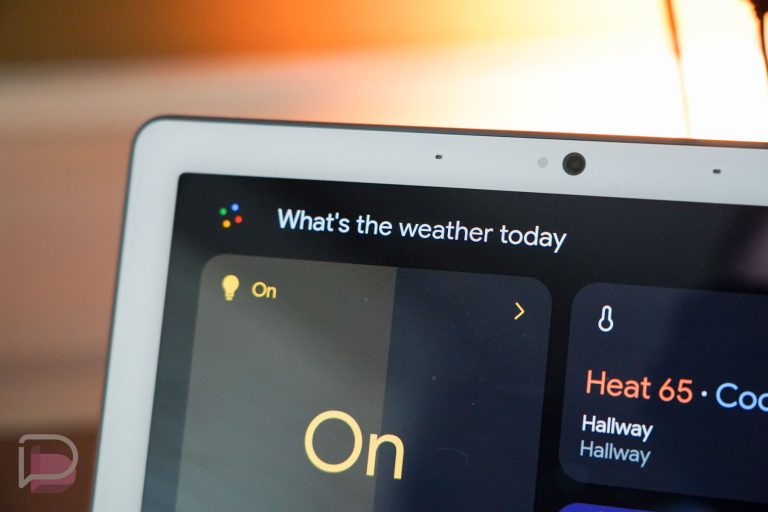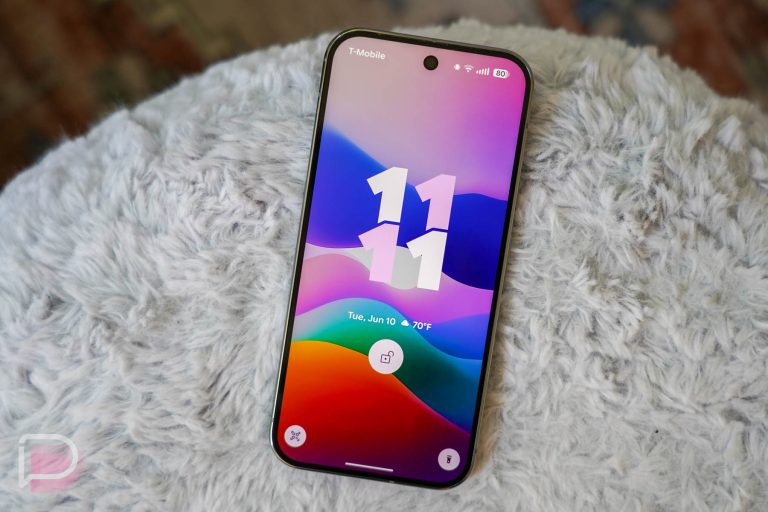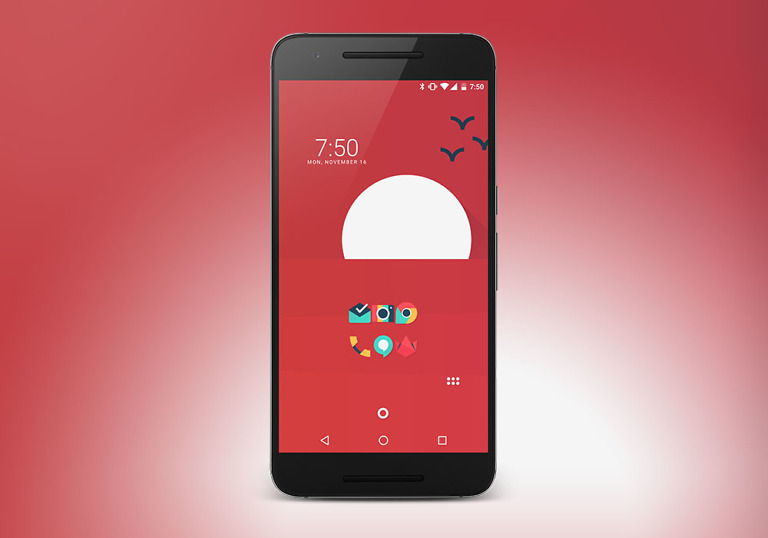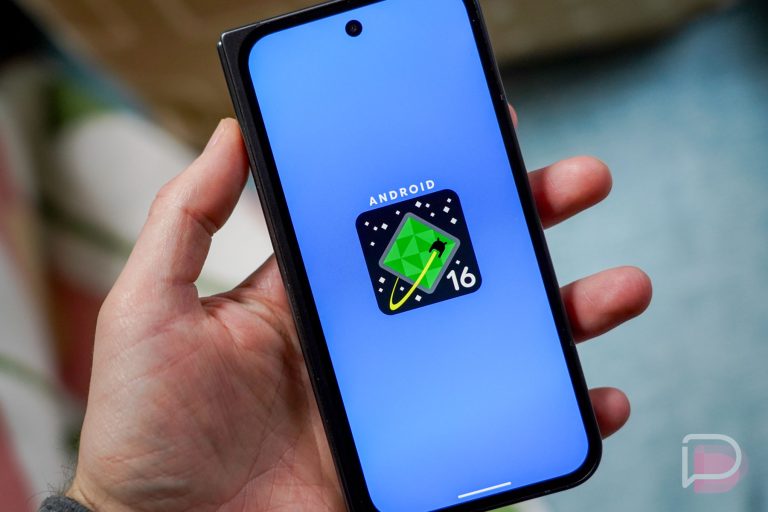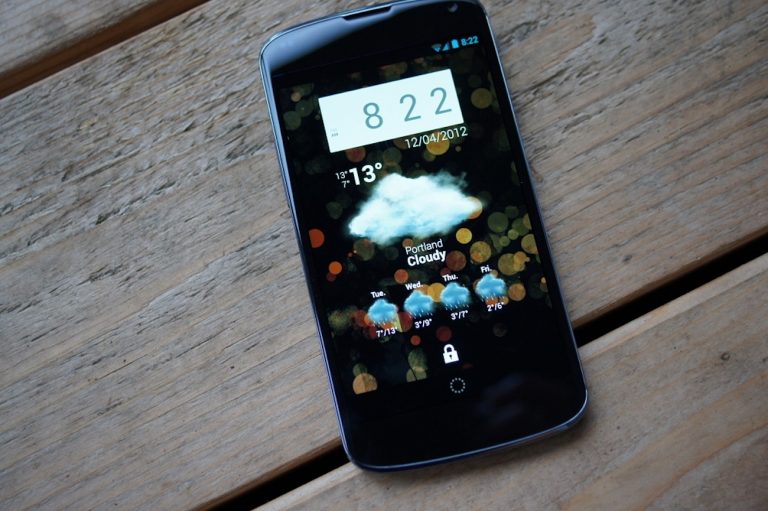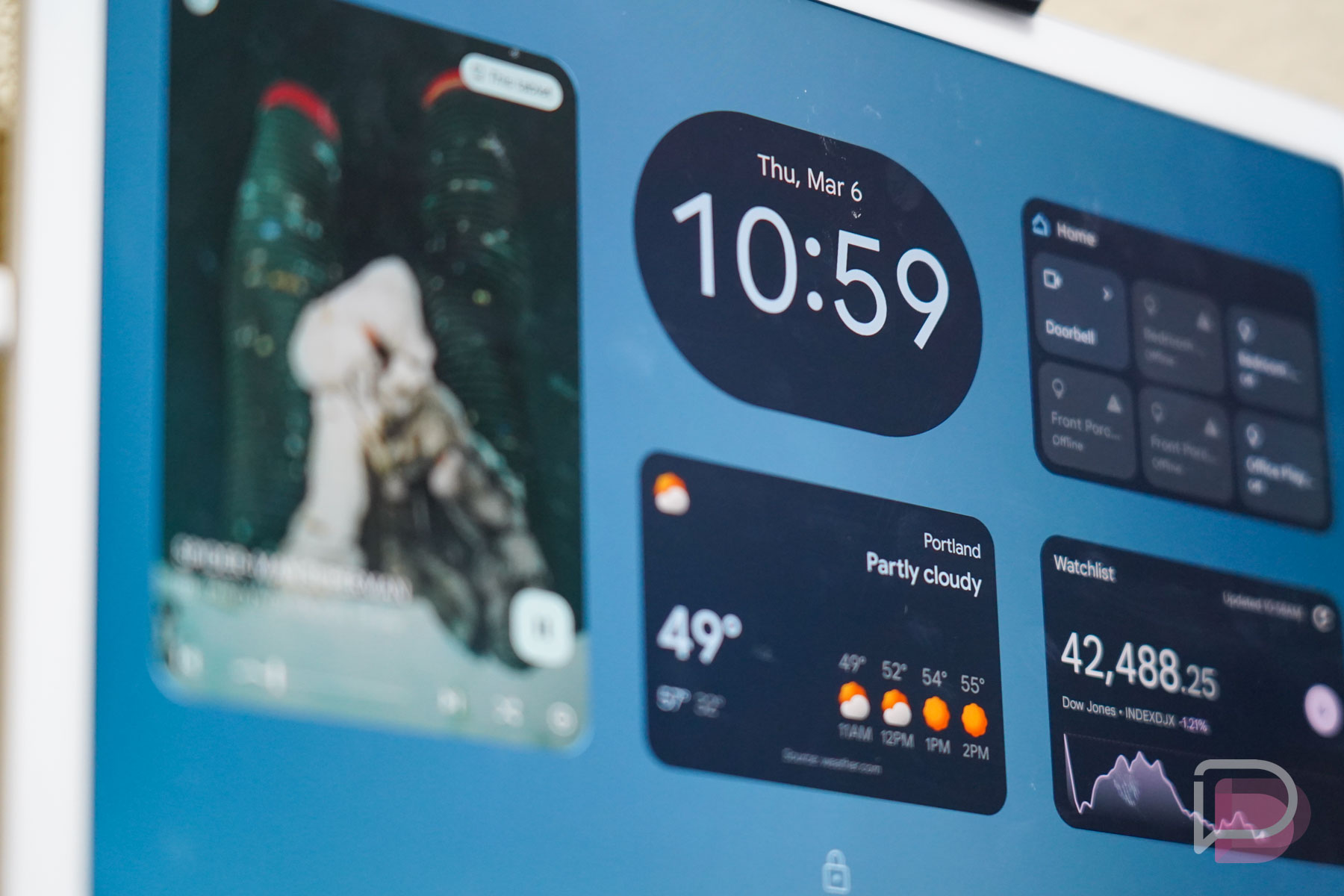

Lock Screen widgets are fully back! In the first Android 16 QPR2 Beta 1 that was just released, Google added a toggle in lock screen settings on phones to allow “Widgets on lock screen.” We’ve come full circle on this feature, after Google removed them so many years ago.
Android 16 lock screen widgets: Back in March, Google confirmed that widgets would return to the lock screens of phones after bringing them to the Pixel Tablet. They said at the time that this feature would arrive once Android QPR1 was released, and well, this is QPR2 and here we are.
Once enabled (Display & touch>Lock screen), a widget panel will live off to the right side of your lock screen. You can swipe over, long press, and then edit or add new widgets to it. It all works like it does on the Pixel Tablet, for the most part, you just have less screen real estate to deal with. You can create multiple pages of widgets, though, since only a couple of widgets can quickly take up a single screen.
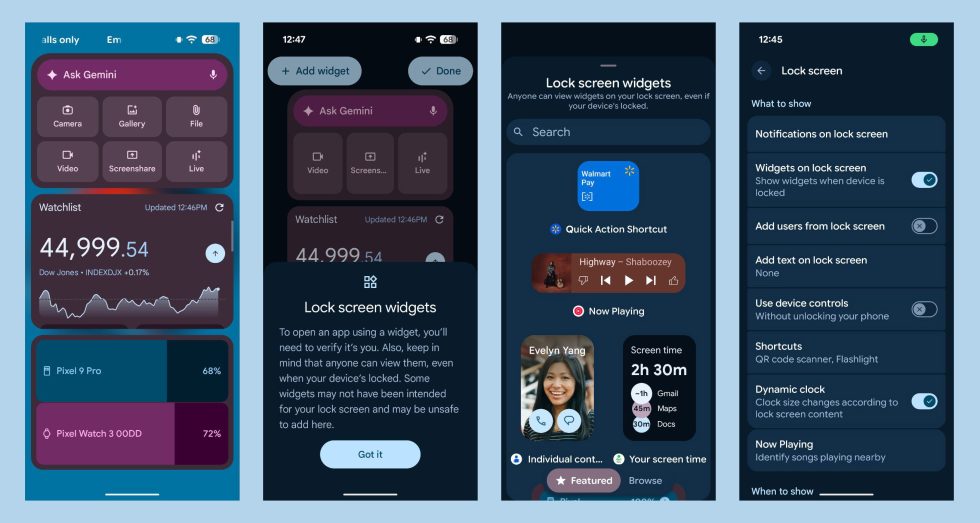
Do note that Google warns of a lack of privacy with these widgets. In fact, they point out that “anyone can view them” by swiping over to the widgets panel. Still, these could come in handy for quick bits of info like we had long, long ago.