![Video: How to Unlock the Bootloader on the Galaxy Nexus [Verizon]](https://www.droid-life.com/wp-content/uploads/2011/12/DSC02653.jpg)

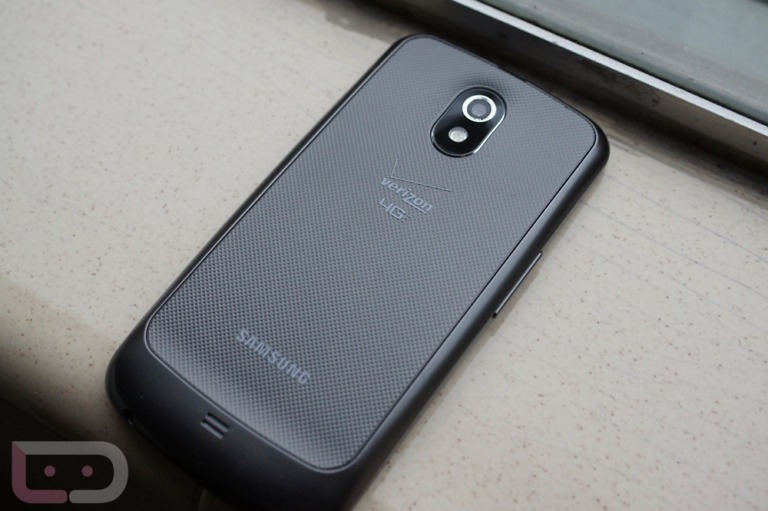
If your Galaxy Nexus future includes custom ROMs and kernels, you should stop what you are doing and unlock the bootloader of the device first. With an unlocked bootloader, your phone is opened up for you to essentially do as you please. Not only that, but you get that sweet little unlock icon on the boot screen.
To help you with this process, we tossed together this quick video. For the full written instructions, you will want to check out this post.
[youtube]http://www.youtube.com/watch?v=PC9DmgtE80A[/youtube]