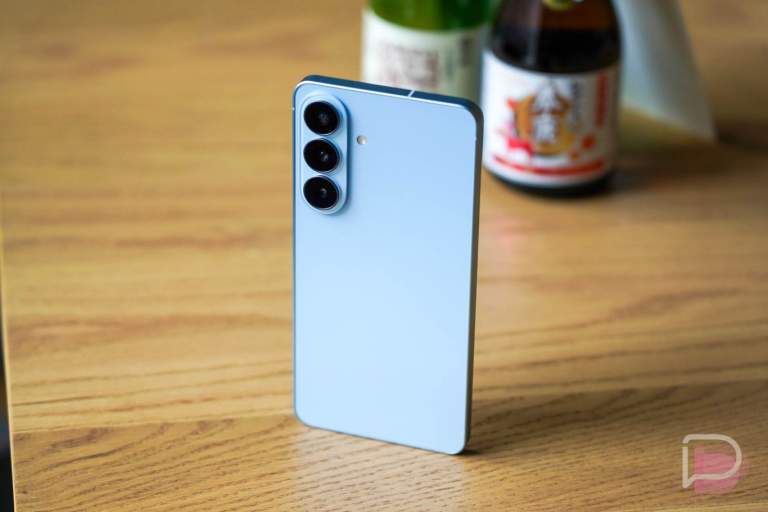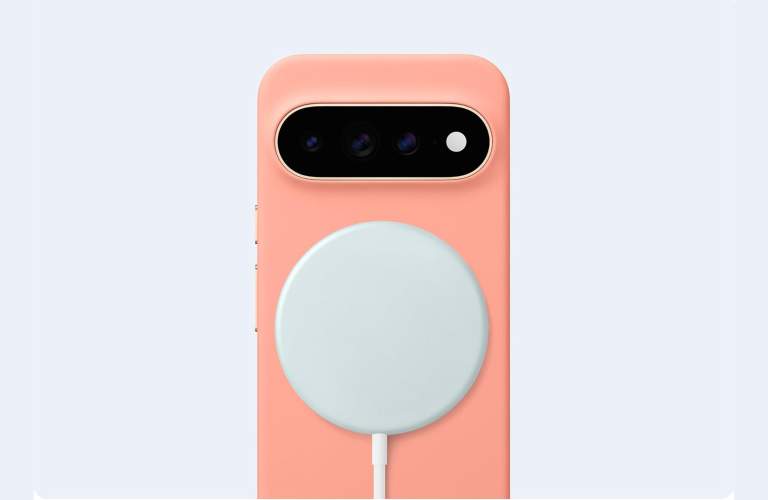

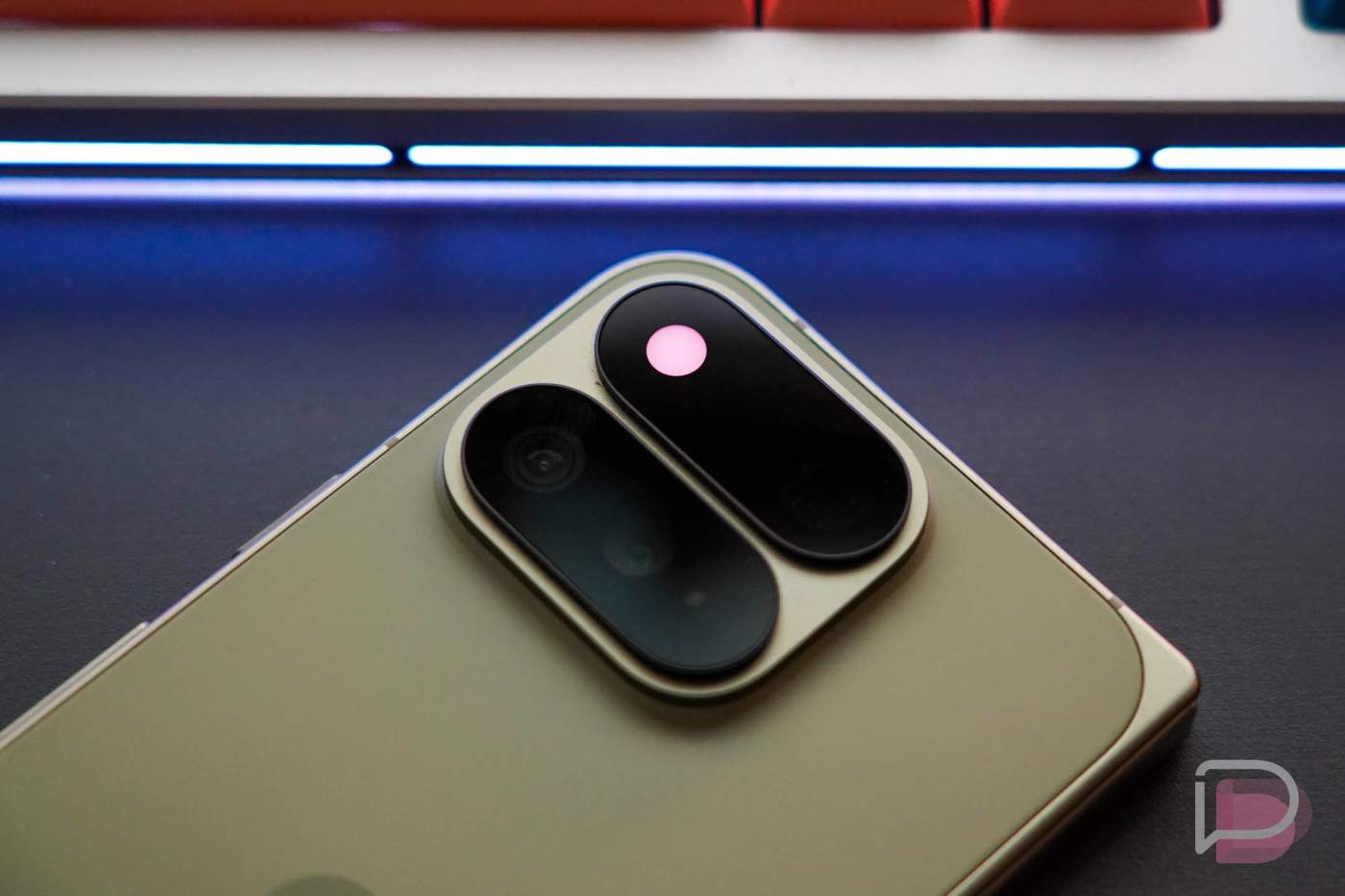

As a part of our Pixel 11 Pro review, we talked through one of its standout new hardware features, although we noted that it made us sad. I’m talking about HiLight, the new lighting system within the camera bar of all Pixel 11 Pro devices that shipped with extremely limited functionality.
HiLight, for those who have already forgotten about it, doubles as a camera flash (that’s very dim) and colorful light. When your phone is placed face-down and it wants to find the two ways to become a colorful light, it does so by pulsing a multi-color lightshow when Gemini is active or by flashing solid colors when your favorite contacts call. That’s all it does.
We called it “sad” in our review because it seems like a feature that could be somewhat useful with 1 or 2 other features that Google just didn’t give us. Instead, it shipped as a marketing note that doesn’t actually find its way into our lives. HiLight, at least in its current form, is bad.
Pixel 11 Pro HiLight review
Now that the Pixel 11 Pro phones have been in the hands of owners for almost a full month, many are weighing-in on HiLight and if they’ve found it useful. At least one reddit thread isn’t convinced that HiLight is worth celebrating and openly wondered why Google is marketing it so hard.
To tackle the marketing side of HiLight, I would just argue that a physical change to the phone’s hardware that lights up into a neat-looking Gemini glow, is very easy to show off and talk about over something like Pause Point. Generally speaking, HiLight does look neat when it’s all lit up. It comes across as a thing you might want to try and take advantage of. Unfortunately, Google hasn’t really given us ways to use it.
But the rest of the feedback from this thread essentially mimics our thoughts.
The original poster called it “lame and essentially useless,” which it sort of is in its current state. Others expounded on that, by noting that they just aren’t the type to lay their phone face down, since, you know, glass scratches pretty easily and these phones are all now well over $1,000 to own.
The idea of lighting up when Gemini is active, yet the phone is face-down, is a hard concept to understand. In most situations, you’ll want to see the interactions with Gemini rather than just listen to them. Most of my Gemini queries present information that can’t just be spoken or has links or other information that needs interaction. Is there really a large population looking to use hands-free Gemini on their phones without a screen being a part of the experience?
Outside of Gemini, we all know that only glowing single colors for favorite contacts is the absolute bare minimum, least inspired feature Google could have given us. Calls happen less frequently these days, and only being able to choose from 5 colors seems absurd.
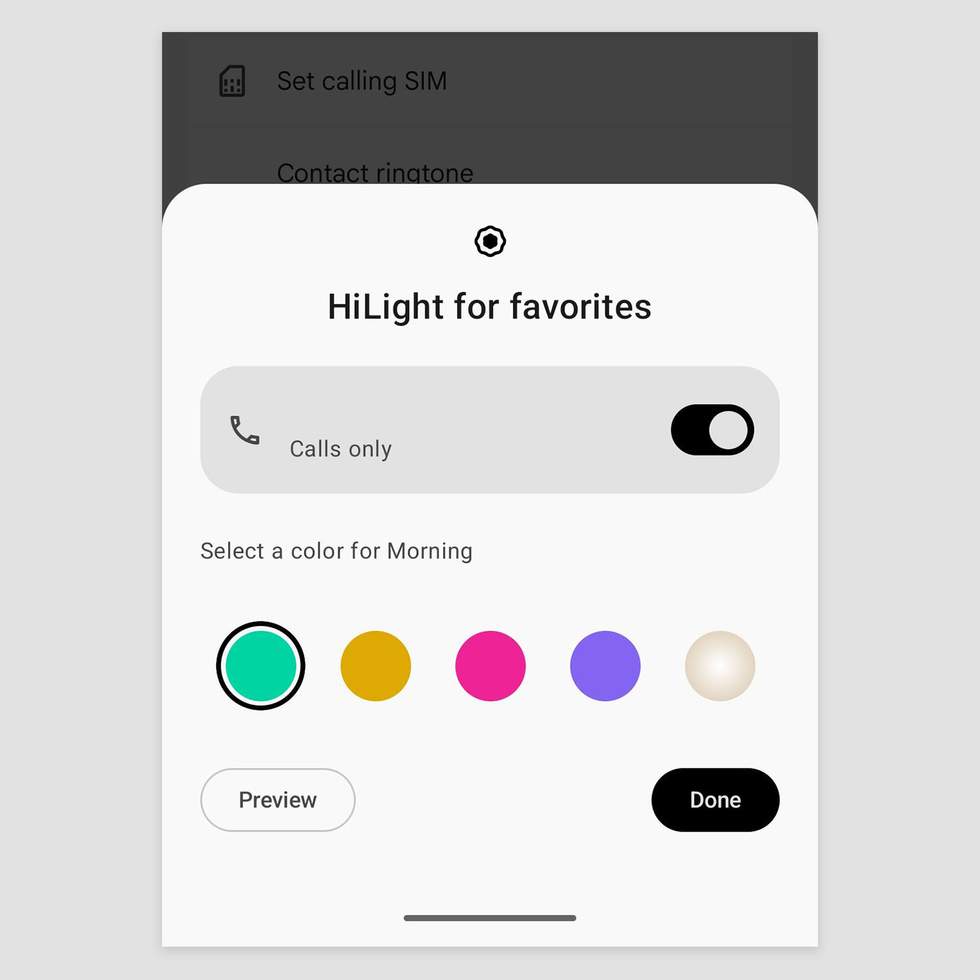
Google should have allowed this light to be used for notifications too, with specific colors set for select apps of your choosing. We’ve already seen third-party developers create apps that do just that, but they even take it a step further by allowing you to change vibrance of colors, patterns through which they can glow, etc. There is a ton of potential just in the notification space for HiLight, but we all have our doubts on whether or not Google will deliver on it.
Google has already promised to bring improvements, but we have no idea when. I’m running the newest Android 17 QPR2 Beta on my Pixel 11 Pro and there are no new HiLight features built into that just yet. That will release in December, so hopefully we see changes before then that can be added to later beta builds.
HiLight not as useful as the Temperature Sensor
If we move on from the lack of features and the odd idea that people want to place their phones face-down regularly, there’s another piece of this change that has people somewhat bothered.
When Google swapped in this new HiLight light, they removed the temperature sensor that had been first introduced in the Pro phones back with the Pixel 8 Pro. While I never found it to be a tool I used, it’s very obvious that there were a number of people who used it regularly.
We asked you about the Pixel temperature sensor at least 3 separate times, and the majority of people who responded shared all of the cool ways they were using it regularly. Those were some of my favorite posts in recent years. Today’s reddit thread is filled with similar responses, all of which would rather have the temperature sensor instead of HiLight.
To recap, the Pixel 11 Pro’s HiLight is not the feature we all hoped it would be. Google does still have time to bring more features to it and try to convince us that it is worth having, but for now, we’re sort of sick of hearing about it.