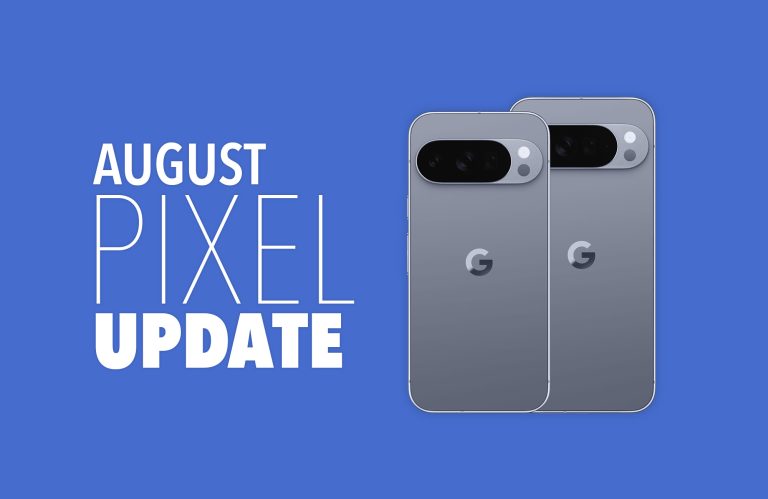


We’ve learned so much about the upcoming Pixel 11 series that few secrets will remain when Google does make them all official. If there’s one takeaway so far, it’s that this might be a year with few upgrades, and in some ways, there will be downgrades (Ex: RAM).
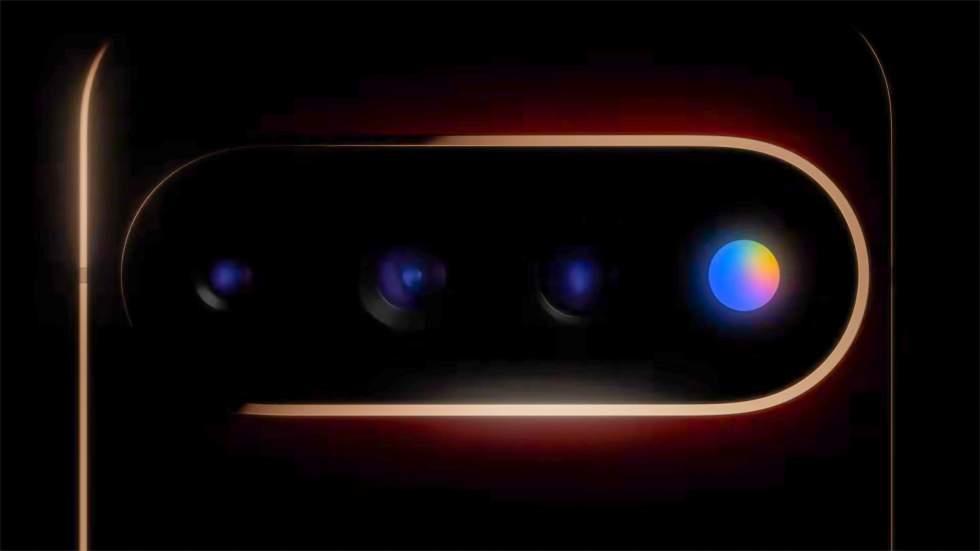
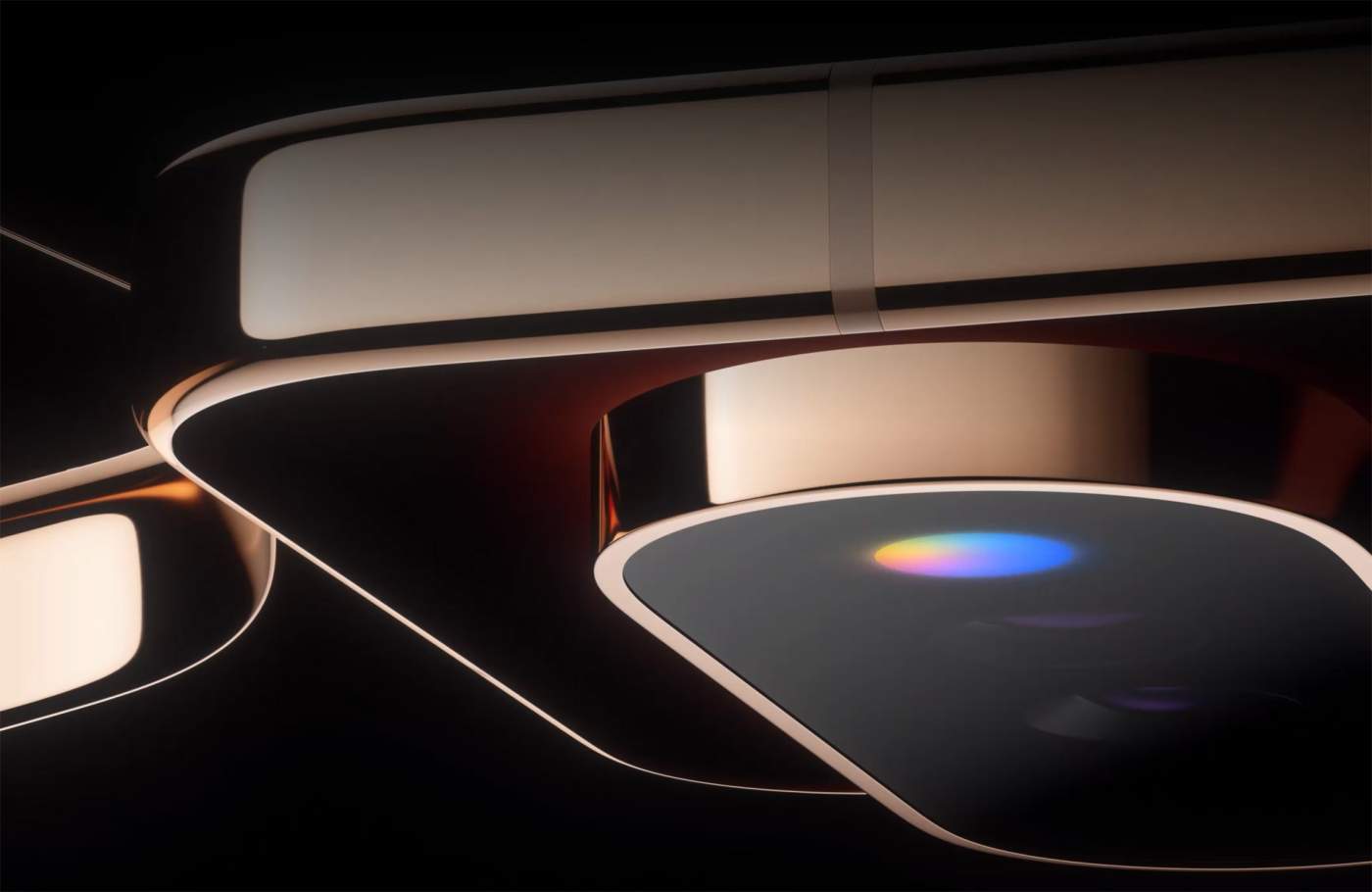
There is at least one new item, though, and it’ll be a way for us to unplug a bit from our screens and rely instead on lighting. The new Pixel HiLight – previously “Pixel Glow” – will be baked into the Pixel 11 Pro series camera bar and provide notification customization, as well as some Gemini integration.
Today, new details for this new Pixel HiLight were shared and we sort of know now how it might work too.
Thanks to an update to the Google Contacts app, behind-the-scenes strings of code have revealed some of HiLight’s settings.
As you’ll see below, there are strings that specifically refer to this feature as “HiLight.” There are additional lines that suggest configuring HiLight for your favorite callers, with a “custom glow color for when they call.”
<string name="glow_title">HiLight</string>
<string name="glow_enable_favorite_calls">Tap to configure HiLight for favorite callers</string>
<string name="glow_promo_card_dismiss_dialog_all_contacts_button">All contacts</string>
<string name="glow_promo_card_dismiss_dialog_body">Dismiss this suggestion for all contacts or only this contact?</string>
<string name="glow_promo_card_dismiss_dialog_this_contact_button">This contact</string>
<string name="glow_promo_card_subtitle">Assign a custom glow color for when they call</string>
<string name="glow_promo_card_title">"Set %s's HiLight"</string>
<string name="glow_promo_card_title_no_contact_name">Add a notification color</string>
A deeper look reveals that this colored light embedded in the camera bar can show Blue, Cyan, Green, Orange, Pink, Purple, Teal, White, and Yellow. Teasers from Google show off this light and its ability to glow in multi-color, so while you can set these specific colors for contacts, it’s clear that this light will do much more than pulse a single color.
It could be that Google will only show the multi-color seen above when you activate Gemini and your phone is face-down. That would be unfortunate, as the multi-color light looks gorgeous on the phone.
Now, it would be surprising if Google limited HiLight to only working with your favorite contacts. We certainly will look for additional uses, like colors for specific notifications from different apps.