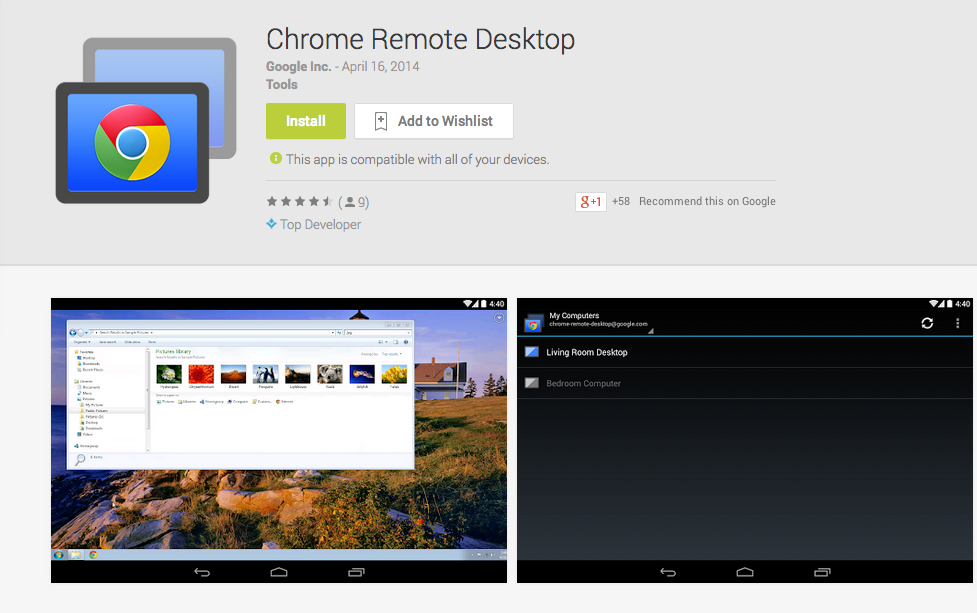
Google’s Chrome Remote Desktop is now out of beta, available for all on Google Play to download. The app and Chrome extension allows users to securely access their computers via an Android device, much like other third party software that has been available for years.
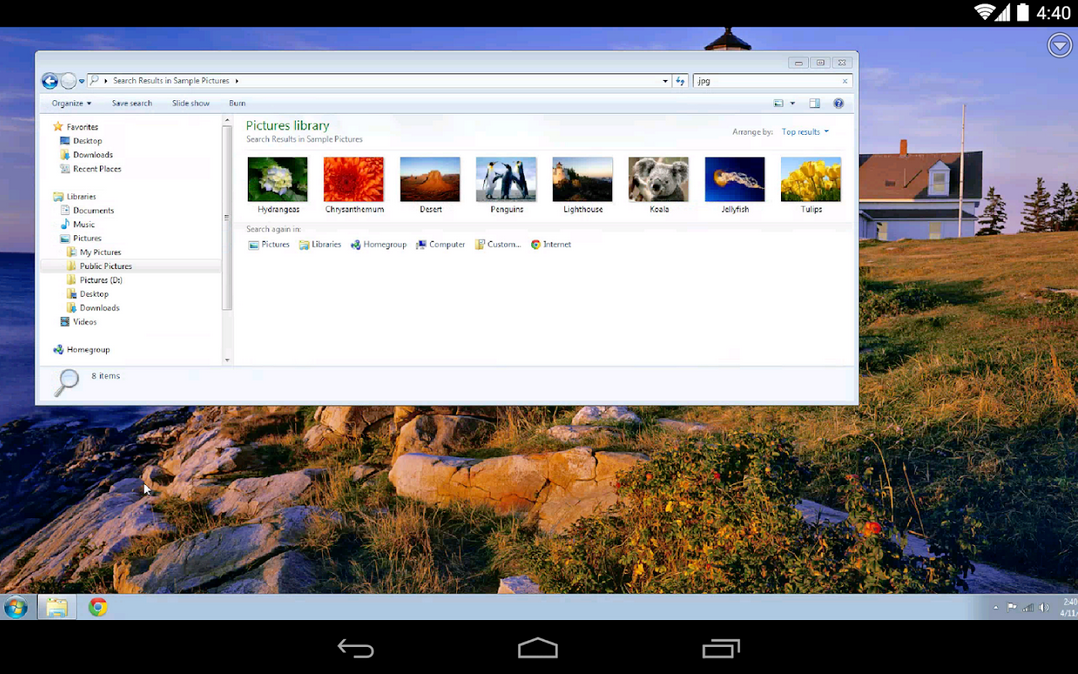
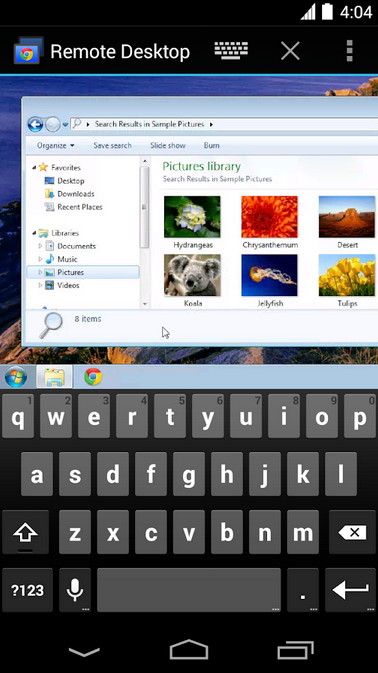
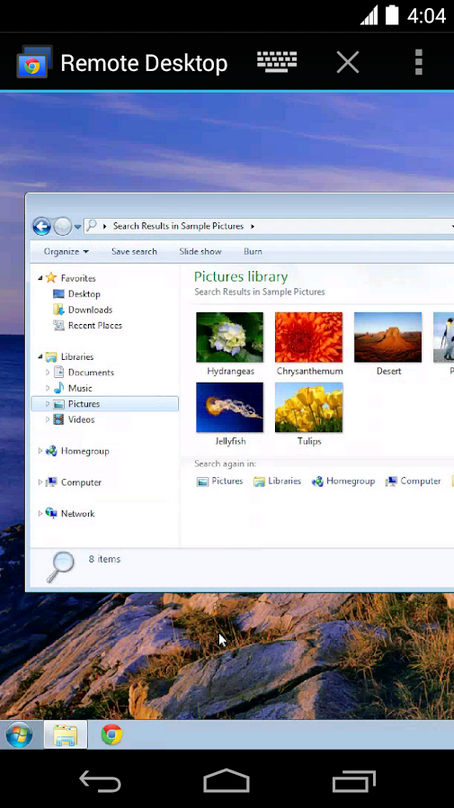
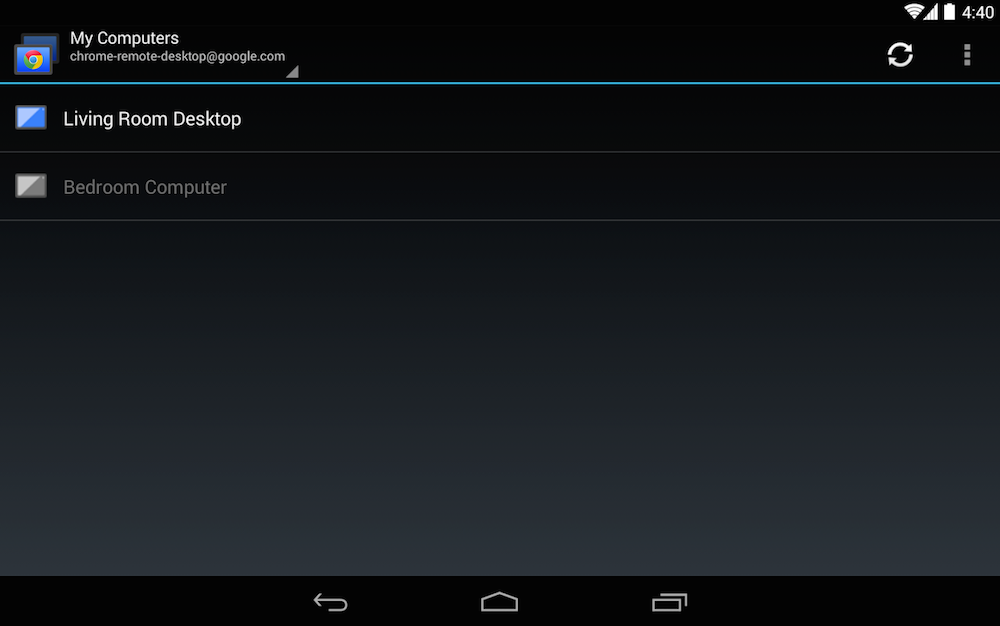
Once a remote client is set up on your computer, and is online, all you will need to do is open the Remote app on your Android device, then you will have full control over the desktop.
The app is completely free, but does require an Android device running Android 4.0 and up.
Go grab both apps and get to it.
Play Link | Chrome Web Store Link
I have been waiting years for this to come out! Now I have a reason to go buy a bluetooth mouse/keyboard, cuz I don’t think I can handle using Windows with nothing but a touch screen.
Can you do this from desktop to desktop?
Works great on my wifi network, but once I switch to 3G or 4G it’ll say it’s unable to connect because of my network configuration.
How does Chrome RDP compare to the Windows RDP ? Pros / Cons of using either ?
I’ll stick with Teamviewer..
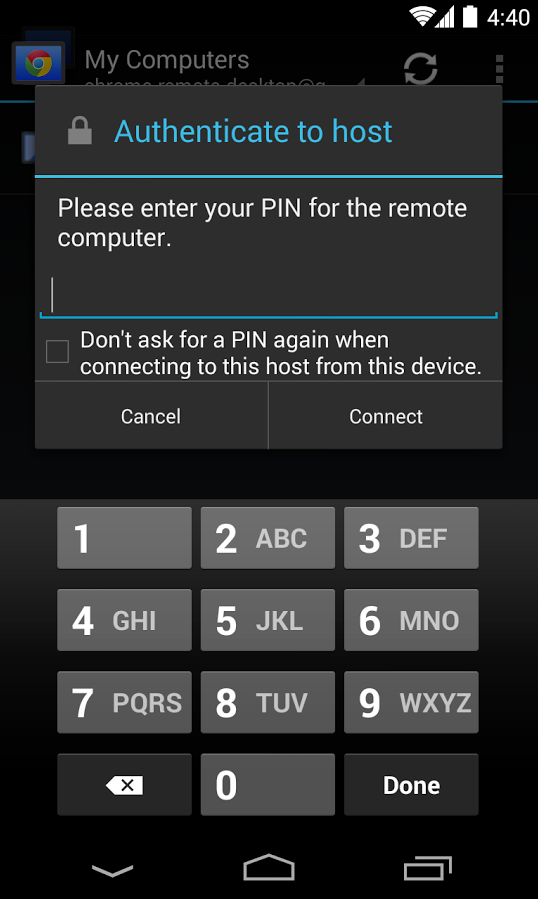
Won’t connect. When I try to establish a PIN so I can access my pc from my nexus, it says it couldn’t start the remote desktop server.
Surprised We got this app before iPhone…. Just saying ha
This is really cool, but it needs two features before I can switch over from Splashtop for use at the office; the option to turn off the screen when connected through a remote session, and the option automatically lock the computer after you disconnect.
Really nice. Thanks Google!
ah, I dont like that you have to actually move the mouse to THEN click on what you want click. So used to splashtop click anywhere and mouse follows.
Who need this?
Goodbye splashtop
our wallets just increased size slightly
Splashtop though provided a means of being able to actually play 3D games on remote computers. Do you know if this works just as well?
How I feel right now…
so you’re giving head to a ninja?
hmmm…
Either way, its still Taylor Swift possibly sucking the D. If it is trolling, he’s allowed to be feed. If not, well, its Taylor Swift, sucking, the D.
Doubt it since guys break up with her for never putting out. And then she writes garbage about every guy that breaks up with her, is it every guy that’s the problem, or is it just her? Probably a lesbian who just doesn’t know it yet
wish chome desktop allowed control of linux machines
From the Chrome Webstore description page: “Chrome Remote Desktop is fully cross-platform. Provide remote assistance to Windows, Mac and Linux users, or access your Windows (XP and above) and Mac (OS X 10.6 and above) desktops at any time, all from the Chrome browser on virtually any device, including Chromebooks.”
I’m not at home, so I can’t test it right now, but it sounds like it does.
Does it allow you to control an Android device from Chrome, more importantly?
No, I didn’t see any option in the app to allow it or add it as a connection.
That’s too bad. I have a tablet permanently installed as a audio streaming device and I’d love to be able to control Play Music remotely.
a chromecast would be your bff
Yeah, but you need an adaptor to pull just the audio out, from what I understand.
not sure what device you’re streaming into, but if it doesn’t have hdmi in, you can get a hdmi to composite converter for $25…but now you’re pushing up against $60 in hardware and may no longer be worth it
something like this: http://www.amazon.com/gp/product/B006JW6M2I/ref=oh_details_o04_s00_i00?ie=UTF8&psc=1
You might try team viewer. I think it has the ability to control android.
It would be a pain to set up but you can do this with tasker.
Better than Windows rdp?
oh hell yes.
Man, I love Wednesday!!
I’ve been using Splashtop which works really well with Windows 8.1 Touch controls. But I will try this out. If Google does it better then great. It might be of better use on my Linux Drive if its compatible.