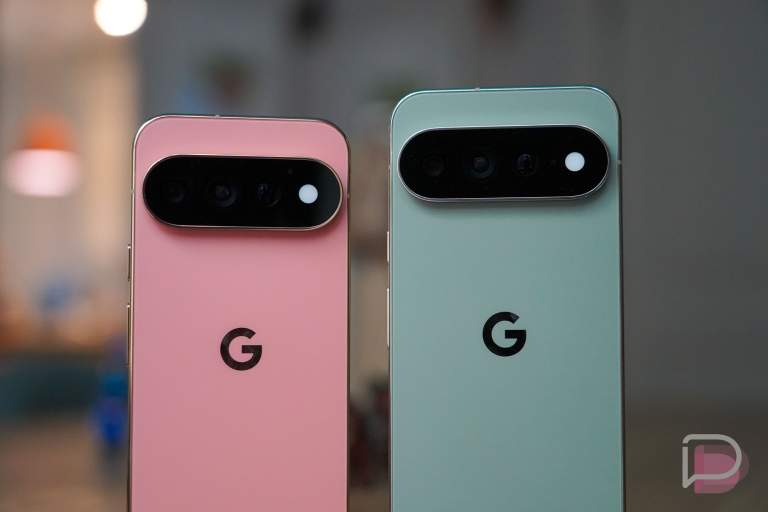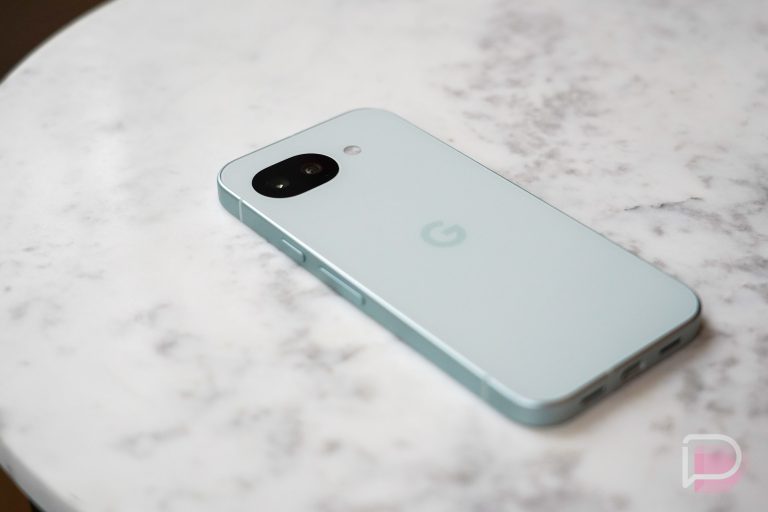


Back in May at Google I/O, Google first introduced us to a new keyboard feature called Rambler. This would be built into Gboard as the next-generation voice-to-text system that would arrive later this year, hopefully on all still-supported Pixel devices. As it turns out, Rambler is currently an exclusive Pixel 11 series feature that we’ve been using for the past week.
Before we get into this, there is always a chance that Rambler comes to the Pixel 10 series or other devices, but as of today, Google is only saying that this is a Pixel 11 series feature. That could be because of Tensor G6 or it could be because Google needs features to sell the Pixel 11 with.
All of that in mind – Rambler is pretty awesome.
How to use Rambler on Pixel 11 phones
When you first fire up a Pixel 11 or Pixel 11 Pro and then open the keyboard, you’ll notice a slight change to the voice-to-text icon. It now has a Gemini logo alongside it, because Rambler is an AI-powered voice-to-text service.
If you press that button for the first time, you’ll see a pop-up that explains Rambler. It tells you that you can “Just speak naturally” to it, that it’ll “Tidy up automatically,” and that you can “Edit in your own words.” You can also mix and match languages as you speak, which is a wild thought. In the small settings section for it, you can have it use dictionary words that you’ve saved too.
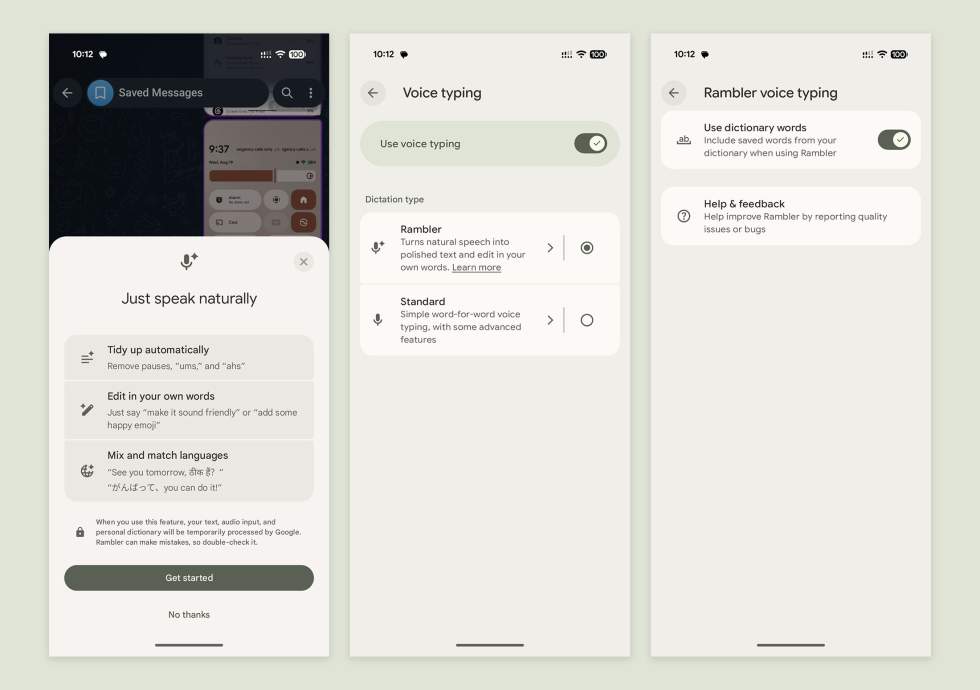
But the tidying of words and the editing after the fact are pretty powerful in practice. I’ve found myself using Rambler quite heavily with the Pixel 11 Pro phones because it is that good at listening to you and then putting together your longer thoughts as you likely meant to. It removes the “ums” and “uhhs” and returns lengthy messages in a cleaner format that still sounds like how you wanted it to.
Once done, you can turn Rambler back on and tell it to further edit your message, change the tone, or add emoji, which it’ll do by matching emoji to your message.
While this doesn’t make much sense for shorter messages, if you find yourself needing to speak longer messages, this is an incredibly useful feature.
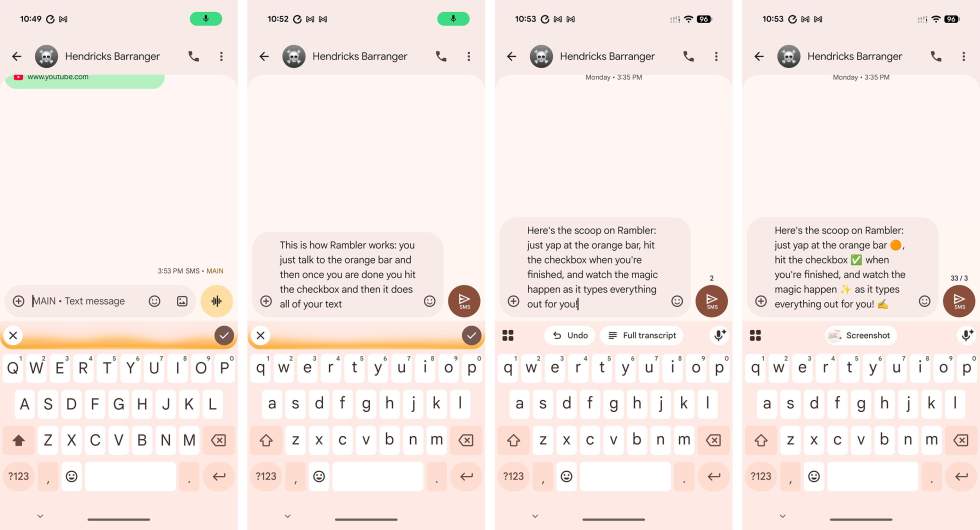
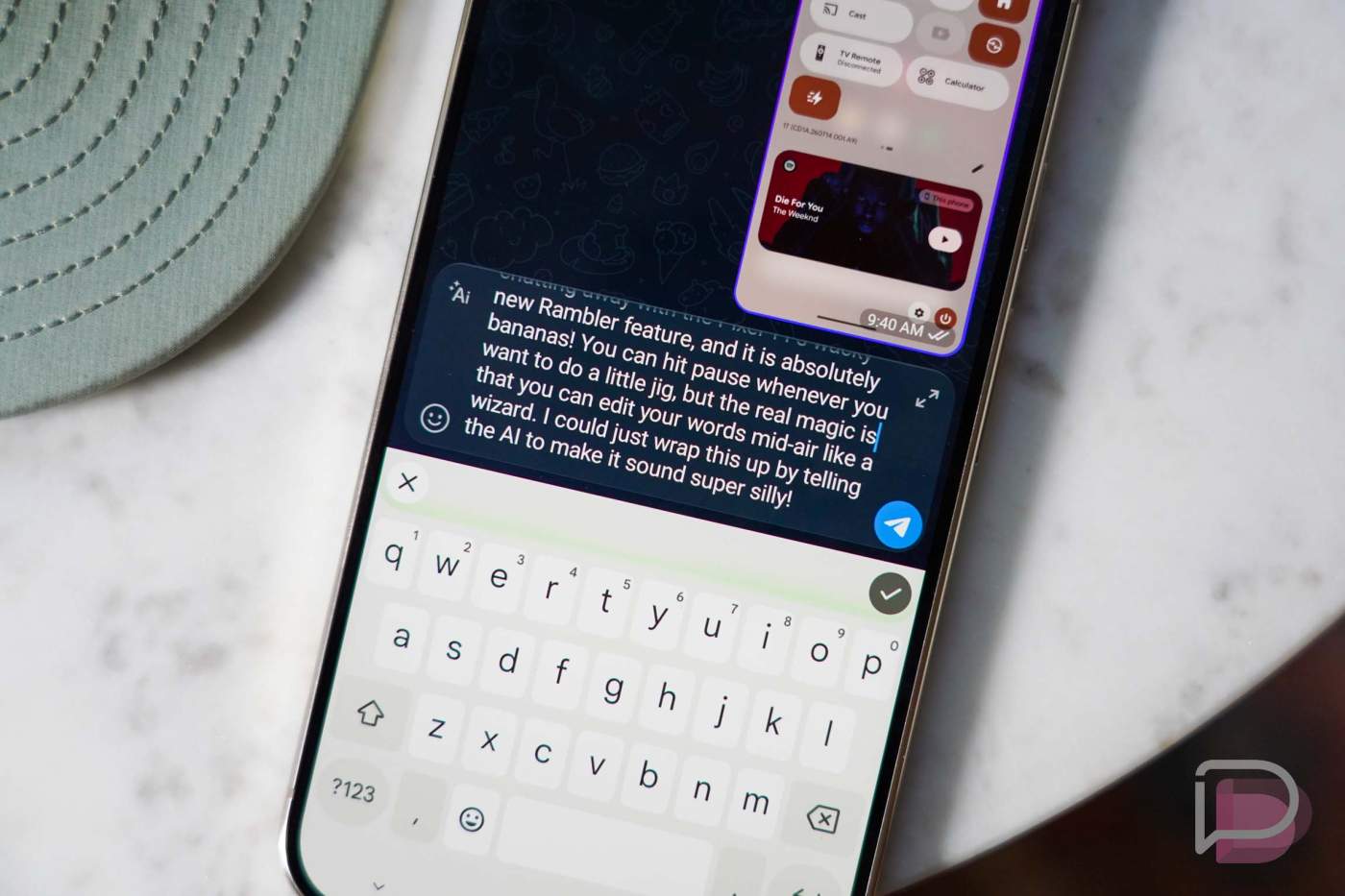
Above, this is how it’ll look on your device. You tap the new voice-to-text button and then the box above the keyboard will glow the color of your phone’s theme when Rambler is active. Text won’t show as you speak, so you’ll press the checkmark when done and everything you said will automatically appear in the text field, with pauses removed and punctuation added.
As you can see in that image, if you choose to have it edit, you can undo those edits or view the full transcript of the original. Finally, you can see what it looks like after I asked it to add emoji throughout.
Again, Google is only talking about Rambler as being a Pixel 11 series feature for now. On the official support page for it, it specifically says that a prerequisite for using Rambler is “Pixel 11 series devices.”
Once you get your Pixel 11, let us know what you think about Rambler.